Ultimate Anime Desk Setup: Integrating Computer Gaming Gadgets
Learn how to build an anime-inspired battlestation. We cover lighting sync, cable management, and top computer gaming gadgets for your desk.
The Intersection of Otaku Culture and High-End Hardware
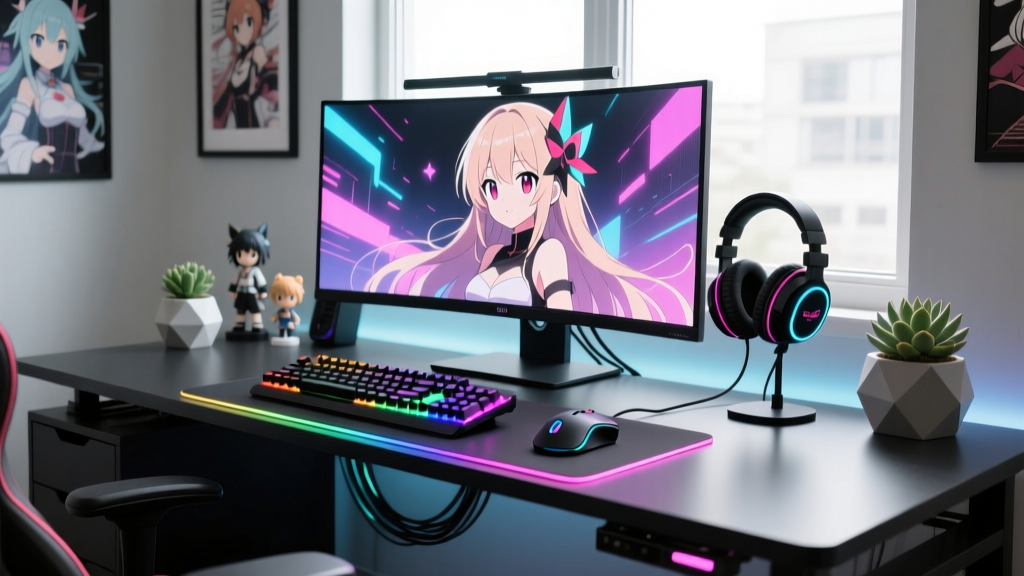
Building the perfect battlestation is no longer just about raw framerates and ergonomic chairs. For the modern anime fan and gamer, the desk is a canvas that merges high-performance utility with deep fandom aesthetics. As we navigate the hardware landscape of 2026, the market is flooded with peripherals designed to customize every pixel and photon of your environment. However, integrating these computer gaming gadgets into a cohesive, anime-themed setup requires more than just buying RGB gear and calling it a day. It demands a strategic approach to lighting synchronization, tactile feedback, and macro-level stream control.
This comprehensive setup tutorial will walk you through building an elite anime-inspired desk from the ground up. We will cover exact product models, precise software configurations, and non-obvious integration tricks to ensure your battlestation looks like it was ripped straight out of a cyberpunk or slice-of-life anime.
The Foundation: Magnetic Desk Architecture
Before plugging in any gadgets, your physical foundation must support both heavy hardware and delicate collectible displays. The Secretlab MAGNUS Pro (priced around $599) remains the gold standard for this specific build. Measuring 1500mm x 700mm, this motorized standing desk features a fully metal chassis that enables magnetic accessories.
Why does this matter for an anime setup? Metal desks allow you to use heavy-duty magnetic risers to elevate your monitor, freeing up the primary desk surface for a sprawling desk mat, a mechanical keyboard, and a curated display of Nendoroids or Pop Up Parade figures. Furthermore, the MAGNUS Pro's integrated cable management tray (a 1.4-meter steel channel) completely eliminates the need for zip-ties, ensuring your under-desk area is as pristine as your on-screen wallpaper.
Core Computer Gaming Gadgets for the Anime Fan
To truly bridge the gap between gaming performance and anime aesthetics, your primary input and output devices need to offer deep customization. Here are the two anchor gadgets for this build.
The Tactile Experience: Akko MOD007B PC Anime Edition
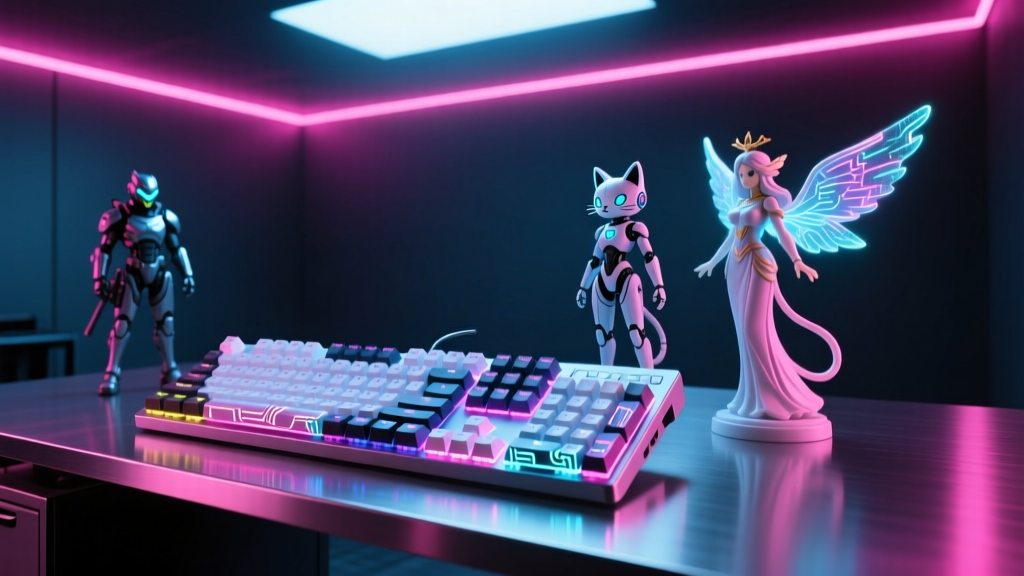
Membrane keyboards have no place in a premium 2026 setup. The Akko MOD007B PC (~$169) is a gasket-mounted mechanical keyboard that offers a premium, thocky acoustic profile straight out of the box. For an anime theme, pair this barebones or pre-built board with a custom set of PBT dye-sublimated keycaps featuring pastel or retro-anime colorways. The polycarbonate case diffuses underglow beautifully, allowing your desk mat's RGB strip to bleed through the keyboard's south-facing LEDs, creating a soft, atmospheric glow reminiscent of neon-lit Tokyo alleyways.
Audio and Aesthetics: Razer Kraken Kitty V2 Pro
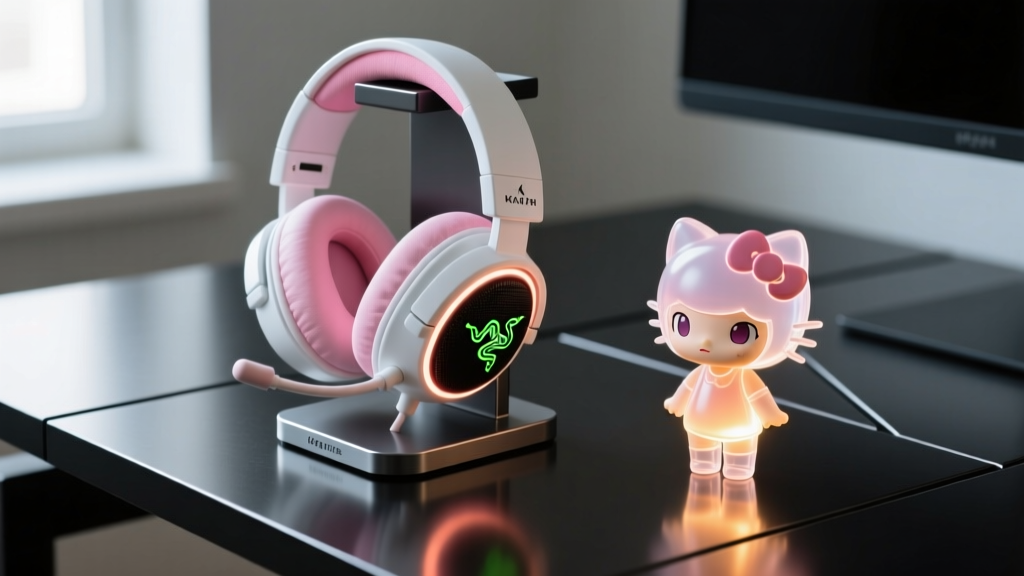
Headsets are the most visible wearable gadget in any setup. The Razer Kraken Kitty V2 Pro ($149.99) features 50mm Titanium drivers and THX Spatial Audio, but its standout feature is the Chroma RGB reactive lighting on the signature cat ears. To integrate this with your anime aesthetic, you don't just leave it on static rainbow. Using Razer Synapse 4, you can map the ear lighting to react to specific in-game audio cues or desktop notifications, setting the base color to a deep 'Evangelion Purple' or 'Sailor Moon Pink' depending on your current watch list.
Lighting the Scene: Cross-Brand RGB Synchronization
The biggest failure point in most themed setups is fragmented lighting ecosystems. You want your wall panels, monitor backlighting, and headset to breathe together. Here is how to bridge the gap between Govee and Razer hardware without relying on clunky third-party hubs.
Pro-Tip: Never use double-sided foam tape on painted drywall for heavy light panels. Always use 3M VHB (Very High Bond) tape or the included screw-mount adapters to prevent drywall tearing when you inevitably rearrange your room.
Step-by-Step: Syncing Govee Hexa Panels with Razer Chroma
We are using the Govee Glide Hexa Light Panels (10-panel kit, $129.99) for wall ambiance, and the Nanoleaf 4D Screen Mirror ($79) for monitor bias lighting. To make them sync with your Razer headset:
- Install Govee Desktop App (v4.2+): Ensure your Hexa panels are connected via Wi-Fi and firmware is updated.
- Enable Cloud Integration: Navigate to Settings > IoT & Cloud Services > Enable the Razer Chroma module.
- Configure Razer Synapse 4: Open Synapse, go to the 'Modules' tab, and ensure the Govee plugin is active and recognized.
- Build the Anime Scene in Chroma Studio: Create a new profile. Set the Govee Hexa layer to 'Audio Meter' and map the gradient to Pastel Pink (#FFB6C1) and Cyan (#00FFFF). When your anime OST drops a heavy bassline, your wall and headset will pulse in perfect unison.
Streamlining Control: The Elgato Stream Deck MK.2
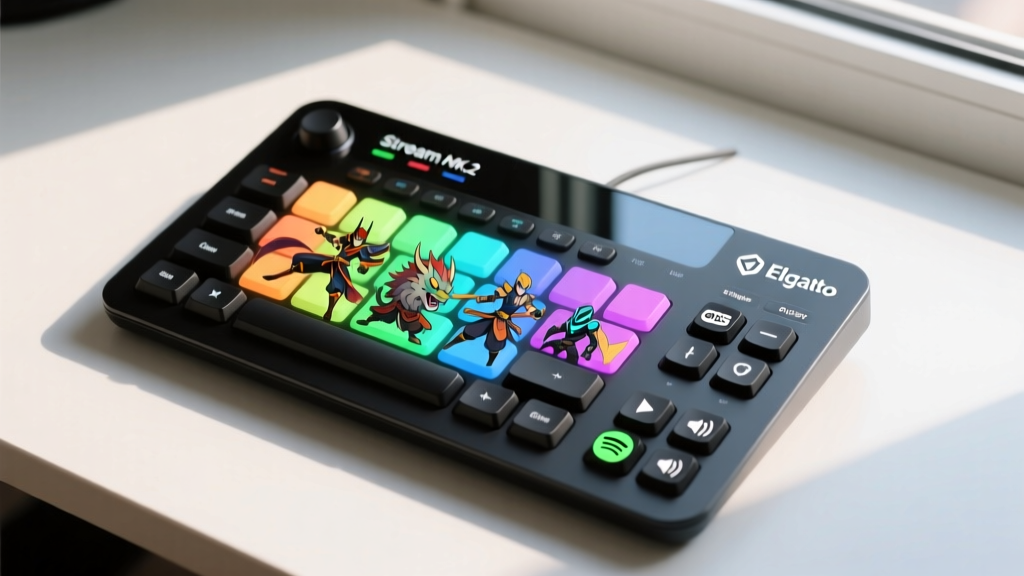
Whether you are streaming anime watch parties on Twitch, managing complex OBS scenes, or just want one-touch control over your smart home gadgets, the Elgato Stream Deck MK.2 ($149) is non-negotiable. The MK.2 features interchangeable faceplates, allowing you to swap the standard black bezel for a custom anime-art faceplate designed by community artists on the Elgato Stream Deck Marketplace.
Building the Ultimate 'Watch Party' Macro
Don't just use the Stream Deck to mute your mic. Leverage the 'Multi-Action' feature to create a single button that prepares your entire room for an anime marathon. Configure a button with the following sequence:
- Action 1 (OBS): Switch to 'Just Chatting / React' scene.
- Action 2 (Spotify Plugin): Launch your 'Hiroyuki Sawano Epic OST' playlist and set volume to 30%.
- Action 3 (Govee Plugin): Trigger the 'Sakura Bloom' preset, dimming overhead smart bulbs to 10% brightness while shifting wall panels to a soft magenta.
- Action 4 (Twitch Plugin): Post a custom emote in chat announcing the stream is starting.
Cable Management & Figure Display Integration
A battlestation loses its premium feel the moment a stray USB cable drapes over a limited-edition scale figure. Utilizing the aforementioned Secretlab MAGNUS magnetic ecosystem, route all peripheral cables through the under-desk steel tray. For your desk surface, use the Secretlab MAGRGB LED strip to outline the back edge of the desk, bouncing light off the wall to create depth without blinding you during late-night gaming sessions.
When placing figures like Good Smile Company's 1/7th scale releases, keep them at least 12 inches away from your monitor's exhaust vents and away from direct sunlight to prevent PVC warping and paint degradation over time. Use small, clear acrylic risers to stagger figure heights, ensuring your Razer Chroma lighting hits them from dynamic angles.
Budget Breakdown & Setup Specifications
Below is the exact hardware matrix used for this tutorial, reflecting current market pricing and performance metrics.
| Category | Gadget Model | Key Spec / Feature | Est. Price |
|---|---|---|---|
| Desk Base | Secretlab MAGNUS Pro | 1500mm Metal Chassis, Motorized | $599.00 |
| Keyboard | Akko MOD007B PC | Gasket Mount, South-facing RGB | $169.00 |
| Audio | Razer Kraken Kitty V2 Pro | THX Spatial, Chroma Ears | $149.99 |
| Wall Lighting | Govee Glide Hexa (10-Pack) | 1500 Lumens, Wi-Fi/BT Sync | $129.99 |
| Control Hub | Elgato Stream Deck MK.2 | 15 LCD Keys, Interchangeable Bezel | $149.00 |
| Cable Mgmt | Secretlab Magnetic Tray | 1.4m Steel Under-desk Channel | $59.00 |
Frequently Asked Questions
Can I sync Nanoleaf and Govee lights together in one scene?
While Nanoleaf and Govee operate on proprietary ecosystems, you can bridge them using desktop software like SignalRGB or by routing both through Razer Synapse/Chroma Connect modules. This allows you to trigger a unified 'Anime Intro' lighting sequence across both brands simultaneously.
What is the best desk mat for an anime-themed setup?
Look for 900x400mm extended desk mats made from Cordura or tightly woven microfiber. Brands like Glorious or Artisan offer massive, high-quality canvas mats. Alternatively, you can commission custom-printed mats featuring your favorite anime landscapes from Etsy creators, ensuring the print is heat-transferred rather than surface-printed to prevent peeling.
Do wireless gaming gadgets introduce noticeable input lag in 2026?
No. Modern 2.4GHz wireless dongles and Bluetooth 5.3 LE protocols have virtually eliminated perceptible input lag. The Razer Kraken Kitty V2 Pro and high-end mechanical keyboards utilizing 1000Hz wireless polling rates perform identically to their wired counterparts, keeping your anime battlestation completely tether-free.
Written by
Nina PetrovaNina Petrova holds a Master's degree in Child Development from the Erikson Institute and a B.S. in Nursing from the University of Illinois at Chicago. She worked as a pediatric nurse for 6 years before transitioning to family technology consulting, bringing clinical rigor to her evaluations of kid-friendly gadgets, educational toys, and parental control software. Nina has reviewed over 400 children's tech products, testing each for safety compliance (CPSC and ASTM standards), developmental appropriateness across age groups, screen-time impact, and data privacy practices. She serves on the Children's Technology Review advisory board and has testified before the FTC on children's data protection in connected toys. Her reviews are trusted by parents and educators alike for their evidence-based approach to balancing technology benefits with child safety.