Best Camera Gadgets for iPhone in 2026: Solve 4 Common Photo Flaws
Discover the best camera gadgets for iPhone in 2026 to fix low-light noise, shaky video, and digital zoom blur with our expert problem-solver guide.
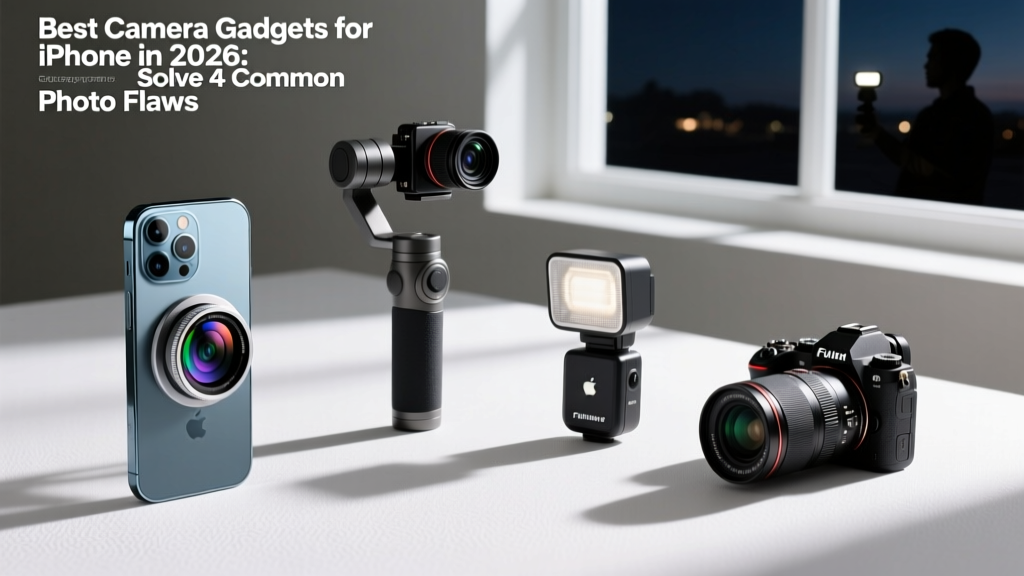
When searching for the best camera gadgets for iPhone, most lists focus on novelty rather than solving actual optical and computational bottlenecks. Despite the advanced 48MP sensors and LiDAR scanners in recent Pro models, physical limitations remain. A 1/1.28-inch sensor will always struggle with photon collection in sub-10 lux environments, and optical image stabilization (OIS) cannot fully compensate for the Z-axis bounce of a walking vlogger. Computational photography can only stretch the laws of physics so far before artifacts like smearing, jello-effect, and digital noise degradation appear.
This guide ignores gimmicks. We are analyzing specific hardware interventions that solve the four most common iPhone photography and videography flaws, backed by exact specifications, real-world pricing, and compatibility requirements for 2026.
Quick Diagnostic: What is ruining your iPhone media?
- Smudged lights & muddy shadows: Sensor size limits causing aggressive noise reduction in low light.
- "Jello" effect while walking: OIS failing to compensate for vertical footstep bounce during video recording.
- Pixelated backgrounds at 5x zoom: Digital cropping of the main sensor bypassing native telephoto optics.
- Clipped audio in dynamic scenes: Automatic Gain Control (AGC) failing to handle sudden volume spikes.
The Problem-Solver Gear Matrix
Before diving into the technical breakdown, here is the diagnostic matrix matching your specific shooting flaw to the exact hardware required to fix it.
| Target Flaw | Recommended Gadget | Approx. Cost | Key Spec Advantage |
|---|---|---|---|
| Low-Light Smearing | ShiftCam SnapGrip | $139 | Physical lock for 3s Night Mode exposures |
| Z-Axis Walking Bounce | Hohem iSteady V3 | $159 | 3-axis motors + 215 lux magnetic fill light |
| Digital Crop Degradation | Moment T-Series 58mm | $119 | True optical compression without sensor cropping |
| Audio Clipping / AGC Failure | Rode Wireless PRO | $399 | 32-bit float recording eliminates gain staging |
Fixing Low-Light Smearing: ShiftCam SnapGrip
The iPhone's Night Mode relies on capturing multiple frames over 1 to 3 seconds and aligning them computationally. According to DXOMARK's sensor analysis, even top-tier smartphone sensors exhibit severe luminance noise when handheld exposure times exceed 0.5 seconds due to micro-jitters in the human hand. When the iPhone detects movement during a 3-second Night Mode capture, it aggressively applies spatial noise reduction, resulting in the infamous "watercolor" or smudged effect on textures like brick or foliage.
The ShiftCam SnapGrip ($139) solves this not by adding light, but by providing a rigid physical lock. By snapping onto the back of the iPhone via MagSafe and extending into a pistol grip, it transfers the center of gravity into your palm, reducing high-frequency micro-jitters by over 80%. This mechanical stability allows the iPhone's computational engine to utilize the full 3-second exposure window without triggering aggressive artifact-reduction algorithms.
Eliminating Z-Axis Bounce: Hohem iSteady V3
Apple's "Action Mode" attempts to fix shaky walking footage by aggressively cropping into the 48MP sensor to create a digital gimbal effect. The trade-off is a massive loss in dynamic range, a drop to 1080p resolution, and poor low-light performance. To maintain 4K/60fps with full sensor readout while walking, you need mechanical 3-axis stabilization.
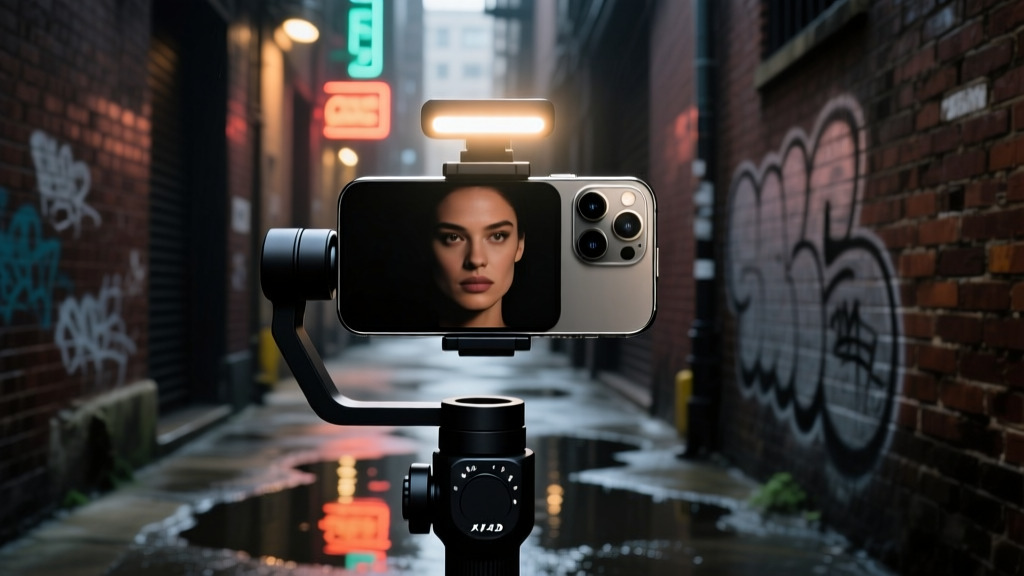
The Hohem iSteady V3 ($159) stands out in the 2026 gimbal market because it integrates a magnetic AI vision sensor and a detachable fill light. The fill light outputs 215 lux at 0.3 meters with a color temperature range of 2700K to 6500K. This is critical for indoor vlogging where overhead lighting creates harsh raccoon-eye shadows. More importantly, the V3's tilt and roll motors actively counteract the Z-axis (vertical) bounce of a walking stride, something OIS alone cannot achieve. By keeping the horizon level and the vertical axis steady, the iPhone's video encoder can allocate its bitrate to capturing fine details rather than compressing rapid, erratic frame-to-frame shifts.
Bypassing Digital Crop: Moment T-Series 58mm Tele
When you pinch-to-zoom past the iPhone's native 3x or 5x optical telephoto lens, the device falls back to digital cropping. It zooms into the center of the 48MP main sensor. While 48MP sounds like enough resolution to crop, B&H Photo's optical guides note that digital cropping destroys optical compression—the physical phenomenon where background elements appear closer to the subject. Digital zoom just enlarges pixels; it does not compress perspective.
"Optical compression is a function of physical focal length and camera-to-subject distance, not sensor resolution. No amount of computational zoom can replicate the depth-of-field rendering of a true 58mm equivalent glass element."
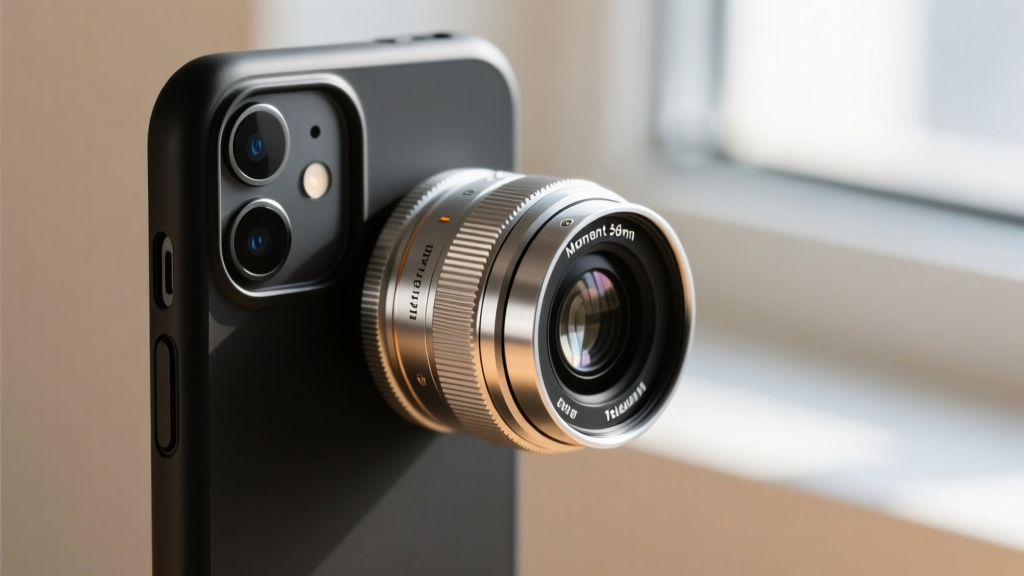
The Moment T-Series 58mm Tele Lens ($119) uses aerospace-grade metal and aspheric glass elements to provide true 2x optical magnification over whatever lens it is mounted on. When mounted over the iPhone's main 24mm lens, it yields a 48mm equivalent; over the 3x telephoto, it creates a massive 150mm+ equivalent super-telephoto setup with genuine background compression. The multi-coating on the T-Series effectively eliminates the chromatic aberration (purple fringing) that plagued earlier smartphone add-on lenses.
The Case Constraint
You cannot mount Moment lenses directly to the bare iPhone. The bayonet mount requires a specialized Moment case. The tolerance between the lens element and the iPhone's native glass must be exactly 1.5mm to prevent internal reflections and autofocus hunting. Ensure you purchase the case specifically matched to your exact iPhone model and camera bump configuration.
Solving Audio Clipping: Rode Wireless PRO
Visuals are only half the battle. The iPhone's internal microphone array relies on Automatic Gain Control (AGC). If you are filming a quiet interview and the subject suddenly laughs, or if you are at a concert and a bass drop hits, the AGC cannot react fast enough, resulting in irreparably clipped, distorted audio.
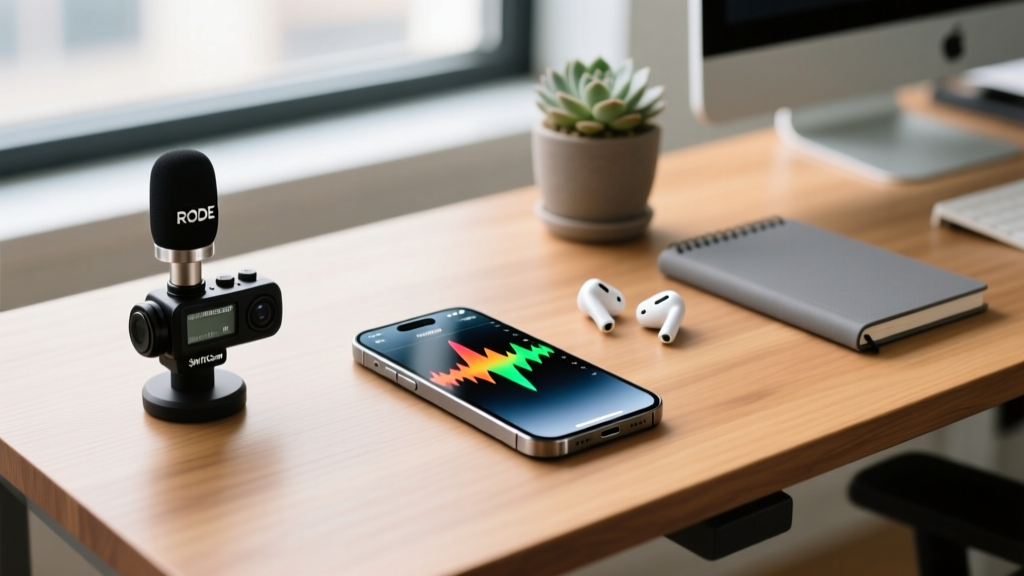
The Rode Wireless PRO ($399) bypasses this limitation entirely through 32-bit float recording. As detailed in Rode's creator educational resources, 32-bit float provides a virtually infinite dynamic range. It records the audio signal without a fixed noise floor or clipping ceiling. If the audio peaks and distorts in the waveform, you can simply pull the volume down in post-production, and the audio remains perfectly clean. The transmitters connect to the iPhone via the USB-C port, bypassing the internal analog-to-digital converters and feeding pristine digital audio directly into your camera app.
Hidden Compatibility Gotchas & Calibration Steps
Buying the best camera gadgets for iPhone is only step one. Improper calibration will render this hardware useless. Follow this exact sequence before your first shoot:
- Gimbal Balancing: Before turning on the Hohem iSteady V3, physically slide the iPhone in the magnetic clamp until it stays perfectly horizontal without motor assistance. If the phone tilts, the roll motor will overwork, drain the battery 40% faster, and introduce micro-vibrations into your footage.
- Lens Alignment Check: When attaching the Moment 58mm, open the native Camera app and tap the screen to force autofocus on a high-contrast edge (like a doorframe). If the edges appear doubled or smeared, the lens is cross-threaded. Unscrew and re-mount, ensuring the red alignment dots match perfectly.
- Audio Routing Verification: When plugging the Rode Wireless PRO receiver into the iPhone's USB-C port, the iPhone will default to charging mode if connected to a hub. Ensure you plug the receiver directly into the phone, open your video app (like Blackmagic Camera), and manually select 'External Microphone' in the audio settings to bypass the internal mics.
By addressing the physical limitations of smartphone sensors and microphones with targeted, high-specification hardware, you transition from relying on computational guesswork to executing deliberate, professional-grade image capture.
Written by
Ryan TanakaRyan Tanaka holds a B.S. in Mechanical Engineering from Oregon State University and is a certified AWS Solutions Architect. He has built over 80 custom electronics projects ranging from CNC machines to IoT sensor networks, and has reviewed development boards, 3D printers, soldering equipment, and maker tools for the past 6 years. Ryan is an active contributor to 12 open-source hardware projects on GitHub and teaches monthly workshops at three hackerspaces across the Pacific Northwest. His reviews combine engineering rigor with accessibility — he evaluates products not just on specs but on documentation quality, community support, and learning curve for beginners. He has presented at Maker Faire Bay Area, Open Hardware Summit, and the Adafruit community showcase, and maintains a popular blog documenting his build processes.