Best Gadgets for HomeAssistant: 6 Unique 2026 Finds
Discover the best gadgets for HomeAssistant in 2026. We review 6 unique, under-the-radar smart devices to upgrade your home office automation.
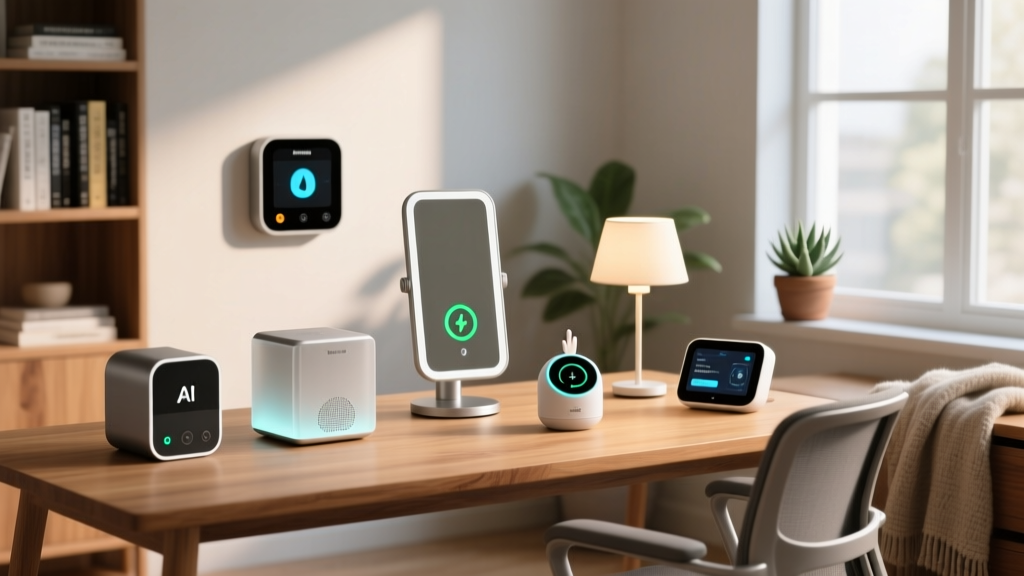
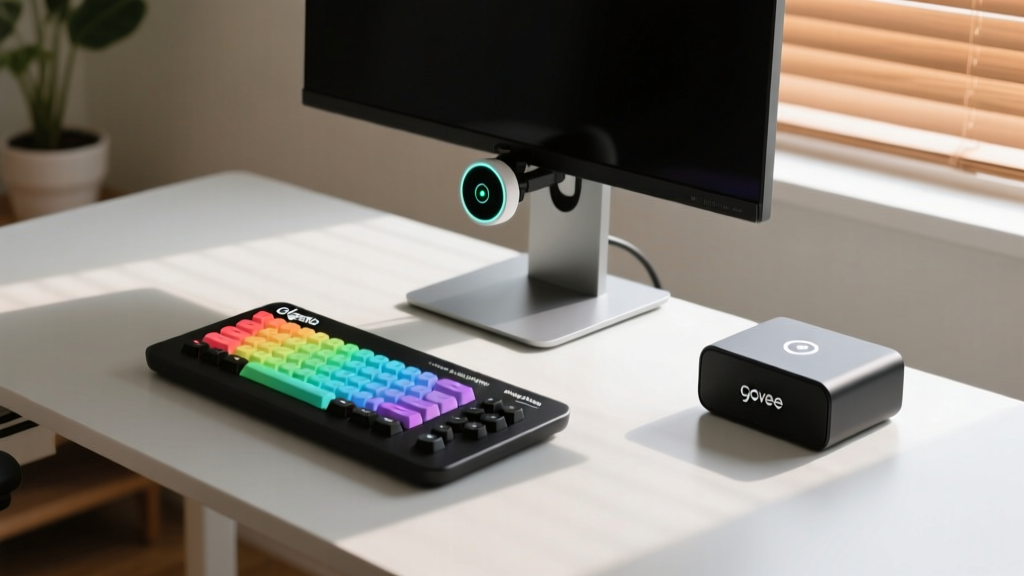
Standard smart home setups rely on basic PIR motion sensors and cloud-dependent smart plugs. For power users running a local ESPHome or Z-Wave mesh network, these entry-level devices quickly become bottlenecks. True workspace automation requires hardware that understands micro-movements, measures exact power draw, and offers physical, low-latency control. If you are searching for the best gadgets for HomeAssistant to elevate your desk setup, you need to look beyond the big-box store aisles.
Below are six highly specific, unconventional smart home devices that solve real-world home office friction points in 2026, complete with integration strategies and edge-case workarounds.
The Millimeter-Wave Revolution: Aqara FP2 Presence Sensor
Passive Infrared (PIR) sensors fail the moment you sit still to read a document or watch a tutorial. The Aqara Presence Sensor FP2 solves this using 60GHz millimeter-wave (mmWave) radar. Unlike standard occupancy sensors, the FP2 maps your room in a 2D grid and supports multi-target detection.
Desk Zoning Strategy
Through the Aqara Home app, you can draw specific zones before exposing the device to Home Assistant via Matter or the native Aqara integration. Draw 'Zone 1' over your desk chair and 'Zone 2' over a reading nook. In Home Assistant, this translates to separate binary sensors. You can now write an automation that turns on your monitor backlight only when Zone 1 is occupied, while keeping the reading lamp off unless Zone 2 is triggered.
Physical Macro Control: Elgato Stream Deck +
While originally built for streamers, the Stream Deck + is a powerhouse for Home Assistant control when paired with the community-maintained streamdeck-hass plugin. The '+' model includes four rotary dials and an LCD touch strip, which are perfect for analog control of digital entities.
- Dial 1: Mapped to an
input_numberentity that controls your standing desk height via a custom ESP32 serial bridge. - Dial 2: Adjusts monitor brightness by sending DDC/CI commands through a Raspberry Pi running
ddcutil. - LCD Buttons: Trigger complex HA scripts, such as a 'Deep Work' scene that closes smart blinds, sets Govee lights to 4000K, and enables your phone's Do Not Disturb mode via the HA mobile app.
Quick-Spec Matrix: Unique HA Workspace Gadgets
| Gadget | Protocol | Avg Price | Best HA Use Case |
|---|---|---|---|
| Aqara FP2 | Wi-Fi / Matter | $70 | Still-presence desk zoning |
| Stream Deck + | USB-C / IP | $200 | Analog dials for HA entities |
| M5Stack Atom Echo | Wi-Fi (ESP32) | $15 | Local voice pipeline node |
| Shelly Plus 1PM | Wi-Fi / BLE | $18 | Under-desk load monitoring |
| Zooz ZEN34 | Z-Wave 700 | $20 | Stealth physical scene trigger |
| Govee AI Sync Box 2 | Wi-Fi / LAN API | $130 | Focus-state ambient lighting |
The DIY Voice Node: M5Stack Atom Echo
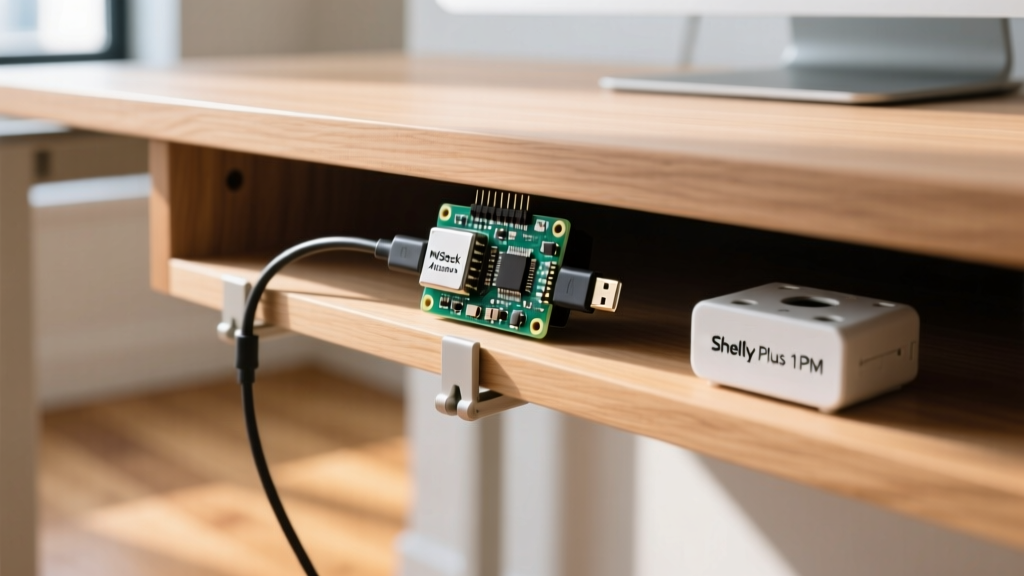
At just $15, the M5Stack Atom Echo is an ESP32-PICO-V3-02 development board with a built-in I2S microphone and RGB LED. It is the foundational hardware for building a distributed, privacy-first voice assistant network using Home Assistant's Wyoming protocol and local Whisper speech-to-text.
By flashing the device with a custom ESPHome YAML configuration, the Atom Echo listens for a wake word (via the local microWakeWord integration). Once triggered, it streams raw audio over your local Wi-Fi to your HA server for processing. Because the audio never touches a cloud server, it is ideal for home offices where confidential meetings or sensitive financial data are discussed.
Mounting and Acoustics
The Atom Echo's tiny microphone struggles with echo cancellation in rooms with hard surfaces. Mount the device under your desk shelf using double-sided VHB tape, pointing the mic downward toward your chest. This physical baffling reduces monitor speaker feedback and significantly improves wake-word accuracy.
Under-Desk Power & Climate: Shelly Plus 1PM
Space heaters and high-draw desk accessories are notorious for tripping breakers or wasting energy. The Shelly Plus 1PM is a compact, ESP32-based smart relay with built-in power metering. Wired directly into your under-desk outlet box (requiring a neutral wire), it provides real-time wattage data to Home Assistant.
Automation Logic: Create a safety script that monitors the Shelly's power sensor. If the draw exceeds 1,400W for more than 15 consecutive minutes, and the room's Zigbee temperature sensor reads above 74°F, Home Assistant triggers the Shelly's internal relay to cut power and sends a critical notification to your phone. The 1PM's local web interface also allows you to set hardware-level power limits that function even if your HA server goes offline.
Stealth Triggering: Zooz ZEN34 Z-Wave Remote
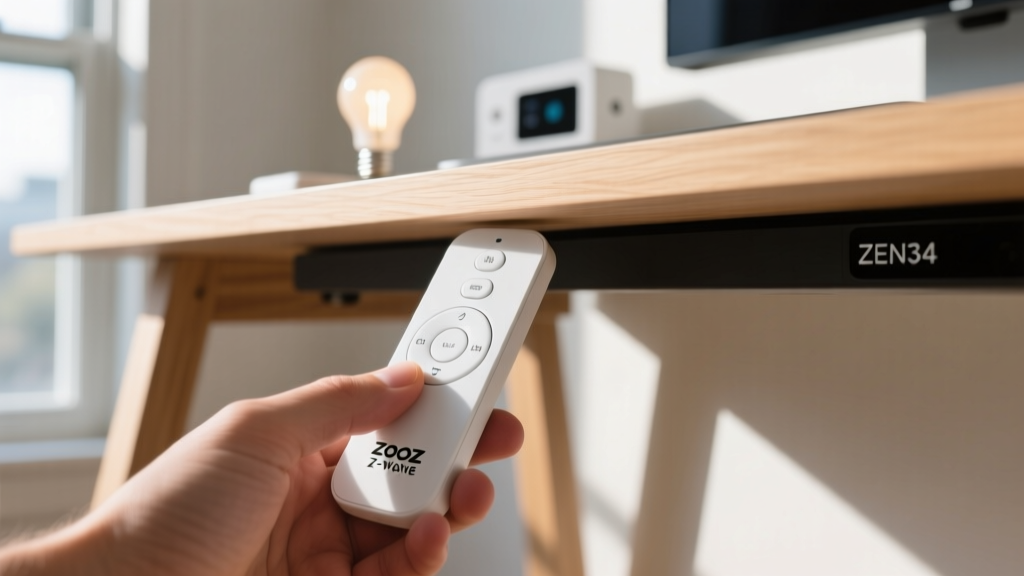
Touchscreens and voice commands are not always practical during a video call. The Zooz ZEN34 is a minimalist, battery-powered Z-Wave 700 series paddle switch. Its unique value lies in its form factor: it is designed to be mounted anywhere using adhesive strips.
Stick the ZEN34 to the underside lip of your desk. Using the Z-Wave JS UI integration, you can map the physical interactions to HA scenes:
- Single Tap Up: Toggle 'On Air' sign outside your office door and mute smart speaker.
- Double Tap Down: Lower smart blinds to 50% to eliminate monitor glare.
- Hold Down: Transition standing desk to sitting position.
Because it uses Z-Wave 700, the mesh network routing is highly reliable, and the single CR2032 battery typically lasts over two years with standard daily use.
Ambient Focus Lighting: Govee AI Sync Box 2
Ambient lighting reduces eye strain during late-night coding sessions, but static colors do not adapt to your workflow. The Govee AI Sync Box 2 sits inline with your monitor's HDMI 2.1 connection, capturing video data to sync RGB strips to your screen. However, its true power in a Home Assistant setup is its LAN API.
By integrating the Sync Box via the local Govee LAN API (or Matter, depending on your firmware version), you can override the HDMI sync based on your calendar. If Home Assistant detects an active 'Deep Work' block on your Google Calendar, it forces the Sync Box into a static 2700K warm white at 20% brightness to promote focus, ignoring the chaotic colors of your web browser.
Frequently Asked Questions
Do these devices require an active internet connection?
No. The Shelly Plus 1PM, Zooz ZEN34, and M5Stack Atom Echo (when paired with local Whisper) operate entirely on your local network. The Aqara FP2 and Govee Sync Box 2 may require an initial cloud handshake for setup but support local control protocols like Matter and LAN APIs for daily use.
What is the best way to power under-desk sensors?
Avoid relying on batteries for high-polling sensors like the Aqara FP2. Run a flat, paintable USB-C cable along the back leg of your desk and connect it to a multi-port GaN charger mounted under the desk surface using a 3M command strip.
Written by
Marcus WebbMarcus Webb served as a U.S. Army logistics officer for 8 years, where he managed field equipment procurement and tactical gear evaluation across three combat deployments. After honorable discharge, he earned a certification from the Professional Knife Makers Association and became a certified Wilderness First Responder (WFR). Marcus has tested over 500 EDC products in extreme environments — from -40°F in Alaska to 120°F in the Mojave Desert — using military-spec testing protocols. His reviews of multi-tools, tactical flashlights, and survival gear are known for their rigorous methodology: controlled drop tests from 6 feet, 120-minute water submersion at 2 meters, and lateral torque testing at 45 Nm. He is a member of the Blade Show judging panel and contributes to OutdoorGearLab.