Cool Toys and Gadgets: 2026 Bluetooth Speaker Survival Guide
Stop buying flashy, useless audio gear. Discover practical 2026 Bluetooth speaker fixes for dropouts, battery swelling, and latency, plus top problem-solving picks.
While the consumer electronics market is flooded with cool toys and gadgets that prioritize RGB lighting, gimmicky voice assistants, and superficial aesthetics, true audio enthusiasts know that portable Bluetooth speakers must solve real-world acoustic and connectivity problems. A speaker that looks great on a shelf is useless if it suffers from multipoint connection dropouts, thermal battery degradation, or severe codec latency. In 2026, the focus has shifted from novelty to utility. This guide bypasses the fluff to provide actionable troubleshooting frameworks for common portable audio failures and recommends practical, problem-solving gear that actually delivers.
Troubleshooting the Multipoint Connection Nightmare
Bluetooth multipoint—connecting a speaker to a laptop and a phone simultaneously—is one of the most requested features in portable audio, yet it remains a primary source of user frustration. With the widespread adoption of Bluetooth 5.3 and 5.4, the underlying architecture splits bandwidth between A2DP (media) and HFP (calls). When an incoming call triggers, the speaker attempts to suspend the media stream and open an SCO (Synchronous Connection-Oriented) link. If the firmware fails to release the SCO link after the call, the speaker hard-locks, requiring a manual reset.
The 3-Step Multipoint Reset Protocol
- Clear the A2DP Cache: On Android, navigate to Settings > Apps > Bluetooth > Storage > Clear Cache. This forces the OS to rebuild the handshake protocol rather than relying on corrupted session tokens.
- Disable LE Audio Temporarily: Many 2026 smartphones default to Bluetooth Low Energy (LE) Audio via the LC3 codec. While LE Audio offers superior efficiency, multipoint implementation on early LE chipsets is notoriously unstable. Force your device back to Classic Audio (SBC/AAC) in the developer settings to stabilize dual-device handoffs.
- Prioritize the Media Device: Use the manufacturer's companion app (e.g., Soundcore or JBL Portable) to set your laptop as the 'Primary Media Source.' This prevents the phone's background notification pings from aggressively hijacking the audio channel.
Battery Degradation: Preventing the 'Swelling Speaker' Syndrome
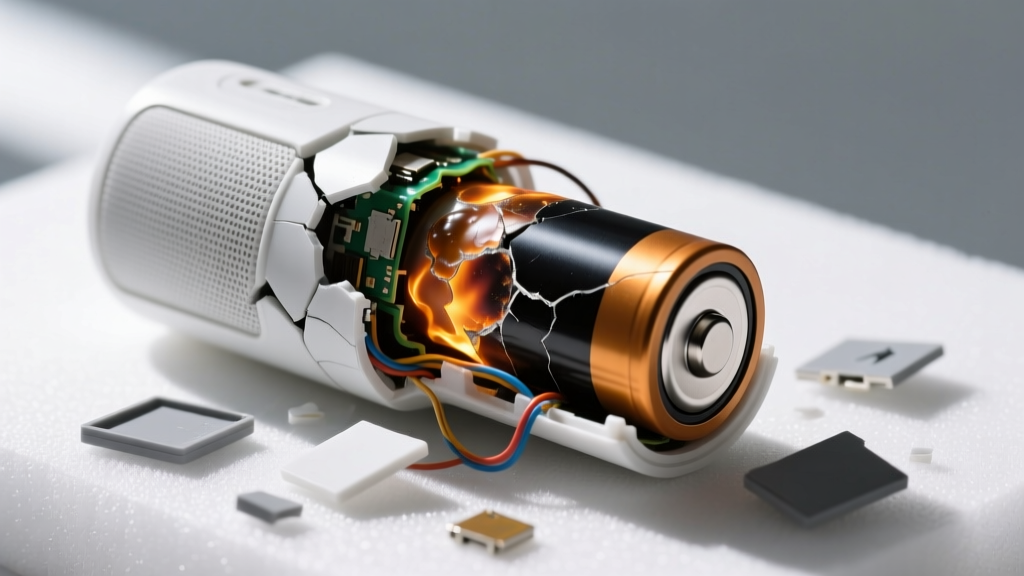
Portable speakers are essentially unmanaged lithium-ion batteries wrapped in acoustic chambers. The most common cause of premature speaker death in 2026 isn't water damage—it's thermal degradation and dendrite growth caused by improper charging habits. Leaving a speaker in a hot car (exceeding 35°C/95°F) while plugged into a high-wattage USB-C PD charger forces the battery management system (BMS) to trickle-charge at a high voltage state, leading to cell swelling that cracks the waterproof acoustic seals.
The 3.8V Storage Rule
If you are storing your portable audio gear for the off-season or taking it on a long flight where it won't be used, never store it at 100% or 0% charge. Lithium-ion cells are most chemically stable at roughly 40% to 50% capacity, which translates to approximately 3.8V per cell. At this voltage, the internal resistance is minimized, and the electrolyte degradation rate drops by nearly 60% compared to a fully charged state.
- Never use 'dumb' 65W+ laptop chargers: Cheap speakers lack robust Power Management ICs (PMICs). A high-wattage PD charger may fail to negotiate the 5V/1A trickle charge properly, pushing 9V or 12V into a 5V circuit and frying the motherboard.
- Use a dedicated 5V/2A brick: For overnight charging, stick to a basic, certified 10W USB-A to USB-C cable setup. It charges slower but generates significantly less thermal stress on the battery cells.
2026 Problem-Solver Comparison Matrix
Not all audio problems are created equal. Below is a decision matrix to match your specific use-case friction points with the hardware engineered to solve them.
| Problem to Solve | Recommended Hardware | Key Technical Advantage | Est. Price (2026) |
|---|---|---|---|
| Severe Latency (Gaming/Video) | Soundcore Motion X600 | Dedicated aptX Adaptive low-latency DSP toggle | $199 |
| Off-Grid Battery Anxiety | JBL Charge 5 Wi-Fi | 7500mAh cell with reverse-charge Powerbank output | $249 |
| Multipoint Dropouts | Ultimate Ears Epicboom | Custom BOOM app firmware with strict A2DP prioritization | $299 |
| Muddy Vocals in Open Spaces | B&O Beosound A1 (2nd Gen) | True 360-degree acoustic lens with dedicated midrange driver | $279 |
Solving the Codec Latency Mismatch
One of the most pervasive issues in portable audio is lip-sync delay when watching video or gaming. This is rarely a speaker hardware flaw; it is almost always a codec negotiation failure between the host device and the receiver. As detailed in comprehensive codec analyses by SoundGuys, if your phone and speaker fail to agree on a low-latency codec like aptX LL or LC3, they default to SBC or AAC, which can introduce 200ms to 300ms of latency.
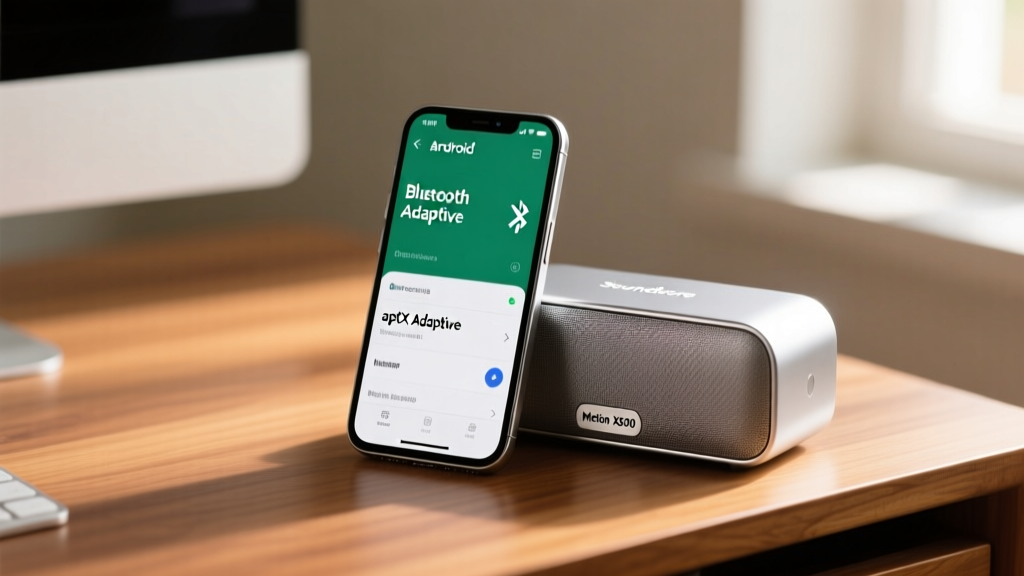
"iOS users are locked into the AAC codec, which relies heavily on the device's CPU for psychoacoustic compression. If your iPhone is thermal-throttling during a gaming session, AAC encoding latency will spike. Android users have the distinct advantage of forcing aptX Adaptive via Developer Options to bypass this bottleneck."
How to Force Low-Latency Codecs on Android
- Enable Developer Options (tap Build Number 7 times in Settings).
- Navigate to 'Bluetooth Audio Codec' in the Developer menu.
- Manually select Qualcomm aptX Adaptive or LDAC (set to 330kbps for lowest latency).
- Disable 'HD Audio' in the standard Bluetooth device settings if you experience stuttering, as high-bitrate LDAC (990kbps) sacrifices buffer stability for raw quality.
The Practical Picks: Gear That Actually Solves Problems
Based on the technical frameworks above, here are the 2026 portable audio gadgets that prioritize engineering solutions over marketing gimmicks.
For the Multi-Device Juggler: Soundcore Motion X600
Priced at $199, the Motion X600 solves the spatial audio gimmick problem by utilizing a physical array of three full-range drivers and dedicated tweeters, rather than relying on phase-manipulation DSP tricks that ruin mono compatibility. More importantly, its companion app offers granular control over Bluetooth multipoint handoff aggression, allowing you to dictate exactly how long the speaker waits before switching audio sources.
For the Off-Grid Camper: JBL Charge 5 Wi-Fi
At $249, this unit addresses the 'dead battery' problem with a massive 7500mAh cell that doubles as a reliable power bank for your phone. The inclusion of Wi-Fi 6 allows for lossless AirPlay 2 and Chromecast streaming when you are within range of a router, completely bypassing Bluetooth bandwidth limitations and preserving battery life through more efficient network protocols.
For the Spatial Audio Skeptic: Bang & Olufsen Beosound A1 (2nd Gen)
Retailing around $279, the Beosound A1 remains the gold standard for solving the 'directional dead zone' problem. Instead of blasting sound forward, its conical acoustic lens disperses high frequencies evenly across a 360-degree horizontal plane. It features an IP67 rating and a dedicated microphone array that utilizes echo cancellation algorithms to ensure your voice calls remain crisp, even in windy outdoor environments.
Ultimately, the best portable audio gear isn't about having the flashiest cool toys and gadgets on the market. It is about understanding the underlying Bluetooth protocols, respecting lithium-ion chemistry, and selecting hardware engineered to overcome the physical limitations of wireless acoustics. Apply these troubleshooting frameworks, and your 2026 audio setup will remain reliable, crisp, and dropout-free.
Written by
Priya SharmaPriya Sharma holds a Ph.D. in Acoustical Engineering from the University of Southampton and a B.Tech in Electronics from IIT Delhi. She has spent 9 years as a consumer electronics journalist, with deep specialization in audio equipment, camera systems, and assistive technology. Priya is an active member of the Audio Engineering Society (AES) and has co-authored papers on spatial audio perception published in the Journal of the Acoustical Society of America. Her reviews of headphones, portable DACs, and studio monitors include objective measurements using Audio Precision analyzers alongside subjective listening tests. She also serves on the advisory board of the Global Accessibility Reporting Initiative (GARI), evaluating mobile devices for users with visual and hearing impairments.