Gadgets Holiday Guide 2026: Beginner vs Expert Home Office Gifts
Discover the ultimate gadgets holiday guide for 2026. We compare beginner-friendly home office gifts with expert-level productivity gear.
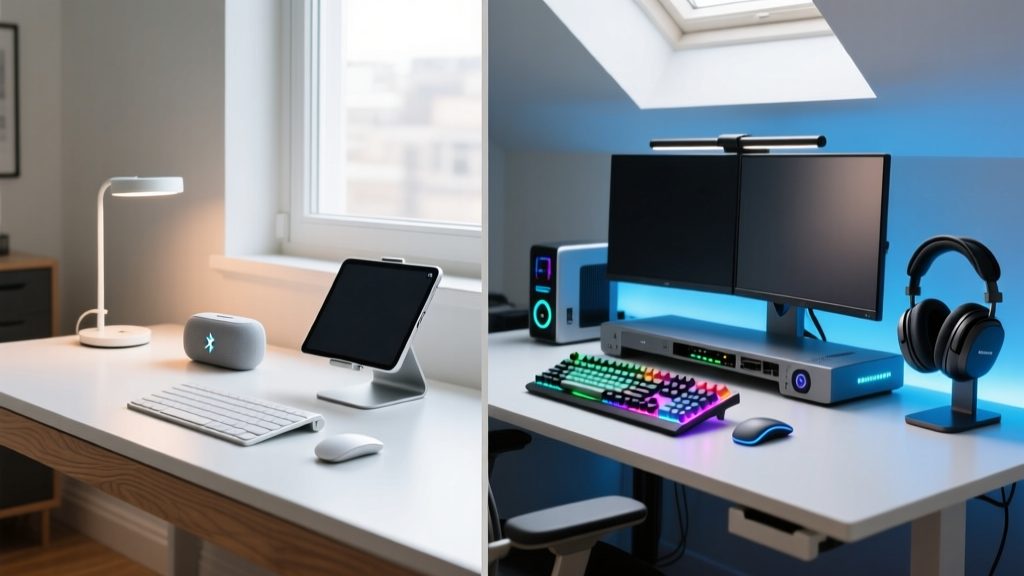
The 'Gadgets Holiday' Dilemma: Casual Upgrades vs. Pro Workflows
As the 2026 holiday season approaches, the hunt for the perfect home office tech gift inevitably leads to a common crossroads. Do you buy a universally appealing, plug-and-play accessory, or do you invest in a highly specialized, workflow-altering machine? The gadgets holiday rush often blurs the line between novelty and genuine productivity. To help you navigate this, we have segmented the ultimate home office gift guide into two distinct tiers: the Beginner (focused on frictionless upgrades and immediate comfort) and the Expert (focused on deep customization, ergonomics, and macro-level efficiency).
Whether you are shopping for a remote worker who just needs a better webcam light, or a senior developer who spends eight hours a day compiling code, this comparative guide breaks down the exact hardware, pricing, and ergonomic impact of the year's most coveted desk accessories.
The Beginner's Cart: High-Impact, Zero-Friction Gifts
Beginner-tier gifts are defined by their low barrier to entry. They require zero firmware flashing, no complex desk mounting, and offer an immediate, noticeable upgrade to the daily work experience. These are the safest, highest-ROI gifts for the general home office worker.
1. Logitech MX Anywhere 3S (The Universal Upgrader)
Priced at $79.99, the Logitech MX Anywhere 3S remains the undisputed king of portable productivity mice. For the uninitiated home office worker, the primary pain point is often surface tracking and multi-device switching. The 3S features an 8000 DPI Darkfield sensor that tracks flawlessly on clear glass—a massive leap from standard optical sensors that fail on modern glass-top desks. Furthermore, the MagSpeed electromagnetic scrolling wheel allows users to ratchet through 1,000 lines of code or Excel rows per second.
According to comprehensive testing by RTINGS, the 3S model introduces Quiet Clicks, reducing acoustic noise by over 90% compared to its predecessor. This makes it an ideal gift for shared living spaces or open-plan holiday gatherings where loud clicking is a nuisance.
2. Elgato Key Light Air (The Video Call Savior)
With hybrid work solidifying its place in 2026, lighting is no longer optional. The Elgato Key Light Air ($129.99) offers 1400 lumens of adjustable, diffused light. Unlike cheap ring lights that cause severe corneal reflections and flat facial shadows, the Key Light Air uses a multi-layered diffusion panel to create soft, studio-grade illumination. It clamps to any desk up to 2 inches thick and is controlled entirely via the Elgato Control Center app or Stream Deck, eliminating the need to reach behind a monitor to adjust physical dials.
The Expert's Cart: Deep Ergonomics and Workflow Mastery
Expert-tier gifts are not for the faint of heart. They require a learning curve, physical desk real estate, and a willingness to tinker. However, for power users, these gadgets fundamentally alter how they interact with their machines, preventing repetitive strain injuries (RSI) and automating tedious tasks.
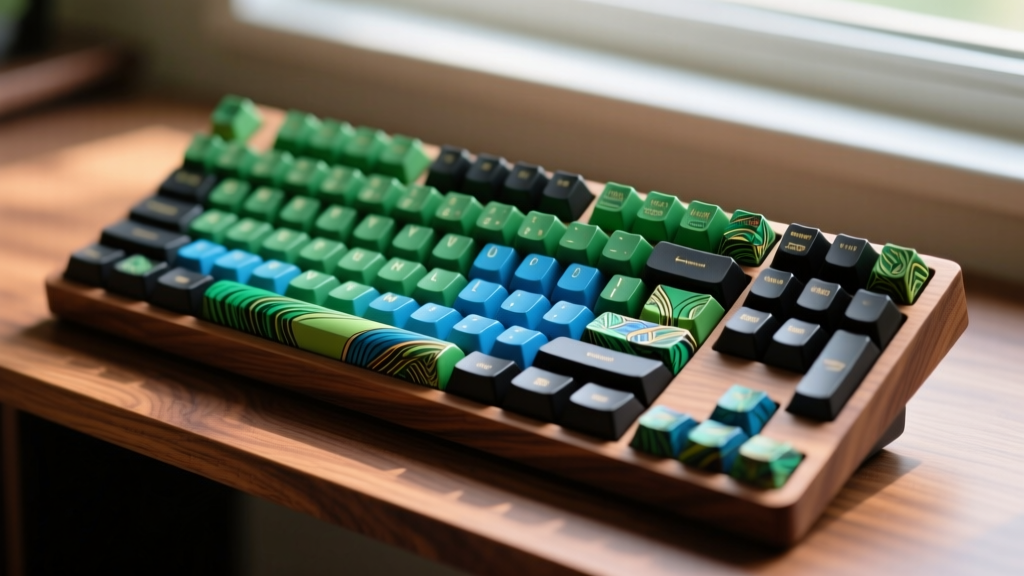
1. ZSA Moonlander Mark I (The Ergonomic Endgame)
At $365.00, the ZSA Moonlander is a premium split, ortholinear mechanical keyboard designed for developers, writers, and data scientists. Unlike standard staggered keyboards that force the wrists into ulnar deviation, the Moonlander allows the user to separate the two halves to shoulder-width, maintaining a perfectly neutral skeletal posture. It features 72 low-profile or standard hot-swappable switches, meaning the recipient can customize their actuation force (e.g., swapping in 45g tactile switches for typing and 60g linear switches for gaming).
The true expert feature lies in its QMK and VIA firmware support. As detailed on the official ZSA platform, users can program complex macros, layer-based color-coded RGB lighting, and mouse-key emulation directly to the hardware. It is a gift that says, 'I respect your carpal tunnels.'
2. BenQ ScreenBar Halo (The Asymmetric Illuminator)
Monitor light bars have flooded the market, but the BenQ ScreenBar Halo ($239.00) stands alone in its optical engineering. It utilizes a patented asymmetric optical engine that projects light exclusively downward onto the desk, ensuring zero screen glare or pixel washout. The Halo edition specifically includes a back-light module that illuminates the wall behind the monitor, reducing the pupillary strain caused by high-contrast environments (a bright screen in a dark room). It mounts via a gravity-pivot clamp that accommodates curved ultrawide monitors up to 3mm thick, and includes a wireless puck dial for precise color temperature tuning (2700K to 6500K).
Head-to-Head: Beginner vs Expert Home Office Gear
To visualize the differences in investment and workflow impact, refer to the comparison matrix below.
| Feature | Beginner Tier (MX Anywhere 3S / Key Light Air) | Expert Tier (Moonlander / ScreenBar Halo) |
|---|---|---|
| Price Range | $79 - $130 | $239 - $365+ |
| Setup Time | Under 5 minutes (Plug & Play) | 1 to 4 weeks (Firmware & Muscle Memory) |
| Customization | Software-based (App profiles) | Hardware-level (QMK/VIA, Hot-swap) |
| Primary Benefit | Immediate comfort & visual polish | Long-term RSI prevention & macro efficiency |
| Ideal Recipient | Hybrid workers, students, casual remote staff | Software engineers, CAD designers, authors |
Decision Framework: Who Are You Buying For?
Before finalizing your gadgets holiday shopping cart, run the recipient through this quick diagnostic framework to ensure your gift is actually useful.
- The 'Desk Nomad' Test: Do they frequently move between the kitchen table, a local cafe, and a dedicated office? If yes, buy the Beginner tier. Expert gear like the Moonlander requires a permanent, spacious desk setup and is terrible for travel.
- The 'Tinker' Quotient: Do they enjoy spending weekends flashing custom firmware, 3D printing desk mounts, and optimizing their workflow? If yes, the Expert tier will be deeply appreciated. If they just want to open a box and start working, avoid programmable hardware.
- The Pain Point Check: Have they complained about eye strain or looking tired on Zoom? Buy the ScreenBar Halo or Key Light Air. Have they mentioned wrist pain or typing fatigue? Invest in the split keyboard.
Pro-Tip for Holiday Shoppers: When buying expert-tier ergonomic gear like split keyboards, always include a gift receipt or a 'starter guide' printed from the manufacturer's website. The initial drop in typing speed (often 50% for the first two weeks) can frustrate users who don't know the long-term ergonomic payoff is worth the temporary friction.
Frequently Asked Questions (FAQ)
Are expensive monitor light bars worth it over cheap alternatives?
Yes, specifically regarding the asymmetric lens. According to Wirecutter's extensive monitor light bar testing, budget alternatives often leak light directly onto the screen, causing glare that defeats the purpose of the device. Premium options like the BenQ Halo use complex internal reflectors to ensure light only hits the keyboard and desk area.
Can beginner gadgets be upgraded later?
Absolutely. A device like the Logitech MX Anywhere 3S integrates seamlessly into more advanced setups later on. Its ability to pair with up to three devices via Bluetooth or the included Logi Bolt receiver makes it a permanent fixture in any tech enthusiast's travel bag, even after they upgrade their main desk.
Final Verdict for the 2026 Holiday Season
The gadgets holiday season is less about buying the most expensive item and more about matching the hardware to the user's specific stage in their home office journey. For those seeking immediate, frictionless upgrades that elevate the daily grind, the Logitech MX Anywhere 3S and Elgato Key Light Air are unbeatable, budget-conscious choices. However, for the dedicated professional whose livelihood depends on thousands of daily keystrokes and late-night coding sessions, investing in the ZSA Moonlander and BenQ ScreenBar Halo is a profound gesture of care for their long-term health and productivity. Choose wisely, and wrap accordingly.
Written by
Marcus WebbMarcus Webb served as a U.S. Army logistics officer for 8 years, where he managed field equipment procurement and tactical gear evaluation across three combat deployments. After honorable discharge, he earned a certification from the Professional Knife Makers Association and became a certified Wilderness First Responder (WFR). Marcus has tested over 500 EDC products in extreme environments — from -40°F in Alaska to 120°F in the Mojave Desert — using military-spec testing protocols. His reviews of multi-tools, tactical flashlights, and survival gear are known for their rigorous methodology: controlled drop tests from 6 feet, 120-minute water submersion at 2 meters, and lateral torque testing at 45 Nm. He is a member of the Blade Show judging panel and contributes to OutdoorGearLab.