2026 Buyer's Guide: Best Home Office Gadget Presents for Pros
Discover the best home office gadget presents for 2026. Our comprehensive buyer's guide features top desk accessories, smart tech, and ergonomic upgrades.
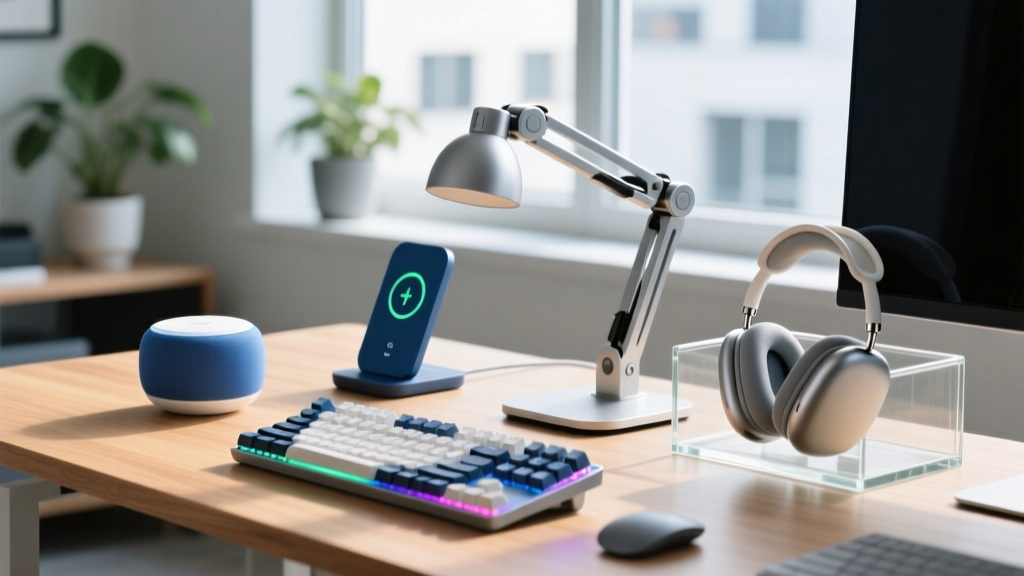
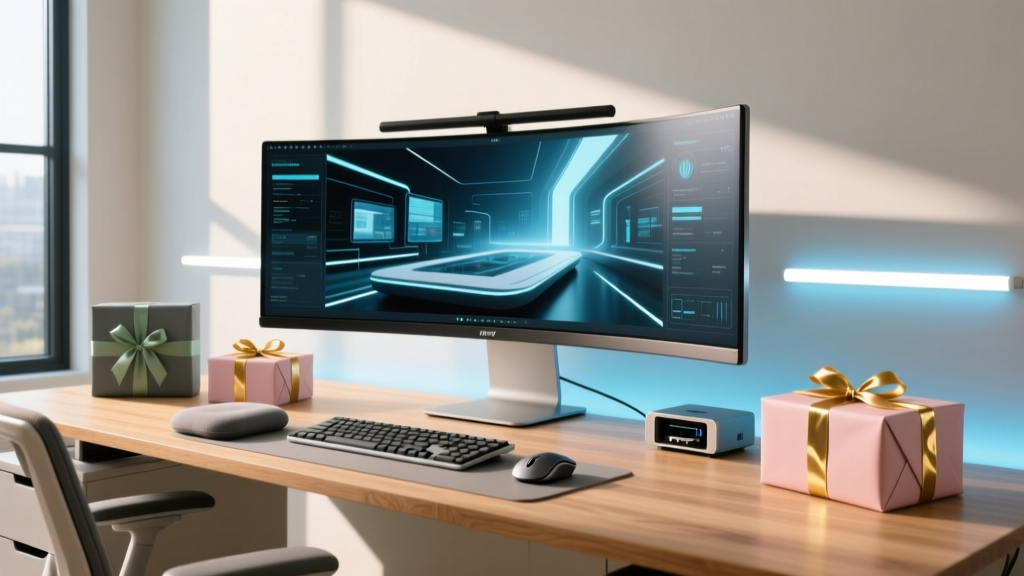
The modern home office has evolved far beyond a makeshift desk in the corner of a bedroom. As we navigate the mature hybrid-work landscape of 2026, remote professionals demand environments that rival corporate headquarters in ergonomics, audiovisual fidelity, and smart automation. Whether you are shopping for a senior executive, a marathon coder, or a creative director, selecting the right gadget presents requires looking past novelty items and focusing on high-ROI productivity tools. This comprehensive buyer's guide breaks down the best home office upgrades available this year, categorized by budget and professional use case.
The Evolution of the Remote Workspace in 2026
According to Buffer's latest State of Remote Work report, over 70% of hybrid workers now invest their own stipends into optimizing their home environments. The focus has shifted from basic connectivity to holistic workspace wellness and seamless digital presentation. In 2026, the best gadget presents solve specific friction points: reducing physical fatigue, eliminating poor lighting during video calls, and automating mundane environmental adjustments. Generic tech accessories no longer cut it; today's professionals require precision-engineered gear that integrates flawlessly with Thunderbolt 5 docks and AI-driven OS ecosystems.
Decision Framework: Matching the Gadget Present to the Recipient
Before purchasing, categorize your recipient into one of these three primary remote-work personas to ensure your gift delivers actual utility:
- The Marathon Coder: Prioritizes ergonomic health, tactile feedback, and distraction-free environments. They need gear that prevents repetitive strain injuries (RSI) over 10-hour sessions.
- The Executive Presenter: Prioritizes audiovisual excellence and polished aesthetics. They need studio-grade lighting, AI-framing webcams, and broadcast-quality audio for board meetings.
- The Creative Multitasker: Prioritizes screen real estate, ambient environment control, and seamless device switching. They need gear that manages digital and physical clutter.
Tier 1: Ergonomic & Health-Centric Upgrades (Under $150)
Health is the foundation of productivity. The Occupational Safety and Health Administration (OSHA) emphasizes that proper ergonomic setup drastically reduces musculoskeletal disorders. In this price bracket, you can dramatically improve a user's daily physical comfort.
Logitech Lift 2 Vertical Mouse ($79.99)
While the MX Master series gets the glory, the Lift 2 is the unsung hero for preventing carpal tunnel syndrome. It positions the hand at a precise 57-degree angle, reducing forearm pronation. The 2025/2026 iteration features Bluetooth 5.3 LE for zero-latency switching between three devices and a silent click mechanism that registers at under 25 decibels. Failure mode to avoid: Do not buy this for users with very large hands (over 8.5 inches); they will find the palm rest insufficient and should opt for the MX Vertical instead.
ErgoMotion Smart Posture Mat ($65.00)
For standing desk users, a standard anti-fatigue mat is no longer enough. The ErgoMotion mat features embedded micro-sensors that track weight distribution and connect via an app to alert the user when they are leaning too heavily on one leg—a common cause of lower back pain. It requires a single CR2032 battery that lasts up to 14 months.
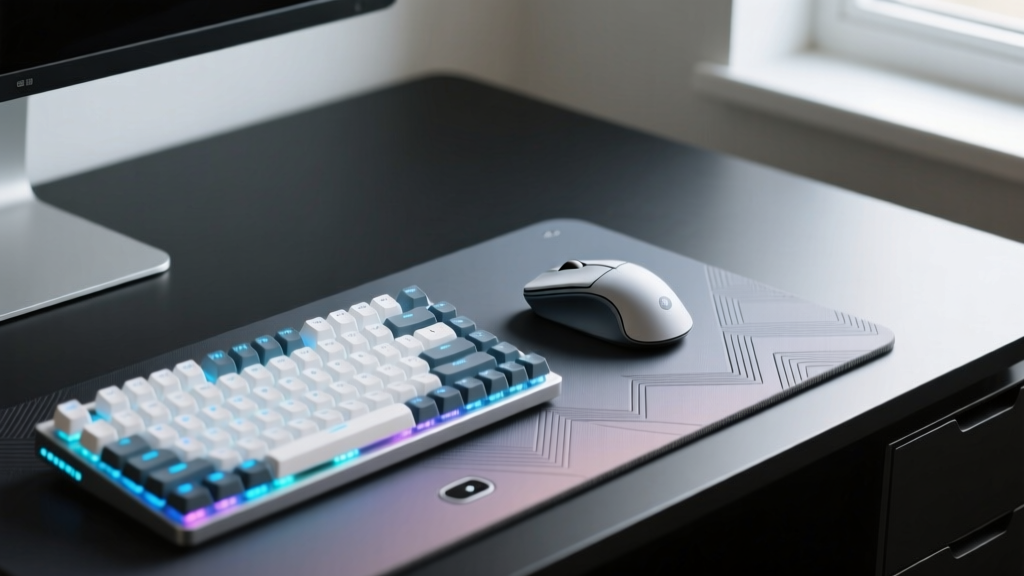
Tier 2: Ambient & Smart Environment Controllers ($150 - $300)
Lighting and air quality directly impact cognitive endurance. Independent testing by RTINGS consistently shows that proper bias lighting reduces eye strain by up to 40% during late-night work sessions.
BenQ ScreenBar Halo ($199.00)
This is the gold standard for monitor lighting. Unlike cheap $30 alternatives that wash out screen contrast with direct glare, the Halo uses an asymmetric optical design that illuminates the desk at 500 lux while emitting zero light onto the screen itself. The included wireless desktop puck allows for instant toggling between focus mode (6000K cool white) and reading mode (3000K warm white). Crucial spec: It requires a monitor thickness between 0.4 and 1.5 inches and a flat back edge for the gravity-weighted clamp to grip properly.
Philips Hue Play Gradient Lightstrip for PC ($219.99)
For the creative multitasker, ambient bias lighting is essential. This lightstrip mounts to the back of a monitor or desk edge and syncs with on-screen colors via the Hue Sync app. In 2026, the latency is virtually imperceptible, creating an immersive environment that makes large ultrawide monitors feel less visually overwhelming in dark rooms.
Tier 3: High-End AV & Productivity Hubs ($300+)
For the Executive Presenter, looking and sounding like a professional on camera is non-negotiable. This tier features hardware that bridges the gap between a home office and a broadcast studio.
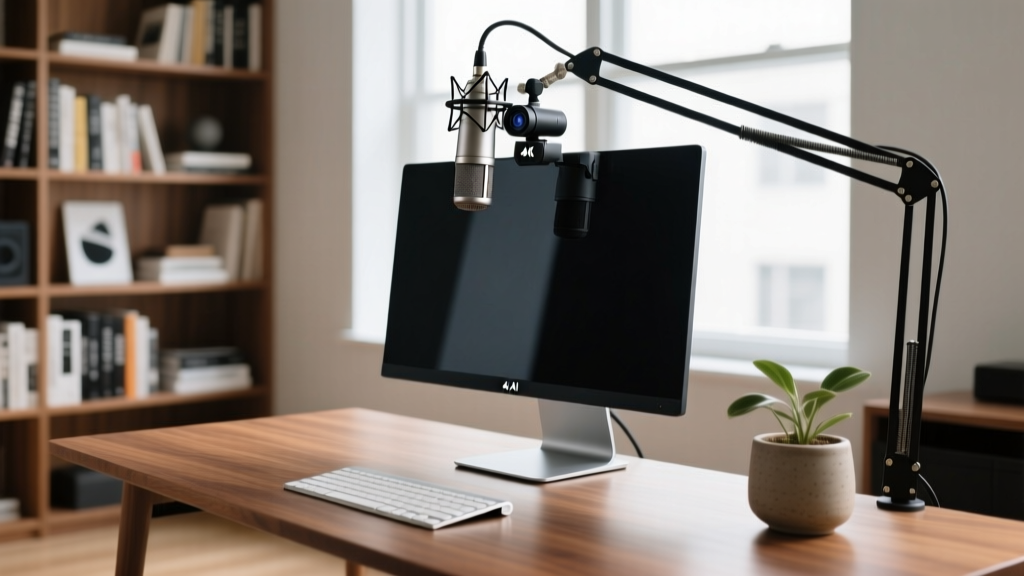
Insta360 Link 2 4K AI Webcam ($349.99)
The Link 2 solves the most common webcam failure mode: looking terrible when backlit by a bright window. It utilizes a massive 1/2-inch Sony STARVIS sensor and an AI-driven gimbal that physically pans and tilts to keep the user centered. The 4K/60fps output, combined with hardware-level HDR, ensures crisp video even in challenging lighting conditions. It also features gesture controls—simply hold up a peace sign to enable whiteboard mode, which automatically crops and enhances a physical whiteboard in the background.
Shure MV7+ Podcast Microphone ($279.00)
Built-in laptop microphones and headset mics compress audio and pick up keyboard clatter. The MV7+ is a dynamic microphone, meaning it rejects off-axis noise (like a barking dog or a noisy HVAC system) and focuses solely on the voice directly in front of it. The built-in DSP (Digital Signal Processing) auto-levels the volume, so the user sounds consistently professional whether they are whispering or speaking passionately.
Comparison Matrix: Price vs. Productivity ROI
Use this matrix to quickly align your budget with the recipient's primary workspace bottleneck.
| Gadget Present | Price Range | Best For | Primary ROI Impact | Setup Time |
|---|---|---|---|---|
| Logitech Lift 2 Mouse | Under $100 | Marathon Coders | Reduces wrist fatigue; prevents RSI | 2 Minutes |
| BenQ ScreenBar Halo | $150 - $250 | Night Owls / Readers | Eliminates screen glare; reduces eye strain | 5 Minutes |
| Insta360 Link 2 | $300 - $400 | Executive Presenters | Broadcast-quality video; auto-framing | 10 Minutes |
| Shure MV7+ Mic | $250 - $300 | Frequent Communicators | Studio audio; rejects background noise | 15 Minutes |
Non-Obvious Gifting Pitfalls to Avoid
When buying gadget presents for a home office, good intentions can easily result in a gift that sits in a closet. Avoid these common mistakes:
- Ignoring Desk Depth and Thickness: Monitor arms and screen bars require specific desk dimensions. A standard clamp needs 1 to 3.5 inches of lip clearance. If the recipient has a glass desk or a desk with a beveled edge, the clamp will fail or shatter the glass. Always include a desk-mounting pad or verify their desk specs.
- Overlooking Connectivity Bottlenecks: Gifting a 4K webcam and a high-res monitor is useless if the recipient's laptop only has a single USB-C port that doesn't support Thunderbolt 4/5 bandwidth. If you are gifting high-bandwidth peripherals, consider bundling a $150 CalDigit TS4 Thunderbolt Dock to ensure they can actually use the gear.
- Software Bloat: Some smart home office gadgets require intrusive background apps to function. Prioritize hardware that saves settings to onboard memory (like the Logitech and Shure products mentioned) so the user doesn't need to keep heavy companion software running in the background.
Frequently Asked Questions
What is the most universally appreciated home office gadget present?
High-quality, asymmetric monitor lighting (like the BenQ ScreenBar) is universally appreciated. It takes up zero desk space, requires no software installation, and instantly improves both visual comfort and webcam appearance for any user, regardless of their profession.
Are mechanical keyboards a safe gift for remote workers?
Only if you know their exact preference regarding switch types (tactile, linear, or clicky) and layout (60%, TKL, or full-size). If you are unsure, a premium low-profile scissor-switch keyboard like the Logitech MX Keys Mini is a much safer, universally ergonomic choice for mixed-use environments.
How important is microphone quality for 2026 video calls?
Audio quality is statistically more important than video quality for perceived professionalism. A recipient will forgive a slightly soft webcam image, but they will immediately lose patience with compressed, echoing, or noisy audio. A dynamic USB microphone is one of the highest-ROI gadget presents you can buy for a remote professional.
Written by
Marcus WebbMarcus Webb served as a U.S. Army logistics officer for 8 years, where he managed field equipment procurement and tactical gear evaluation across three combat deployments. After honorable discharge, he earned a certification from the Professional Knife Makers Association and became a certified Wilderness First Responder (WFR). Marcus has tested over 500 EDC products in extreme environments — from -40°F in Alaska to 120°F in the Mojave Desert — using military-spec testing protocols. His reviews of multi-tools, tactical flashlights, and survival gear are known for their rigorous methodology: controlled drop tests from 6 feet, 120-minute water submersion at 2 meters, and lateral torque testing at 45 Nm. He is a member of the Blade Show judging panel and contributes to OutdoorGearLab.