Powering Cloud Gadgets: Beginner vs Expert Portable Power
Compare beginner and expert portable power setups for cloud gadgets. Discover the best power banks, solar chargers, and car adapters for every skill level.
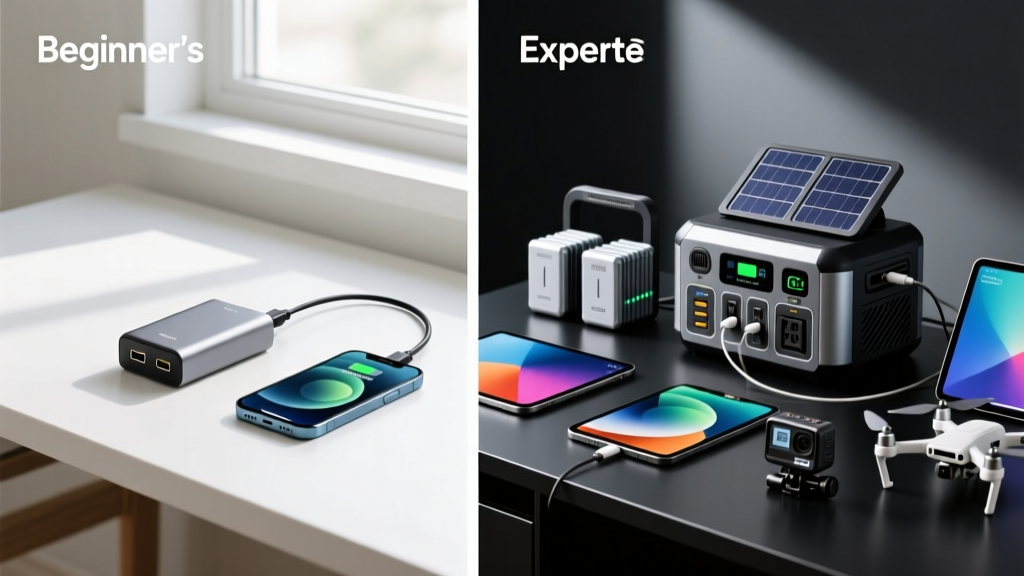
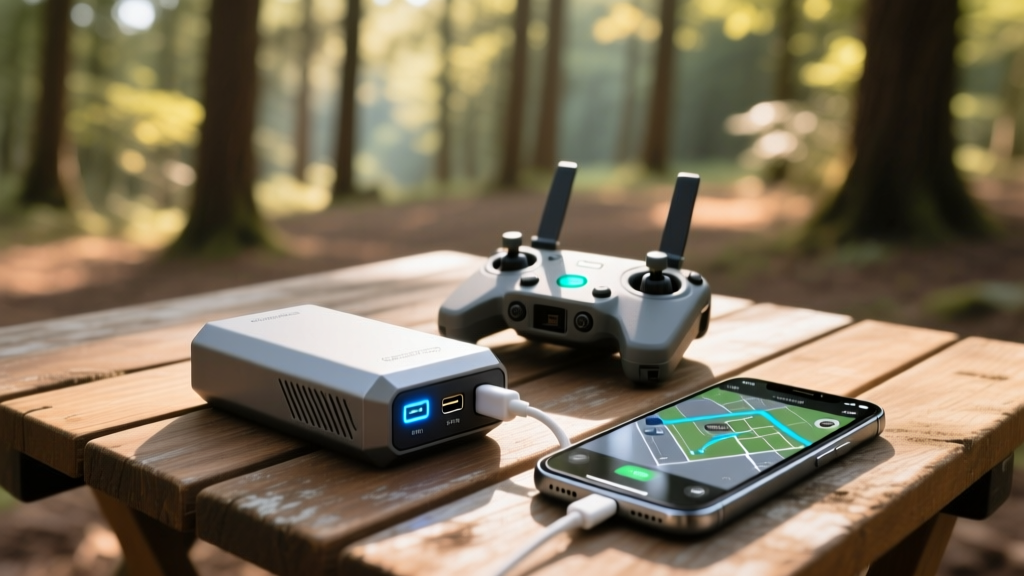
The Portable Power Paradigm: Why Cloud Gadgets Demand More
In 2026, the definition of a 'cloud gadget' extends far beyond your smartphone. It encompasses Starlink Roam terminals, enterprise mapping drones that upload LiDAR data to AWS servers, cloud-syncing trail cameras, and portable SSDs with direct Wi-Fi 7 uplinks. These devices share a common trait: they require sustained, high-wattage power to maintain data handshakes and process heavy uplinks. When you take these cloud gadgets off-grid, your portable power strategy becomes the single point of failure for your entire operation.
However, the way a beginner approaches portable power versus how a seasoned tech expert handles it is vastly different. Beginners often focus on misleading marketing metrics, while experts calculate exact watt-hour (Wh) draws, understand charging protocols, and invest in high-efficiency power conversion. Below, we break down the beginner vs. expert approaches to powering cloud gadgets using power banks, solar chargers, and car adapters.
The Beginner Setup: The 'Plug and Pray' Approach
Beginners typically shop for portable power based on two metrics: physical size and the 'mAh' (milliamp-hour) number printed on the box. This often leads to purchasing massive, heavy, and inefficient power bricks from obscure online brands.
Common Beginner Gear & Mistakes
- The '50,000mAh' Brick: Beginners often buy $40 power banks claiming 50,000mAh. Not only are these often falsely advertised, but a genuine 50,000mAh battery at 3.7V equates to 185Wh. This violates the FAA Lithium Battery Guidelines, which cap carry-on batteries at 100Wh (and require airline approval for 101-160Wh). A beginner will have their gear confiscated at airport security.
- Ignoring USB-C Protocols: Plugging a cloud-syncing portable SSD into a standard 5W USB-A port results in agonizingly slow transfer speeds and battery drain on the host device.
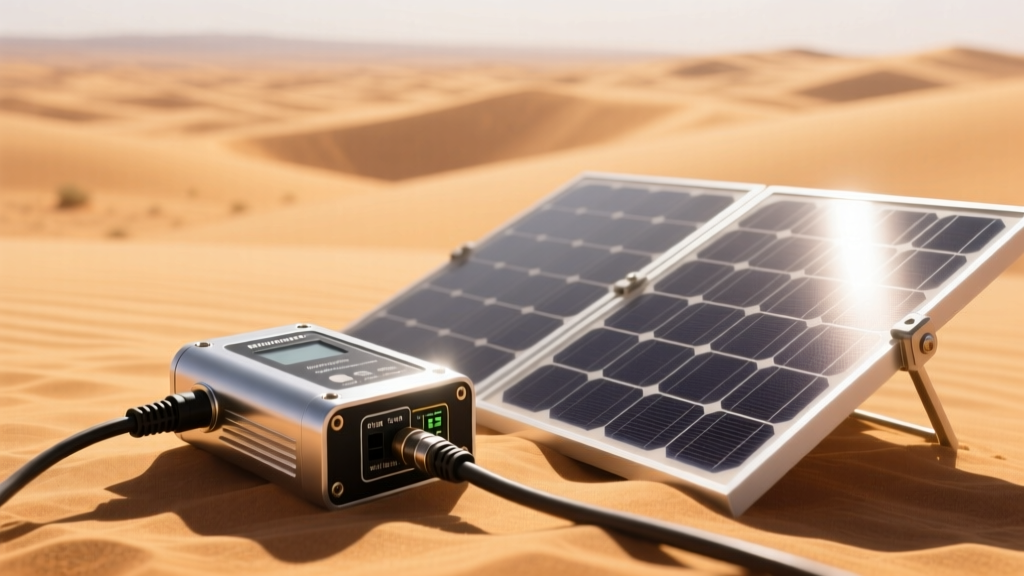
- PWM Solar Panels: Buying cheap, rigid solar panels with PWM (Pulse Width Modulation) charge controllers. PWM technology essentially clips the voltage to match the battery, wasting up to 40% of the gathered solar energy as heat.
Beginner Trap: Assuming that a higher mAh rating automatically means faster charging. In reality, without USB-C Power Delivery (PD) 3.0 or higher, a 30,000mAh bank will charge a Starlink router at a trickle, causing the router to reboot mid-update.
The Expert Setup: The 'Calculated Grid' Strategy
Experts ignore the mAh marketing fluff and focus on Watt-hours (Wh), Wattage Output (W), and Thermal Management. They understand that cloud gadgets require specific voltage profiles to operate efficiently, leveraging the latest USB-IF Power Delivery Specifications to negotiate exact power draws.
The Expert's Toolkit
- Anker Prime 27,650mAh (250W): Priced around $179, this is a masterclass in portable power. It offers 99.54Wh (safely under the 100Wh flight limit), features a smart digital display showing real-time input/output wattage, and utilizes GaN (Gallium Nitride) technology to prevent thermal throttling during sustained 140W laptop charges.
- Nitecore NB20000 Gen 3 (Carbon Fiber): At $119, experts choose this for ultralight drone missions. It weighs just 315g, utilizes a carbon fiber shell for extreme durability, and supports 65W PD output—enough to fast-charge a DJI RC Pro controller while it uploads 4K mapping data to the cloud.
- Pass-Through Charging Mastery: Experts use high-end banks as Uninterruptible Power Supplies (UPS). They plug a solar panel into the power bank, and the power bank into the cloud gadget. The expert gear seamlessly routes power without degrading the battery cells through micro-cycling.
Head-to-Head Comparison Matrix
To visualize the gap between novice and professional portable power strategies, review the comparison matrix below:
| Feature | Beginner Approach | Expert Approach |
|---|---|---|
| Primary Metric | Milliamp-hours (mAh) | Watt-hours (Wh) & Output (W) |
| Flight Compliance | Often ignored; risks TSA confiscation | Strictly <100Wh (e.g., 99.5Wh banks) |
| Charging Protocol | Standard 5V/2A USB-A | USB-C PD 3.1, PPS, QC 4.0 |
| Solar Technology | PWM (High energy loss) | MPPT (Max Power Point Tracking) |
| Car Power | Standard 12V cigarette lighter dongle | Hardwired 12V-to-110V Pure Sine Inverter |
| Avg. Setup Cost | $30 - $60 | $250 - $600+ |
Solar and Car Power: Where Beginners Fail and Experts Excel
When cloud gadgets are deployed in vehicles or remote basecamps, power banks aren't enough. You need generation and conversion. This is where the knowledge gap widens dramatically.
Solar Charging: PWM vs. MPPT
A beginner will buy a $40 '100W' folding solar panel from a generic brand. Under real-world conditions (partial shade, angle shifts, heat), that panel might output 30W. Because it uses a cheap PWM controller, it will step that down to 5V for USB charging, losing massive efficiency.
An expert invests in panels with integrated MPPT (Maximum Power Point Tracking) microchips, like the BioLite SolarPanel 10+ or high-end Jackery SolarSaga series. MPPT controllers dynamically adjust their electrical operating point to extract the absolute maximum wattage from the solar cells, regardless of cloud cover or temperature. An expert also knows that solar panel voltage drops as temperature rises, and will mount panels with airflow gaps rather than flat against a hot truck bed.
Car Adapters: The 12V Socket Bottleneck
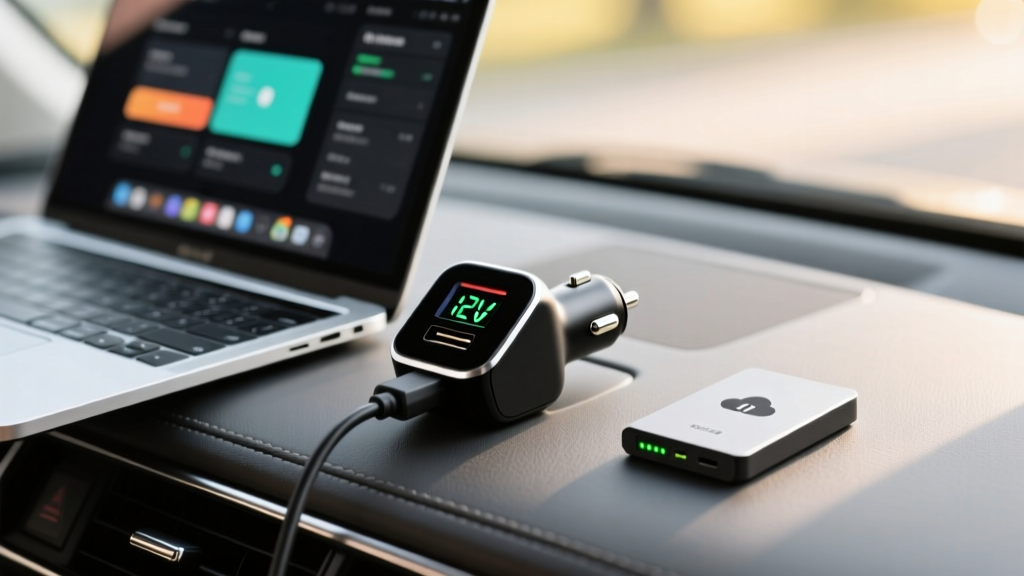
Beginners plug a 300W inverter into their car's 12V cigarette lighter socket to power their cloud-syncing mobile workstations. They then blow the car's 10A or 15A fuse, leaving them stranded.
The Expert Solution: Experts know that a standard 12V car socket is physically limited to about 120W-180W (12V x 10A = 120W). For anything requiring more power—like running a portable AC unit for a server rack or fast-charging multiple drone batteries simultaneously—experts bypass the socket entirely. They install a Pure Sine Wave Inverter directly to the vehicle's battery terminals with inline ANL fuses. Pure sine wave output is critical; modified sine wave inverters (which beginners buy because they are cheaper) can fry the sensitive power bricks of high-end cloud gadgets and Starlink routers.
Real-World Scenario: Powering a Starlink Roam & Drone Fleet
Imagine a 3-day off-grid mapping expedition. You need to keep a Starlink Roam terminal (drawing ~40-60W) and six drone batteries charged.
- The Beginner: Brings three cheap 20,000mAh power banks and a flimsy solar mat. The Starlink terminal drains the banks in 4 hours. The solar mat takes two full days of perfect, direct sunlight to recharge a single bank due to PWM inefficiency. The mission fails on day two.
- The Expert: Brings a 500Wh portable power station (like the EcoFlow River 2 Max) with a built-in MPPT controller, paired with a 110W rigid solar panel. During the day, the solar panel feeds directly into the station via MPPT, generating enough juice to run the Starlink terminal natively while simultaneously topping up drone batteries via the station's 12V DC and USB-C PD ports. The expert monitors the exact Wh draw via the station's app, ensuring they never dip below a 20% depth-of-discharge to preserve the LiFePO4 battery lifespan.
Frequently Asked Questions
Can I bring a 20,000mAh power bank on a plane in 2026?
Yes, usually. A 20,000mAh power bank at the standard 3.7V internal cell voltage equals 74Wh. This is well under the FAA's strict 100Wh limit for carry-on luggage. However, it must be in your carry-on, never in checked baggage, and the Wh rating must be clearly printed on the device.
Does cold weather affect portable power banks?
Severely. Lithium-ion cells experience increased internal resistance in freezing temperatures, which can temporarily reduce usable capacity by up to 40%. Experts keep their power banks inside insulated pouches or inner jacket pockets to maintain optimal operating temperatures (between 32°F and 95°F) while charging cloud gadgets.
What is PPS and why does it matter for cloud gadgets?
Programmable Power Supply (PPS) is an extension of USB-C PD that allows the charger and device to negotiate voltage in micro-steps (e.g., 20mV increments). This reduces heat generation during fast charging, which is vital for cloud gadgets like portable SSDs and 5G hotspots that already generate significant thermal loads during heavy data transfers.
Conclusion
Powering cloud gadgets in the field is no longer about simply carrying the biggest battery you can find. It requires a fundamental understanding of energy conversion, thermal dynamics, and aviation regulations. While beginners rely on hope and misleading packaging, experts rely on GaN technology, MPPT solar tracking, and precise Watt-hour calculations. By upgrading your portable power strategy from a novice 'plug and pray' mindset to an expert 'calculated grid' approach, you ensure your data flows uninterrupted, no matter how far off the grid you roam.
Written by
Ryan TanakaRyan Tanaka holds a B.S. in Mechanical Engineering from Oregon State University and is a certified AWS Solutions Architect. He has built over 80 custom electronics projects ranging from CNC machines to IoT sensor networks, and has reviewed development boards, 3D printers, soldering equipment, and maker tools for the past 6 years. Ryan is an active contributor to 12 open-source hardware projects on GitHub and teaches monthly workshops at three hackerspaces across the Pacific Northwest. His reviews combine engineering rigor with accessibility — he evaluates products not just on specs but on documentation quality, community support, and learning curve for beginners. He has presented at Maker Faire Bay Area, Open Hardware Summit, and the Adafruit community showcase, and maintains a popular blog documenting his build processes.