Practical Gadget Gift Ideas That Solve Home Office Pain Points
Discover practical gadget gift ideas that solve real home office problems, from cable clutter and bad lighting to ergonomic strain and background noise.
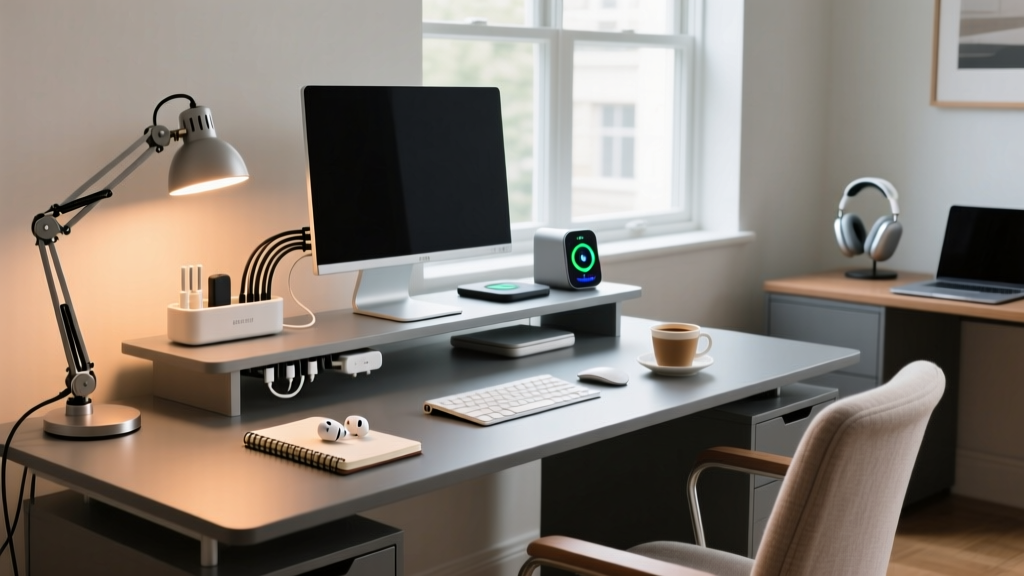
Finding the right present for a remote worker often means looking past novelty items and focusing on daily friction. The best practical gadget gift ideas are those that quietly eliminate the specific annoyances of working from home. Whether it is the chronic eye strain from overhead glare, the auditory distraction of an open floor plan, or the physical toll of a poorly configured desk, targeted tech upgrades can drastically improve a remote worker's quality of life. This guide breaks down the most common home office pain points and pairs them with precise, problem-solving gadgets that deliver immediate, measurable relief.
The 'Spaghetti' Cable Nightmare & Power Starvation
Nothing kills productivity and aesthetic focus quite like a tangled nest of power bricks and fraying USB cables dangling beneath a desk. Traditional power strips merely consolidate the mess; they do not solve the underlying issue of bulky transformer blocks and insufficient wattage for modern multi-device setups.
The Fix: 140W GaN Chargers + Magnetic Under-Desk Raceways
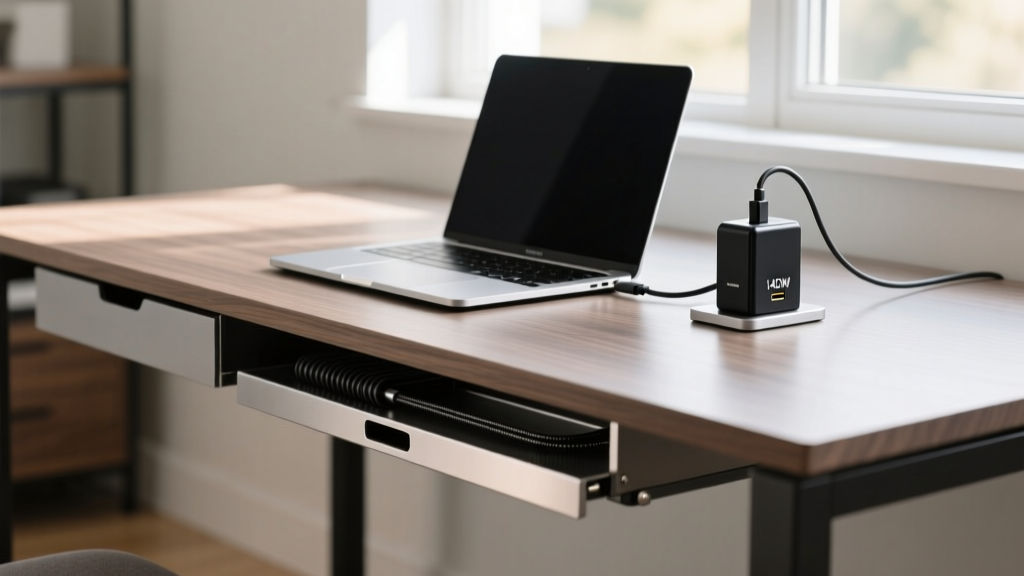
Instead of gifting a generic power strip, opt for a high-output Gallium Nitride (GaN) desktop charger paired with a modular cable management system. GaN technology allows chargers to run cooler and significantly smaller than traditional silicon-based chargers. A 140W GaN desktop hub, such as the UGREEN Nexode 140W (typically priced around $110), can simultaneously fast-charge a 16-inch MacBook Pro at 100W while pushing 40W to a secondary monitor or tablet, entirely replacing three separate OEM power bricks.
To handle the remaining physical cables, pair the charger with an Eveo Premium Cable Channel or the JOTO Under Desk Mesh Tray ($20-$30). The mesh trays are particularly effective because they allow for easy zip-tie routing and prevent the dust accumulation common in solid plastic raceways. For the final connection to the desk surface, magnetic cable organizers like the Anker Magnetic Cable Ties keep charging ends anchored to the desktop edge, preventing them from sliding onto the floor when unplugged.
Video Call 'Zombie' Lighting & Screen Glare
Overhead room lighting casts harsh shadows under the eyes, while standard ring lights reflect directly off monitors, causing severe screen glare and washing out facial features on video calls. This dual problem leads to chronic eye fatigue and an unprofessional appearance during virtual meetings.
The Fix: Asymmetric Optical Monitor Light Bars
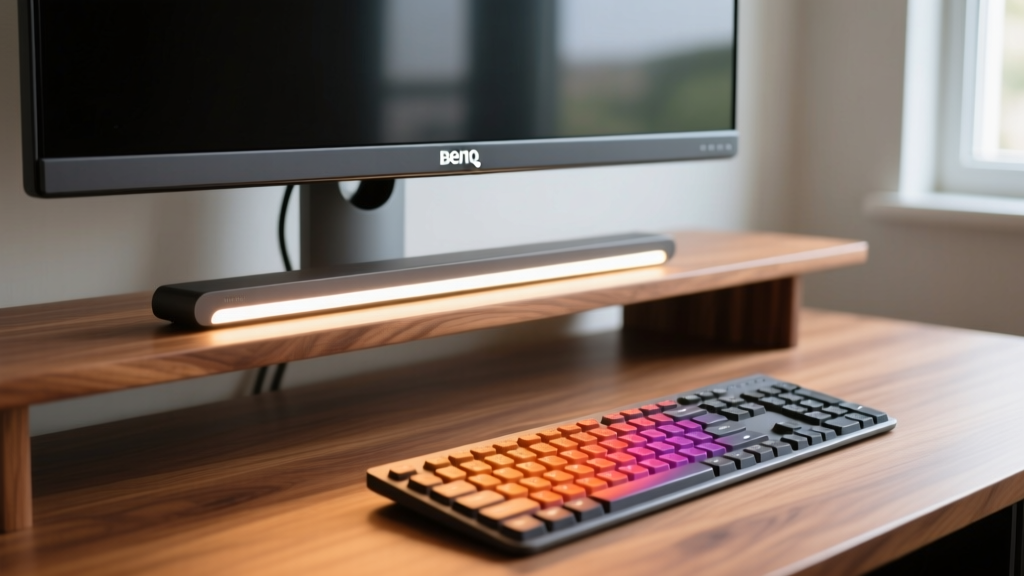
The solution is an asymmetric monitor light bar. Unlike standard desk lamps that project light in a 360-degree radius, asymmetric light bars use a specialized optical reflector to project illumination strictly downward onto the desk surface at a precise angle, completely avoiding the monitor screen.
The gold standard here is the BenQ ScreenBar Halo (approximately $199). It features an ultra-high Color Rendering Index (CRI > 95), meaning colors on your desk and your skin tones on camera appear exactly as they do in natural sunlight. It also includes a wireless puck controller and an ambient back-light that reduces the contrast ratio between a bright screen and a dark room, which Mayo Clinic's guide to office ergonomics notes is a primary trigger for digital eye strain. For a more budget-conscious pick, the Xiaomi Mi Computer Monitor Light Bar ($50) offers a similar asymmetric blade design, though it lacks the wireless controller and rear ambient lighting.
Quick-Reference Gift Matrix: Pain Points vs. Solutions
| Pain Point | Gadget Pick | Est. Price | Key Spec to Verify Before Buying |
|---|---|---|---|
| Power Brick Clutter | UGREEN Nexode 140W GaN | $110 | Ensure it supports USB-C PD 3.1 for laptop charging |
| Screen Glare / Eye Fatigue | BenQ ScreenBar Halo | $199 | Check monitor thickness (requires >0.12 inches bezel) |
| Wrist Pronation Strain | Logitech Lift Vertical Mouse | $79 | Verify hand size (Lift is for small/medium hands) |
| Room Echo & Keyboard Clack | Shure MV7+ Dynamic Mic | $279 | Confirm XLR vs USB-C connectivity needs |
Chronic Wrist & Forearm Strain
Standard flat keyboards and mice force the forearm into a pronated (palms-down) position. Over a standard 8-hour workday, this twists the radius and ulna bones, compressing the median nerve and frequently leading to repetitive strain injuries (RSI) or carpal tunnel syndrome. According to research published by the Cornell University Ergonomics Web, maintaining a neutral, 'handshake' posture is critical for minimizing musculoskeletal stress during prolonged computer use.
The Fix: True Split Keyboards & 57-Degree Vertical Mice
For the mouse, the Logitech Lift ($79) is an exceptional gift for users with small to medium hands. It positions the wrist at a precise 57-degree angle, which clinical studies show reduces muscle strain in the forearm by up to 10% compared to traditional mice. For users with larger hands, the Logitech MX Vertical ($99) offers the same ergonomic angle with a larger chassis and a thumb rest.

For the keyboard, avoid 'wave' style keyboards that still force the wrists to bend outward (ulnar deviation). Instead, gift a true split keyboard like the Kinesis Advantage360 ($449) for hardcore typists, or the more approachable Logitech Ergo K860 ($129). The K860 features a 3D-matrix split frame and an integrated palm rest with a 4-degree negative tilt, which prevents the wrists from bending upward (extension), keeping the carpal tunnel open and uncompressed.
The 'Echo Chamber' Audio Bleed
Working from a home office with hard surfaces (hardwood floors, bare walls) creates severe acoustic reverberation. Furthermore, standard condenser microphones (like the ubiquitous Blue Yeti) are highly sensitive and will pick up every keyboard clack, dog bark, and HVAC rumble, making the user sound distant and unprofessional.
The Fix: Dynamic Broadcast Microphones with Software Noise Gates
The solution is to gift a dynamic microphone rather than a condenser mic. Dynamic mics have lower sensitivity and a tighter cardioid polar pattern, meaning they only capture sound directly in front of the capsule and reject off-axis room noise. The Shure MV7+ ($279) is the ultimate problem-solver here. It features both USB-C and XLR outputs, allowing the user to plug directly into their laptop now, but upgrade to a professional audio interface later. It also includes a built-in digital signal processor (DSP) with an auto-level mode that dynamically adjusts the gain if the user leans back in their chair, ensuring consistent audio volume without manual tweaking.
💡 Pro-Tip: The Boom Arm Rule
A high-end microphone is useless if it is sitting on a desk stand, as it will transmit every vibration from typing. Always pair a microphone gift with a suspension boom arm (like the Elgato Wave Mic Arm LP, $99). Low-profile arms keep the mic out of the camera's frame while physically decoupling the microphone from desk vibrations, instantly eliminating low-frequency mechanical rumble.
Frequently Asked Questions
Are ergonomic gadgets actually worth the high price tag?
Yes, when viewed through the lens of preventative healthcare. A $130 split keyboard is a fraction of the cost of a single physical therapy session for carpal tunnel syndrome. The ROI on ergonomic gadgets is measured in pain reduction and sustained daily productivity, making them highly practical gifts for anyone logging over 30 hours a week at a desk.
What if I do not know the recipient's desk dimensions?
Stick to desktop-surface gadgets that do not require mounting or drilling. Monitor light bars, GaN charging hubs, vertical mice, and dynamic microphones are universally compatible with almost any desk setup, whereas monitor arms and under-desk treadmill bases require precise measurements of desk thickness and weight tolerances.
Can I gift smart home integrations for the home office?
Absolutely. A Philips Hue Play Gradient Lightstrip for the back of the monitor can reduce eye strain by providing bias lighting, while a smart plug like the Tapo P110M allows the user to monitor the energy consumption of their entire desk setup and schedule automatic shut-offs at the end of the workday to enforce a hard boundary between work and personal time.
Written by
David OkaforDavid Okafor is an ASE (Automotive Service Excellence) Master Certified Technician with 15 years of professional experience in vehicle diagnostics, aftermarket electronics installation, and fleet management. He holds an Associate Degree in Automotive Technology from Universal Technical Institute and certifications in mobile electronics (MECP Certified Installer). David has installed and reviewed over 800 car tech products — from OBD2 scanners and dash cams to full infotainment system retrofits — in vehicles ranging from economy compacts to luxury SUVs. His popular YouTube channel "AutoTech David" has over 150,000 subscribers and features detailed installation tutorials and product teardowns. He is a regular contributor to the SEMA Show's aftermarket technology showcase and advises two automotive tech startups on product development.