Practical Gadgets Golf Beginners Need to Improve Fast
Discover the best practical gadgets golf beginners and high-handicappers need to fix swing flaws, track progress, and lower scores fast on the course.
Golf is a game of millimeters, yet most amateurs try to fix glaring mechanical flaws with nothing but guesswork and YouTube tutorials. As we navigate the 2026 golf season, the market for training aids has evolved from gimmicky plastic tubes to precision biometric sensors. Finding the right gadgets golf players actually trust on the course can be overwhelming, especially when you are trying to break 90 or finally eliminate that chronic slice.
This guide strips away the fluff. We are focusing purely on problem-solving technology—devices that diagnose specific faults, provide actionable data, and translate directly to lower scores. Whether you are struggling with clubface control, distance management, or tempo, here are the practical picks that deliver a genuine return on investment.
The High-Handicap Dilemma: Why Guesswork Fails
According to USGA handicap data, the average male golfer hovers around a 14-16 handicap, consistently losing strokes on approach shots and penalty areas. The root cause is rarely a lack of athleticism; it is a lack of feedback. When a ball slices into the trees, a beginner knows the clubface was open, but they rarely understand the kinetic chain failure that caused it. Modern golf sensors bridge this gap by measuring the invisible micro-movements of your wrists, club path, and tempo.
Problem 1: The Chronic Slice (Fixing Club Path and Face Angle)
The slice is the most common affliction among amateur golfers. It is almost always caused by an open clubface at impact, which stems from excessive lead wrist extension (cupping) at the top of the backswing. You cannot fix what you cannot feel.
The Practical Pick: HackMotion Core Wrist Sensor
Retailing at $299, the HackMotion Core is a breakthrough in accessible biomechanics. Unlike bulky gloves or restrictive harnesses, this lightweight sensor attaches to your lead wrist and measures flexion, extension, and radial/ulnar deviation in real-time.
- The Data Point: Tour professionals typically show 20° to 30° of lead wrist flexion (bowing) at the top of the swing. High-handicappers often show 15°+ of extension (cupping).
- The Fix: HackMotion's audio feedback feature beeps when you achieve a specific flexion threshold during your backswing, training your brain to square the clubface without overthinking it.
- 2026 Update: The latest firmware allows for seamless overlay of your wrist data onto smartphone video, making it easier to correlate wrist angles with actual club positions.
Pro Tip: Do not use HackMotion on the course. Dedicate three 30-minute range sessions per week strictly to flexion training. The goal is to build muscle memory, not to paralyze yourself with data during a round.
Problem 2: Distance Control and Blind Approaches
Beginners frequently lose strokes by misjudging carry distances, resulting in balls splashing into front bunkers or water hazards. Relying on 150-yard markers ignores elevation changes, wind, and pin placement.
The Practical Pick: Garmin Approach S76 GPS Watch
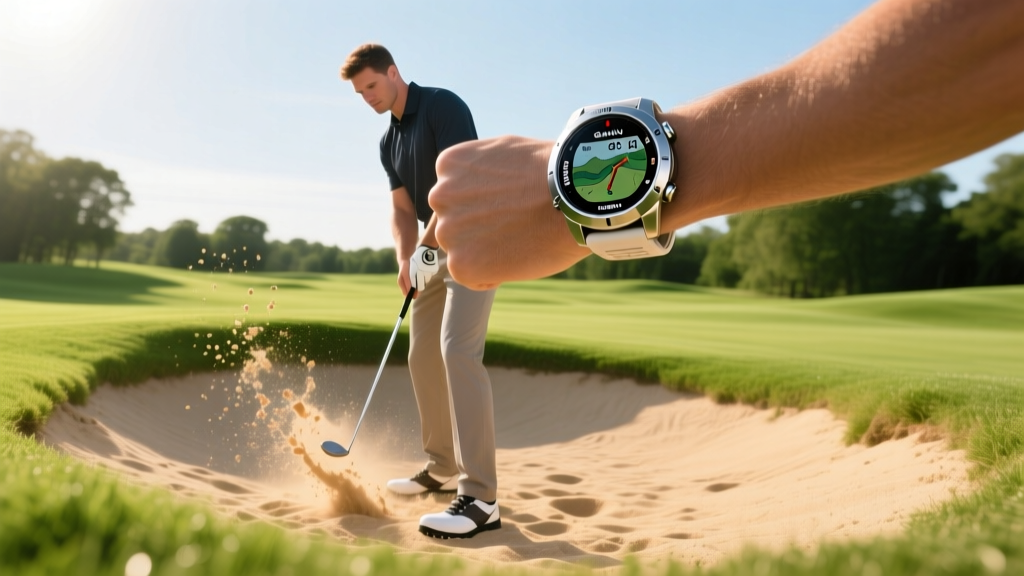
At $399, the Garmin Approach S76 is the gold standard for on-course navigation. While laser rangefinders are excellent for line-of-sight targets, a GPS watch provides crucial context for blind shots and hazard carry distances.
- Multi-Band GNSS: Utilizing dual-frequency satellite reception, the S76 locks onto your position within 3 feet, even under heavy tree canopies.
- PlaysLike Distance: This feature adjusts yardage based on elevation changes. If you have 145 yards to the pin but the green is 30 feet uphill, the watch tells you to hit your 155-yard club.
- Battery Life: Easily lasts 20 hours in GPS mode, meaning you can play a 36-hole weekend marathon without reaching for a charger.
GPS Watch vs. Laser Rangefinder: Which Do You Need?
| Feature | GPS Watch (Garmin S76) | Laser Rangefinder (Bushnell Pro XE) |
|---|---|---|
| Best For | Blind shots, hazard carries, pace of play | Precision pin-seeking, exact flag distance |
| Elevation Adjust | Yes (PlaysLike) | Yes (Slope Technology) |
| Line of Sight | Not required | Absolutely required |
| Avg. Cost | $399 | $550+ |
Problem 3: Inconsistent Tempo and Rushing the Downswing
Under pressure, amateurs accelerate their transition from the top of the swing, leading to a steep angle of attack and erratic ball striking. Tempo is the silent killer of scoring consistency.
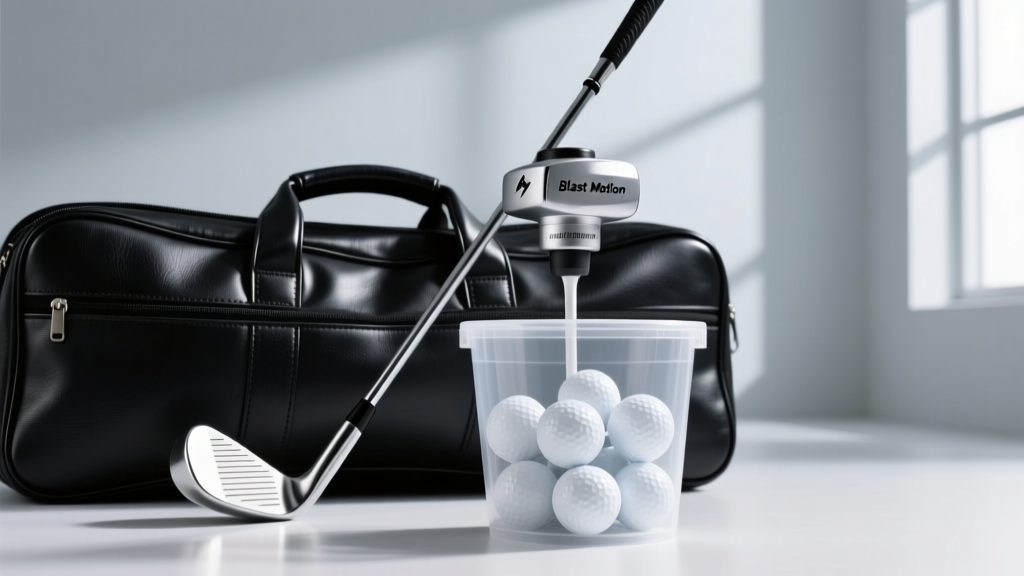
The Practical Pick: Blast Motion Golf Swing Analyzer
Priced at an accessible $149, the Blast Motion sensor attaches to the butt end of any club grip. It uses an accelerometer to capture over 20 swing metrics, but its true value lies in its tempo analysis.
- The Golden Ratio: Research shows that elite ball strikers maintain a backstroke-to-downstroke time ratio of roughly 2.0:1 to 2.1:1. Amateurs often rush to a 1.5:1 ratio.
- Stroke Path & Rotation: While highly popular in putting, the full-swing sensor helps you monitor the rotational velocity of your hips and shoulders, ensuring you are initiating the downswing with your lower body, not your hands.
The 3-Step Tech Integration Framework
Buying the best gadgets golf enthusiasts recommend will not lower your handicap if you do not integrate them properly. Follow this framework to avoid data overload:
- Diagnose (Weeks 1-2): Use sensors on the range to identify your primary leak. Is it wrist cupping (slice) or poor tempo (fat/thin shots)? Pick ONE gadget to address it.
- Isolate (Weeks 3-4): Practice with the gadget using only a 7-iron. Hit 50 balls focusing solely on the metric (e.g., achieving 20° of flexion). Ignore ball flight initially; focus on the movement.
- Translate (Weeks 5+): Remove the training sensors. Take the Garmin GPS watch to the course. Trust the new motor pattern you have built and focus entirely on target acquisition and course management.
Frequently Asked Questions About Golf Training Tech
Are swing analyzers worth it for high handicappers?
Absolutely. High handicappers (20+) benefit the most because their swing flaws are usually rooted in fundamental biomechanical errors (like wrist angles or tempo) that are impossible to see with the naked eye. Sensors provide the objective truth needed to fix the root cause.
Do GPS watches drain battery over 36 holes?
Modern premium watches like the Garmin Approach S76 feature multi-band GNSS chips optimized for power efficiency. You can comfortably complete 36 holes in a single day with 40% battery remaining. However, leaving the backlight on auto-brightness in overcast conditions will drain it faster.
Can I use these gadgets during official USGA tournaments?
Under USGA Rules of Golf (Rule 4.3), distance-measuring devices (GPS watches and rangefinders) are generally permitted unless a local rule prohibits them. However, devices that measure wind, elevation (slope), or swing analytics (like HackMotion or Blast Motion) are strictly prohibited during official competitive rounds. Always toggle off slope features and remove swing sensors before teeing off in a tournament.
Final Verdict: Building Your Tech-Enabled Practice Routine
The era of blindly hitting buckets of range balls is over. By investing in targeted, problem-solving technology, you can shave years off the learning curve. The HackMotion Core will cure your slice by fixing your lead wrist, the Garmin Approach S76 will eliminate penalty strokes through superior course management, and the Blast Motion sensor will groove a tour-level tempo. Stop guessing, start measuring, and watch your handicap plummet this season.
Written by
Lena ChenLena Chen earned her M.S. in Human-Computer Interaction from Carnegie Mellon University and a B.S. in Electrical Engineering from the University of Washington. She has spent the past decade specializing in smart home architecture and IoT ecosystems, helping over 200 homeowners design fully connected living spaces. Lena is a certified Matter protocol consultant and has published peer-reviewed research on voice-first interface design in the ACM Digital Library. Her reviews of smart home products combine deep technical analysis with real-world usability testing, evaluating everything from Zigbee mesh stability to Alexa skill responsiveness. She regularly speaks at CEDIA Expo and CES smart home panels.