Best New Household Gadgets for Outdoor Workspaces 2026
Transform your patio into a weatherproof workspace with the best new household gadgets for outdoor offices in 2026. Expert picks for power, Wi-Fi, & displays.
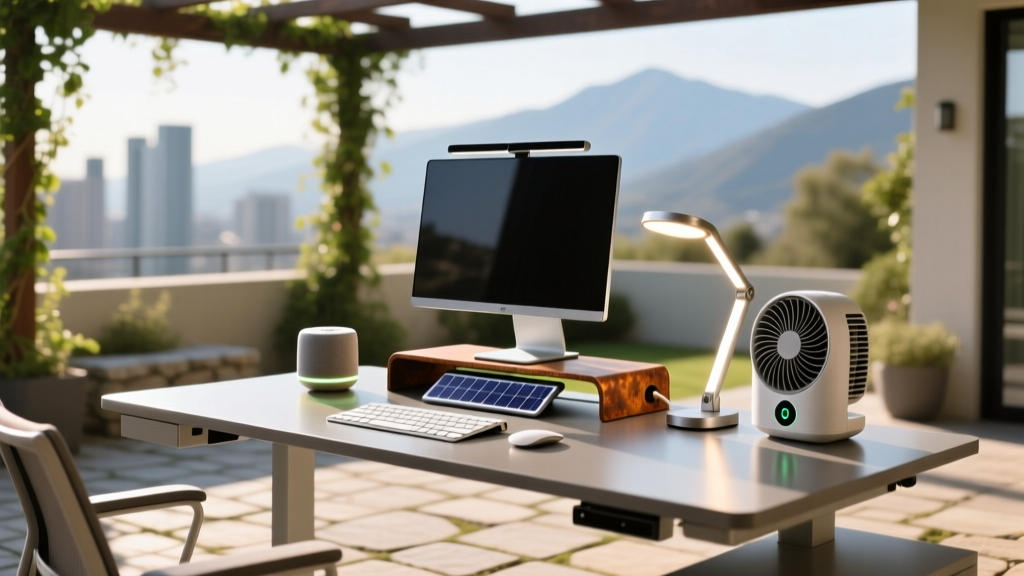
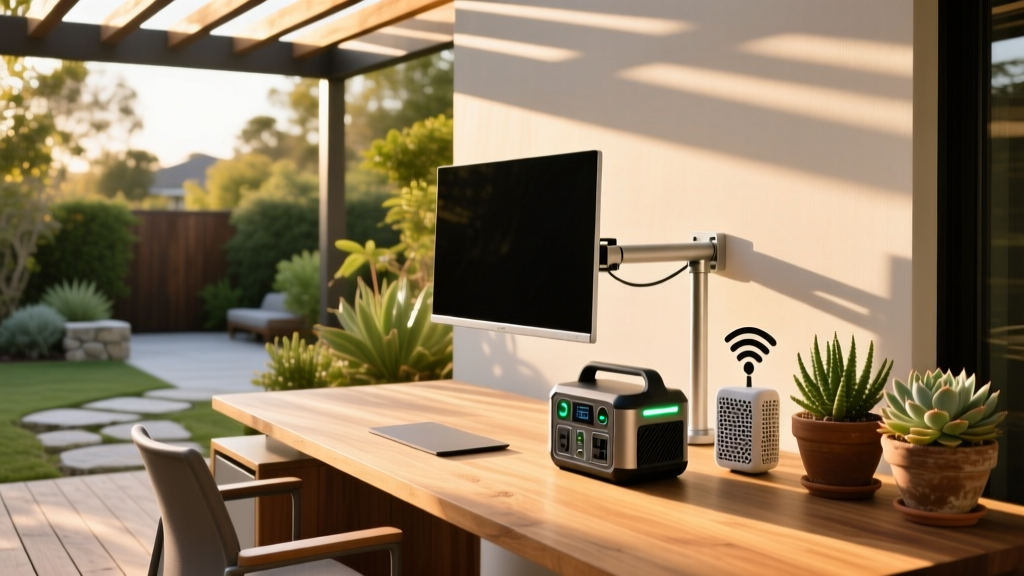
The concept of the home office has fundamentally shifted. As we move through 2026, the 'seasonal migration' within our own properties has become a standard practice for remote workers. When evaluating the new household gadgets hitting the market this year, the most transformative releases aren't just for the indoor desk—they are engineered specifically for the seasonal patio office, the sunroom, and the backyard pergola.
However, moving your workspace outdoors introduces severe environmental variables: direct UV glare, temperature fluctuations, Wi-Fi signal degradation through exterior walls, and a lack of accessible AC power. To build a functional seasonal workspace, you need gear that bridges the gap between indoor ergonomics and outdoor durability. Here is our deep-dive into the essential outdoor office gadgets that actually perform under pressure.
Defeating Sun Glare: High-Nit Outdoor Displays
The most common failure point for aspiring patio-office workers is attempting to use a standard indoor monitor outside. A typical 2025 indoor IPS panel maxes out at 250 to 300 nits of brightness. In direct or even ambient outdoor sunlight (which can exceed 10,000 lux), a 300-nit screen becomes a black mirror.
For a dedicated outdoor setup, you need a display engineered with optical bonding and high-luminance backlights. The Sylvox 32-Inch 4K Outdoor TV/Monitor remains the gold standard for permanent pergola installations. Pushing 1,000 nits of peak brightness, it utilizes an anti-glare matte coating and an IP55-rated chassis that protects against humidity and dust ingress.
Expert Insight: Optical bonding isn't just about glare. In seasonal environments where morning dew and evening temperature drops occur, the vacuum-sealed optical layer prevents internal condensation from forming between the LCD panel and the protective glass—a common failure mode in 'weatherproofed' indoor TVs.
For nomadic outdoor workers who move between the patio and the porch, the ASUS ROG Strix XG17AHPE portable monitor (while technically an indoor gaming display) offers 324 nits and a built-in 7800mAh battery, making it a viable stopgap for shaded porch work, provided you use a matte screen protector to diffuse overhead ambient light.
Powering the Patio: Next-Gen Portable Energy
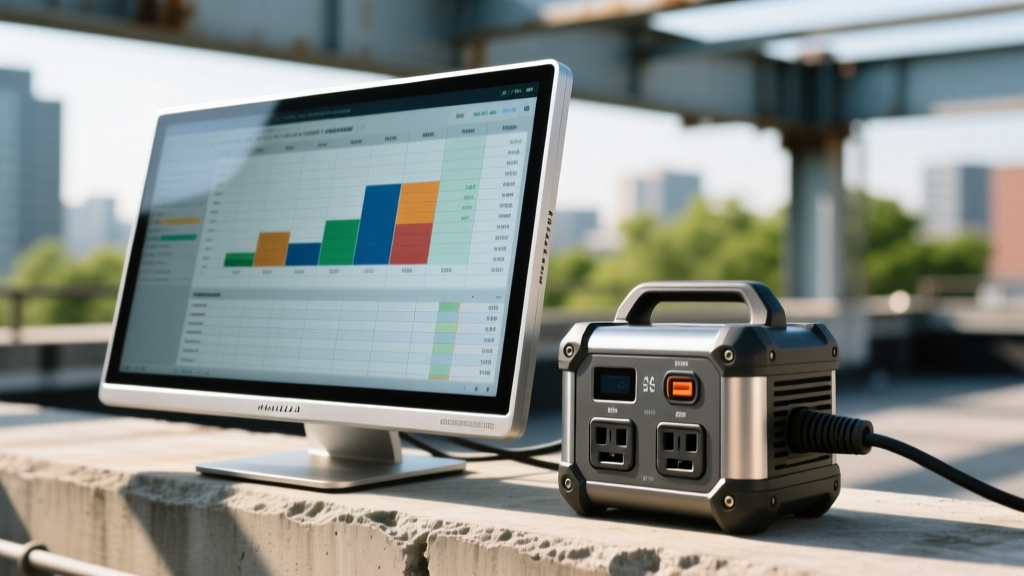
Running extension cords through windows or across lawns is a tripping hazard and a code violation in many municipalities. The evolution of LiFePO4 (Lithium Iron Phosphate) battery chemistry has made portable power stations a viable, daily-drivable power source for outdoor tech.
The Jackery Explorer 1000 v2 is our top pick for the seasonal office. With a 1,070Wh capacity, it can power a standard 65W MacBook Pro and a 15W Wi-Fi mesh node for roughly 14 hours before needing a recharge. More importantly, the LiFePO4 cells are rated for 3,000+ charge cycles to 80% capacity, meaning you can drain and recharge it daily throughout the summer without degrading the battery health.
Power Draw Calculation Framework
Before investing in a power station, map your exact wattage requirements. Use this baseline for a standard 2026 outdoor tech stack:
- Laptop (M3/M4 or equivalent): 45W - 65W
- Portable Monitor (15-inch): 10W - 15W
- Outdoor Mesh Node: 12W - 15W
- Smartphone/Tablet Fast Charging: 20W - 30W
Total continuous draw: ~110W. A 1,000Wh station will yield roughly 8.5 hours of real-world runtime (accounting for inverter efficiency losses of about 15%).
Penetrating Exterior Walls: Outdoor Mesh Wi-Fi
According to Wirecutter's extensive testing on outdoor Wi-Fi, standard indoor routers lose up to 50% of their signal strength when passing through modern exterior walls, especially those with Low-E glass windows or stucco/metal lath construction. The 6GHz band (Wi-Fi 6E and Wi-Fi 7) is particularly susceptible to physical obstruction.
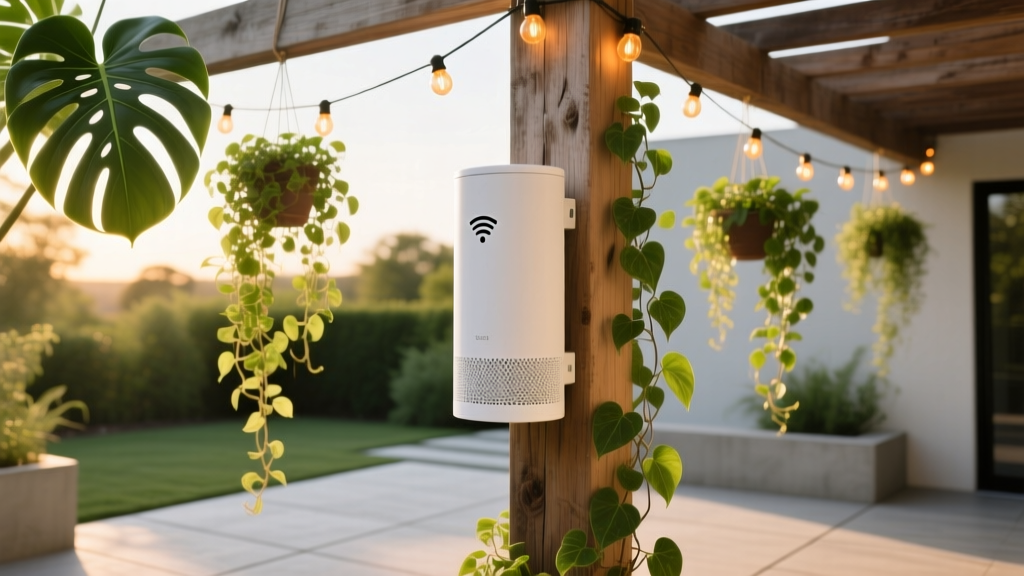
To maintain sub-20ms latency for video calls on the patio, you need a dedicated outdoor mesh node. The TP-Link Deco XE75 Outdoor is an IP65-rated Wi-Fi 6E mesh unit designed to mount directly to exterior siding or fascia.
Installation Best Practices
- Hardwire the Backhaul: If possible, run a Cat6 Ethernet cable through your exterior wall to the outdoor node. This dedicates the wireless bands entirely to your patio devices.
- Mounting Height: Install the node at least 7 feet off the ground to avoid signal absorption by patio furniture, planters, and human bodies (which are 60% water and excellent Wi-Fi blockers).
- Omnidirectional Placement: Avoid mounting the node flat against a metal chimney or aluminum siding, which will reflect the signal and create dead zones.
Seasonal Patio Office Gear Comparison Matrix
Not all 'outdoor' gear is created equal. Understanding Ingress Protection (IP) ratings is critical for protecting your investment. Here is how the top 2026 gadgets stack up.
| Gadget Category | Top Model (2026) | IP Rating | Primary Limitation | Est. Price |
|---|---|---|---|---|
| Outdoor Display | Sylvox 32' 4K Outdoor | IP55 | Requires permanent AC power | $1,299 |
| Power Station | Jackery Explorer 1000 v2 | None (Keep dry) | Heavy (23 lbs), slow solar recharge | $899 |
| Mesh Wi-Fi Node | TP-Link Deco XE75 Outdoor | IP65 | Requires outdoor Ethernet or strong indoor signal | $199 |
| Task Lighting | Govee RGBIC Outdoor H7102 | IP65 | App-dependent, transformer must be sheltered | $129 |
| Climate Control | Geek Aire 10' Misting Fan | IPX4 | Requires garden hose connection | $189 |
Ambient Lighting for Late Summer Evenings
As summer progresses into early autumn, the sun sets earlier, and harsh overhead security lighting causes severe eye strain and screen glare. Transitioning your patio to a functional evening workspace requires layered, circadian-friendly lighting.
The Govee Outdoor String Lights (H7102) offer IP65 water resistance and individual RGBIC bulb control. By setting the bulbs to a warm 2700K color temperature at 40% brightness, you create a bias lighting effect that reduces the contrast ratio between your bright monitor and the darkening sky, significantly reducing eye fatigue. As highlighted in CNET's smart lighting guides, utilizing app-based scheduling to automatically shift the color temperature from cool daylight (5000K) at 4 PM to warm amber (2200K) by 7 PM helps maintain your natural melatonin production while working late outdoors.
Decision Framework: Is Your Space Ready?
Before purchasing new household gadgets for the outdoors, run your space through this 3-point audit:
- The Shadow Test: Track the sun's path across your workspace between 10 AM and 3 PM. Even a 1,000-nit monitor will struggle in unshaded, direct noon sunlight. A UV-blocking shade sail or cantilever umbrella is a prerequisite, not an accessory.
- The Ping Test: Stand on your patio with your laptop and run a continuous ping test to your primary router. If you see packet loss or latency spikes over 100ms, an outdoor mesh node is mandatory before you attempt a Zoom call.
- The Dew Point Check: If you live in a high-humidity climate, plan to bring your laptop and portable monitor indoors overnight. Even IP-rated gear can suffer from micro-corrosion on charging ports if left out through nightly dew cycles.
Frequently Asked Questions
Can I leave my portable power station outside overnight?
No. Portable power stations like the Jackery or EcoFlow lines do not have IP ratings for water or dust ingress. Furthermore, LiFePO4 batteries suffer from reduced charging efficiency and potential cell damage if charged while the ambient temperature drops below freezing (32°F / 0°C). Always bring the power station indoors or into a sealed, insulated deck box overnight.
Do outdoor monitors require special mounting hardware?
Yes. Outdoor displays are significantly heavier than indoor monitors due to their metal chassis and integrated cooling systems. Ensure your pergola or wall mount is rated for at least 1.5x the weight of the display to account for wind load and leverage. Use stainless steel or galvanized VESA screws to prevent rust-jacking, which can snap standard zinc-plated screws over a single wet season.
How do I protect my keyboard and mouse from outdoor debris?
Invest in silicone keyboard covers and a washable, oversized desk mat. Pollen, dust, and fine dirt will quickly infiltrate the mechanical switches of a standard keyboard. For a permanent outdoor setup, consider switching to a sealed, membrane-based keyboard like the Logitech MX Keys Mini, which handles incidental moisture and dust wipe-downs much better than open-switch mechanical alternatives.
Final Thoughts on the Seasonal Office
Building an outdoor workspace is no longer about balancing a laptop on a wobbly picnic table. The latest wave of new household gadgets designed for exterior use allows you to maintain enterprise-level productivity while enjoying the seasonal benefits of your property. By prioritizing high-nit displays, hardened mesh networking, and safe, high-capacity power delivery, your patio can become the most productive room in your house—at least until the first frost.
Written by
Jake MorrisonJake Morrison holds a B.S. in Electrical Engineering from UC Berkeley and an MBA from Stanford Graduate School of Business. With over 12 years of hands-on experience in consumer electronics, he previously served as a senior product engineer at a Silicon Valley startup before transitioning to tech journalism. Jake has personally tested and benchmarked over 3,000 gadgets across categories including smartphones, wearables, smart home devices, and audio equipment. His durability testing methodology — involving controlled drop tests, thermal cycling, and water submersion — is widely cited by major tech publications. He is a certified CompTIA A+ technician and a contributing editor to the IEEE Consumer Electronics Magazine.