How to Set Up Adult Stress Relief Gadgets for Deep Relaxation
Learn how to properly set up and calibrate adult stress relief gadgets like Apollo Neuro and Muse S to build an effective, data-driven daily wellness routine.
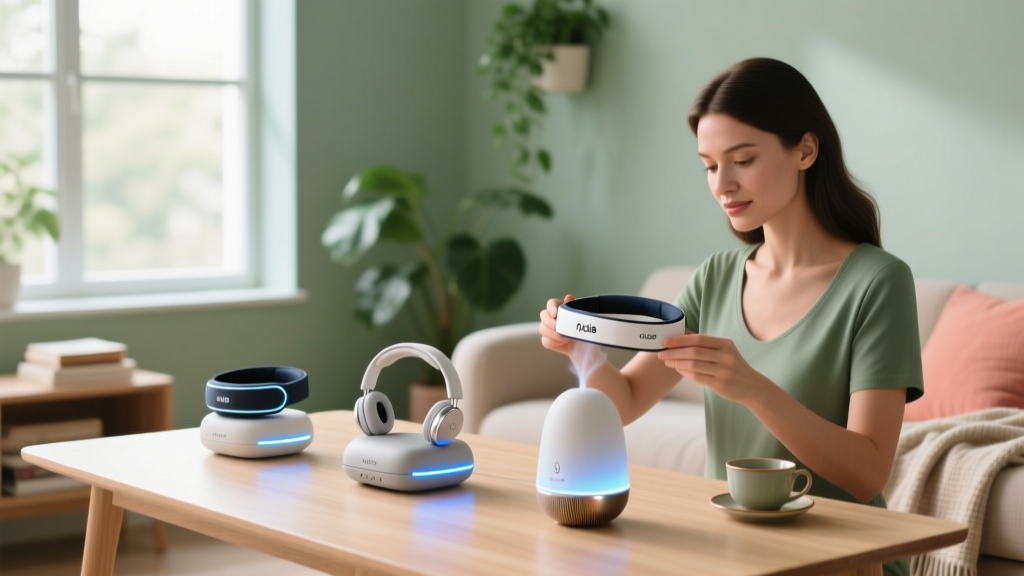
Purchasing high-end wellness technology is only the first step in managing modern burnout. The true magic of adult stress relief gadgets lies not in the hardware itself, but in precise calibration, biometric baselining, and strategic integration into your daily routine. As we navigate the advanced biofeedback landscape of 2026, simply strapping on a device and turning it to the maximum setting will not yield long-term nervous system regulation. In fact, improper calibration can lead to sensory habituation, rendering your expensive gadgets useless within a month.
This comprehensive setup guide will walk you through configuring three of the most effective stress-relief devices on the market—the Apollo Neuro, the Muse S Gen 2, and the Oura Ring Gen 4—transforming them from standalone gadgets into a cohesive, data-driven stress management ecosystem tailored specifically for women's physiological needs.
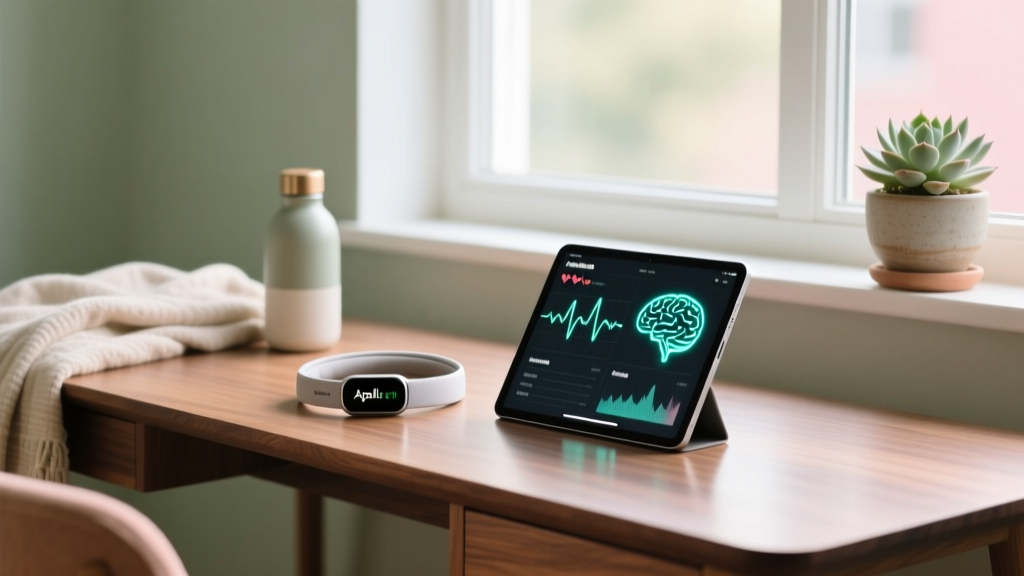
The Baseline: Why Calibrating Adult Stress Relief Gadgets Matters
Before diving into app settings, it is crucial to understand the biological target of these devices: the vagus nerve and Heart Rate Variability (HRV). According to research on biofeedback and autonomic regulation, your vagus nerve acts as the primary brake pedal for your sympathetic nervous system (fight-or-flight).
For women, this system is deeply intertwined with hormonal fluctuations. During the luteal phase of your menstrual cycle, baseline cortisol naturally rises, making you more susceptible to stress. If your gadgets are not calibrated to recognize your shifting baseline, they will deliver the wrong interventions at the wrong times. Proper setup ensures the haptic and auditory feedback aligns with your real-time physiological state.
Step 1: Configuring the Apollo Neuro for Vagal Toning
The Apollo Neuro ($299) uses silent, low-frequency haptic vibrations to stimulate the vagus nerve, signaling safety to the brain. However, the default factory settings are often too intense for beginners, leading to neural adaptation.
Optimal Placement and Intensity Mapping
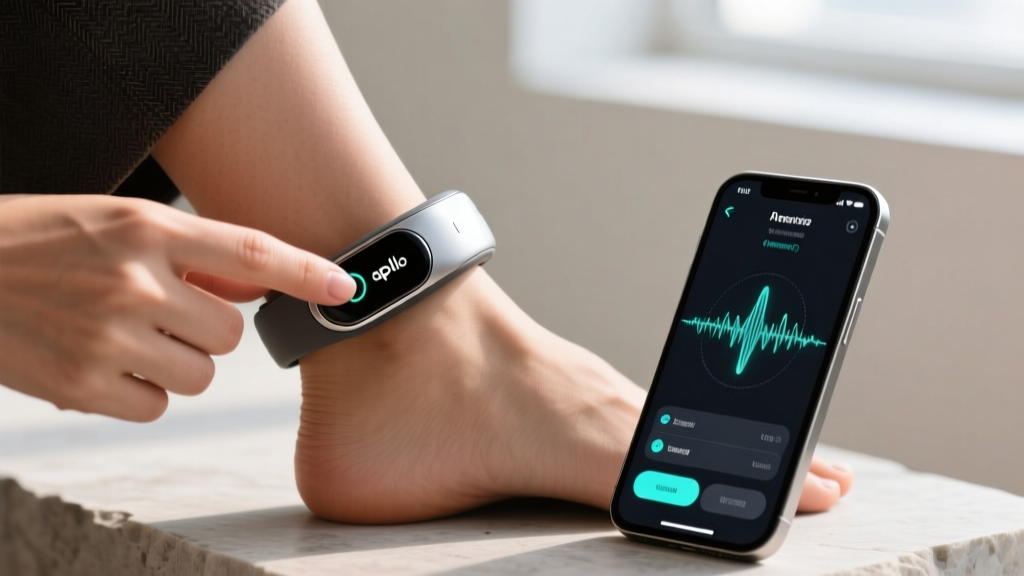
While the marketing materials suggest wearing the Apollo on your wrist, Apollo Neuro clinical studies indicate that the ankle or the ribcage (near the vagus nerve's main thoracic branching) often yields a 15-20% faster HRV response due to thinner skin and closer nerve proximity.
- Wrist Placement: Best for daytime 'Clear and Focused' modes. Set intensity between 25% and 40%.
- Ankle Placement: Best for evening 'Relax and Unwind' modes. Set intensity between 45% and 65%.
- Ribcage (via clip): Best for acute panic or high-stress moments. Set intensity to 70% for immediate grounding.
Pro-Tip for Women: Avoid wearing the Apollo on the wrist while typing or doing repetitive manual tasks. The micro-vibrations can blend with the kinetic feedback of your movements, causing your brain to filter out the haptic signal as 'background noise' within 72 hours.
Step 2: Optimizing the Muse S Gen 2 Headband for EEG Feedback
The Muse S Gen 2 ($399) is an EEG (electroencephalogram) headband that reads your brainwaves in real-time, translating them into immersive soundscapes. The most common failure point for new users is poor sensor contact, which results in 'signal dropout' and frustrating meditation sessions.
Sensor Placement and Signal Quality Matrix
To achieve the 100% signal quality required for accurate Alpha (8-12 Hz) and Theta (4-8 Hz) brainwave tracking, you must prepare the skin. Sebum (natural skin oils) acts as an insulator, blocking the micro-voltage EEG signals.
| Sensor Location | Designation | Prep Protocol | Common Error Source |
|---|---|---|---|
| Left Forehead | FP1 | Wipe with 70% isopropyl alcohol pad | Bangs or hair products blocking contact |
| Right Forehead | FP2 | Wipe with 70% isopropyl alcohol pad | Sweat buildup from morning workouts |
| Left Earlobe | A1 (Reference) | Gently massage to increase blood flow | Earrings or thick skincare creams |
| Right Earlobe | A2 (Reference) | Gently massage to increase blood flow | Resting head against a firm pillow |
According to Muse EEG research validation, taking 30 seconds to prep the FP1 and FP2 sensors with an alcohol wipe reduces signal artifacting by up to 80%, ensuring your meditation data is actually reflecting your brain state, not your forehead oils.
Step 3: Syncing Biometric Data with Oura Ring Gen 4
The Oura Ring Gen 4 ($349) acts as the central hub for your stress ecosystem. By continuously tracking your HRV, resting heart rate (RHR), and skin temperature, it provides the context your other gadgets need to function optimally.
Creating the 'Luteal Phase' Automation
In 2026, the Oura app's cycle-syncing features are highly advanced. You can use native integrations (or IFTTT applets) to trigger specific routines on your Apollo Neuro based on your Oura Stress Resilience score.
- Open the Oura App and navigate to Settings > Integrations > Apple Shortcuts / Android Routines.
- Create a trigger: IF Oura Cycle Phase = Luteal AND HRV drops below 7-day baseline by 15ms.
- Set the action: Launch Apollo Neuro App -> Start 'Relax and Unwind' for 30 minutes at 60% intensity.
This automation ensures that during the hormonally taxing week before your period, your nervous system receives proactive, automated support before you even consciously register the stress.
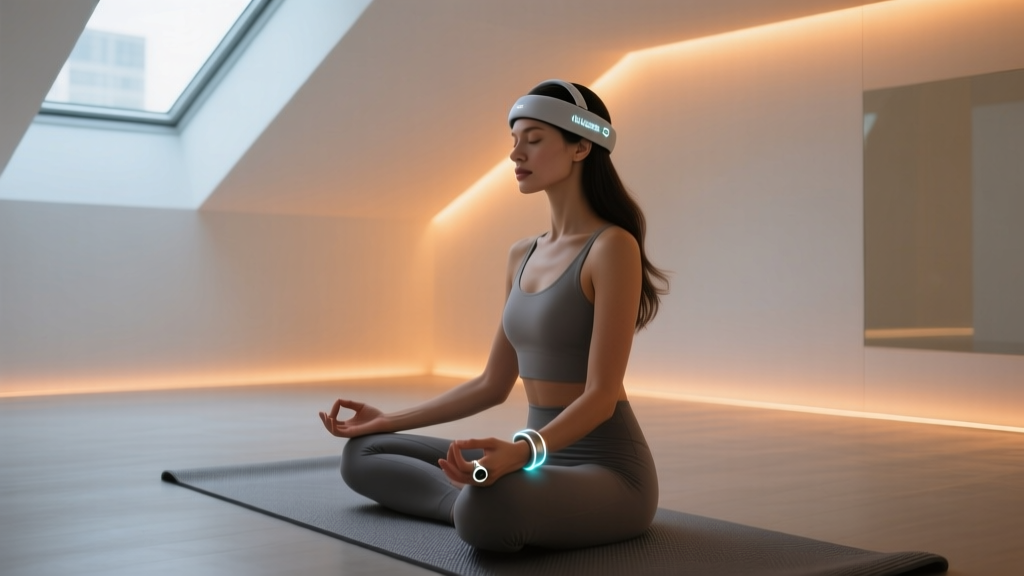
Your 14-Day Gadget-Assisted Stress Relief Protocol
To build lasting neuroplasticity, consistency is more important than duration. Follow this structured 14-day onboarding protocol to train your nervous system to respond to your adult stress relief gadgets.
Days 1-5: Baselining and Acclimation
- Morning (7:00 AM): Wear Apollo Neuro on wrist. Run 'Clear and Focused' at 30% intensity for 15 minutes while journaling or drinking tea.
- Evening (9:00 PM): Wear Muse S headband. Complete one 10-minute guided breathwork session. Focus purely on maintaining signal quality, not on achieving deep meditation.
Days 6-10: Deepening the Practice
- Afternoon Slump (2:30 PM): Use Apollo Neuro on ankle. Run 'Social and Open' or 'Rest and Digest' for 20 minutes to prevent the mid-afternoon cortisol spike.
- Evening (9:00 PM): Increase Muse S meditation to 15 minutes. Begin utilizing the 'Soundscape' feature, allowing the AI to adjust ocean wave volumes based on your real-time Alpha wave production.
Days 11-14: Autonomous Regulation
- As Needed: Rely on your Oura Ring's daytime stress alerts. When Oura detects a sustained heart rate elevation without physical movement, manually trigger a 5-minute Apollo 'Grounding' session on the ribcage at 70% intensity.
Troubleshooting Common Calibration Issues
Why is my Apollo Neuro making me feel sleepy during the day?
You are likely experiencing 'haptic bleed.' If you use the 'Sleep' or 'Relax' frequencies (which oscillate around 0.1 Hz) during daylight hours, you risk conditioning your brain to associate those specific vibration patterns with melatonin release. Strictly reserve sub-0.2 Hz frequencies for post-sunset use.
Why does my Muse headband keep telling me I am 'thinking'?
The Muse algorithm interprets high-frequency Beta waves (13-30 Hz) as active thinking. If you are meditating in a room with fluorescent lighting or near a Wi-Fi router, the EEG sensors may be picking up environmental electromagnetic interference (EMI). Move at least three feet away from major electronics and ensure your forehead is completely dry.
By treating your adult stress relief gadgets as precise medical instruments rather than simple massage toys, you unlock their true potential. Calibrate your settings, respect your biological baselines, and let the data guide your journey to profound nervous system resilience.
Written by
Sarah KimSarah Kim holds certifications from both NASM (National Academy of Sports Medicine) and ACE (American Council on Exercise), along with a B.S. in Kinesiology from UCLA. She has spent 7 years bridging the gap between exercise science and consumer technology, evaluating fitness trackers, smart scales, sleep monitors, and recovery devices with clinical precision. Sarah has tested over 200 health-focused wearables in controlled lab settings and real-world training environments, comparing device data against gold-standard medical equipment like ECG monitors and DEXA scans. She consults for three fitness app companies on data accuracy standards and has presented research on wearable reliability at the American College of Sports Medicine (ACSM) annual conference. Her reviews emphasize clinical validity over marketing claims.