Space-Saving Must Have Home Gadgets for Small Desks (2026)
Maximize your micro-office with our 2026 guide to space-saving must have home gadgets. Discover compact docks, ultra-thin peripherals, and zero-footprint lighting.
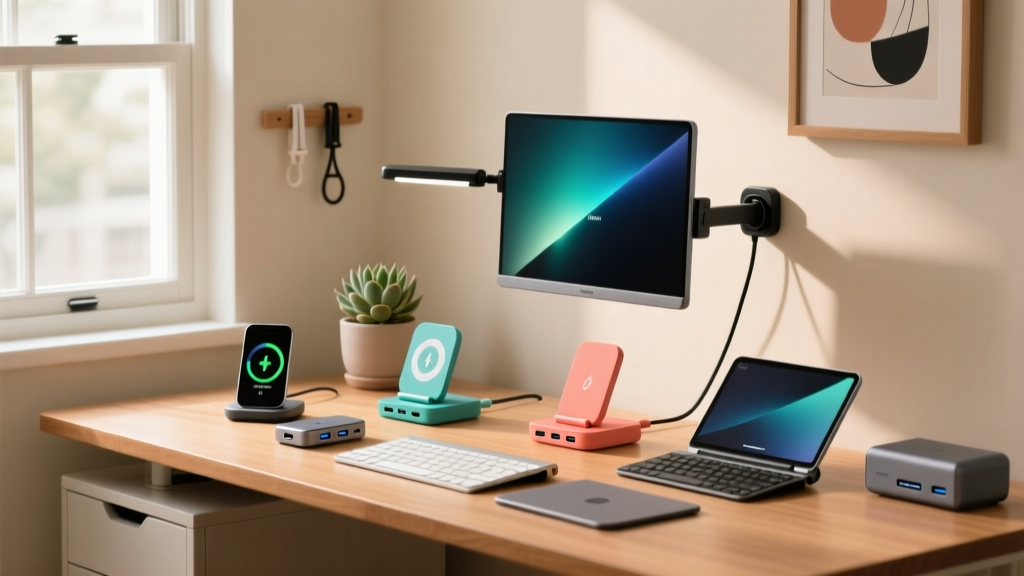
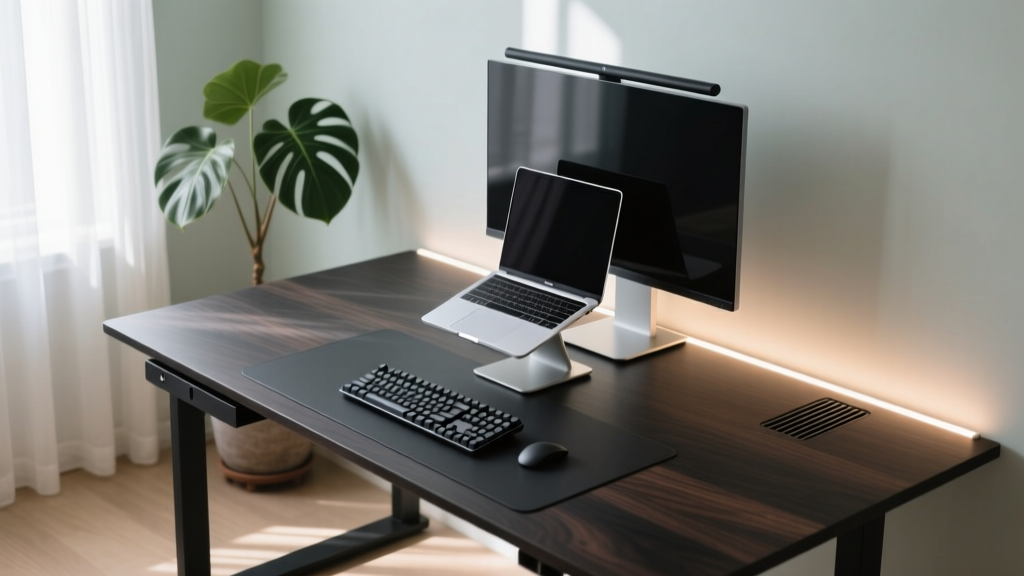
The Micro-Office Reality: Why Every Inch Counts
The shift toward permanent hybrid work has forced a reckoning with residential square footage. According to recent workplace analyses by Gensler Research, over 40% of remote knowledge workers now operate from dedicated spaces smaller than 80 square feet. When your entire office is essentially a converted closet or a 48-inch alcove desk, traditional desktop towers, sprawling docking stations, and bulky monitor arms become physical liabilities.
Curating a list of must have home gadgets for restricted floor plans requires a fundamental shift in purchasing logic. You are no longer buying for maximum performance alone; you are buying for volumetric efficiency. Every device must either serve multiple functions, mount to a non-horizontal surface, or collapse when not in use. Below, we break down the exact compact solutions that reclaim desktop real estate without sacrificing ergonomic integrity or processing power.
1. The Zero-Footprint Docking Station
Standard USB-C hubs dangle off the side of your laptop, creating a tangled nest of cables that sweeps across your mousepad. The solution is a dock that doubles as a structural support. The Satechi Dual Dock Stand ($159.99) is engineered specifically for this micro-desk dilemma.
Measuring just 10.2 x 5.5 x 3.1 inches, this aluminum chassis elevates your 13-to-16-inch laptop to an ergonomic viewing height while housing a full suite of connectivity. It features dual 4K HDMI ports, Gigabit Ethernet, and a 60W pass-through charging module. By placing the laptop on the dock, you eliminate the need for a separate laptop stand and a desktop dongle, effectively merging two gadgets into a single 56-square-inch footprint.
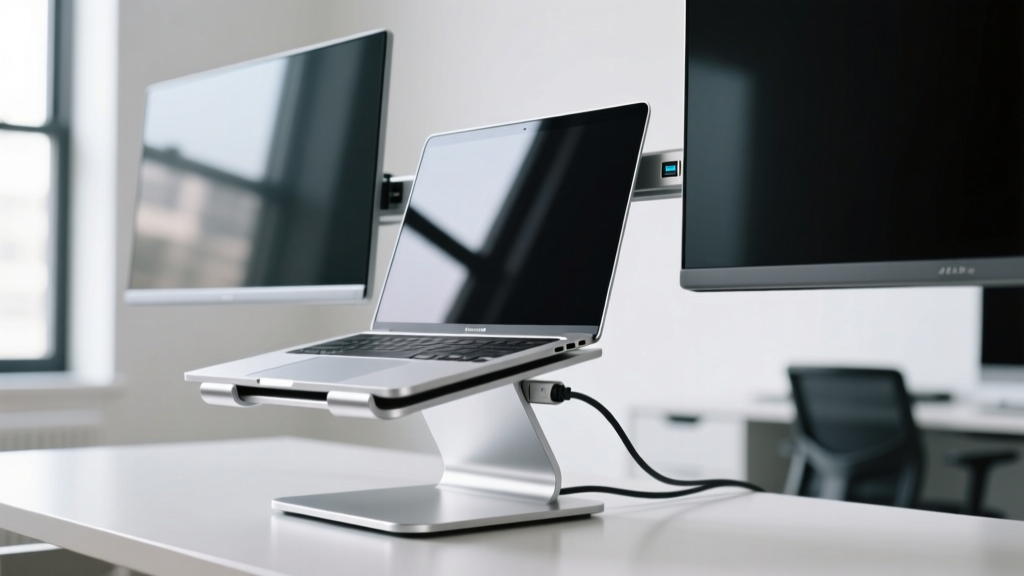
Failure Mode Warning: The Satechi dock relies on a dual USB-C cable connection for full display bandwidth. If your laptop only has a single Thunderbolt port that supports dual video output, you must verify your specific GPU limitations (e.g., base M-series Apple Silicon chips natively support only one external display without DisplayLink drivers) before purchasing.
2. Asymmetric Optics: Lighting Without the Base
Proper task lighting is non-negotiable for reducing eye strain, but traditional desk lamps with weighted bases consume up to 60 square inches of prime desk space. The BenQ ScreenBar Halo ($199) solves this by clamping directly to the top bezel of your monitor.
The Halo utilizes asymmetric optical design, meaning it projects light downward onto your keyboard and documents without creating glare on the screen itself. It requires exactly zero inches of desk depth. The included wireless puck controller sits on your desk, taking up a mere 2.5-inch diameter, and allows you to adjust the color temperature from 2700K to 6500K. For small desks, removing the physical lamp base is one of the most impactful spatial upgrades you can make.
Space Reclaimed: Desktop Footprint Analysis
To understand the spatial ROI of compact gadgets, consider the following footprint comparison for a standard 48-inch x 24-inch desk setup:
| Gadget Category | Traditional Footprint | Compact Alternative | Space Saved |
|---|---|---|---|
| Laptop Stand + Hub | 85 sq inches | Satechi Dual Dock Stand | 42% (Merged footprint) |
| Desk Task Lamp | 60 sq inches | BenQ ScreenBar Halo | 100% (Zero desk footprint) |
| Full-size Keyboard | 135 sq inches | NuPhy Air75 V2 (75%) | 35% |
| Desktop Speakers | 45 sq inches (pair) | Creative Pebble V3 (Spherical) | 20% (Reduced depth) |
3. Ultra-Low-Profile Peripherals
When desk depth is limited to 24 inches or less, the height and length of your keyboard dictate your remaining mouse movement area. The NuPhy Air75 V2 is a 75% layout mechanical keyboard that measures just 296mm in length and an incredibly slim 21.6mm in height at its lowest point.
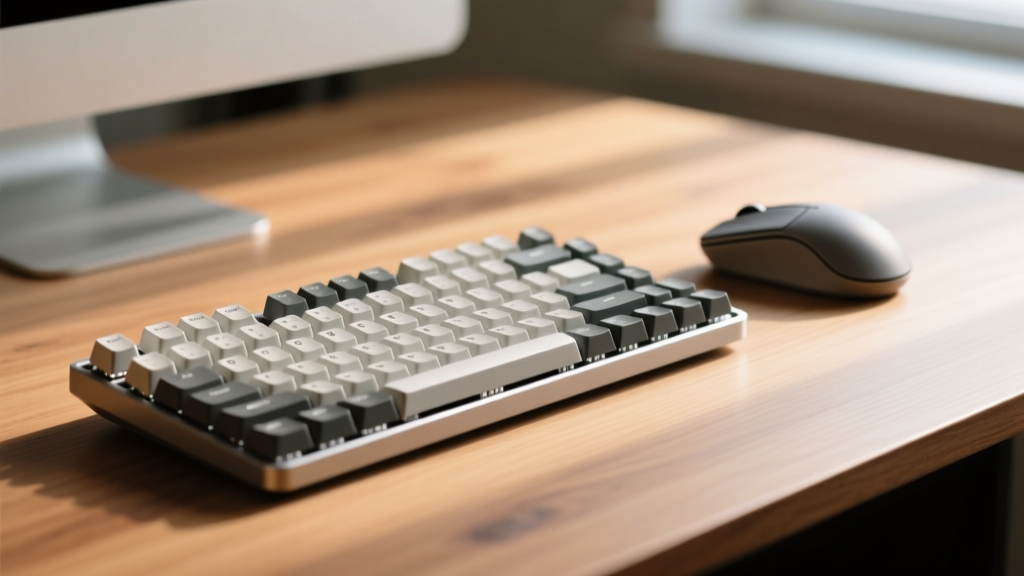
Because it lacks a bulky wrist rest and features a compact chassis, it leaves an additional 4 inches of horizontal space for your mouse compared to a standard 104-key board. Furthermore, its low profile allows it to slide directly under the raised lip of many monitor stands or laptop docks when not in use, effectively hiding it from the workspace.
4. Under-Desk & Vertical Real Estate
Ergonomic guidelines from OSHA emphasize the necessity of keeping frequently used items within the primary reach zone (an arc of roughly 15 to 17 inches from the user). In a small office, this zone is easily cluttered. The solution is to exploit the negative space beneath and beside the desk.
The Huanuo Under-Desk Headphone Mount ($12.99) uses a C-clamp mechanism to secure your headset out of sight. However, you must measure your desk thickness before purchasing; the Huanuo clamp maxes out at 1.7 inches, meaning it will not fit on thick butcher-block desks without a spacer. For vertical storage, the Grovemade Desk Shelf ($120) elevates your monitor while creating a 16-inch wide cavity underneath to slide your keyboard, notebook, or tablet completely out of the way during non-working hours.
The 48-Inch Desk Decision Framework
If your primary workspace is 48 inches wide or smaller, apply this strict decision matrix before adding any new gadget to your cart:
- The Rule of Two Functions: Does the device perform at least two distinct roles? (e.g., A wireless charging pad that also acts as a phone stand is acceptable; a standalone charging puck is not).
- The Vertical Mandate: Can this device be mounted? If a gadget has a VESA mount compatibility or a clamp option, it takes priority over the freestanding version.
- The Cable Tax: Every new gadget introduces cabling. If you cannot route the device's power cable through a single JOTO Cable Management Sleeve (a 1/4-inch braided PET tube that costs roughly $12.99 for a 10-foot roll) to the floor, the device will create visual and physical clutter that ruins a small desk's aesthetic.
According to research from Cornell University Ergonomics, cluttered workspaces directly correlate with increased cognitive load and reduced task efficiency. By rigorously filtering your tech purchases through a spatial-efficiency lens, you transform a cramped corner into a highly functional, distraction-free command center. The best gadgets for small spaces are the ones you barely notice are there until you need them.
Written by
Marcus WebbMarcus Webb served as a U.S. Army logistics officer for 8 years, where he managed field equipment procurement and tactical gear evaluation across three combat deployments. After honorable discharge, he earned a certification from the Professional Knife Makers Association and became a certified Wilderness First Responder (WFR). Marcus has tested over 500 EDC products in extreme environments — from -40°F in Alaska to 120°F in the Mojave Desert — using military-spec testing protocols. His reviews of multi-tools, tactical flashlights, and survival gear are known for their rigorous methodology: controlled drop tests from 6 feet, 120-minute water submersion at 2 meters, and lateral torque testing at 45 Nm. He is a member of the Blade Show judging panel and contributes to OutdoorGearLab.