Must-Have Gadgets 2025 & 2026: Compact Tablet Accessories
Discover the best space-saving tablet and e-reader accessories for 2026. We compare ultra-compact cases, magnetic styluses, and foldable stands.
The Shift to Ultra-Compact E-Reader and Tablet Setups
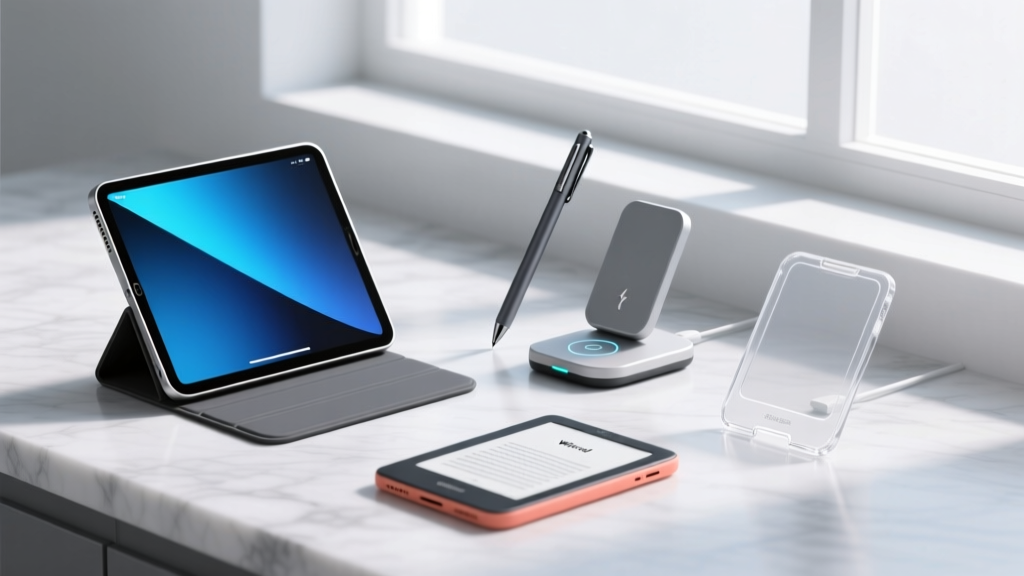
When curating a list of must have gadgets 2025 and 2026, the focus for tech enthusiasts has aggressively shifted from feature-bloat to spatial efficiency. For digital minimalists, frequent travelers, and remote workers, the tablet and e-reader ecosystem is no longer just about the screen itself; it is about minimizing the physical footprint of the peripherals. A standard rugged case adds up to 14mm of thickness and 150g of weight to an iPad Pro M4, entirely negating the engineering marvel of Apple's 5.1mm chassis. This guide dissects the exact space-saving accessories that protect your devices while maintaining a near-zero footprint, utilizing precise measurements and real-world failure modes to help you build a truly compact mobile workstation.
Magnetic & Modular Cases: Ditching the Bulk
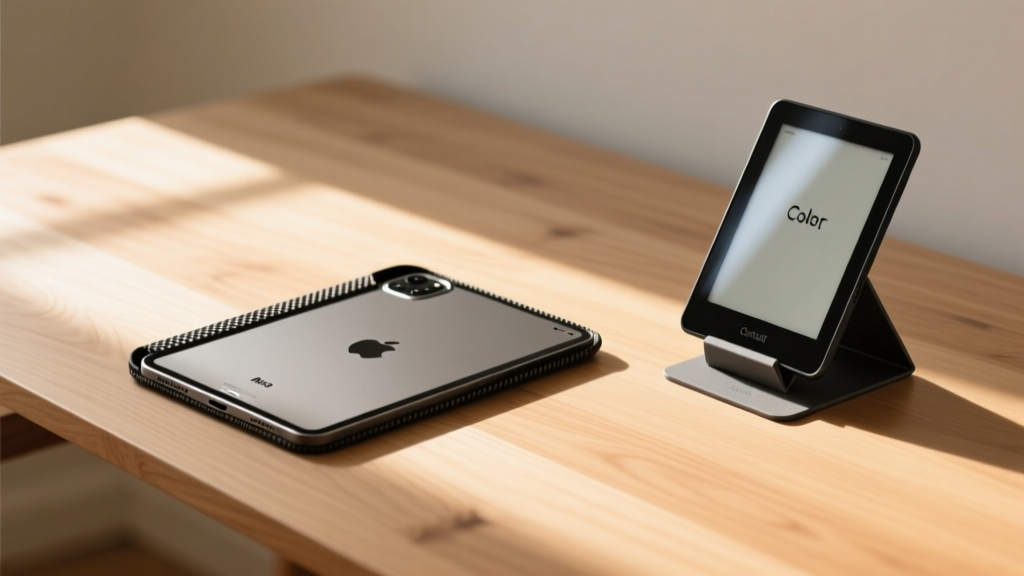
The traditional silicone or polycarbonate tablet case is a spatial liability. The modern space-saving approach relies on aerospace-grade aramid fiber and integrated magnetic arrays. The Pitaka MagEZ Case 4 for iPad Pro M4 is currently the benchmark for this category. Measuring just 1.1mm in thickness and weighing 110g, it adds virtually zero bulk. More importantly, it features an embedded N52 neodymium magnetic ring that allows the iPad to snap directly onto MagSafe-compatible car mounts and desk stands without requiring a secondary metal plate.
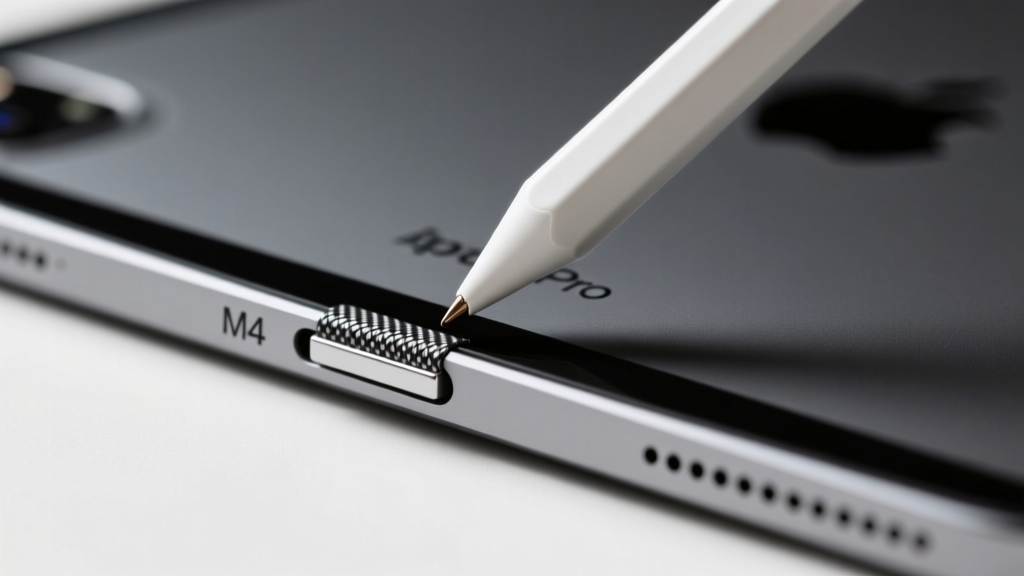
Many ultra-thin third-party cases on the market use metallic backplates that block the Apple Pencil Pro's wireless charging coil. The Pitaka MagEZ 4 specifically leaves a precise 12mm cutout along the right bezel and uses non-interfering aramid weave, ensuring the Pencil charges at the full 2.5W rate. Always verify the exact millimeter cutout specifications before purchasing third-party cases for the M4 chassis.
For e-reader enthusiasts, the Moft Snap Case for Kindle Scribe and Colorsoft ($45) solves a major spatial problem: e-readers lack native magnetic mounting. By encasing the Kindle in this 1.5mm TPU and fiberglass shell, you instantly grant it MagSafe compatibility. This allows you to mount your Kindle to a kitchen fridge, a magnetic desk arm, or an airplane tray table using a single, reusable magnetic puck, eliminating the need for bulky, hinged folio covers that add 60g of dead weight when reading in bed.
Stylus Storage Solutions That Actually Save Space
Losing a stylus or dealing with tethered loops is the antithesis of a compact setup. The goal is seamless, flush integration. According to Apple's official Pencil charging requirements, the Apple Pencil Pro (13g) relies on a precise magnetic alignment array on the iPad's side bezel. However, for e-ink devices like the reMarkable Paper Pro or Supernote Nomad, native magnetic attachment to the tablet body is either weak or non-existent.
The Magnetic Sleeve Hack for E-Ink Tablets
Instead of buying a $60 bulky folio case just to hold your stylus, use a MagSafe Adhesive Ring ($8) applied directly to the back of your bare reMarkable or Supernote. Pair this with a third-party magnetic stylus sleeve (like the 15g TPU sleeve from Renzoe or generic Amazon alternatives). This creates a flush, snap-on storage solution that adds less than 2mm of thickness to the back of your device, allowing you to slide the tablet into a slim laptop sleeve without the stylus snapping off in your bag.
| Stylus Storage Method | Added Thickness | Security in Transit | Best For |
|---|---|---|---|
| Native Magnetic Bezel (iPad Pro) | 0.0mm | Low (Snags on fabric) | Desk-only workflows |
| MagSafe Ring + TPU Sleeve | 2.1mm | High (N52 magnets) | Commuters & Travelers |
| Elastic Folio Loop | 4.5mm | Medium (Can stretch) | Traditionalists |
Origami & Micro-Fold Stands for Tiny Desks
A tablet is only as good as its viewing angle, but traditional aluminum kickstands consume massive amounts of bag real estate. The CDC guidelines on workstation ergonomics emphasize that screens should be at or slightly below eye level to prevent cervical spine strain (tech neck). To achieve this without carrying a 1-pound aluminum rig, you need micro-fold origami stands.
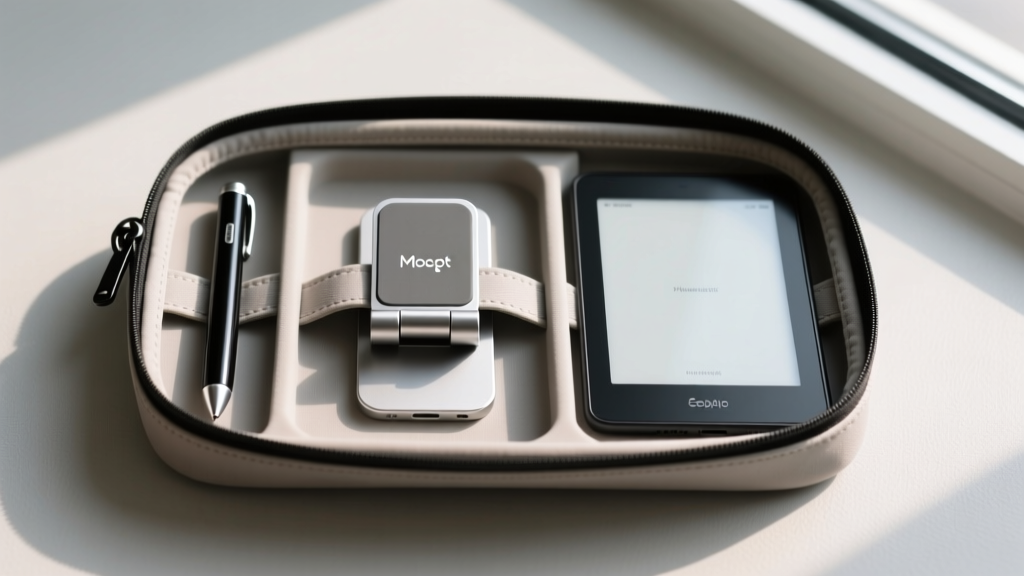
The Moft Snap Stand ($25) is a revelation in spatial efficiency. When folded, it measures just 0.16 inches (4mm) thick—essentially the thickness of three credit cards. It adheres directly to the back of your tablet or its MagSafe case via magnets. Despite its paper-thin profile, its fiberglass-reinforced polyurethane construction supports up to 2.2 lbs, easily holding a 13-inch iPad Pro M4 (1.28 lbs) in both portrait and landscape orientations.
Comparison: Ultra-Compact Tablet Stands
- Moft Snap Stand: 4mm folded thickness, 28g weight, MagSafe compatible. Ideal for minimalists who never want to detach their stand.
- Twelve South Compass Pro: 10mm folded thickness, 180g weight, CNC aluminum. Ideal for users who need extreme rigidity for heavy drawing pressure but can sacrifice 6mm of bag space.
- Nulaxy Fully Foldable: 12mm folded thickness, 195g weight, dual-hinge aluminum. Features a lower center of gravity, better for tall 13-inch tablets on uneven surfaces like airplane tray tables.
Decision Framework: Which Compact Setup Fits Your Workflow?
Do not buy accessories in a vacuum. Your spatial constraints dictate your hardware choices. Use this framework to finalize your loadout:
Prioritize the Pitaka MagEZ Case 4 + Moft Snap Stand. The combined weight is under 140g, and the MagSafe ecosystem allows you to snap your tablet onto airport lounge magnetic mounts without digging through your bag for a separate kickstand.
Spatial efficiency must not compromise drawing stability. Skip the adhesive origami stands. Use a bare iPad Pro M4 (or Pitaka case) paired with the Twelve South Compass Pro. The 180g weight penalty is mandatory to prevent screen wobble during aggressive Apple Pencil Pro shading strokes.
Ditch stands entirely. Apply a MagSafe ring to your Kindle Colorsoft or Scribe, and purchase a $15 magnetic finger-ring grip. This allows you to hold a 10.2-inch e-reader securely with one hand while lying down, eliminating the need for heavy pillow-stands or bedside arms.
Expert FAQ on Minimalist Tech Accessories
Will a MagSafe adhesive ring damage my e-reader's battery?
No. E-ink devices like the Kindle Scribe and reMarkable Paper Pro have their lithium-ion batteries shielded by aluminum backplates and internal EMI (Electromagnetic Interference) shielding. The static magnetic field of an N52 ring (approx. 150 Gauss at the surface) is far too weak to penetrate the shielding or degrade the battery chemistry. However, avoid placing the ring directly over the wireless charging coil if your specific tablet model supports Qi charging.
How do I clean aramid fiber cases without ruining the matte finish?
Aramid fiber (Kevlar) is highly resistant to chemicals but can trap skin oils in its microscopic weave, making it look shiny and worn over time. Do not use alcohol wipes, which can degrade the resin coating. Instead, use a microfiber cloth lightly dampened with a 50/50 mix of distilled water and white vinegar, wiping in the direction of the carbon/aramid grain.
Written by
Ryan TanakaRyan Tanaka holds a B.S. in Mechanical Engineering from Oregon State University and is a certified AWS Solutions Architect. He has built over 80 custom electronics projects ranging from CNC machines to IoT sensor networks, and has reviewed development boards, 3D printers, soldering equipment, and maker tools for the past 6 years. Ryan is an active contributor to 12 open-source hardware projects on GitHub and teaches monthly workshops at three hackerspaces across the Pacific Northwest. His reviews combine engineering rigor with accessibility — he evaluates products not just on specs but on documentation quality, community support, and learning curve for beginners. He has presented at Maker Faire Bay Area, Open Hardware Summit, and the Adafruit community showcase, and maintains a popular blog documenting his build processes.