Beyond the Best Gadget Gifts 2025: 2026 Desk Tech Finds
Skip generic lists. Discover unique, high-impact home office gadgets for 2026 that optimize cognition, ergonomics, and deep work.
The Problem with Mainstream Gadget Lists
If you search for the best gadget gifts 2025, you will inevitably find the same recycled recommendations: smart mugs that keep coffee at exactly 135°F, basic mechanical keyboards, and generic wireless charging pads. While functional, these devices fail to address the actual bottlenecks of modern remote work. In 2026, the home office paradigm has shifted from mere connectivity to cognitive preservation, micro-ergonomics, and sensory optimization.
Upgrading your workspace requires moving past superficial conveniences and investing in tools that actively reduce decision fatigue, prevent circadian disruption, and streamline complex workflows. Below is a curated selection of highly specific, unconventional desk technology that delivers measurable returns on focus and physical comfort.
Cognitive Climate Control: Aranet4 CO2 Monitor
Indoor air quality is the most overlooked variable in home office productivity. When you work in a closed room, exhaled carbon dioxide rapidly accumulates. Most people blame their afternoon brain fog on poor sleep or heavy lunches, when the actual culprit is often a CO2 concentration exceeding 1,200 parts per million (ppm).
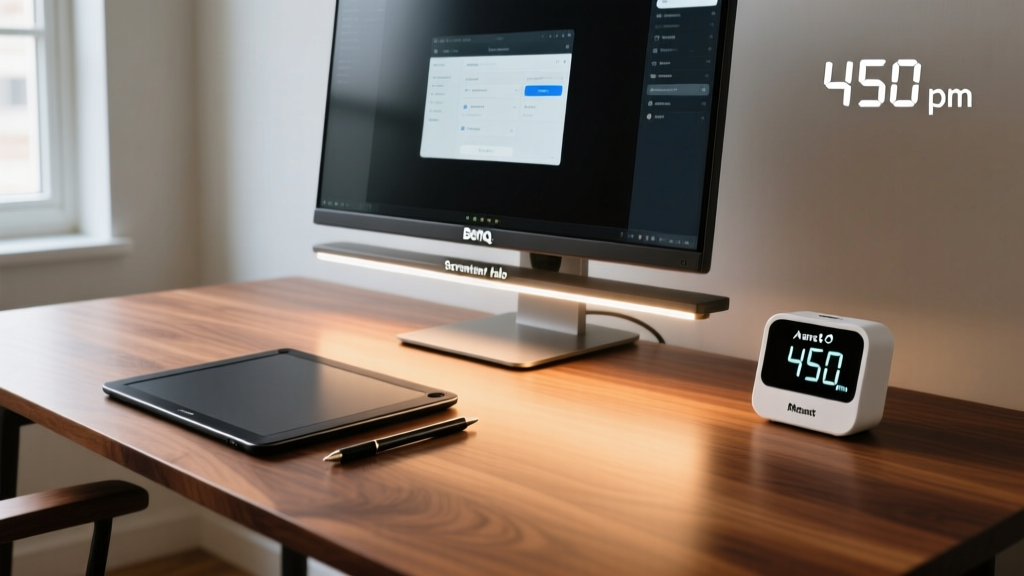
The Aranet4 ($249) is not a generic smart home sensor. It utilizes a professional-grade Non-Dispersive Infrared (NDIR) sensor with an accuracy of ±30ppm + 3% of reading. Unlike cheap metal-oxide semiconductor (MOS) sensors found in sub-$50 alternatives that drift wildly and require constant recalibration, the Aranet4 provides clinical-grade reliability.
CO2 Concentration vs. Cognitive Impact
| CO2 Level (ppm) | Environment Context | Cognitive & Physiological Impact |
|---|---|---|
| 400 - 600 | Optimal / Well-ventilated | Peak strategic thinking and information usage. |
| 800 - 1,000 | Standard closed office | Slight decrease in focused attention; onset of mild lethargy. |
| 1,200 - 1,500 | Poorly ventilated room | Significant drop in decision-making performance; drowsiness. |
| 2,000+ | Severe stagnation | Headaches, elevated heart rate, severe cognitive impairment. |
Actionable Setup: Mount the Aranet4 at seated head height (approximately 48 inches from the floor), not on the desk. Desk placement often results in localized readings skewed by your direct exhalation. Set the companion app to trigger a smart plug connected to an inline duct fan or an open-window actuator when levels breach 850 ppm.

Tactile Macro Mastery: TourBox Elite vs. Visual Decks
When creative professionals search for workflow gadgets, the Elgato Stream Deck dominates the conversation. However, the Stream Deck relies on visual confirmation—you must look at the LCD keys to press them. For video editors, 3D modelers, and digital illustrators, breaking gaze from the primary monitor to press a button interrupts the flow state.
The TourBox Elite ($199) solves this through pure muscle memory and tactile feedback. It features 14 customizable inputs, including a scroll wheel with 120 physical detents, a smooth dial with a custom haptic motor simulating virtual detents, and a joystick.
Comparison Matrix: Macro Input Devices
| Feature | TourBox Elite | Elgato Stream Deck + |
|---|---|---|
| Primary Interaction | Tactile / Muscle Memory | Visual / LCD Keypad |
| Continuous Input (e.g., Brush Size) | Excellent (Haptic Dial & Scroll) | Good (Physical Dials on + model) |
| Gaze Disruption | Zero (Blind operation) | High (Requires looking at keys) |
| Best For | Premiere Pro, Blender, Photoshop | OBS Streaming, Smart Home, Launching Apps |
The TourBox software allows for 'Kit' switching based on the active application window. When you alt-tab from DaVinci Resolve to Lightroom, the device instantly remaps its haptic profiles. The smooth dial, when configured for timeline scrubbing, provides a micro-vibration for every frame advanced, offering physical feedback that a standard mouse wheel completely lacks.
Circadian Illumination: BenQ ScreenBar Halo
Overhead room lighting creates monitor glare and casts harsh shadows on your face during video calls, while standard desk lamps occupy valuable real estate and fail to provide even illumination. The U.S. Department of Energy emphasizes the importance of task lighting to reduce eye strain, but most monitor-mounted lights fail at the physics of light dispersion.
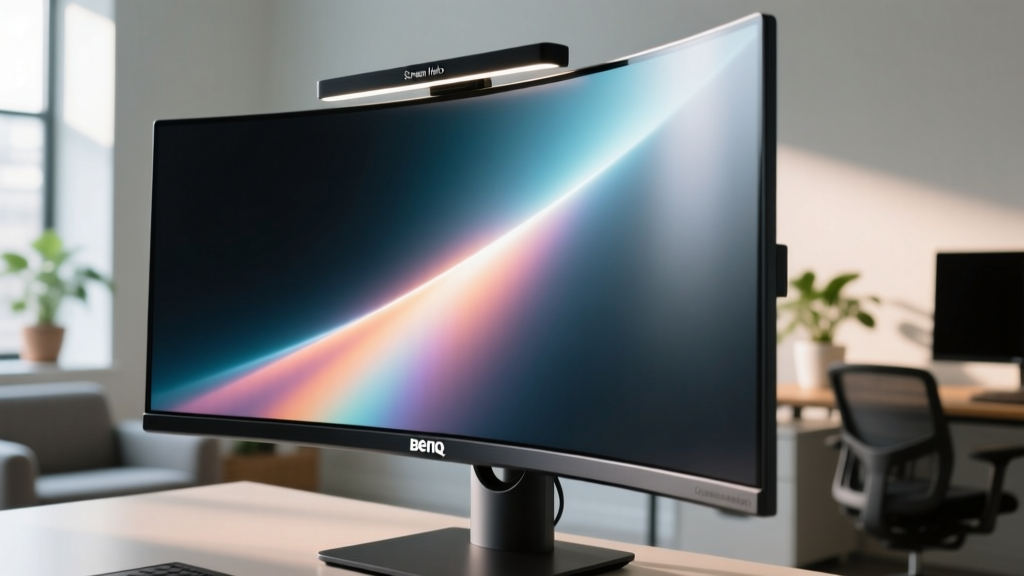
The BenQ ScreenBar Halo ($199) utilizes a patented asymmetric optical design. Instead of blasting light in a 180-degree radius (which causes screen reflections), it projects light strictly downward and forward at a precise angle. This illuminates your keyboard and desk space at 800 lux (the recommended level for detailed desk work) while emitting zero lux onto the monitor panel itself.
- CRI (Color Rendering Index): >95, ensuring that physical documents, Pantone swatches, and skin tones on video calls appear accurate, unlike cheap LED strips that skew heavily blue or green.
- Color Temperature Range: 2700K (warm, for evening wind-down) to 6500K (cool, for morning alertness).
- Controller: A weighted, wireless puck controller that sits on your desk, featuring an ambient light sensor for auto-dimming and a physical dial for brightness.
The Analog-Digital Bridge: reMarkable Paper Pro
Tablets like the iPad Pro are exceptional consumption devices, but their glossy screens, blue light emission, and constant notification pings make them hostile environments for deep, uninterrupted thinking. The reMarkable Paper Pro ($599) introduces a solution for tactile thinkers who need digital organization without the cognitive tax of a traditional tablet.
The 11.8-inch Canvas Color display uses advanced electrophoretic technology. Unlike previous e-ink generations that suffered from ghosting and slow refresh rates, the Paper Pro achieves a 12-millisecond latency when using the Marker Plus stylus. The friction coefficient of the screen surface is engineered to mimic 100gsm Bristol board, providing the micro-vibrations your fingertips expect from a physical pencil.
Why it matters for the home office: According to ergonomic guidelines from Cornell University, varying your physical posture and interaction methods throughout the day prevents repetitive strain injuries. Transitioning from a mouse-and-keyboard workflow to a stylus-and-e-ink workflow for brainstorming, diagramming system architectures, or reviewing long-form contracts forces a shift in cognitive processing, often leading to higher retention and better conceptual mapping.
The 2026 Desk Upgrade Decision Matrix
Do not buy all of these devices at once. Identify your primary workflow bottleneck and allocate your budget accordingly.
| Your Primary Bottleneck | Recommended Gadget | Expected ROI |
|---|---|---|
| Afternoon brain fog, fatigue, lack of focus. | Aranet4 + Automated Ventilation | Recovery of 1-2 hours of peak cognitive time daily. |
| Slow timeline scrubbing, repetitive mouse clicks in creative apps. | TourBox Elite | 30% reduction in editing time; decreased wrist strain. |
| Eye strain, headaches, poor video call lighting. | BenQ ScreenBar Halo | Elimination of screen glare; improved circadian alignment. |
| Digital distraction during brainstorming and reading. | reMarkable Paper Pro | Deeper conceptual thinking; zero blue light exposure. |
True workspace optimization in 2026 is not about adding more screens or faster processors. It is about engineering an environment that respects human biology and cognitive limits. By targeting air quality, tactile feedback, asymmetric lighting, and distraction-free interfaces, you build a home office that actively works for you, rather than one you merely work in.
Written by
Marcus WebbMarcus Webb served as a U.S. Army logistics officer for 8 years, where he managed field equipment procurement and tactical gear evaluation across three combat deployments. After honorable discharge, he earned a certification from the Professional Knife Makers Association and became a certified Wilderness First Responder (WFR). Marcus has tested over 500 EDC products in extreme environments — from -40°F in Alaska to 120°F in the Mojave Desert — using military-spec testing protocols. His reviews of multi-tools, tactical flashlights, and survival gear are known for their rigorous methodology: controlled drop tests from 6 feet, 120-minute water submersion at 2 meters, and lateral torque testing at 45 Nm. He is a member of the Blade Show judging panel and contributes to OutdoorGearLab.