Setup the Best Golf Gadget: Garmin R10 Home Simulator Guide
Master your home simulator. Learn how to setup and calibrate the Garmin Approach R10, widely considered the best golf gadget for indoor swing analysis.
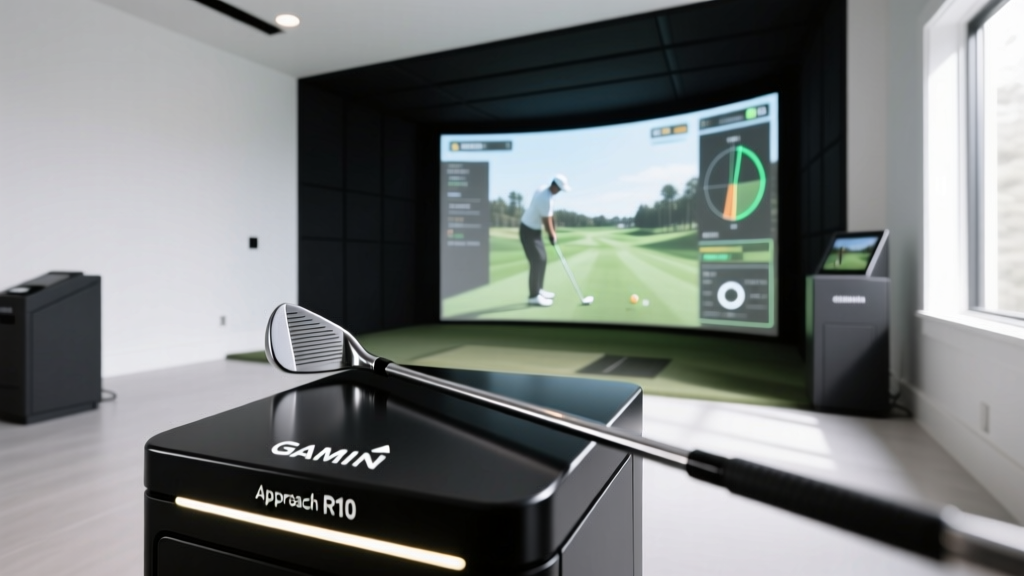
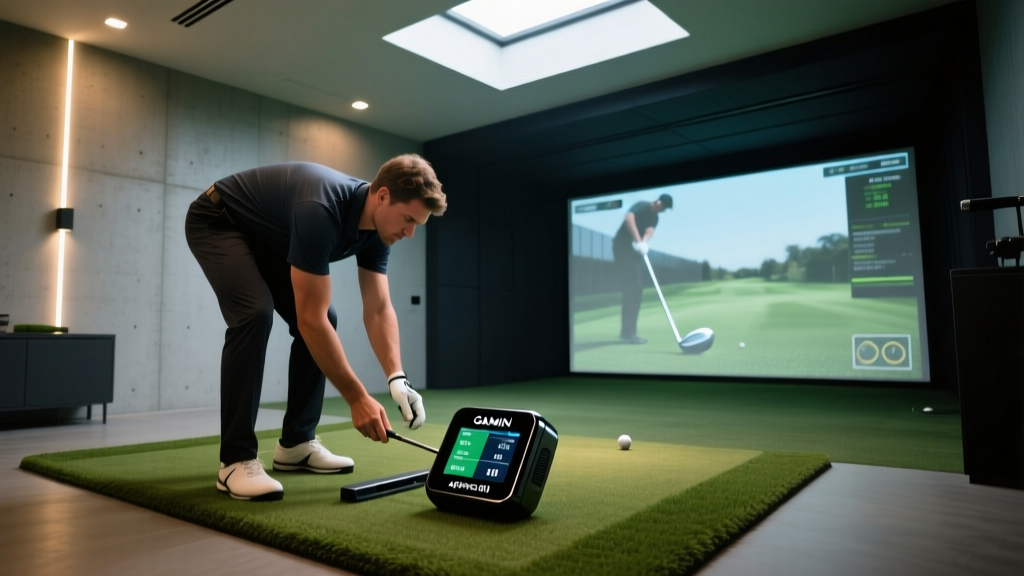
Why the Garmin R10 is the Best Golf Gadget for Home Setups
When building a home golf simulator, space and budget are usually the primary constraints. Photometric camera systems like the Foresight GCQuad require precise lighting and cost upwards of $14,000. Enter the Garmin Approach R10. Priced at an accessible $599, this Doppler radar-based unit has firmly established itself as the best golf gadget for amateur sim-builders. It tracks over a dozen club and ball metrics, including club head speed, ball speed, launch angle, and carry distance.
However, radar technology behaves differently indoors than it does on an expansive outdoor driving range. Because the R10 relies on tracking the ball's flight to extrapolate club data, a flawed physical setup will result in phantom spin rates and skewed club paths. As of early 2026, with firmware update v4.12 optimizing indoor algorithms, proper physical calibration is more critical than ever. This guide will walk you through the exact measurements, alignment tricks, and software configurations required to turn this compact device into a tour-level analytics machine.
Pre-Setup Checklist: Space, Lighting, and Hardware
Before unboxing the R10, you must verify that your physical environment can support radar tracking. Unlike camera-based launch monitors, radar does not require studio lighting, but it does require depth.
The 14-Foot Minimum Rule
The most common mistake new simulator owners make is placing the R10 too close to the ball or the net. For the radar to accurately calculate spin axis and side spin, it needs a minimum of 7 to 8 feet of unobstructed ball flight. Furthermore, the unit itself must sit 6 to 8 feet behind the ball.
- Total Depth Required: 14 to 16 feet (8 ft ball flight + 6 ft unit placement + 2 ft buffer to the back wall).
- Ceiling Height: Minimum 8.5 feet for iron swings; 9.5 to 10 feet if you plan to hit a driver indoors without altering your natural swing plane.
- Hitting Mat: Use a high-quality mat (like the Fiberbuilt Flight Deck) that sits flush with the R10's base to prevent radar bounce off the turf lip.
Step-by-Step Physical Placement Guide
Accuracy in radar tracking is entirely dependent on the angle of incidence. If the R10 is misaligned by just two degrees, your club path data will be artificially pushed or pulled.
1. Positioning the Unit and Alignment Stick
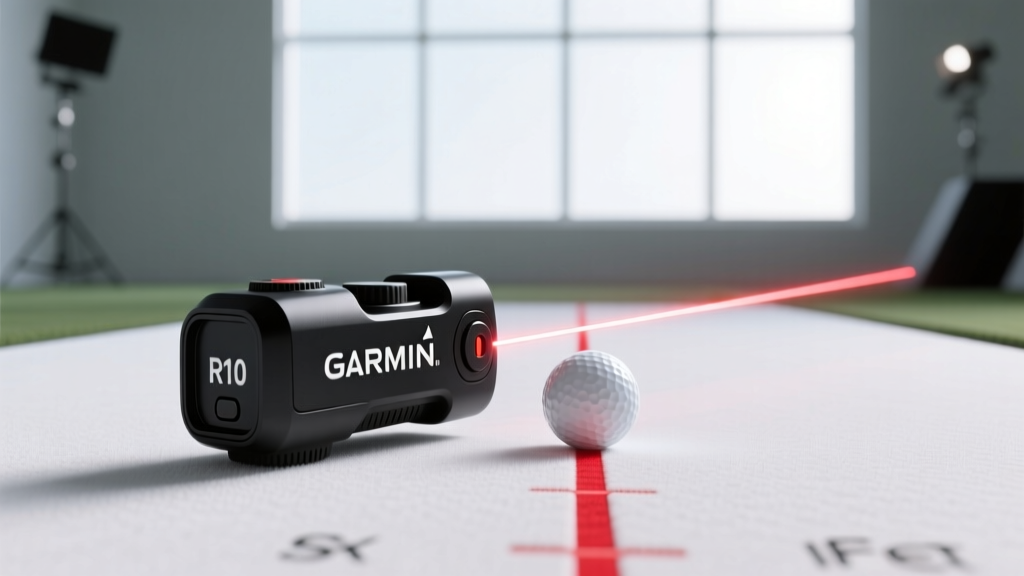
The R10 comes with a specialized alignment rod and a tripod. Do not rely on eyeballing the target line. Place a physical piece of painter's tape or a laser line from the center of your impact screen directly back to your hitting area. Position the R10 exactly 7 feet behind the ball, ensuring the red alignment indicator on the device is perfectly bisected by your laser line.
2. The Metallic Tape Trick for Indoor Spin
Pro-Tip: Radar launch monitors struggle to read spin on standard range balls indoors because the ball only flies for 8 feet before hitting the screen. To give the R10's radar a high-contrast target to track rotation, apply a small strip of metallic reflective tape (or use the Garmin-branded spin dots) on the equator of the golf ball. This single adjustment can reduce indoor spin-rate misreads by up to 40%.
Software Calibration & App Pairing
Once the hardware is locked in, you need to configure the Garmin Golf app to match your indoor environment. Failing to adjust the 'Indoor' setting will cause the algorithm to apply outdoor wind and altitude variables to your data.
- Update Firmware: Connect the R10 to Wi-Fi via the Garmin Golf app and ensure you are running the latest 2026 firmware (v4.12 or newer).
- Set Environment to Indoor: Navigate to Settings > Device > Environment and toggle 'Indoor Mode'. This forces the R10 to rely purely on initial launch metrics rather than full-flight descent tracking.
- Input Ball Type: Select your exact ball model (e.g., Titleist Pro V1) in the app. The R10 uses a proprietary database of ball compression and dimple patterns to adjust carry distance calculations.
- Run the Calibration Swing: Hit three mid-iron shots (6 or 7 iron) at 70% effort. The app will use these to baseline your smash factor and adjust for any minor mat-friction anomalies.
Troubleshooting Common Spin Rate & Misread Errors
Even with perfect alignment, indoor radar setups can produce anomalous data. Use this diagnostic matrix to solve the most frequent issues reported by simulator builders.
| Error Symptom | Probable Cause | Calibration Fix |
|---|---|---|
| Missing Spin Rate (Dashes on App) | Insufficient ball flight or low-contrast ball | Apply metallic tape to the ball; move net back 1 extra foot. |
| Club Path Skewing 3+ Degrees Left | R10 is angled slightly right of the target line | Re-laser the center line; adjust the tripod pan knob 2mm right. |
| Carry Distance 15% Shorter Than Outdoor | Hitting mat is too thick, causing 'fat' radar reads | Switch to a zero-lip turf mat; ensure R10 base is level with the turf. |
| Launch Angle Spikes Over 25° (Irons) | Radar bouncing off the ceiling or overhead netting | Hang a black baffle cloth 4 feet in front of the R10 to absorb stray waves. |
Maximizing Your Data: Integrating with E6 Connect
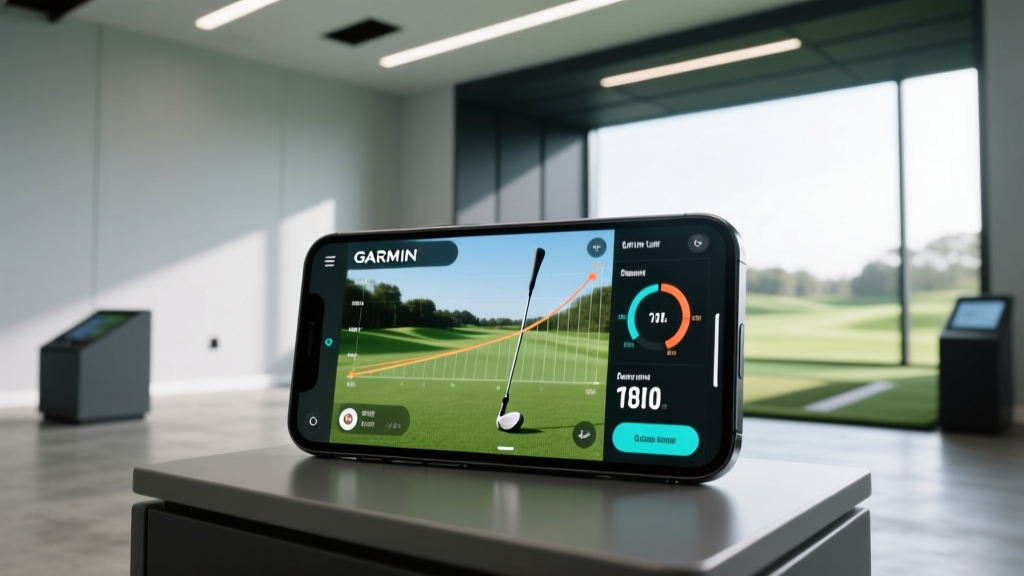
While the Garmin Golf app is excellent for range sessions, the true power of the R10 is unlocked when paired with simulation software. According to independent testing by MyGolfSpy, pairing the R10 with E6 Connect provides the most seamless translation of radar data into virtual ball flight.
To set this up, purchase the E6 Connect iOS subscription ($99/year) or the PC Lifetime license (approx. $300). In the Garmin App, go to 'Simulator Settings' and enable 'E6 Connect Integration'. When you launch the E6 app on your iPad or PC, it will automatically pull the R10's Bluetooth stream. Ensure your PC is hardwired via Ethernet; Bluetooth latency between the R10, iPad, and PC can cause a 0.5-second delay in virtual ball rendering, which disrupts the immersion of the simulation.
Frequently Asked Questions (FAQ)
Can I use the Garmin R10 outdoors as well?
Yes. The R10 is highly portable. When moving outdoors, simply turn off 'Indoor Mode' in the app. The radar will now track the ball for its entire 200+ yard flight, resulting in significantly higher accuracy for spin axis and side spin compared to indoor extrapolation.
Does the R10 work for left-handed golfers?
Absolutely. The R10 automatically detects the swing direction. However, you must ensure your simulator enclosure has enough lateral width (at least 12 feet) so the radar's field of view isn't obstructed by the side netting when tracking a left-handed swing path.
How does it compare to the Mevo+ for indoor use?
As detailed in Golf Digest's simulator guides, the FlightScope Mevo+ ($2,000) uses a more advanced 3D Doppler radar and requires slightly less depth (7-10 feet total). However, for the $599 price point, the R10 remains the undisputed best golf gadget for budget-conscious builders who are willing to take the extra 10 minutes to properly align the unit and use metallic tape for spin reads.
By respecting the physics of radar and taking the time to calibrate your environment, the Garmin Approach R10 transforms from a simple swing tracker into a professional-grade diagnostic tool, allowing you to groove your swing through the harshest winter months with absolute confidence.
Written by
Priya SharmaPriya Sharma holds a Ph.D. in Acoustical Engineering from the University of Southampton and a B.Tech in Electronics from IIT Delhi. She has spent 9 years as a consumer electronics journalist, with deep specialization in audio equipment, camera systems, and assistive technology. Priya is an active member of the Audio Engineering Society (AES) and has co-authored papers on spatial audio perception published in the Journal of the Acoustical Society of America. Her reviews of headphones, portable DACs, and studio monitors include objective measurements using Audio Precision analyzers alongside subjective listening tests. She also serves on the advisory board of the Global Accessibility Reporting Initiative (GARI), evaluating mobile devices for users with visual and hearing impairments.