Awesome Gadgets for Christmas 2026: Beginner vs Expert Desk Gifts
Discover the best awesome gadgets for Christmas 2026. We compare beginner-friendly desk accessories with expert-level home office tech for every budget.
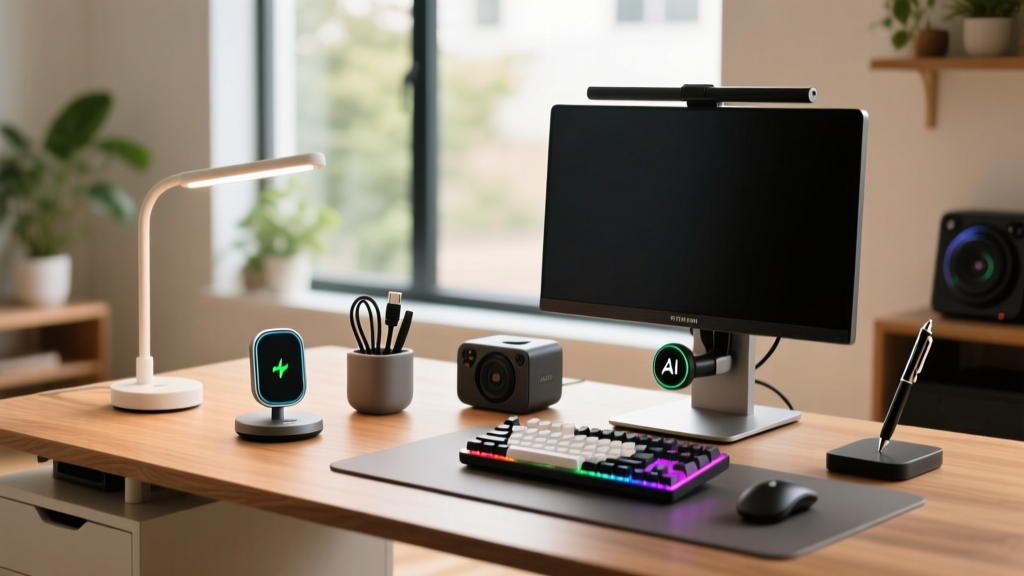
Gifting technology for the home office is a high-stakes endeavor. The line between a thoughtful productivity booster and a dusty desk ornament hinges entirely on the recipient's technical fluency and workflow demands. When curating a list of awesome gadgets for Christmas 2026, buyers must categorize their recipients into two distinct profiles: the Beginner and the Expert.
The Beginner values plug-and-play simplicity, immediate ergonomic relief, and hardware that works flawlessly out of the box without requiring software configuration. The Expert, conversely, demands API integrations, tactile customization, open-source firmware, and pro-sumer workflow acceleration. Buying an Expert gadget for a Beginner results in frustration; buying a Beginner gadget for an Expert results in boredom. This guide breaks down the ultimate home office gift matrix, ensuring your holiday budget translates directly into daily productivity gains.
The Beginner's Arsenal: Plug-and-Play Productivity
Beginner-friendly home office gadgets share three core traits: zero mandatory software installations, intuitive physical interfaces, and immediate tactile feedback. These devices solve universal pain points—like cold coffee or unreliable trackpads—without demanding a learning curve.
Logitech MX Anywhere 3S: The Universal Tracker
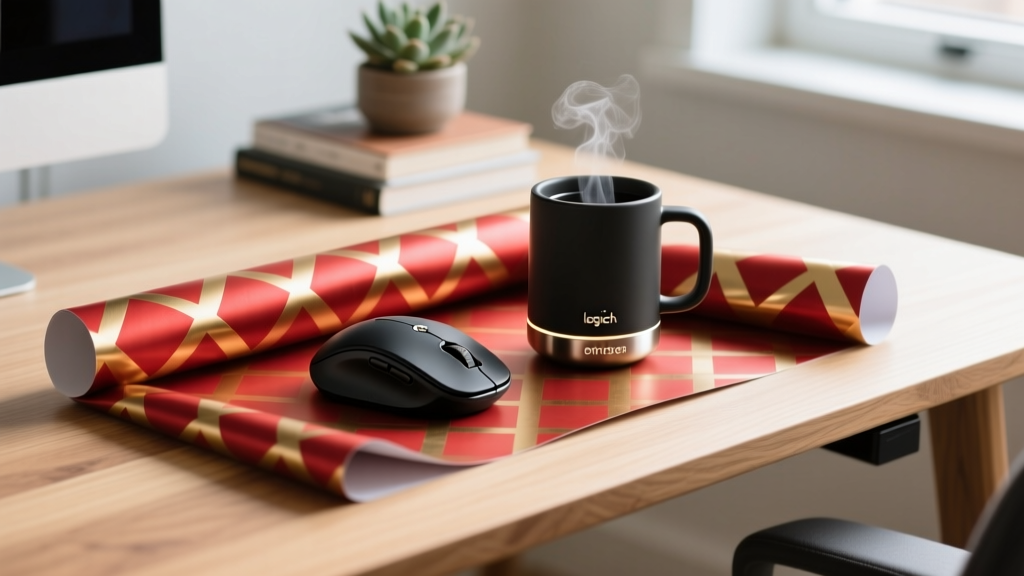
Priced at $79, the Logitech MX Anywhere 3S is the definitive entry-level upgrade for laptop users. Unlike standard optical mice that fail on reflective surfaces, the 3S utilizes an 8,000 DPI darkfield sensor capable of tracking on clear glass up to 4mm thick. This makes it ideal for beginners who frequently transition between a home desk, a kitchen island, or a coffee shop table without carrying a dedicated mousepad.
The MagSpeed electromagnetic scroll wheel is the standout feature. It shifts from ratchet scrolling to hyper-fast free-spinning in a fraction of a second, allowing users to navigate 1,000-line spreadsheets effortlessly. The Bluetooth pairing supports up to three devices, switched via a single physical button on the base, eliminating the need for Logitech's Options+ software for basic multi-device functionality.
Ember Mug 2: Precision Temperature Control
The Ember Mug 2 ($129) solves the universal problem of coffee going cold during deep-work sessions. It maintains liquids at a precise temperature between 120°F and 145°F. While a companion app exists for creating custom presets, the mug is fully functional without it. A physical dial on the base allows users to adjust the temperature manually, and the built-in auto-sleep sensor detects when the mug is empty, preserving the 1.5-hour battery life (or providing all-day heating when resting on the charging coaster).
Beginner Gifting Rule of Thumb
If the gadget requires the user to create a cloud account, flash firmware, or configure network ports just to perform its primary function, it is not a beginner gadget. Always prioritize physical, hardware-level controls for novice users.
The Expert's Domain: High-Performance Workflow Tech
Expert users view their desk not just as a workspace, but as a cockpit. They are willing to invest 30 to 60 minutes configuring software, mapping macros, and adjusting physical tolerances to shave seconds off repetitive tasks. The gadgets in this tier focus on deep integration and tactile precision.
Elgato Stream Deck +: Beyond the Broadcast
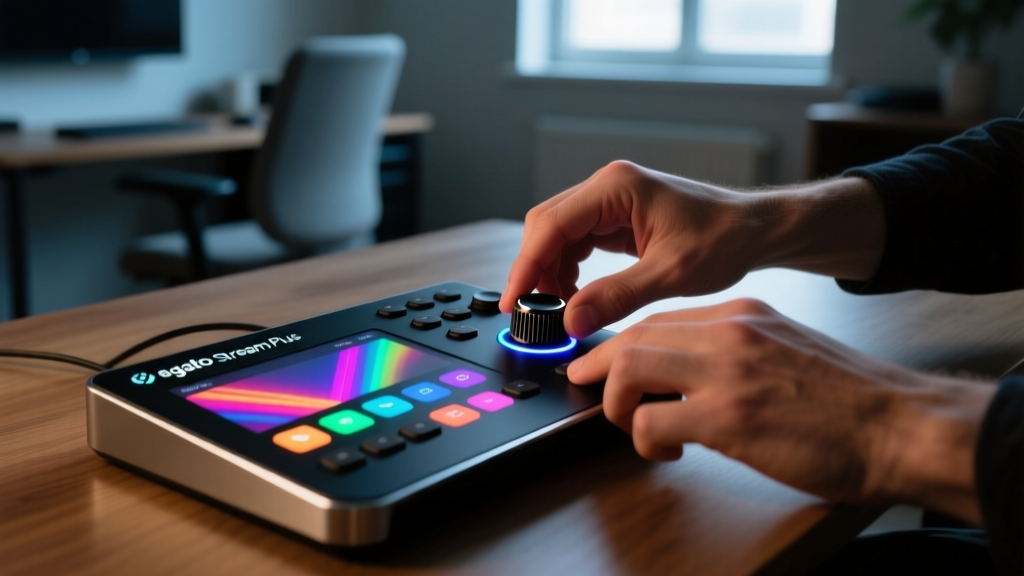
While originally marketed to live streamers, the $199 Elgato Stream Deck + has become a staple for expert video editors, programmers, and data analysts. The device features eight customizable LCD keys and, crucially, four haptic-feedback rotary dials.
For an Adobe Premiere Pro editor, these dials can be mapped to timeline scrubbing, audio track mixing, and color grading wheels, providing physical resistance that a touchscreen cannot replicate. For a developer, the dials can control terminal zoom, scroll through Docker logs, or adjust local server variables. The setup requires the Elgato desktop application and relies heavily on third-party plugins from the marketplace to interface with specific APIs. It is a high-ceiling tool that rewards technical investment with massive workflow acceleration.
BenQ ScreenBar Halo: Asymmetrical Optics
Standard LED monitor clips cause screen glare and wash out display contrast. The BenQ ScreenBar Halo ($109) utilizes a patented asymmetrical optical design that delivers 500 lux of illumination directly to the desk surface while projecting zero light onto the monitor panel.
The expert appeal lies in the included 2.4GHz wireless puck controller. Unlike basic touch-strips, the puck features physical haptic detents, allowing users to adjust color temperature (2700K–6500K) and brightness by feel, without breaking their visual focus from the screen. The Halo also includes a rear-facing ambient light module that bounces a soft glow off the wall behind the monitor, reducing the pupillary strain caused by high-contrast environments during late-night coding sessions.
Head-to-Head Matrix: Beginner vs Expert Gadget Showdown
Use this comparison matrix to quickly identify which tier your gift recipient falls into based on their current desk setup and technical habits.
| Category | Beginner Pick (Plug-and-Play) | Expert Pick (Pro-Sumer) |
|---|---|---|
| Input Device | Logitech MX Anywhere 3S ($79) Setup: 1 min via Bluetooth |
Keychron Q1 Pro ($199) Setup: 30+ mins for QMK/VIA mapping |
| Lighting | Philips Hue Play Gradient ($159) Setup: App-based sync |
BenQ ScreenBar Halo ($109) Setup: Physical mount & wireless puck |
| Workflow Control | Ember Mug 2 ($129) Focus: Physical comfort & utility |
Elgato Stream Deck + ($199) Focus: API macros & tactile dials |
| Audio | Sony WH-1000XM5 ($348) Focus: Auto-ANC & comfort |
Shure MV7+ ($279) Focus: DSP tuning & XLR/USB hybrid |
The Crossover Gift: Scaling from Novice to Pro
If you are unsure of the recipient's exact technical threshold, the safest strategy is to purchase a 'crossover' gadget—a device that offers immediate beginner-friendly functionality but hides a deep layer of expert-level customization beneath the surface.
Keychron Q1 Pro: The Mechanical Bridge
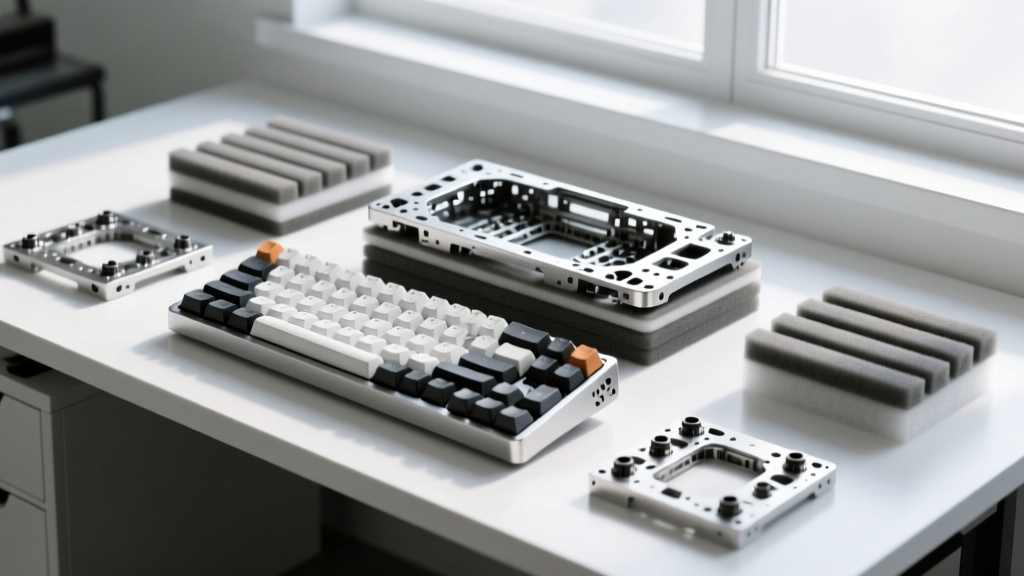
The Keychron Q1 Pro ($199) is the ultimate crossover gift. Out of the box, a beginner can connect it via Bluetooth 5.1 to their Mac or Windows PC and immediately enjoy the premium feel of a heavy CNC aluminum chassis and the acoustic dampening of a double-gasket mount design. It just works, and it feels vastly superior to standard membrane keyboards.
However, when the user is ready to level up, the Q1 Pro reveals its expert capabilities. It features full QMK and VIA support. An expert can plug it in via USB-C, open the VIA web interface, and begin remapping layers, programming complex tap-dance sequences, and adjusting the south-facing RGB LED matrix (which prevents interference with double-shot PBT keycaps). It grows with the user, ensuring the gift remains relevant whether they are writing their first novel or compiling their ten-thousandth line of code.
Expert Troubleshooting: Avoiding the 'Gift Return' Trap
Even the best gadgets will be returned if they conflict with the recipient's operating system or corporate IT environment. Before purchasing, verify these critical edge cases:
- The Corporate IT Block: Devices like the Stream Deck + require a background desktop application (consuming roughly 150MB of RAM) to process macro inputs. Do not gift this to users with strict corporate IT policies that block unauthorized background processes or require admin privileges to install USB drivers.
- The OS Ecosystem Lock: While the Ember Mug 2 hardware is universal, the companion app's background refresh capabilities are heavily restricted on newer versions of iOS, requiring the app to remain open in the foreground to adjust temperatures. Android users generally experience fewer background-process limitations.
- Monitor Curvature Limits: The BenQ ScreenBar Halo utilizes a gravity-pivot clamp designed for flat monitors or screens with a gentle curve (up to 1800R). It will not mount securely to aggressive 1000R curved ultrawide monitors, risking a $109 drop onto the desk.
Final Verdict: Matching the Gadget to the User
Finding the right awesome gadgets for Christmas requires looking past the marketing hype and evaluating the recipient's daily friction points. If they constantly complain about their laptop trackpad or cold tea, stick to the Beginner's Arsenal—the MX Anywhere 3S and Ember Mug 2 will yield immediate gratitude. If they spend their weekends optimizing their OBS studio, writing custom Python scripts, or debating switch actuation forces on forums, reach for the Expert's Domain. The Stream Deck + and Keychron Q1 Pro will signal that you understand not just what they do, but exactly how they do it.
Written by
David OkaforDavid Okafor is an ASE (Automotive Service Excellence) Master Certified Technician with 15 years of professional experience in vehicle diagnostics, aftermarket electronics installation, and fleet management. He holds an Associate Degree in Automotive Technology from Universal Technical Institute and certifications in mobile electronics (MECP Certified Installer). David has installed and reviewed over 800 car tech products — from OBD2 scanners and dash cams to full infotainment system retrofits — in vehicles ranging from economy compacts to luxury SUVs. His popular YouTube channel "AutoTech David" has over 150,000 subscribers and features detailed installation tutorials and product teardowns. He is a regular contributor to the SEMA Show's aftermarket technology showcase and advises two automotive tech startups on product development.