Space-Saving Tech: 7 Cool Gadgets for Home Offices in 2026
Discover 7 space-saving cool gadgets for home offices in 2026. Maximize small desks with vertical mounts, mini PCs, and ultra-compact peripherals.
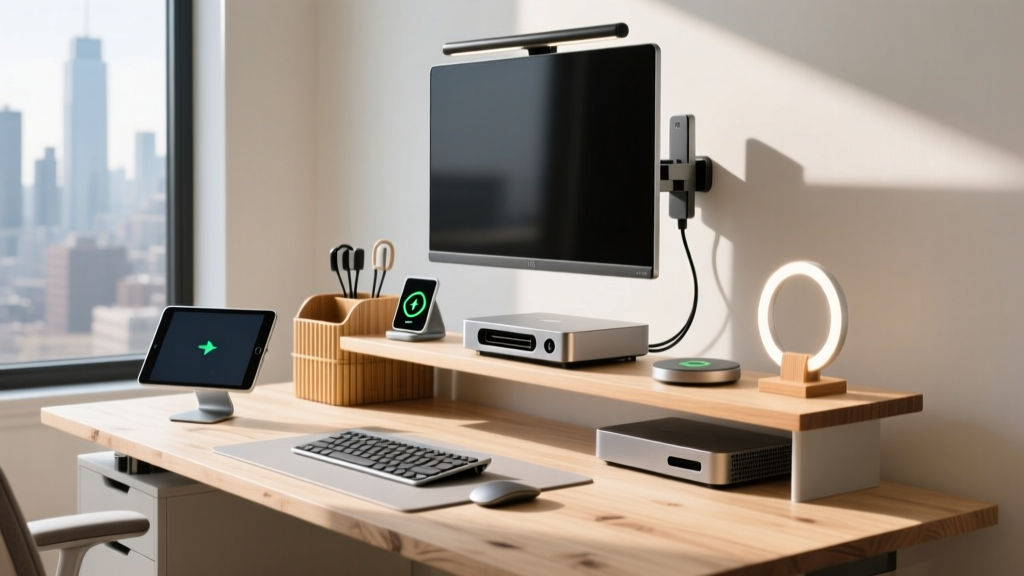
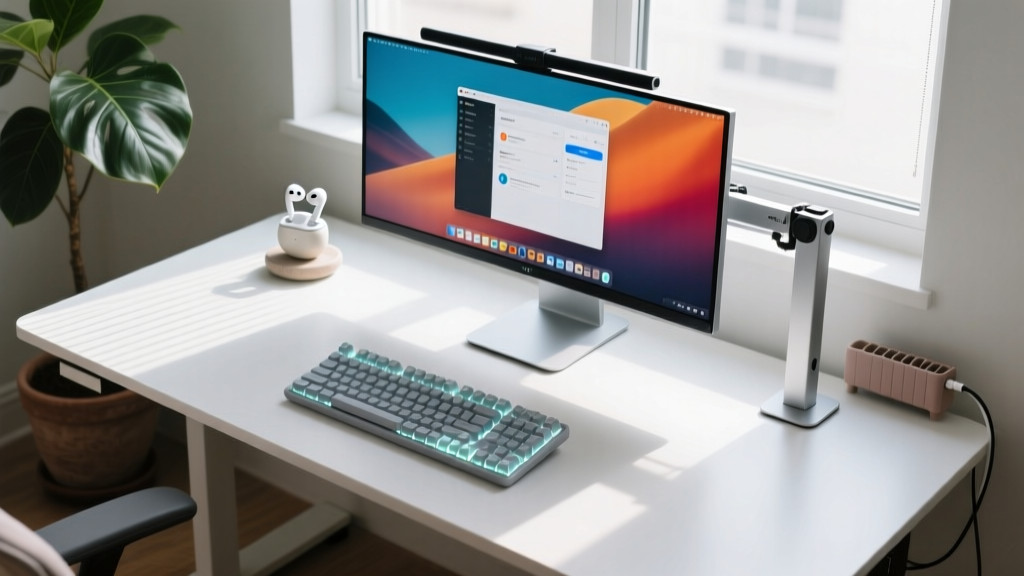
Sourcing cool gadgets for home environments often prioritizes aesthetics, but when it comes to the home office, spatial efficiency dictates the hierarchy. The average apartment desk measures 48 inches wide by 24 inches deep, yielding just 8 square feet of usable real estate. Once you account for a monitor base, a full-sized keyboard, a laptop, and a coffee mug, your mouse-tracking zone shrinks to less than 200 square inches. Upgrading a micro-workspace requires abandoning traditional form factors in favor of high-density, multi-functional hardware.
The Math of a Compact Desk: Calculating Your Usable Zone
Before purchasing space-saving hardware, you must audit your current spatial debt. According to Cornell University’s Ergonomics Guidelines, the optimal primary work zone should remain within a 15-inch radius of your seated torso to prevent repetitive strain injuries. If your monitor base or PC tower intrudes into this radius, you are actively compromising your posture to accommodate inefficient hardware.
Vertical Escalation: Reclaiming Airspace
The most immediate way to double your usable desk space is to stop using the desk surface for display support. Monitor arms and suspended shelves convert dead airspace into primary storage and viewing zones.
Heavy-Duty Monitor Arms vs. Gas-Spring Clamps
Not all monitor arms are created equal, and selecting the wrong tension mechanism is a common failure point. For standard 27-inch IPS panels weighing under 15 lbs, a gas-spring arm like the Ergotron LX Single ($179) provides adequate support. However, if you are mounting a 34-inch ultrawide or a dense 32-inch 4K display, gas springs often suffer from droop over 12 to 18 months due to seal degradation.
For heavier displays, mechanical spring arms like the Ergotron HX ($215) are mandatory. The HX supports up to 42 lbs and utilizes a VESA MIS-F compliant mounting bracket that distributes torque across a wider steel chassis. Edge Case Warning: If your desk is made of hollow-core MDF or particleboard under 1 inch thick, the C-clamp on heavy-duty arms will crush the wood fibers over time. You must install a 6x6 inch steel reinforcement plate between the clamp and the desk surface to distribute the clamping pressure.
Footprint Eradication: Micro-Factor Hardware
Eliminating the traditional mid-tower PC and full-sized peripherals is the second phase of spatial reclamation. In 2026, micro-factor hardware delivers desktop-class performance without the 18-liter chassis footprint.
The Thermal Trap: Mini PC Placement Mistakes
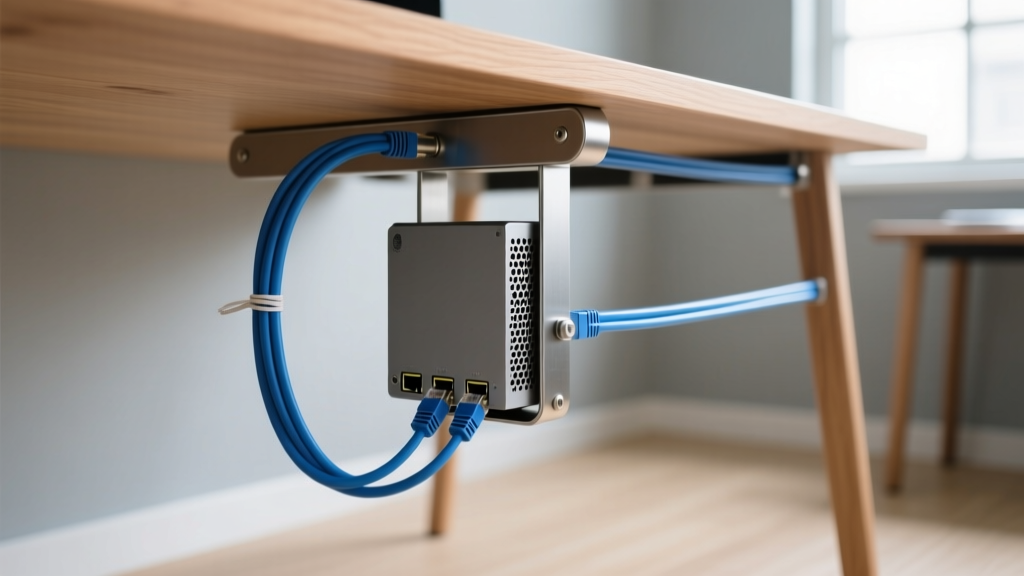
Mini PCs like the Intel NUC 14 Pro or the Apple Mac mini M4 occupy less than 40 square inches of space. However, space-saving often leads to thermal throttling when users enclose these units in unventilated desk drawers or mount them flush against a wall. The NUC 14 Pro relies on a bottom-intake, side-exhaust blower fan. If you use an under-desk VESA mount to hide the PC, ensure the mount features a cutout for the bottom intake and maintains at least a 1.5-inch clearance on the exhaust side. Failure to do so will cause the CPU to throttle from 4.8 GHz down to 2.1 GHz during sustained multi-threaded workloads.
Ultra-Compact Peripherals: The 75% Layout Advantage
Switching from a Tenkeyless (TKL) keyboard to a 75% layout like the NuPhy Air75 V2 ($139) saves exactly 3.2 inches of horizontal desk space. This specific model features a low-profile 0.8-inch chassis height, which eliminates the need for a bulky wrist rest, further preserving your 15-inch ergonomic radius. The space saved allows for a wider mousepad, enabling low-DPI (400-800) tracking which is vastly superior for wrist ergonomics compared to high-DPI flicking.
Space-Saver Comparison Matrix
| Gadget Category | Recommended Model (2026) | Footprint / Dimensions | Space Saved vs. Traditional | Estimated Cost |
|---|---|---|---|---|
| Monitor Arm | Ergotron HX Single | 0 sq in (Desk Surface) | ~120 sq in (Monitor Base) | $215 |
| Desktop PC | Apple Mac mini M4 | 5.0 x 5.0 in (25 sq in) | ~250 sq in (Mid-Tower) | $599 |
| Keyboard | NuPhy Air75 V2 | 12.5 x 4.3 in (53 sq in) | ~35 sq in (vs TKL) | $139 |
| Power Delivery | UGREEN Nexode 100W GaN | 2.6 x 2.6 in (6.7 sq in) | ~25 sq in (3 OEM Bricks) | $65 |
Power & Peripheral Consolidation
Power bricks are the silent killers of desk real estate. A standard laptop charger, a phone adapter, and a smartwatch puck can easily consume 40 square inches of power strip space while creating a cable management nightmare.
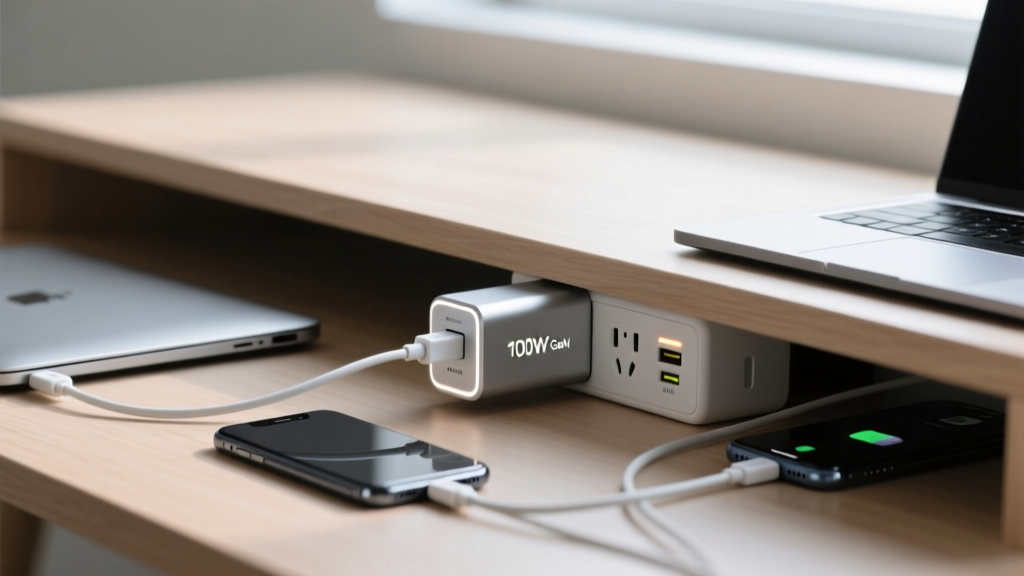
Transitioning to a Gallium Nitride (GaN) desktop charger, such as the UGREEN Nexode 100W Pro, consolidates three power adapters into a single 2.6-inch cube. GaN technology operates at higher switching frequencies than traditional silicon, allowing for smaller transformers and capacitors without sacrificing thermal headroom. When deploying a GaN charger, route the single AC cable through an under-desk cable spine, leaving only the lightweight USB-C cables visible on the desk surface. This reduces visual clutter and physical weight on the desk edge.
Edge Cases: When Space-Saving Gadgets Fail
Compact tech introduces unique failure modes that do not exist with standard-sized equipment. Anticipate these edge cases before finalizing your setup:
- VESA Mount Wobble on Ultrawides: A 38-inch ultrawide mounted on a single articulating arm will experience harmonic wobble when you type aggressively. Fix: Use a dual-arm setup with a crossbar adapter, or switch to a pole-mounted system that anchors directly to the desk grommet hole rather than the back edge.
- Under-Desk Drawer Interference: Mounting a PC or power strip under the desk often blocks the installation of a keyboard tray or pencil drawer. Fix: Map your under-desk clearance on a grid. Dedicate the left side (for right-handed users) to drawer storage and the right side to tech mounting to avoid mechanical conflicts.
- Wireless Charging Heat Throttling: Integrated desk mats with MagSafe wireless charging look sleek, but they lack active cooling. If your phone is running background syncs while charging flat against a leather mat, it will hit the 38°C thermal throttle limit and halt charging at 80%. Fix: Use elevated, fan-cooled MagSafe stands instead of flush-mounted desk pads.
Quick Decision Framework
- If your mouse constantly hits your keyboard: Buy a 75% or 65% mechanical keyboard immediately. It is the cheapest intervention with the highest ergonomic ROI.
- If you cannot fit documents or notebooks on your desk: Install a heavy-duty monitor arm. Removing the monitor base yields the largest single continuous block of free space.
- If your feet are tangled in cables: Buy an under-desk cable tray and a 100W GaN charger. Consolidating power delivery eliminates 70% of cable volume.
Maximizing a small home office is not about buying smaller versions of large products; it is about fundamentally changing the geometry of your workspace. By moving weight vertically, shrinking silicon footprints, and consolidating power delivery, you can transform a cramped 48-inch apartment desk into a high-efficiency command center.
Written by
Marcus WebbMarcus Webb served as a U.S. Army logistics officer for 8 years, where he managed field equipment procurement and tactical gear evaluation across three combat deployments. After honorable discharge, he earned a certification from the Professional Knife Makers Association and became a certified Wilderness First Responder (WFR). Marcus has tested over 500 EDC products in extreme environments — from -40°F in Alaska to 120°F in the Mojave Desert — using military-spec testing protocols. His reviews of multi-tools, tactical flashlights, and survival gear are known for their rigorous methodology: controlled drop tests from 6 feet, 120-minute water submersion at 2 meters, and lateral torque testing at 45 Nm. He is a member of the Blade Show judging panel and contributes to OutdoorGearLab.