Beginner vs Expert PC Gaming Gadgets: 2026 Buyer Guide
Discover the ultimate beginner vs expert PC gaming gadgets comparison. Upgrade your anime-inspired battlestation with our 2026 gear guide.
The Anime Battlestation Divide: Casual vs. Hardcore
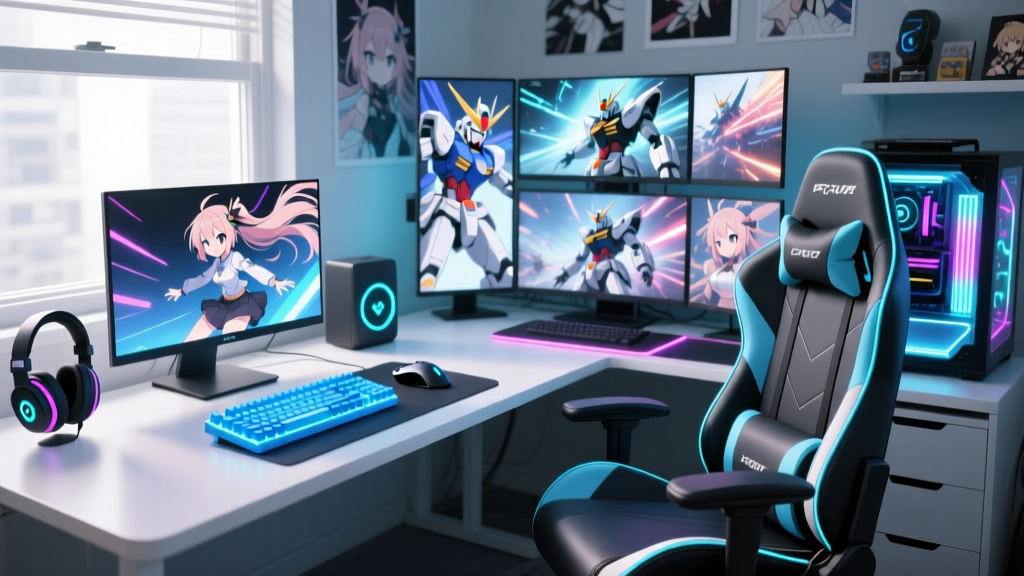
Building an anime-inspired PC gaming setup is a journey that evolves rapidly from simply slapping a colorful desk mat on a desk to engineering a highly optimized, tactile, and visually immersive command center. In 2026, the market for pc gaming gadgets has bifurcated sharply. Beginners often gravitate toward mass-produced, licensed merchandise and entry-level RGB peripherals. Experts, however, chase endgame ergonomics, bespoke artisan craftsmanship, and cutting-edge sensor technology, subtly integrating their anime aesthetic without sacrificing competitive performance.
This guide dissects the hardware gap between novice and veteran setups, providing a concrete decision framework for upgrading your battlestation. Whether you are grinding ranked matches in Valorant or streaming Genshin Impact as a VTuber, understanding where to allocate your budget is critical.
Input Devices: The Tactile Reality Check
The most frequent point of contact in any gaming setup dictates your physical experience. The divergence in quality, latency, and customization between beginner and expert input gadgets is staggering.
Keyboards: From Pre-builts to Artisan Customs
The Beginner Approach: Most newcomers start with pre-built, licensed gaming keyboards or entry-level hot-swappable boards like the Keychron K8 Pro (approx. $110). They typically pair these with mass-produced PBT anime keycap sets (like the popular Akko anime collaborations) and a stock desk mat. While functional, these setups often suffer from pre-lubed switch inconsistencies and high-profile acoustic dampening that feels 'mushy' during rapid actuation.
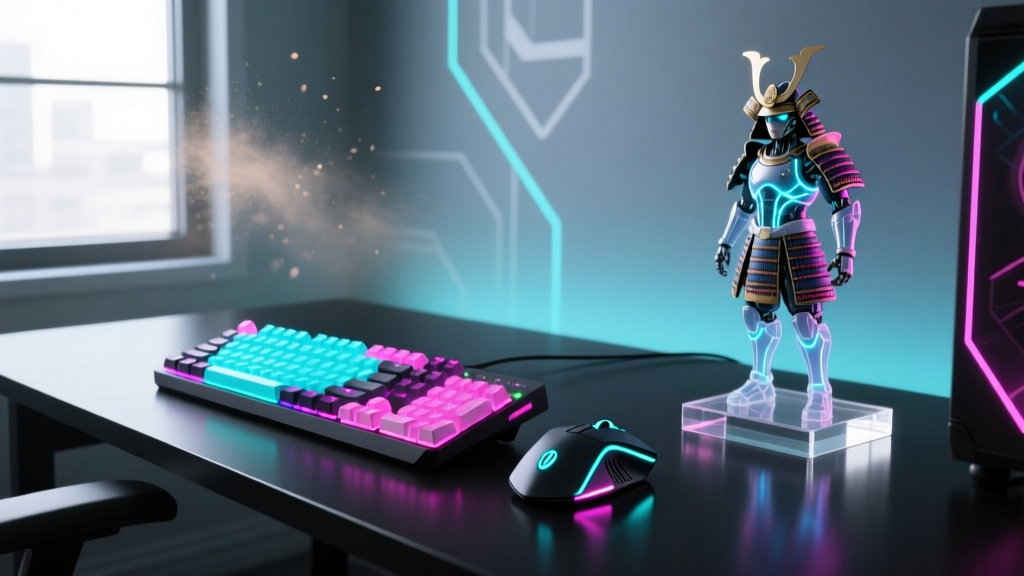
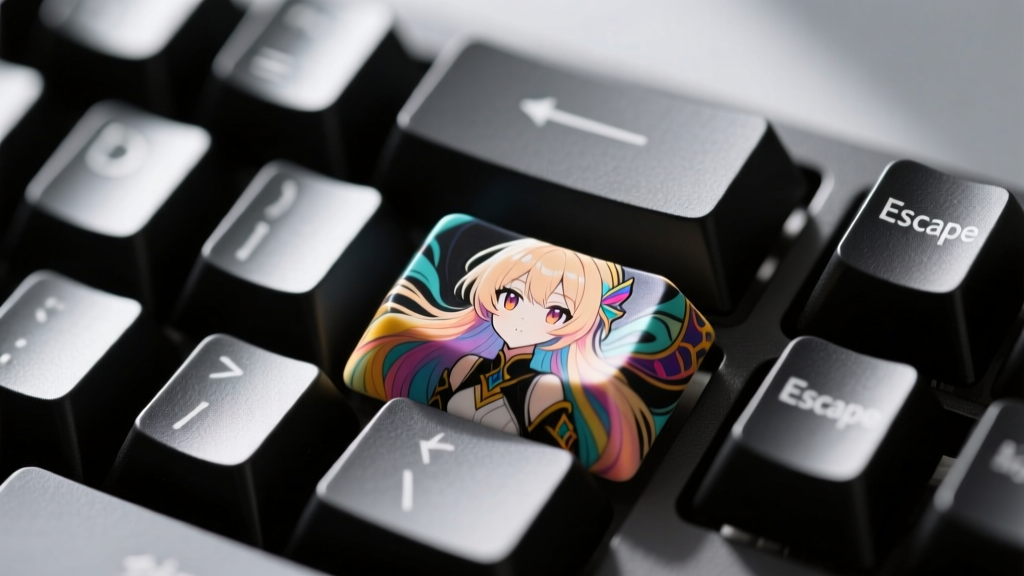
The Expert Approach: Veterans abandon the 'gamer' aesthetic for bespoke performance wrapped in subtle anime themes. The current endgame standard involves rapid-trigger magnetic Hall Effect boards like the Wooting 60HE+ ($195 base) or the ATK RS7 Pro ($120). Experts pair these with deeply customized anime resin artisan keycaps (often sourced from Etsy or specialized Group Buys for $50-$100 per cap) and hand-lubed linear switches like Gateron Oil Kings. The acoustic profile is tuned with PORON foam and tape mods, resulting in a 'thocky' sound that is deeply satisfying during long gaming sessions.
Mice: Sensor Purity and Weight Wars
The Beginner Approach: Beginners often buy heavy, feature-packed mice like the Razer DeathAdder V3 (wired) or the Logitech G305 ($50). These mice are durable but weigh upwards of 85-100 grams, leading to wrist fatigue during high-TPI anime shooter flicks. Furthermore, they often rely on generic RGB lighting to convey a 'gaming' vibe.
The Expert Approach: Experts prioritize the PixArt PAW3950 sensor and sub-60-gram weights. Gadgets like the WLmouse Beast X Max (magnesium alloy, approx. $160) or the Pulsar X2V2 Mini ($100) dominate expert anime setups. Instead of RGB, experts express their fandom through custom-molded anime-themed paracord cables, specialized PTFE glass skates for effortless gliding, and lightweight grip tapes featuring subtle character motifs. According to Tom's Hardware's peripheral testing, the reduction in rotational inertia on these ultralight shells drastically improves micro-adjustments in competitive FPS titles.
Visuals and Audio: Chasing the 2D Immersion
Translating the vibrant, high-contrast art style of anime into your physical environment requires specific display and audio technologies.
Monitors: Refresh Rates vs. OLED Perfection
Beginners usually settle for 144Hz or 165Hz IPS panels (like the LG UltraGear series, ~$200). While adequate, IPS panels suffer from 'IPS glow' and lack the infinite contrast ratios needed to make cel-shaded anime games or vibrant VTuber avatars truly pop.
Experts in 2026 have universally adopted 240Hz to 360Hz QD-OLED panels, such as the Alienware AW2725DF or the ASUS ROG Swift OLED PG27AQDP ($800-$1,000). As noted in RTINGS' comprehensive gaming monitor reviews, OLED's 0.03ms response time eliminates ghosting entirely, while the perfect blacks make neon-lit cyberpunk anime aesthetics look breathtaking. To protect these expensive panels from burn-in during static UI gameplay, experts utilize advanced pixel-shifting software and hide Windows taskbars.
Audio: Headsets vs. Open-Back Audiophile Stacks
The beginner relies on closed-back gaming headsets (e.g., HyperX Cloud II or Razer Kraken, ~$70-$100). These trap heat, clamp hard on the jaw, and offer artificially boosted bass that muddies the intricate sound design of anime OSTs and voice acting.
The expert builds an open-back audiophile stack. A pair of Sennheiser HD600s or Beyerdynamic DT 900 Pro X** ($150-$250) paired with a dedicated DAC/Amp combo like the FiiO K11 ($130) provides a massive soundstage. This allows gamers to pinpoint directional audio in competitive shooters while enjoying crystal-clear vocal reproduction for visual novels and JRPGs. Experts integrate standalone broadcast microphones (like the Shure MV7+) for voice chat, completely decoupling audio output from input.
The 2026 Anime PC Gaming Gadget Matrix
| Gadget Category | Beginner Pick (Budget/Convenience) | Expert Pick (Endgame/Performance) | Performance Delta |
|---|---|---|---|
| Keyboard | Akko MOD007B / Keychron K8 ($100) | Wooting 60HE+ + Artisan Caps ($280+) | Rapid-trigger actuation; 15ms faster response |
| Mouse | Logitech G305 / Razer Viper Mini ($50) | WLmouse Beast X Max / Pulsar X2V2 ($160) | 40% weight reduction; flawless 4K polling |
| Monitor | 27' 165Hz IPS Panel ($200) | 27' 240Hz/360Hz QD-OLED ($850) | Infinite contrast; 0.03ms pixel response |
| Audio | Closed-Back Gaming Headset ($80) | Open-Back Headphones + DAC/Amp ($350) | Wider soundstage; zero ear fatigue/clamping |
| Desk Surface | Licensed Anime Print Desk Mat ($25) | Cordura / Artisan Hien Mousepad ($60) | Humidity resistance; consistent glide speed |
Streaming and VTubing: The Expert Multiplier
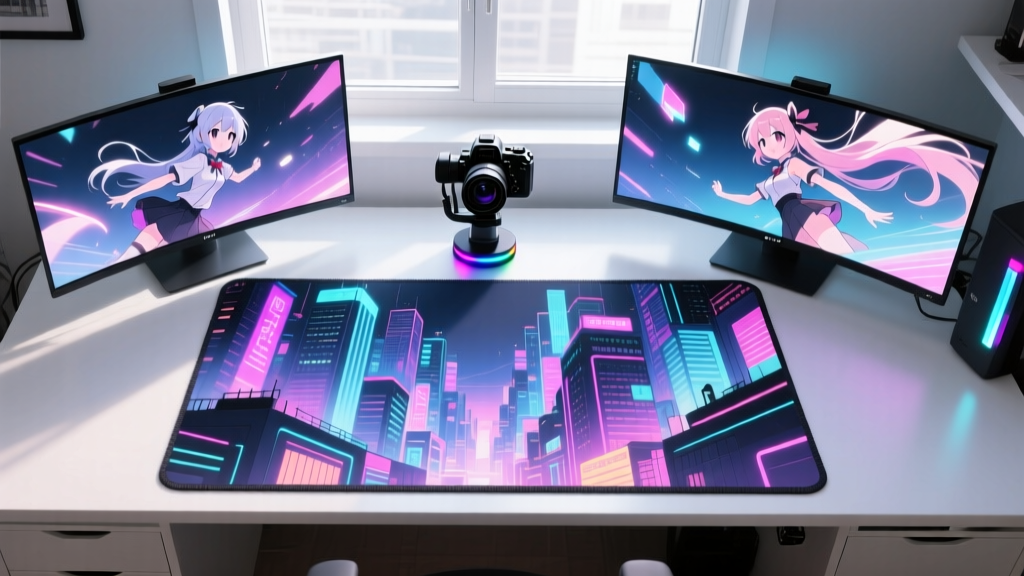
For those who don't just play, but broadcast their anime persona, the gadget gap widens significantly. Beginners often use basic 1080p webcams and rely on software-based face tracking that stutters during fast movements. They manage streams via keyboard shortcuts or a basic Elgato Stream Deck Mini.
Experts investing in VTubing or high-tier anime streaming utilize dedicated ARKit tracking hardware. Mounting an iPhone 15 Pro (or newer) on a specialized desk boom arm provides unparalleled facial capture fidelity, tracking tongue and eye movements with zero latency. For stream control, experts use the Elgato Stream Deck + ($200), programming the dials to control OBS audio filters, trigger anime soundboard macros, and adjust live 3D model physics parameters on the fly. Lighting is handled by diffused Elgato Key Light Air panels, ensuring the physical face is evenly lit for any backup camera usage without washing out the monitor's colors.
Decision Framework: How to Upgrade Smartly
Transitioning from a beginner to an expert setup shouldn't mean blindly buying the most expensive gear. Follow this priority matrix based on PC Gamer's peripheral optimization guidelines:
- Phase 1: The Foundation (Mouse & Mousepad). Ditch heavy mice. Buy a 60g ultralight mouse and an Artisan or Cordura pad. This yields the highest immediate ROI in competitive gaming performance.
- Phase 2: The Visual Upgrade (Monitor). Move to OLED. The visual fidelity for anime media and gaming is a generational leap that you will appreciate every single day.
- Phase 3: The Tactile Refinement (Keyboard). Invest in a Hall Effect keyboard. Learn to tune the rapid-trigger deadzones for your specific gaming genre.
- Phase 4: The Aesthetic Polish (Audio & Art). Build the DAC/Amp stack and commission bespoke artisan keycaps or desk mats from independent anime artists.
Frequently Asked Questions
Is it worth spending over $150 on an anime-themed mechanical keyboard?
If the budget is strictly for aesthetics, a $150 custom board with artisan anime keycaps is a fantastic collector's piece. However, if you play competitive shooters, prioritize the $195 Wooting 60HE+ for its magnetic switches, and simply add a single $40 anime artisan keycap to the Escape key for that thematic flair without sacrificing performance.
Do experts still use RGB lighting in their anime setups?
Rarely in the traditional 'rainbow wave' sense. Expert anime battlestations in 2026 favor 'bias lighting'—using high-CRI LED strips (like the Govee Glide or Philips Hue Play) mounted behind the desk and monitors, synced via software to match the dominant color palette of the anime currently being played or watched. This reduces eye strain and increases perceived contrast on OLED screens.
How do I clean custom resin anime keycaps?
Never use harsh chemicals, alcohol, or ultrasonic cleaners on painted resin artisan keycaps, as this will strip the clear coat and ruin the paint job. Use a soft, dry microfiber cloth or a clean, soft-bristled makeup brush to gently sweep away dust from the intricate crevices of the character models.
Written by
Tom ReynoldsTom Reynolds holds a CFA (Chartered Financial Analyst) designation and a B.S. in Finance from the University of Texas at Austin. Before entering tech journalism, he spent 6 years as a quantitative analyst at a hedge fund, building cost-benefit models for consumer product investments. Tom has maintained a proprietary database of over 10,000 tech deals for the past 8 years, developing his signature "penny-per-feature" evaluation framework that calculates the true value proposition of every gadget. His budget gadget reviews are known for their financial rigor — he tracks price history across 15+ retailers, calculates cost-per-use over 3-year lifespans, and identifies the exact inflection point where premium features justify their markup. Tom's deal alerts have saved his readers an estimated .3 million since 2018.