5 Unique Drawing Gadgets for Digital Artists in 2026
Discover 5 unique drawing gadgets for 2026 that break the mold. From OLED pen displays to color e-ink and 3D pens, elevate your digital art workflow.
Beyond the Glass Slab: The New Era of Digital Art
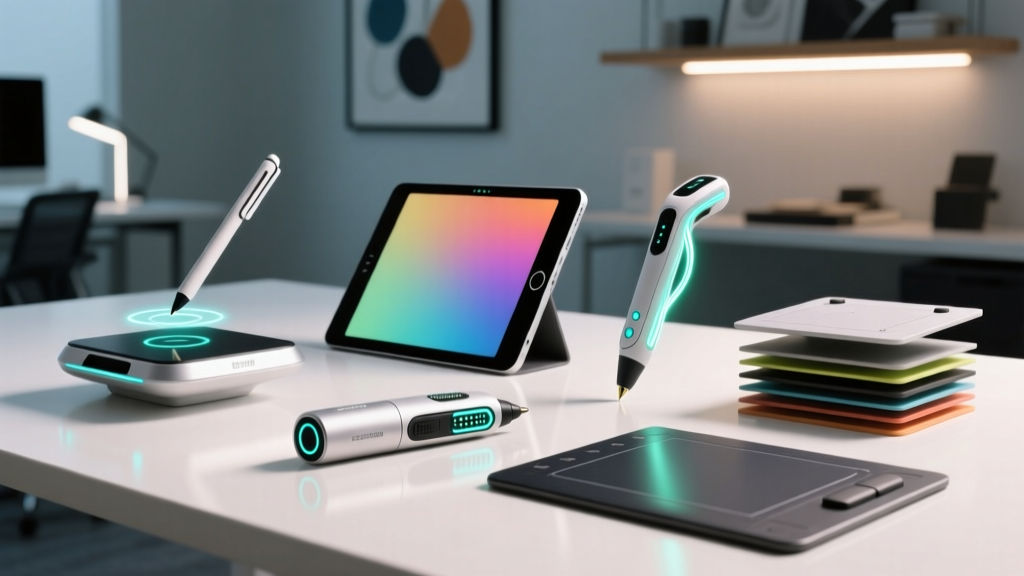
The landscape of digital art has evolved far beyond the standard glass-screen tablets of the early 2020s. As we navigate 2026, the most exciting drawing gadgets are those that solve highly specific workflow bottlenecks, introduce novel tactile feedback, or bridge the gap between physical and digital mediums. Whether you are a concept artist needing ultra-portable color accuracy on location, or an illustrator craving the tooth of real paper without sacrificing digital layers, the hardware market has finally caught up to niche demands.
In this guide, we are bypassing the standard iPad Pro and baseline Wacom Intuos recommendations. Instead, we are diving deep into five cool, highly specialized, and unique drawing gadgets that are redefining creative workflows this year. Expect exact pricing, technical specifications, and real-world edge cases for each device.
1. Wacom Movink 13: The OLED Nomad
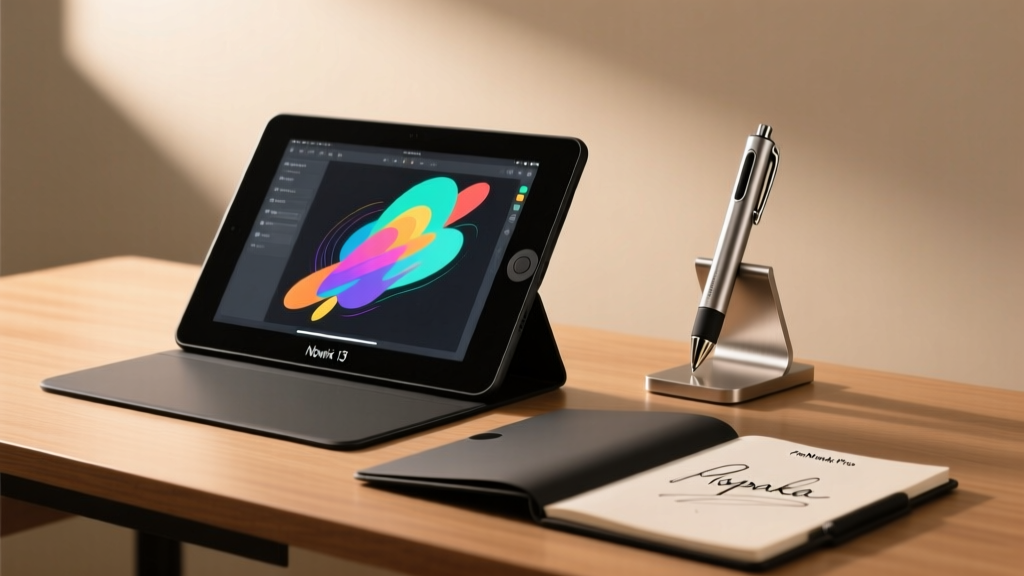
For years, digital artists have been forced to choose between portability and screen quality. The Wacom Movink 13 shatters this compromise by introducing a 13.3-inch OLED pen display that weighs a mere 1.54 lbs (700g) and measures just 0.47 inches thick.
The OLED panel delivers true blacks and a 99% Adobe RGB color gamut, which is critical for concept artists doing lighting studies in dark environments. Unlike traditional IPS displays, the Movink 13 allows you to sketch in low-light coffee shops or on dimly lit film sets without the screen washing out your values. It draws power directly via a single USB-C cable connected to a laptop or high-end smartphone, eliminating the need for a bulky power brick.
Pros & Cons Breakdown
- Pros: Unmatched contrast ratio (1,000,000:1), ultra-thin profile, no external power adapter required, compatible with Wacom Pro Pen 3.
- Cons: 1920x1080 resolution feels slightly pixelated on a 13-inch screen compared to 4K alternatives; $799.95 price tag is steep for the size.
2. reMarkable Paper Pro: Color E-Ink Mastery
E-ink has historically been a monochrome, slow-refresh medium. The reMarkable Paper Pro changes the paradigm with its 11.8-inch Gallery 3 color e-ink display and integrated front light. Priced at $599 (with the essential Marker Plus adding another $129), this device is the ultimate distraction-free drawing gadget for storyboarding and thumbnailing.
The canvas color technology uses a specialized filter layer that produces soft, pastel-like hues perfect for watercolor emulation and graphic novel planning. The latency has been reduced to an imperceptible 12ms, and the etched glass surface provides a genuine paper-like friction that glass screen protectors simply cannot replicate.
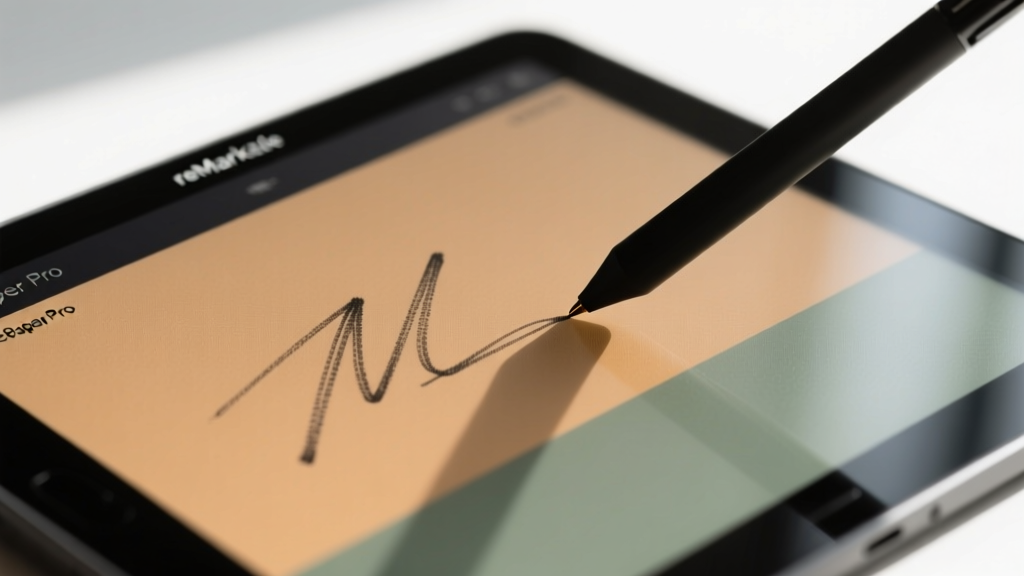
'The reMarkable Paper Pro isn't for rendering final 4K illustrations. It is a dedicated ideation engine. The lack of backlit glare means I can storyboard outdoors in direct sunlight for eight hours without eye fatigue or battery anxiety.' — Senior Storyboard Artist, Animation Studio LA.
3. 3Doodler Create+: Sketching in Thin Air
Not all drawing happens on a 2D plane. The 3Doodler Create+ ($99.99) is a specialized 3D printing pen that allows artists to draw physical, structural wireframes in mid-air. Using a dual-drive mechanism, it extrudes heated PLA, ABS, or Nylon plastics that cool and solidify in seconds.
This gadget is uniquely valuable for industrial designers, jewelry makers, and sculptors who need to prototype spatial volume before committing to expensive 3D modeling software. The Create+ features an adjustable speed dial and precise temperature control (180°C to 240°C), allowing for both fine, intricate lattice work and thick, structural supports.
Best Use Cases for Spatial Drawing
- Prototyping: Building quick armatures for clay sculpting.
- Jewelry Design: Creating physical mockups of ring bands and pendants using ABS plastic.
- Stop-Motion Animation: Fabricating custom, lightweight props and rigging supports.
4. Royole RoWrite 2: The Analog-Digital Bridge
Many artists despise the feel of plastic on glass but rely on digital layers and undo functions. The Royole RoWrite 2 ($129) is a smart notebook that captures your physical ink strokes and digitizes them in real-time. It utilizes a flexible sensor array hidden beneath the leather-bound A5 cover, detecting up to 8192 levels of pressure from any standard ballpoint or fountain pen ink.
What makes the RoWrite 2 a truly unique drawing gadget is its offline memory. You can sketch in the field without a phone or tablet nearby, and the device will store up to 50 pages of stroke data. Once synced via Bluetooth to the companion app, your physical sketches are converted into editable vector paths in SVG format, allowing you to manipulate line weight and color in Adobe Illustrator later.
5. Xencelabs Quick Keys: Ergonomic Shortcut Control
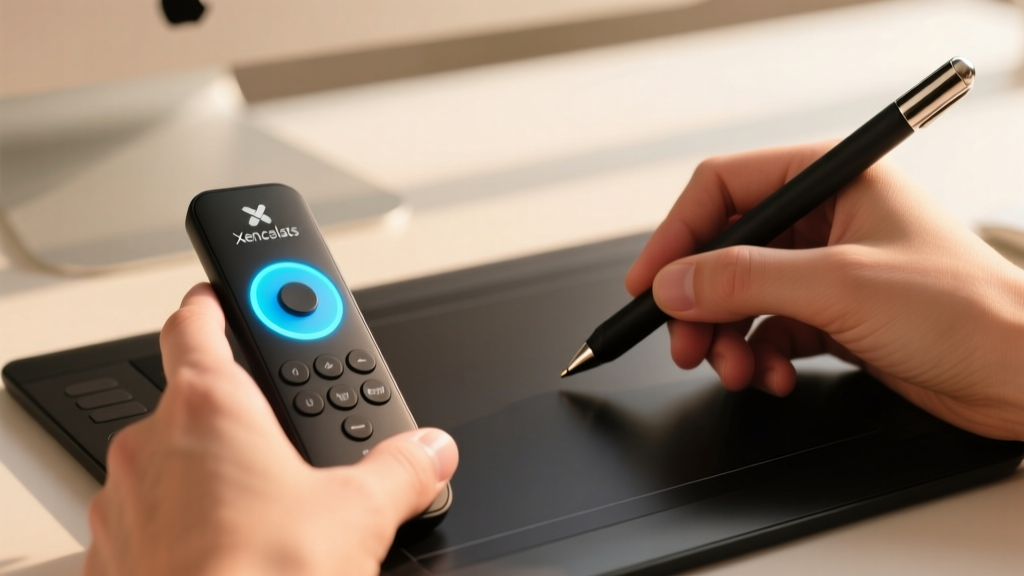
While not a drawing surface itself, the Xencelabs Quick Keys ($99) is an essential peripheral that solves a massive pain point: keyboard shortcut fatigue. Drawing on a tablet often requires your non-dominant hand to contort over a standard keyboard to hit 'Ctrl+Z' or 'B' for the brush tool.
This compact, dial-centric remote features 10 customizable keys and a 1.3-inch OLED screen that displays your current shortcut profile. You can map complex macros (e.g., 'Flatten Image + Save As + Export') to a single button press. The dial offers precise haptic clicks, making it perfect for adjusting brush size or scrolling through timelines with micro-accuracy.
Comparison Matrix: Which Gadget Fits Your Workflow?
| Gadget | Primary Medium | Price (USD) | Best For | Power Source |
|---|---|---|---|---|
| Wacom Movink 13 | OLED Pen Display | $799.95 | Concept artists, color studies | USB-C (Host powered) |
| reMarkable Paper Pro | Color E-Ink | $599.00 | Storyboarding, writing, ideation | Internal Battery (Weeks) |
| 3Doodler Create+ | Extruded Plastic | $99.99 | Industrial design, sculpting | Wall Adapter (AC) |
| Royole RoWrite 2 | Analog Ink Capture | $129.00 | Traditionalists, vector drafting | Internal Battery (Months) |
| Xencelabs Quick Keys | Macro Peripheral | $99.00 | RSI prevention, macro automation | Internal Battery (Weeks) |
Decision Framework: How to Choose Your Next Gear
Investing in niche drawing gadgets requires aligning the hardware with your specific creative bottlenecks. Use this step-by-step framework to identify what you actually need:
- Identify the Friction Point: Do you suffer from eye strain? (Choose reMarkable). Do you lack portability for client meetings? (Choose Movink 13). Is your left hand cramping from keyboard shortcuts? (Choose Quick Keys).
- Evaluate the Output Stage: If your final deliverable is a high-fidelity digital painting, e-ink devices will only serve as preliminary sketchpads. Ensure your primary rendering device meets your resolution and color gamut requirements.
- Consider the Ecosystem Lock-in: Devices like the RoWrite 2 rely heavily on companion apps for vector conversion. Verify that the app exports to your preferred software stack (e.g., SVG for Illustrator, PSD for Photoshop) before purchasing.
Final Thoughts on Creative Hardware
The year 2026 has proven that the digital art hardware market is no longer a monolith dominated by a single form factor. By integrating specialized drawing gadgets into your workflow, you can reclaim the tactile joy of traditional media while leveraging the infinite flexibility of digital layers. Whether you are extruding plastic in three dimensions or capturing ink strokes offline, there has never been a better time to customize your creative desk.
Written by
Marcus WebbMarcus Webb served as a U.S. Army logistics officer for 8 years, where he managed field equipment procurement and tactical gear evaluation across three combat deployments. After honorable discharge, he earned a certification from the Professional Knife Makers Association and became a certified Wilderness First Responder (WFR). Marcus has tested over 500 EDC products in extreme environments — from -40°F in Alaska to 120°F in the Mojave Desert — using military-spec testing protocols. His reviews of multi-tools, tactical flashlights, and survival gear are known for their rigorous methodology: controlled drop tests from 6 feet, 120-minute water submersion at 2 meters, and lateral torque testing at 45 Nm. He is a member of the Blade Show judging panel and contributes to OutdoorGearLab.