Best Gadgets on Amazon for Startup Productivity (2026)
Discover the best gadgets on Amazon for startup productivity in 2026. Our buyer's guide covers top focus timers, standing desk accessories, and more.
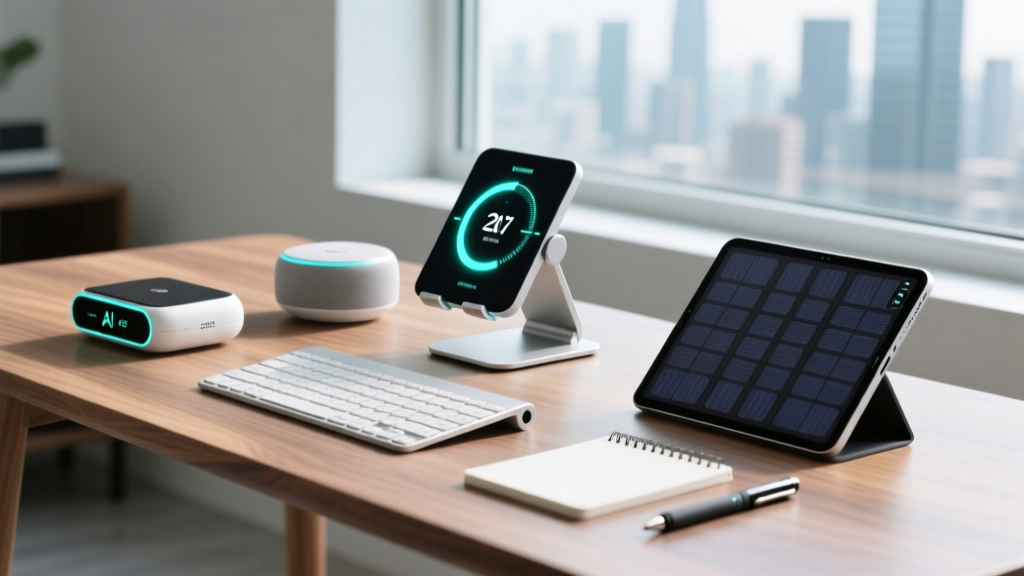
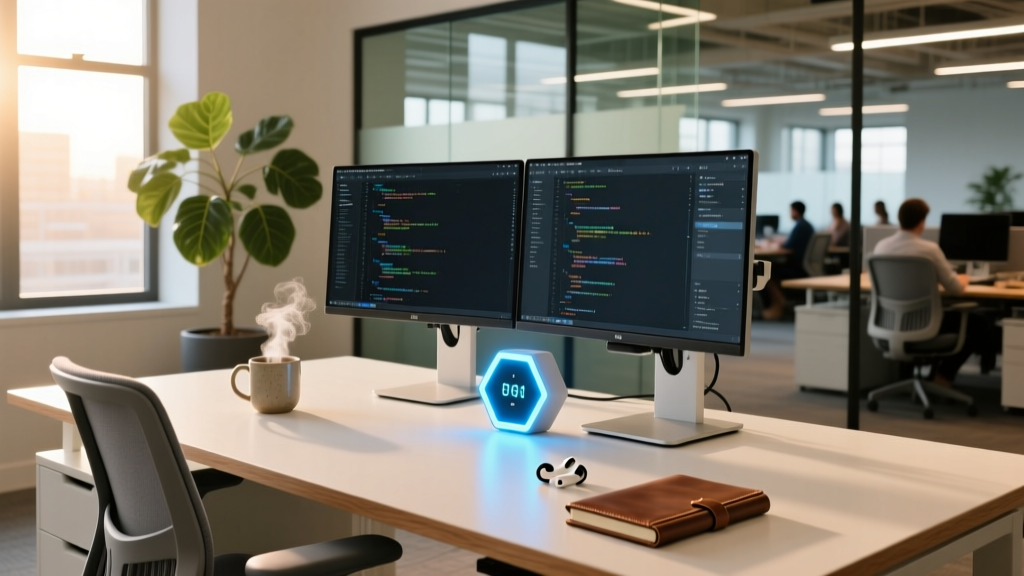
The 2026 Startup Productivity Paradigm
The romanticized image of the sleep-deprived founder grinding through a 100-hour work week has been thoroughly debunked by modern occupational science. In 2026, the most successful startup teams prioritize sustainable deep work, biomechanical health, and cognitive load management over sheer hours logged. But building an environment that supports this requires the right tools. When founders ask me where to source enterprise-grade gear without the exorbitant B2B markup, I consistently point them to the best gadgets on Amazon that balance premium ergonomics with direct-to-consumer pricing.
Productivity is no longer about doing more things faster; it is about protecting your cognitive bandwidth and physical chassis so you can execute high-leverage tasks without burning out.
This comprehensive buyer's guide cuts through the endless sea of cheap desk toys to identify the precise hardware you need to engineer a high-performance startup workspace. We will focus on three critical pillars: haptic focus timers, advanced standing desk accessories, and power ecology management.
Engineering Deep Work with Haptic Focus Timers
Relying on your smartphone for time-tracking is a critical error. The same device you use to time your Pomodoro sessions is also a portal to Slack pings, emails, and dopamine-draining notifications. Physical, screenless focus timers anchor your intention to the physical world. According to research published by the National Institutes of Health, structured micro-breaks significantly reduce muscular and cognitive fatigue, making physical timers an essential intervention for deep work.
TickTime Cube vs. Timeular Pro: The 2026 Showdown
Two devices dominate the premium physical timer space on Amazon. The TickTime Cube is a minimalist, 6-sided die that relies on gravity and auto-sensing to trigger preset intervals. The Timeular Pro is an 8-sided tracker that pairs via Bluetooth to log your time into a comprehensive desktop application.
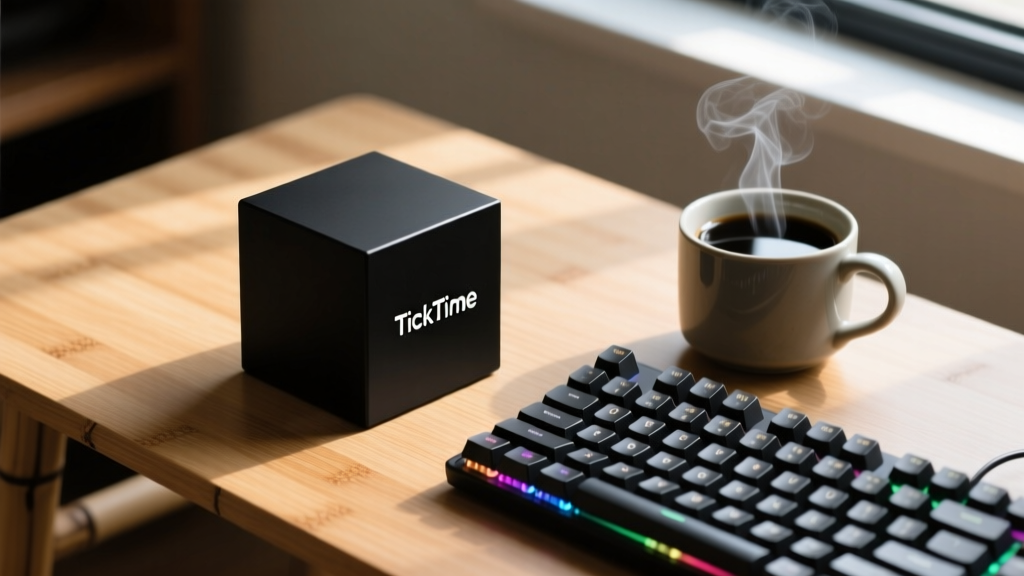
| Specification | TickTime Cube (2026 Rev) | Timeular Pro |
|---|---|---|
| Dimensions | 1.8 x 1.8 x 1.8 inches | 2.7 x 2.7 x 2.9 inches |
| Weight | 1.4 oz (Aluminum shell) | 4.2 oz (Weighted base) |
| Tracking Sides | 6 (Preset intervals) | 8 (Customizable via app) |
| Connectivity | None (Standalone) | Bluetooth 5.4 LE |
| Battery Life | ~30 days (Magnetic USB-C) | ~45 days (USB-C) |
| Amazon Price | $49.00 | $119.00 |
The Verdict: If your goal is pure, unadulterated deep work without digital tracking, the TickTime Cube is the superior choice. Its haptic feedback and subtle acoustic chime are perfectly calibrated to pull you out of a flow state without inducing a startle response. However, if you are a freelance founder or agency owner who needs to bill clients based on exact time-blocks, the Timeular Pro's automated background logging is worth the premium.
Biomechanics and Standing Desk Ecosystems
Buying a motorized standing desk is only 20% of the ergonomic equation. The remaining 80% lies in the accessories that dictate how your body interacts with the floor and the desk surface. Cornell University Ergonomics has long emphasized that static standing is just as detrimental as static sitting. The goal is continuous, low-level micro-movements.
Active Anti-Fatigue Mats: Beyond the Foam Square
Discard the flat, $20 EVA foam mats. The gold standard available on Amazon is the Ergodriven Topo Comfort Mat ($119). Measuring 26.5 x 29 inches, it features a terrain-inspired design with raised edges and a center massage mound. This topography forces your calves and ankles to engage in dorsiflexion and plantarflexion, effectively turning your standing time into a passive mobility session. The 5/8-inch thick polyurethane foam retains its structural integrity even after years of heavy use, unlike cheaper PVC alternatives that bottom out after six months.
Under-Desk Ellipticals for Active Recovery
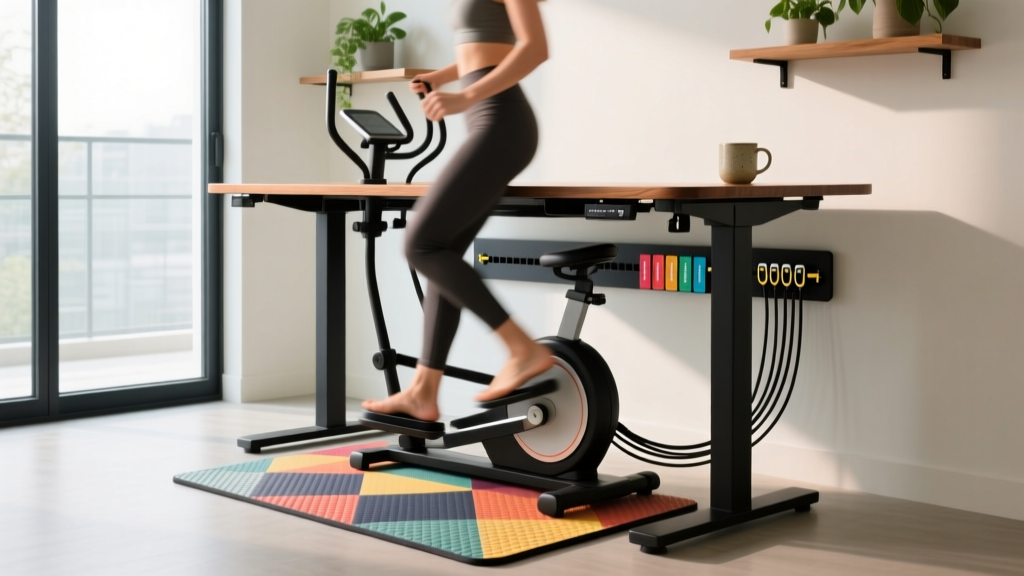
For days when you need to maintain a seated posture but want to keep your cardiovascular system engaged, the Cubii Jr. 2 ($249) remains the undisputed king of under-desk ellipticals. The 2026 model features a whisper-quiet magnetic resistance system (measuring under 40 decibels at max resistance) and a low 10-inch clearance, meaning it won't strike the underside of your desk during the pedal stroke. The integrated app tracks your stride count and syncs with Apple Health and Garmin Connect, allowing you to close your activity rings without leaving your IDE or spreadsheet.
Power Delivery and Cable Ecology
A cluttered desk creates a cluttered mind. In the era of USB-C Power Delivery 3.1, you no longer need a massive power brick for every device. The Anker Prime 100W GaN Wall Charger ($55) is a masterclass in thermal management and power distribution. It features three ports (two USB-C, one USB-A) and utilizes ActiveShield technology to monitor temperature millions of times per day, ensuring your expensive MacBook Pro or ThinkPad is never subjected to voltage spikes.
To manage the inevitable cable sprawl, skip the rigid plastic raceways. Opt for the JOTO Cable Management Sleeve ($12 for a 10-foot kit). Made from flexible, braided PET material, it expands to bundle up to 10 thick power cables. Combine this with an under-desk cable tray (like the UPLIFT Desk EcoCrossbeam Tray, $45) to keep all power strips and adapters entirely off the floor and out of your peripheral vision.
Decision Framework: The $500 Amazon Desk Allocation
If you have a $500 budget to upgrade your startup productivity setup on Amazon, here is the exact allocation framework I recommend for maximum ROI on cognitive output and physical health:
- Ergodriven Topo Mat ($119): Non-negotiable for anyone standing more than 2 hours a day. Protects your plantar fascia and encourages micro-movements.
- TickTime Cube ($49): The cheapest insurance policy against smartphone-induced context switching during deep work blocks.
- Anker Prime 100W GaN Charger ($55): Consolidates your charging footprint and provides safe, rapid power delivery to all peripherals.
- FluidStance Level Balance Board ($249): A premium addition for active standing. The die-cast aluminum base and bamboo top provide a subtle lateral tilt that engages your core without distracting you from your monitors.
- JOTO Cable Sleeves & Velcro Ties ($28): The final polish that transforms a chaotic workstation into a focused laboratory.
Frequently Asked Questions
Are under-desk treadmills better than ellipticals for coding?
Generally, no. While under-desk treadmills like the WalkingPad are excellent for walking meetings, the vertical bounce and arm swing required for walking make precise mouse movements and typing difficult. Ellipticals like the Cubii provide a smooth, zero-bounce circular motion that keeps your upper body perfectly stable for intensive keyboard work.
How do I clean a polyurethane anti-fatigue mat?
Never use harsh chemical solvents or bleach on PU foam, as it will break down the cellular structure. Simply wipe it down with a damp microfiber cloth and a mild dish soap solution once a week. According to Wirecutter, proper maintenance ensures these mats last well beyond their 5-year warranties.
Do physical focus timers actually improve deep work?
Yes, primarily through the psychological mechanism of 'implementation intention.' By physically flipping a timer, you are creating a tactile contract with yourself to focus. It removes the friction of opening an app and the risk of getting distracted by a notification the moment you unlock your phone.
Written by
Lena ChenLena Chen earned her M.S. in Human-Computer Interaction from Carnegie Mellon University and a B.S. in Electrical Engineering from the University of Washington. She has spent the past decade specializing in smart home architecture and IoT ecosystems, helping over 200 homeowners design fully connected living spaces. Lena is a certified Matter protocol consultant and has published peer-reviewed research on voice-first interface design in the ACM Digital Library. Her reviews of smart home products combine deep technical analysis with real-world usability testing, evaluating everything from Zigbee mesh stability to Alexa skill responsiveness. She regularly speaks at CEDIA Expo and CES smart home panels.