Essential Drone Gadgets for MacBook Air Pilots (2026)
Solve port and storage bottlenecks with the best drone gadgets for MacBook Air. Top SSDs, hubs, and SD readers for 4K field editing.
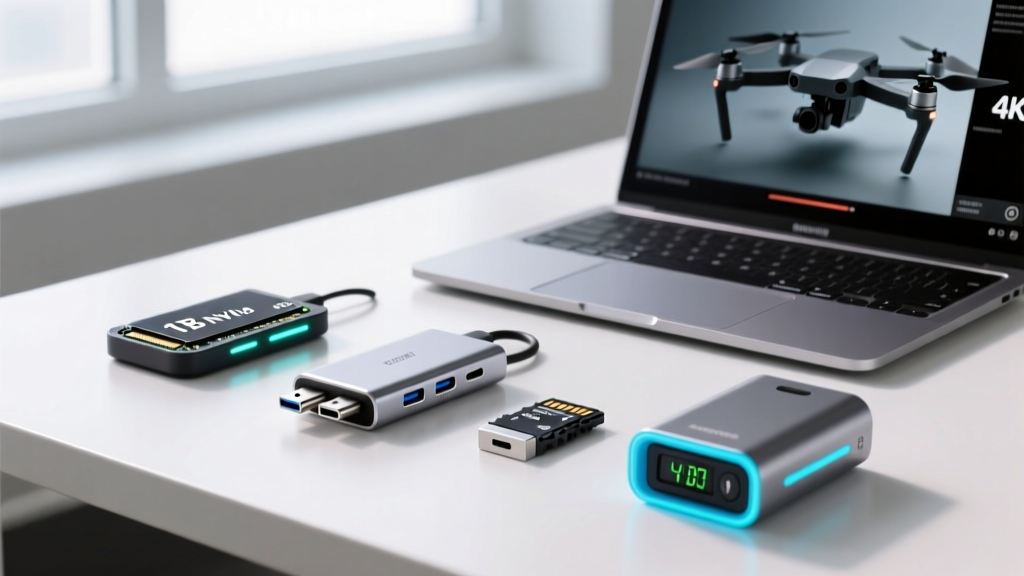
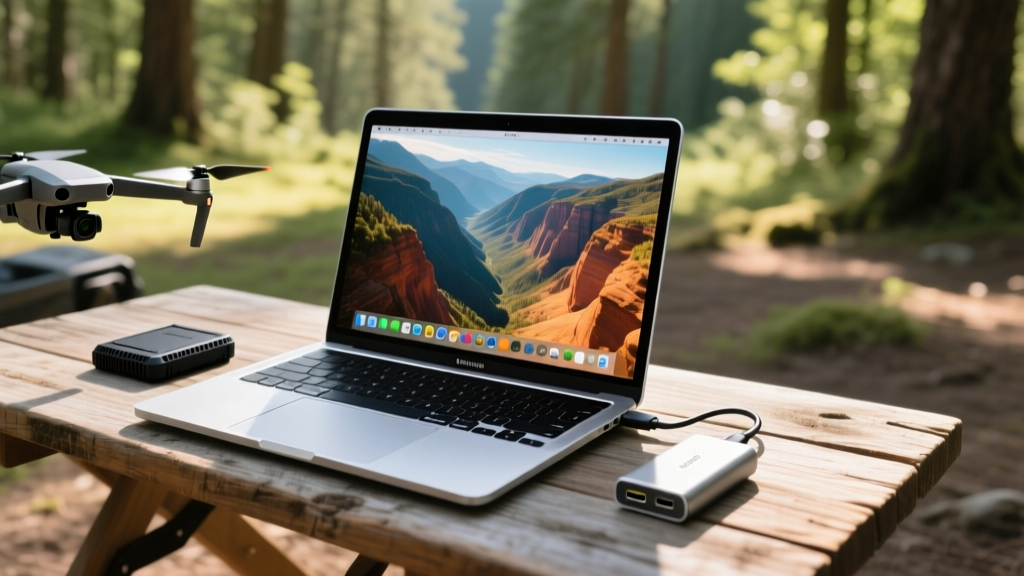
The M3 and M4 MacBook Air models are a traveling drone pilot's dream. With up to 18 hours of battery life and enough neural engine performance to scrub through 5.1K timeline footage, they easily outclass bulkier laptops in the field. However, Apple’s ultra-thin chassis introduces severe I/O and thermal bottlenecks. With only two Thunderbolt / USB 4 ports, no SD card slot, and a fanless cooling design, handling massive 10-bit Log and ProRes files from modern camera drones requires a highly curated accessory kit.
When curating the ultimate list of gadgets for macbook air users who fly drones, we focus strictly on solving three problems: port expansion without power dropouts, storage that survives thermal throttling, and data handshakes that actually work with flight controllers. Here is your 2026 problem-solving gear guide.
The I/O Bottleneck: Solving Power Dropouts with Drone Controllers
A frequent complaint among DJI and Autel pilots is that connecting their smart controller, an external SSD, and an SD card reader simultaneously via a standard USB-C hub causes peripheral disconnects. The MacBook Air's Thunderbolt ports output a maximum of 15W to external devices. High-end drone controllers like the DJI RC Pro 2 draw significant power just to maintain their high-nit screens while transferring data, easily tripping the over-current protection on cheap hubs.
Unlike standard travel docks, the OWC Thunderbolt Go Dock features a built-in power supply. You plug it directly into the wall (or a high-output field battery), meaning it does not draw power from the MacBook Air’s logic board. This guarantees stable data ingestion from your drone's internal storage while simultaneously charging your laptop and powering a 4K external monitor for field color grading.
Storage Solutions: Beating the Fanless Thermal Throttle
Base model MacBook Airs still ship with 256GB of internal storage, which fills up after roughly 20 minutes of 5.4K ProRes 422 HQ footage. You must edit off an external drive. However, the Air's fanless passive cooling design creates a hidden failure mode for drone videographers.
When you ingest hundreds of gigabytes of drone footage, the Thunderbolt controller generates intense localized heat. Once the internal chassis temperature approaches 38°C (100°F), macOS dynamically throttles the Thunderbolt bus to protect the logic board. Transfer speeds from your external SSD will suddenly plummet from 2,800 MB/s to under 400 MB/s, causing Adobe Premiere and DaVinci Resolve to drop frames during playback.
The Thermal Mitigation Framework
To maintain sustained write speeds above 2,000 MB/s for high-bitrate drone codecs, you must manage chassis thermals actively:
- Elevate the Chassis: Use a minimalist aluminum laptop stand (like the Roost or Nexstand) to expose the flat bottom of the MacBook Air to ambient air. This alone drops logic board temperatures by 4°C to 6°C during heavy exports.
- Choose Ribbed Aluminum SSDs: Avoid rubberized or plastic portable SSDs. The OWC Envoy Pro Elektron or Crucial X10 Pro use ribbed aluminum enclosures that act as passive heatsinks, pulling thermal load away from the NAND flash and the Mac's Thunderbolt port.
- Placement Matters: Never let your external SSD rest directly against the MacBook Air's palm rest or hinge. Drape the cable so the drive rests on the table, isolated from the laptop's thermal envelope.
| Drone Model / Codec | Max Bitrate | Required Sustained Write | Recommended SSD Class |
|---|---|---|---|
| DJI Mavic 3 Pro (H.265) | 200 Mbps | 25 MB/s | USB 3.2 Gen 2 (10Gbps) |
| Autel EVO Max 4T (ProRes) | 1200 Mbps | 150 MB/s | USB 3.2 Gen 2x2 (20Gbps) |
| DJI Inspire 3 (CinemaDNG) | ~4800 Mbps | 600 MB/s | Thunderbolt 3/4 (40Gbps) |
Field Ingestion: UHS-II Readers That Max Out Thunderbolt
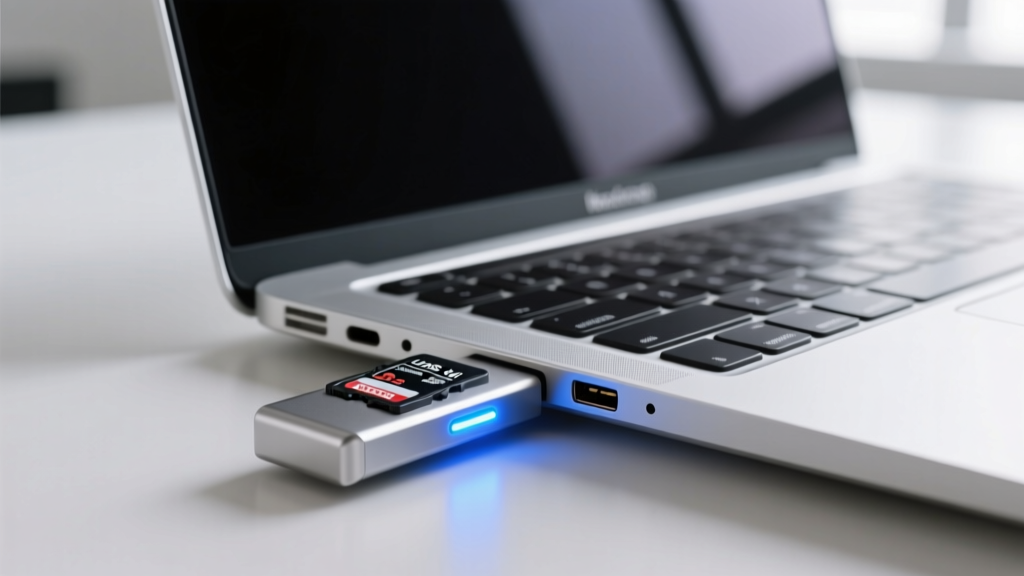
The SD card slot omission on the MacBook Air forces pilots to use dongles. However, most multi-port hubs utilize cheap internal SD controllers that bottleneck at 90 MB/s, turning a 128GB Sony Tough G card ingestion into a 25-minute ordeal. Furthermore, inserting thick, ruggedized drone SD cards into flush-mount hub slots often bends the pins.
The Fix: Use a dedicated, tethered UHS-II reader. The ProGrade Digital USB-C UHS-II Reader features an extended Kevlar-reinforced cable and a dual-slot architecture that separates the UHS-II pin row from the UHS-I row. This prevents the pin-bending issue common with rugged drone cards and delivers a sustained 280 MB/s transfer rate directly over the Thunderbolt bus, ingesting a full 128GB card in under 8 minutes.
Controller Connectivity: Avoiding the USB-C Handshake Failure
A highly specific, maddening failure mode in the field is the DJI Fly app or Adobe Lightroom failing to recognize the drone controller when plugged directly into the MacBook Air. Pilots often assume it is a macOS permissions bug, but it is almost always a hardware pinout issue.
Most USB-C cables included with smartphones, power banks, and even some drones only support USB 2.0 data rates (480 Mbps). They lack the internal SuperSpeed TX/RX pins and the E-Marker chip required for the complex data handshake between the drone's flight controller and macOS.
Rule of Thumb: If your cable came bundled with a device that doesn't transfer large files, throw it in your charging bag. For drone ingestion on a MacBook Air, you must carry a dedicated, certified USB 3.1 Gen 1 (5 Gbps) or USB4 cable with an integrated E-Marker chip. The DJI RC USB-C Data Cable or cables from FRCables are verified to trigger the correct macOS handshake every time.
Field Grading: Portable Monitors for D-Log Footage
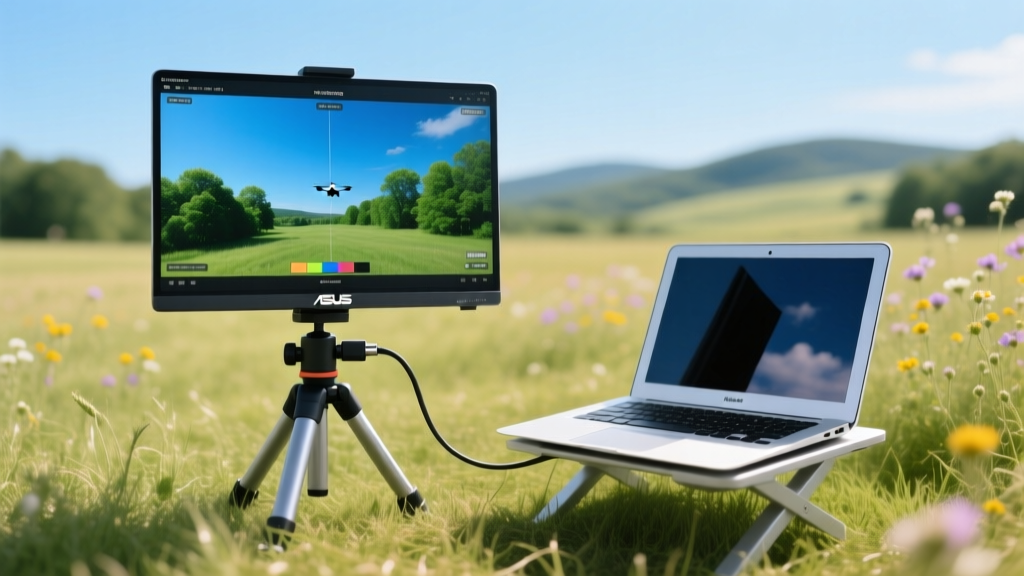
Editing 10-bit D-Log or D-Cinelike footage on the MacBook Air's P3 wide-color display is excellent, but glare in outdoor environments ruins shadow detail perception. To properly grade drone footage in the field without lugging around a desktop monitor, add the ASUS ProArt Display PA148CTV to your kit.
This 14-inch portable monitor is factory-calibrated to Delta E < 2 and covers 100% of the DCI-P3 color space, matching the MacBook Air's internal panel. It connects via a single Thunderbolt cable, drawing just enough power from the Air while providing a matte, anti-glare surface that allows you to accurately set your LUTs and exposure curves while sitting in the backcountry.
Quick-Reference Gear Matrix
| Category | Top Pick for 2026 | Why It Solves the Air's Limits | Est. Price |
|---|---|---|---|
| Hub / Dock | OWC Thunderbolt Go Dock | Built-in PSU prevents controller power dropouts | $249 |
| External SSD | Crucial X10 Pro (4TB) | Ribbed aluminum acts as passive heatsink | $289 |
| SD Reader | ProGrade Digital UHS-II | Tethered design prevents bent pins on rugged cards | $69 |
| Data Cable | FRCables USB4 (1M) | E-Marker chip ensures DJI controller handshake | $24 |
By addressing the specific thermal and I/O limitations of the MacBook Air, you can transform it from a constrained ultra-thin laptop into a powerhouse mobile ingest and editing station capable of handling the most demanding drone codecs available today.
Written by
David OkaforDavid Okafor is an ASE (Automotive Service Excellence) Master Certified Technician with 15 years of professional experience in vehicle diagnostics, aftermarket electronics installation, and fleet management. He holds an Associate Degree in Automotive Technology from Universal Technical Institute and certifications in mobile electronics (MECP Certified Installer). David has installed and reviewed over 800 car tech products — from OBD2 scanners and dash cams to full infotainment system retrofits — in vehicles ranging from economy compacts to luxury SUVs. His popular YouTube channel "AutoTech David" has over 150,000 subscribers and features detailed installation tutorials and product teardowns. He is a regular contributor to the SEMA Show's aftermarket technology showcase and advises two automotive tech startups on product development.