Fidget Gadgets for Adults: Tactile MacBook Accessories Gift Guide
Discover the best fidget gadgets for adults who love tactile feedback. Our gift guide covers satisfying MacBook docks, ratcheting stands, and magnetic sleeves.
The Intersection of Ergonomics and Tactile Satisfaction
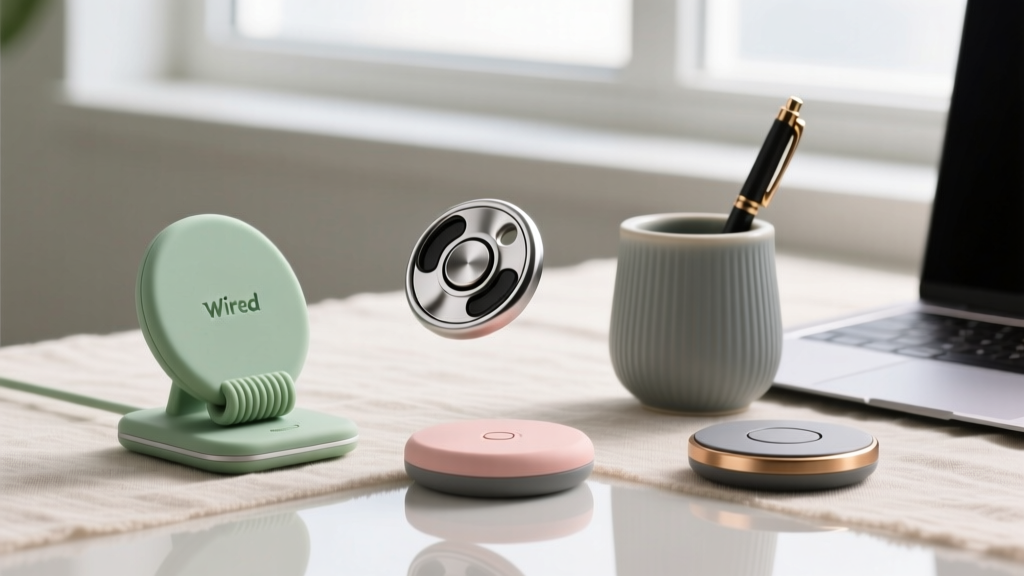
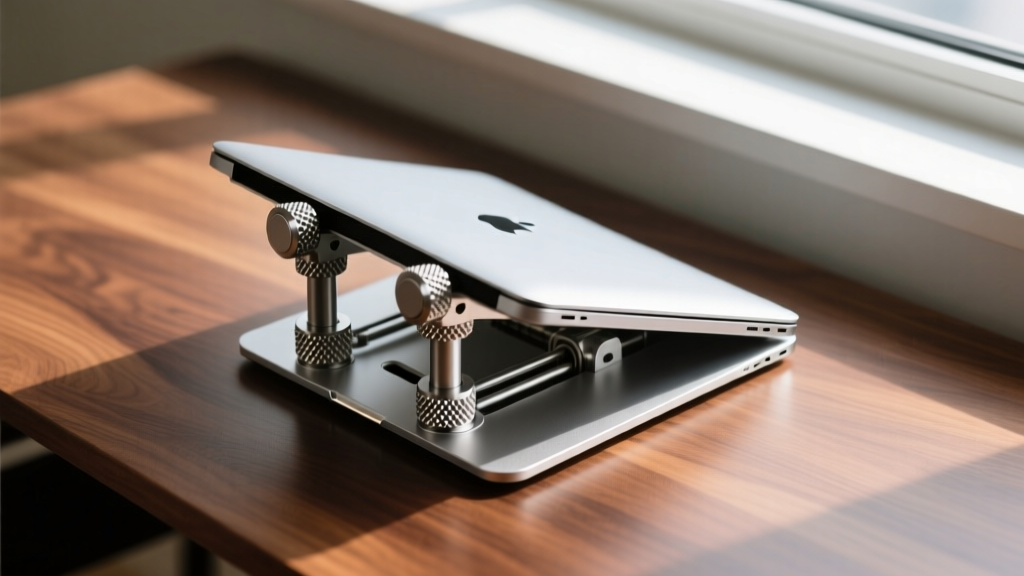
When most people search for fidget gadgets for adults, they are met with a sea of plastic spinners, silicone poppers, and magnetic rings. But for the dedicated tech enthusiast, the most effective sensory tools are the ones already integrated into their daily workflow. The modern laptop accessory market has evolved beyond mere utility; premium manufacturers are now engineering MacBook docks, stands, and sleeves with high-resistance hinges, knurled metal finishes, and heavy-duty magnetic clasps that provide profound proprioceptive feedback.
According to research on workplace ergonomics and cognitive load, micro-movements and tactile stimulation can significantly aid in maintaining focus during deep work sessions. As noted by Cornell University Ergonomics, engaging the hands in low-distraction, repetitive physical tasks helps regulate attention without breaking visual focus on the screen. For neurodivergent professionals or anyone who simply requires tactile grounding to stave off anxiety, standard lightweight plastic hubs and flimsy laptop sleeves fall short. They need mass, mechanical resistance, and auditory confirmation.
Magnetic Docks & Hubs: The Perfect Mechanical "Click"
The act of docking a laptop should feel definitive. Lightweight USB-C hubs often slide around the desk and feature loose connectors that require visual alignment. For the tactile seeker, a docking station must offer physical resistance and a satisfying auditory snap upon connection.
CalDigit TS4 Thunderbolt 4 Dock
Weighing in at a substantial 2.1 pounds, the CalDigit TS4 is an anchor of machined aluminum that will not shift when you aggressively plug in peripherals. The true fidget value lies in its custom Thunderbolt 4 cable. Unlike standard smooth plastic USB-C connectors, the TS4 cable features a knurled metal housing with a high-retention friction fit. Inserting it into the MacBook requires a deliberate, firm push that culminates in a deeply satisfying, muted click. Furthermore, the 18 ports on the TS4 are engineered with tight internal contact springs; inserting an SD card or USB-A drive requires just enough force to provide excellent tactile resistance. At roughly $379, it is an investment piece that doubles as a heavy-duty desk fidget. You can view the exact CalDigit TS4 specifications to appreciate the industrial design tolerances.
Ratcheting Stands: Tension Knobs and Carbon Fiber Snaps
Laptop stands are traditionally static pieces of metal. However, adjustable stands with mechanical ratcheting joints offer an incredible avenue for tactile stimulation. The physical effort required to adjust them provides deep-pressure feedback to the joints in the fingers and wrists.
Roost Laptop Stand (V3)
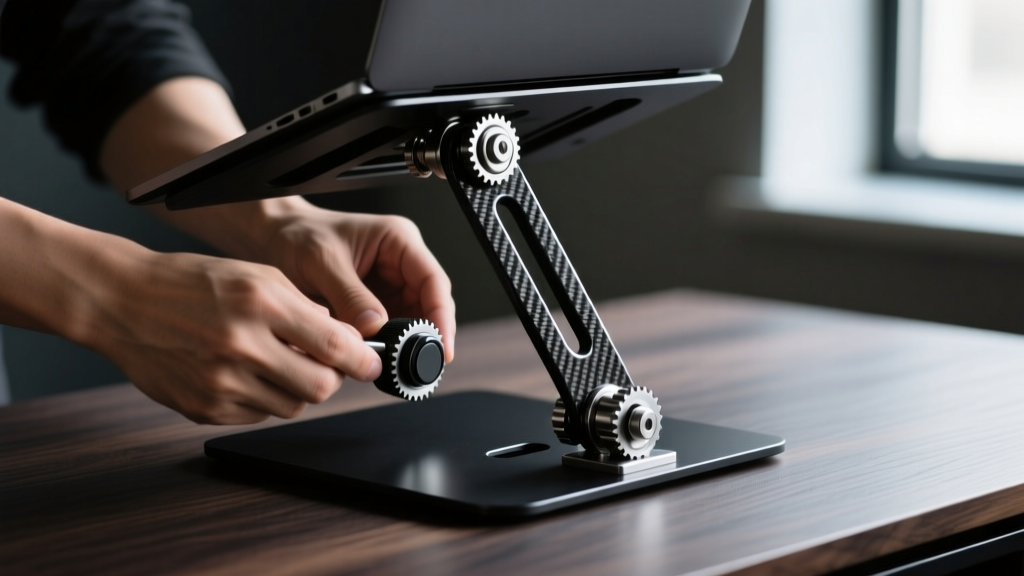
The Roost stand is constructed from aerospace-grade carbon fiber and glass-filled nylon. Its defining feature for the fidgeter is the dual tension adjustment knobs located at the main hinges. These knobs are not simple friction screws; they are complex mechanical assemblies that require a firm, deliberate grip and rotational torque to adjust the height. The ratcheting mechanism emits a series of tight, mechanical clicks as the stand locks into place. The material itself—matte carbon fiber—offers a highly textured surface that is pleasing to run a thumb across during long Zoom calls. Priced around $89, it is lightweight (1.6 oz) but mechanically dense.
Rain Design mStand
If the fidgeter in your life prefers thermal and mass-based feedback over mechanical clicks, the Rain Design mStand is the gold standard. Milled from a single piece of 6mm thick anodized aluminum, it acts as a massive heat sink. The tactile satisfaction here comes from the sheer coldness and unyielding rigidity of the metal. Running a hand along the perfectly chamfered, bead-blasted edges provides a smooth, grounding sensory experience that plastic alternatives simply cannot replicate.
Sleeves & Cases: MagSnaps and Heavy-Duty Zippers
Opening and closing a laptop sleeve is a micro-interaction that happens multiple times a day. Standard velcro or weak magnetic flaps offer zero sensory reward. High-end sleeves utilize complex mechanical latches that turn a mundane task into a satisfying ritual.
Peak Design Everyday Laptop Sleeve
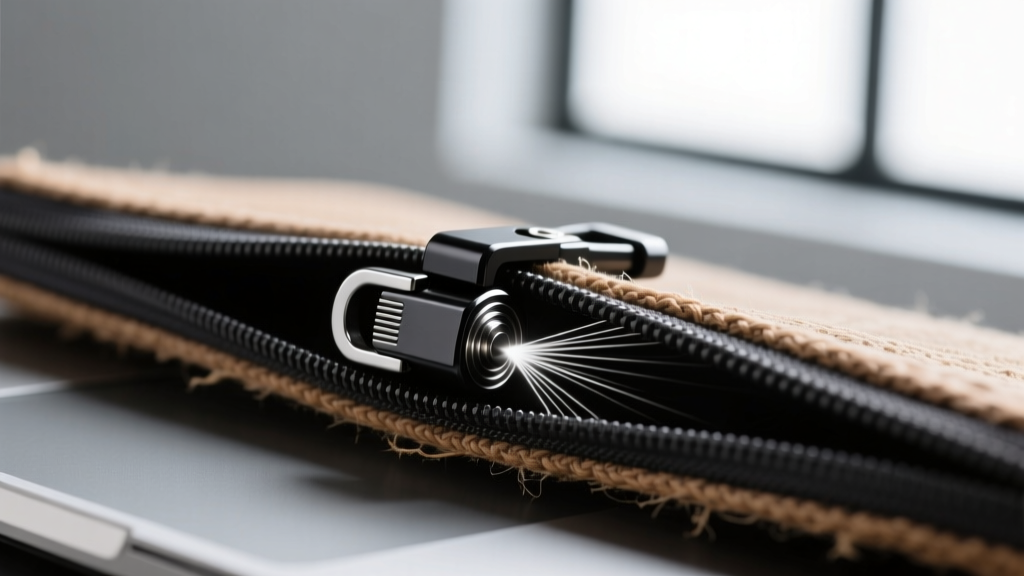
Peak Design is renowned for its camera gear, but their Everyday Laptop Sleeve features one of the best fidget mechanisms on the market: the MagLatch. This is not a simple magnet; it is a ratcheting magnetic hardware system. To open it, you pull the latch, and it clicks through four distinct tension steps, driven by internal N52 neodymium magnets and a steel catch plate. The auditory feedback is a sharp, metallic snap that is incredibly addictive to trigger repeatedly. The exterior is woven from 400D double poly-coated DWR-impregnated nylon canvas, offering a rugged, highly textured grip. You can explore the mechanics of the Peak Design Everyday Sleeve to see the latch engineering in detail.
Comparison Matrix: Tactile Resistance & Sensory Profiles
| Product | Primary Tactile Feedback | Auditory Profile | Weight / Mass | Est. Price |
|---|---|---|---|---|
| CalDigit TS4 Dock | High-friction knurled metal insertion | Muted, heavy thud | 2.1 lbs | $379 |
| Roost Stand V3 | Rotational torque on tension knobs | Mechanical ratcheting clicks | 1.6 oz | $89 |
| Rain Design mStand | Thermal mass, smooth chamfered edges | Silent / Solid resonance | 3.2 lbs | $65 |
| Peak Design Sleeve | MagLatch ratcheting tension steps | Sharp metallic snap | 11.2 oz | $79 |
The Gifter’s Decision Framework: Matching the Fidgeter
Not all fidgeting is created equal. To select the perfect MacBook accessory, you must identify the specific sensory input the recipient craves. Use this framework to make your final purchasing decision:
- The Proprioceptive Seeker (Needs deep pressure and heavy resistance): Buy the CalDigit TS4 or the Rain Design mStand. These users need to feel physical weight and high-friction resistance to feel grounded. The heavy insertion force of the TS4 cable and the unyielding mass of the mStand provide the deep-tissue feedback their hands are looking for.
- The Auditory/Mechanical Clicker (Needs repetitive snapping and ratcheting): Buy the Peak Design Everyday Sleeve or the Roost Stand. These users constantly click pens or snap lids. The MagLatch on the sleeve and the ratcheting hinges on the Roost stand allow for endless, satisfying mechanical clicking without damaging the hardware.
- The Surface Texture Tracer (Needs micro-textures and temperature variance): Look for accessories featuring cold-forged aluminum, bead-blasted finishes, or carbon fiber weaves. Avoid silicone or soft-touch plastics, which degrade over time and become sticky. The anodized aluminum on the mStand or the woven canvas on the Peak Design sleeve offers permanent, high-quality textural feedback.
By shifting the focus from cheap, single-purpose plastic toys to precision-engineered laptop accessories, you are gifting a tool that enhances both their ergonomic setup and their cognitive focus. These accessories survive daily abuse while delivering the exact mechanical resistance required to keep a busy mind anchored to the task at hand.
Written by
Nina PetrovaNina Petrova holds a Master's degree in Child Development from the Erikson Institute and a B.S. in Nursing from the University of Illinois at Chicago. She worked as a pediatric nurse for 6 years before transitioning to family technology consulting, bringing clinical rigor to her evaluations of kid-friendly gadgets, educational toys, and parental control software. Nina has reviewed over 400 children's tech products, testing each for safety compliance (CPSC and ASTM standards), developmental appropriateness across age groups, screen-time impact, and data privacy practices. She serves on the Children's Technology Review advisory board and has testified before the FTC on children's data protection in connected toys. Her reviews are trusted by parents and educators alike for their evidence-based approach to balancing technology benefits with child safety.