AR Smart Glasses and Gadgets for Guitars: The Outdoor Busker Guide
Discover how AR smart glasses and cutting-edge gadgets for guitars are transforming outdoor busking and festival performances in 2026.
The Shift from Paper to Pixels in Outdoor Performance
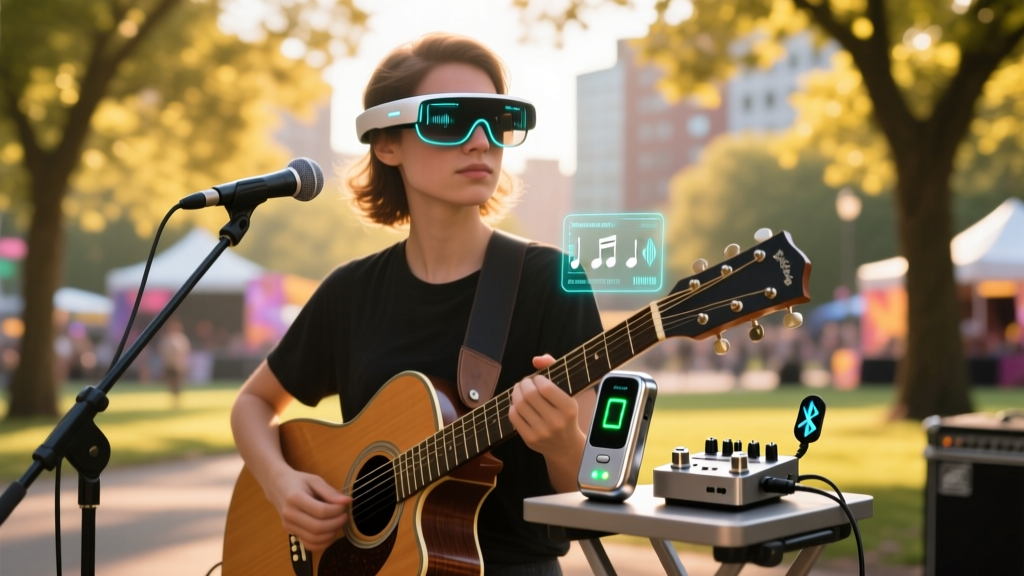
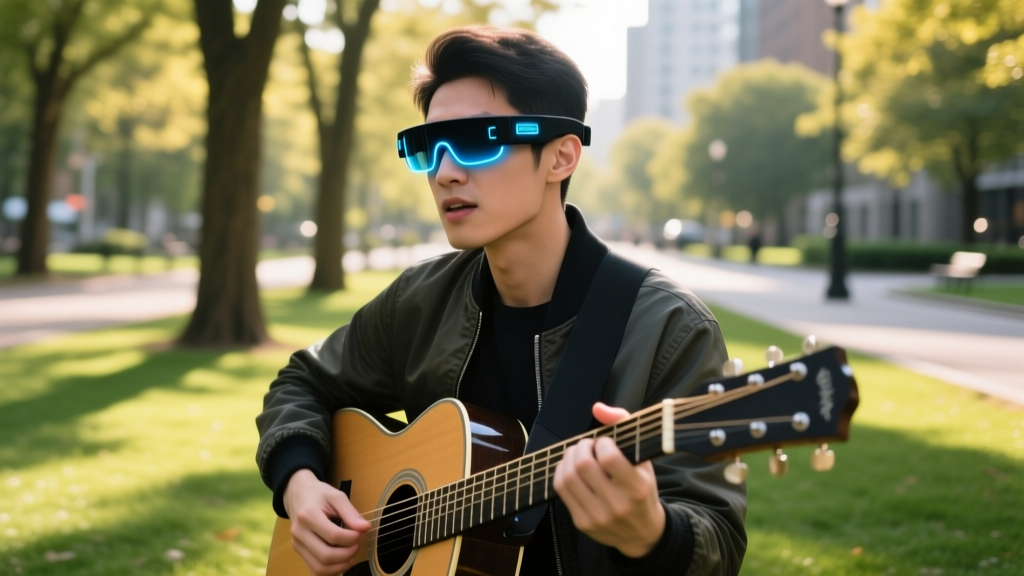
For outdoor musicians and festival buskers, managing sheet music, chord charts, and setlists in direct sunlight has always been a logistical nightmare. Tablet screens wash out under high UV indexes, and paper sheets blow away in sudden wind gusts. In 2026, the integration of augmented reality (AR) smart glasses into the live music workflow has fundamentally solved this problem. By projecting high-contrast digital overlays directly into the performer's field of view, AR wearables eliminate the need for physical music stands.
However, pairing spatial computing wearables with traditional gadgets for guitars requires a nuanced understanding of optical physics, battery thermodynamics, and wireless audio latency. This guide breaks down the exact hardware configurations needed to build a reliable, sunlight-readable AR busking rig.
The Focal Distance Problem: Why Most AR Setups Fail Guitarists
Most mainstream tech reviews evaluate AR glasses for productivity or gaming, completely ignoring the ergonomic realities of playing a fretted instrument. The critical metric for guitarists is virtual focal distance.
The optical engines in most consumer AR glasses (like birdbath prism designs) project the virtual screen at a fixed focal distance of 2 to 3 meters. A guitar fretboard, however, sits roughly 40 to 60 centimeters from the player's eyes. Rapidly shifting your focal point between the fretboard (near field) and the AR display (far field) forces the ciliary muscles in your eyes to constantly accommodate, leading to severe eye strain and blurred vision within 20 minutes of playing.
Do not place your virtual chord chart in the center of your vision. Use your AR companion app to shrink the display to a 15% opacity 'dashboard' and anchor it in the upper-right periphery of your field of view. This allows you to read incoming chord changes using peripheral vision without breaking focal lock on your fretting hand.
Evaluating AR Smart Glasses for Sunlit Busking
Not all AR displays are created equal when facing the sun. You need high nit brightness and specific waveguide technologies to maintain contrast outdoors.
| Model | Optical Engine | Peak Brightness | Outdoor Viability | Price (2026) |
|---|---|---|---|---|
| RayNeo X2 | Diffractive Waveguide | 1500 nits | Excellent (Standalone) | $899 |
| XREAL Air 2 Ultra | Birdbath OLED | 600 nits | Fair (Requires polarized clip-ons) | $699 |
| Even Realities G1 | Micro-LED Waveguide | 2000 nits | Good (Monochrome text/chords only) | $599 |
RayNeo X2: The Sunlight Champion
The RayNeo X2 utilizes a full-color diffractive waveguide with a micro-LED light engine, pushing an impressive 1500 nits of peak brightness. Because it is a standalone unit with an onboard Snapdragon AR2 Gen 1 chip, you do not need to route a cable down to your smartphone, eliminating the risk of snagging your guitar strap during energetic performances.
XREAL Air 2 Ultra: The Tethered Alternative
While the XREAL Air 2 Ultra offers superior color accuracy and a wider 52-degree field of view, its 600-nit birdbath OLED display struggles in direct noon sunlight. To use this outdoors, you must attach the included polarized front-lens clip-ons, which cut ambient glare but reduce overall display brightness by roughly 20%. It remains a viable option for shaded busking spots or late-afternoon festival sets.

Synergizing Wearables with Gadgets for Guitars
AR glasses handle the visual data, but a seamless outdoor performance requires eliminating physical cables that can snag on your wearables. Modern wireless audio ecosystems are the perfect companions to your AR setup.
Boss Katana-Air EX Wireless Amplifier
According to rigorous testing by Sound on Sound, the Boss Katana-Air EX remains the gold standard for wireless outdoor amplification. Priced at $499, it utilizes a dedicated 2.4GHz wireless transmitter that plugs directly into your guitar's output jack. The latency sits at an imperceptible 3 milliseconds, ensuring your physical picking aligns perfectly with the audio output. Crucially, the transmitter runs on a rechargeable lithium battery, keeping your guitar completely untethered from the amp and your AR processing unit.
Line 6 Relay G10TII Wireless System
If you prefer using a traditional pedalboard or a high-wattage stage amp for larger outdoor venues, the Line 6 Relay G10TII ($149) offers a 130-foot line-of-sight range. Its 1/4-inch jack transmitter automatically mutes when unplugged, preventing the loud pops that can damage outdoor PA systems.
Lithium-ion batteries in both AR smart glasses and wireless guitar transmitters suffer a 30% to 40% capacity drop when ambient temperatures fall below 40°F (4°C). If you are busking in late autumn or winter, keep your spare AR glasses and wireless transmitters in an inner jacket pocket close to your body heat until right before your set.
Troubleshooting Glare and Field-of-View Obstructions
Even with high-nit displays, environmental factors can disrupt your AR busking experience. Here is how to mitigate the most common outdoor failure modes:
- Backlight Bleed from the Sun: If the sun is directly behind your audience, the light will wash out the waveguide lenses. Position yourself with the sun at your back or use a portable pop-up canopy angled at 45 degrees to block direct overhead UV rays without creating a visual barrier between you and the crowd.
- Sweat and Lens Fogging: High humidity and physical exertion cause condensation on the inner AR lenses. Apply a hydrophobic anti-fog coating (like Optix 55) to the interior lenses before your set. Never use standard glass cleaner, as it will strip the delicate anti-reflective coatings required for waveguide optics.
- Audio Interference: Outdoor environments are saturated with Wi-Fi and Bluetooth signals from crowd smartphones. Hardwire your AR glasses to your phone using a USB-C to USB-C data cable if you experience stuttering in your digital sheet music app, bypassing the congested 2.4GHz wireless spectrum.
The 5-Step Outdoor AR Rigging Checklist
Follow this exact sequence before every outdoor performance to ensure your visual and audio tech operates flawlessly.
- Calibrate Spatial Anchors: Put on your AR glasses and use the companion app to lock the virtual screen to a physical object (like your mic stand). This prevents the chord chart from drifting when you move your head.
- Set Dashboard Opacity: Drop the virtual display opacity to 20% and shift it to the upper visual periphery to maintain fretboard focus.
- Sync Wireless Audio: Power on your Boss Katana-Air transmitter and verify the green LED indicator shows a solid connection before plugging it into your guitar.
- Engage Do-Not-Disturb: Route your phone's notifications to a secondary device. An incoming text message overlaying your AR view mid-solo can completely obscure your vision.
- Perform a Thermal Check: Ensure your AR processing unit (phone or standalone battery pack) is out of direct sunlight to prevent thermal throttling, which causes display frame-rate drops.
Frequently Asked Questions
Can I use standard prescription inserts with AR smart glasses?
Yes, but you must order custom-molded prescription inserts specifically calibrated for the optical engine of your chosen AR glasses. Standard reading glasses will alter the focal distance of the virtual display, causing severe blurring. Companies like FramesDirect offer specialized AR insert grinding that accounts for the waveguide's specific light path.
Do AR glasses interfere with wireless guitar pedalboards?
Generally, no. AR glasses primarily use Bluetooth Low Energy (BLE) for audio and Wi-Fi Direct for data streaming, while high-end guitar wireless systems operate on dedicated 2.4GHz or 5.8GHz RF bands with frequency-hopping spread spectrum (FHSS) technology. However, avoid using cheap, unbranded Bluetooth guitar transmitters, as their poorly shielded antennas can cause localized interference with your AR glasses' wireless tether.
Written by
Ryan TanakaRyan Tanaka holds a B.S. in Mechanical Engineering from Oregon State University and is a certified AWS Solutions Architect. He has built over 80 custom electronics projects ranging from CNC machines to IoT sensor networks, and has reviewed development boards, 3D printers, soldering equipment, and maker tools for the past 6 years. Ryan is an active contributor to 12 open-source hardware projects on GitHub and teaches monthly workshops at three hackerspaces across the Pacific Northwest. His reviews combine engineering rigor with accessibility — he evaluates products not just on specs but on documentation quality, community support, and learning curve for beginners. He has presented at Maker Faire Bay Area, Open Hardware Summit, and the Adafruit community showcase, and maintains a popular blog documenting his build processes.