Beginner vs Expert Gadgets for Teenagers: 2026 Tech Upgrade Path
Compare beginner and expert gadgets for teenagers in 2026. Discover upgrade paths for audio, creative tablets, and gaming handhelds with exact specs.
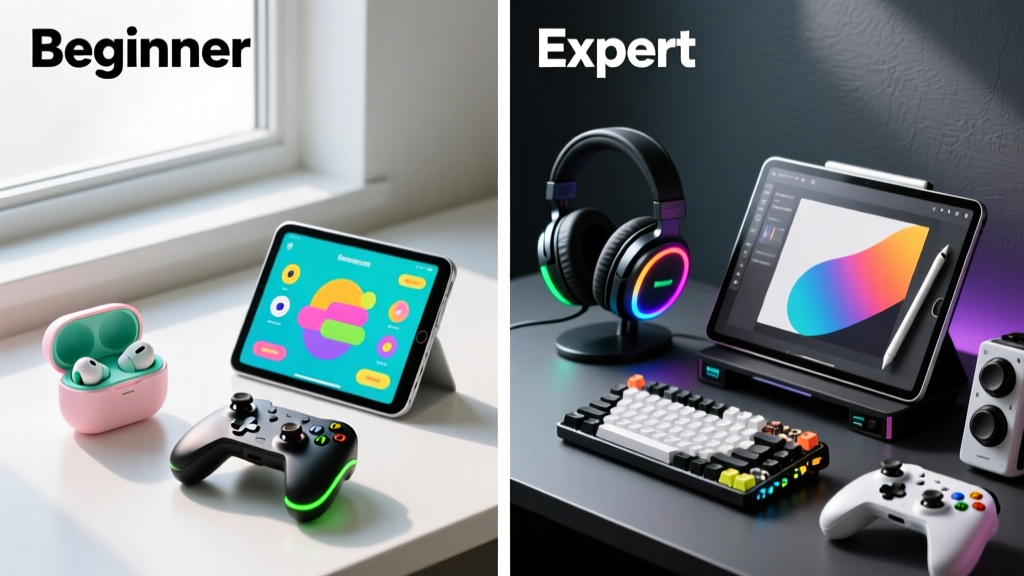
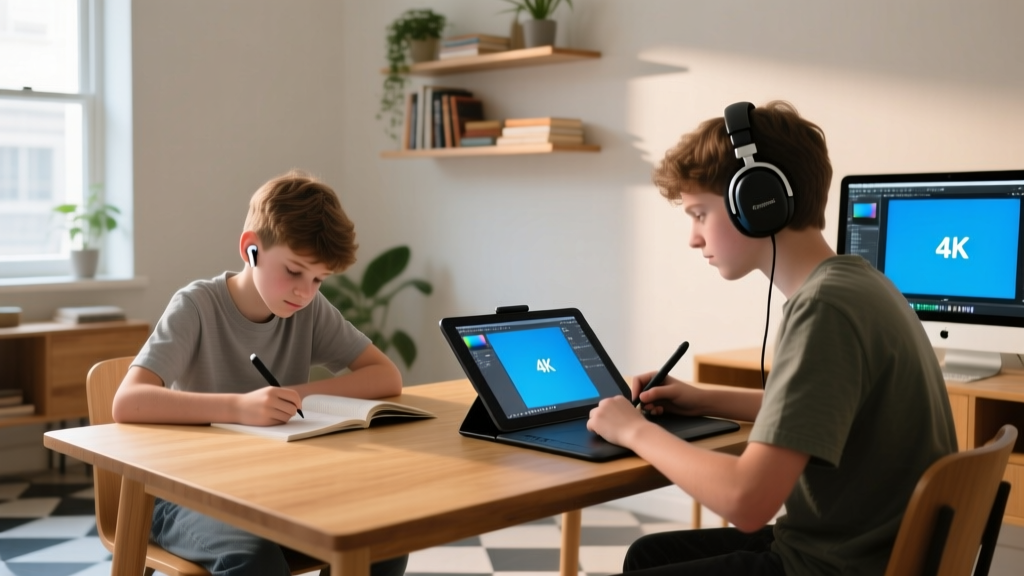
Mapping Technical Maturity: Beyond Age Brackets
Selecting gadgets for teenagers requires mapping the device to the user's technical maturity, not just their chronological age. A 14-year-old coding custom Python scripts for game mods requires vastly different hardware than a 17-year-old who primarily uses their phone for TikTok and casual mobile gaming. According to Pew Research data on teens and technology, device usage patterns fragment heavily based on whether the teen is a passive consumer or an active creator.
To build a logical upgrade path, we categorize teens into two distinct tiers:
- The Beginner (Casual/Exploratory): Prioritizes durability, ease of use, and budget-friendly entry points. Tech is primarily for consumption, light homework, and casual socializing.
- The Expert (Power User/Creator): Demands high-fidelity I/O, local processing power, and professional-grade ecosystems. Tech is a production tool for video editing, 3D rendering, competitive gaming, or software development.
The 2026 Gadget Maturity Matrix
Use this framework to determine which tier fits your teen before purchasing:
| Use Case Indicator | Beginner Tier Match | Expert Tier Match |
|---|---|---|
| Listens to music while studying | True Wireless Earbuds | Over-Ear ANC Headphones |
| Plays games on the bus | Cloud Streaming Handheld | Native x86 PC Handheld |
| Draws or takes digital notes | Base-model Tablet + Basic Stylus | Laminated OLED Tablet + Pro Pen |
Audio & Focus: Passive Listening vs. Acoustic Isolation
Audio gear is often a teenager's most personal gadget. The jump from beginner to expert audio isn't just about volume; it's about codec support, active noise cancellation (ANC) depth, and multipoint connectivity.
Beginner Pick: Soundcore Liberty 4 NC ($99)
For the casual listener, the Soundcore Liberty 4 NC offers exceptional value. It utilizes a standard feedforward and feedback microphone array to reduce ambient noise by up to 98.5% in controlled environments. It supports AAC and standard SBC codecs, which is perfectly adequate for Spotify streaming at 256kbps. The 50-hour total battery life (with case) survives a full school week without needing a wall outlet.
Expert Pick: Sony WH-1000XM5 ($348)
For the teen studying in loud environments, producing music in FL Studio, or obsessing over audio fidelity, over-ear cans are mandatory. The Sony WH-1000XM5 features an 8-microphone array controlled by two processors (V1 and QN1) that dynamically adjust ANC based on atmospheric pressure and fit. Crucially, it supports the LDAC codec, transmitting up to 990kbps of audio data. As noted by audio engineers at SoundGuys regarding LDAC technology, this high-bitrate transmission allows for near-lossless Hi-Res audio streaming, preserving the spatial cues in complex orchestral or electronic tracks that standard Bluetooth codecs crush.
Gaming Hardware: Cloud Reliance vs. Native Compute
Handheld gaming has bifurcated into two distinct paths: streaming terminals and portable PCs. Choosing the wrong one results in either wasted money on unneeded silicon or frustrating latency during competitive play.
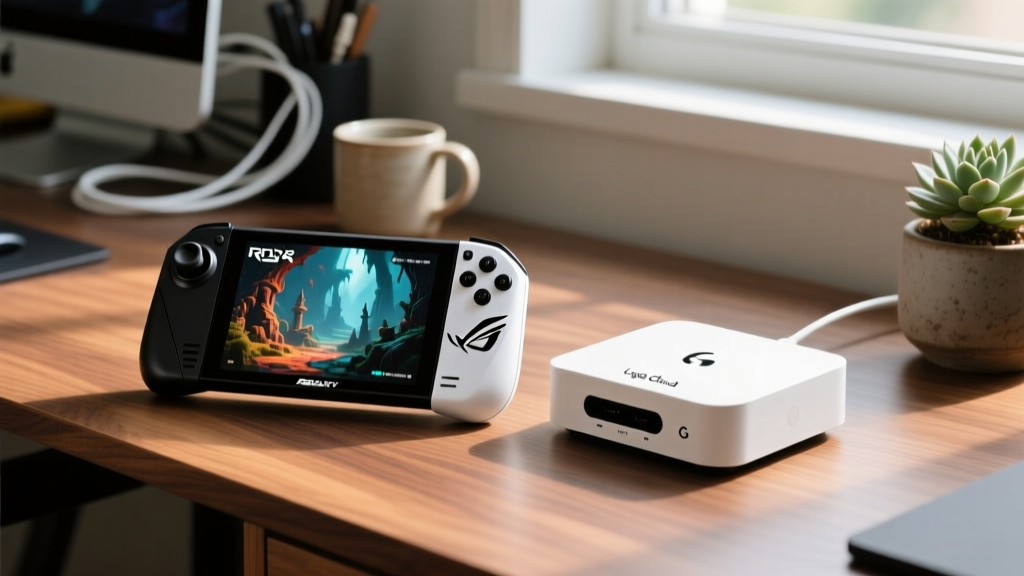
Beginner Pick: Logitech G Cloud ($299)
The G Cloud is a dedicated streaming terminal. It relies entirely on Wi-Fi 6 to stream games from Xbox Cloud Gaming, GeForce Now, or a local PC via Steam Link. It features a 7-inch 1080p IPS display and a 6000mAh battery that yields over 10 hours of gameplay because the device is only decoding a video feed, not rendering 3D geometry. It is ideal for teens with robust home internet (minimum 50Mbps symmetric) who play titles like Fortnite or Minecraft without demanding local frame-generation.
Expert Pick: ASUS ROG Ally X ($799)
The Ally X is a native x86 powerhouse disguised as a handheld. It houses the AMD Z1 Extreme APU paired with a massive 24GB of LPDDR5X RAM and an 80Wh battery. This allows teens to locally compile code, run heavy emulation stacks (like Switch or PS3 emulators), and play native AAA PC titles at 1080p with FSR upscaling. The 24GB RAM allocation is critical here: the APU reserves up to 8GB for VRAM, leaving 16GB for system memory, eliminating the bottleneck found in 16GB handhelds when playing texture-heavy games like Cyberpunk 2077 or running local AI models.
Creative Tools: Digital Sketching and Note-Taking
The transition from casual doodling to serious digital illustration or rigorous academic annotation requires hardware that eliminates digitizer parallax and supports advanced gesture inputs.
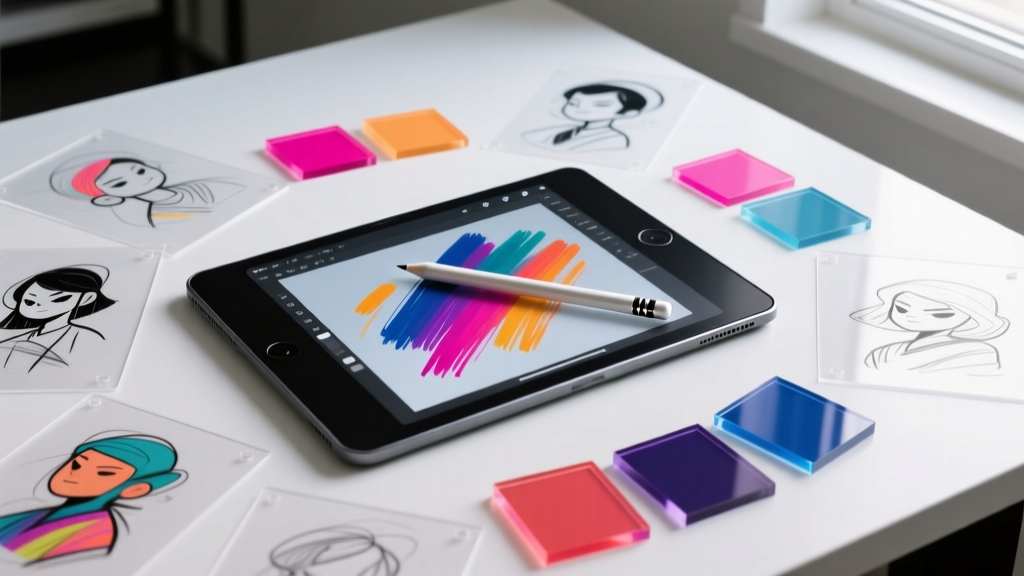
Beginner Pick: Apple iPad 10th Gen + Baseus Stylus ($398 Total)
The 10th Gen iPad ($349) paired with a $49 third-party capacitive stylus is the ultimate entry point for digital planners and casual sketchers. However, it uses a non-laminated display. There is a physical air gap between the glass and the LCD panel, which creates a parallax effect—the line appears slightly offset from the stylus tip. For writing essays or basic note-taking, this is negligible.
Expert Pick: iPad Pro M4 + Apple Pencil Pro ($1,228 Total)
For the teen building a portfolio for art school or animating in Procreate, the iPad Pro M4 ($1,099) is mandatory. It uses a Tandem OLED display capable of 1000 nits of full-screen HDR brightness, ensuring color accuracy for print design. The Apple Pencil Pro ($129) introduces 'barrel roll' and 'squeeze' haptics. Barrel roll uses a gyroscope in the pen to rotate virtual brush shapes dynamically, a feature that drastically speeds up shading workflows for serious digital painters.
The Alternative Expert Route: Wacom Intuos Pro Medium ($379)
If your teen is strictly doing 3D modeling in Blender or heavy Photoshop compositing at a desk, a screenless pen tablet like the Wacom Intuos Pro Medium offers 8,192 levels of pressure sensitivity and a textured surface that mimics toothy drawing paper, providing friction that glass tablets inherently lack.
Budget Breakdown: The 2026 Upgrade Path
Upgrading a teen's tech ecosystem doesn't require buying everything at the expert tier simultaneously. Use this phased approach based on their evolving interests.
| Category | Phase 1: Beginner (Ages 13-15) | Phase 2: Expert (Ages 16-18) | Cost Delta |
|---|---|---|---|
| Audio | Soundcore Liberty 4 NC ($99) | Sony WH-1000XM5 ($348) | +$249 |
| Gaming | Logitech G Cloud ($299) | ASUS ROG Ally X ($799) | +$500 |
| Creative | iPad 10th Gen + Basic Pen ($398) | iPad Pro M4 + Pencil Pro ($1,228) | +$830 |
Frequently Asked Questions
Should I buy expert-tier gadgets if my teen is just starting out?
No. Expert-tier gadgets introduce complex software ecosystems (like Wacom drivers, OBS streaming setups, or LDAC audio routing) that frustrate beginners. Start with plug-and-play beginner devices. If they max out the hardware's capabilities within six months, they have earned the upgrade.
Are cloud gaming handhelds obsolete in 2026?
Not for the right user. With the expansion of 5G home internet and Wi-Fi 7 routers becoming standard, cloud streaming latency has dropped below 20ms on local networks. For teens who only play multiplayer live-service games and lack the desk space for a PC tower, the Logitech G Cloud remains a highly efficient, low-heat solution.
What is the best 'bridge' gadget for transitioning teens?
The Kindle Scribe ($339) is an excellent bridge device. It introduces teens to digital ink (e-ink) for distraction-free reading and basic note-taking without the overwhelming notifications and blue light of an OLED iPad, bridging the gap between traditional paper and full digital workstations.
Written by
Nina PetrovaNina Petrova holds a Master's degree in Child Development from the Erikson Institute and a B.S. in Nursing from the University of Illinois at Chicago. She worked as a pediatric nurse for 6 years before transitioning to family technology consulting, bringing clinical rigor to her evaluations of kid-friendly gadgets, educational toys, and parental control software. Nina has reviewed over 400 children's tech products, testing each for safety compliance (CPSC and ASTM standards), developmental appropriateness across age groups, screen-time impact, and data privacy practices. She serves on the Children's Technology Review advisory board and has testified before the FTC on children's data protection in connected toys. Her reviews are trusted by parents and educators alike for their evidence-based approach to balancing technology benefits with child safety.