Motorhome Gadgets 2025 vs 2026: Mobile Office Guide
Compare beginner and expert motorhome gadgets for 2026 mobile offices. Discover essential RV tech, power setups, and ergonomic workspace upgrades.
The Evolution of the Mobile Office: From 2025 to 2026
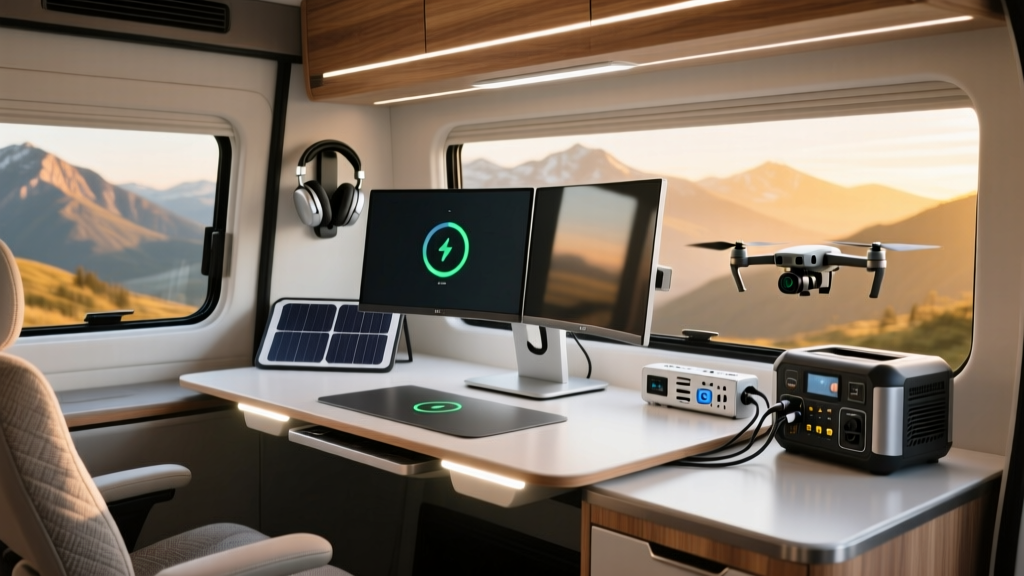
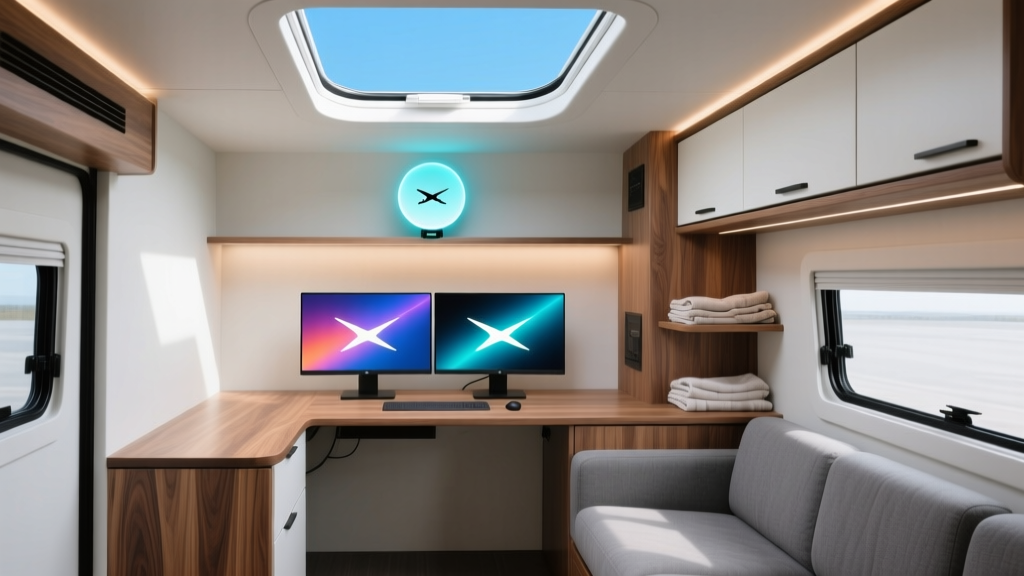
Working from a van or RV has shifted from a niche nomadic experiment to a mainstream remote-work strategy. While the most hyped motorhome gadgets 2025 lists focused heavily on basic portability and novelty items, the 2026 landscape demands enterprise-grade reliability. Whether you are outfitting a Class B Sprinter van or a Class A diesel pusher, building a mobile office requires a bifurcated approach: the beginner setup prioritizes budget and flexibility, while the expert setup demands redundant power, hardwired ergonomics, and failover connectivity.
In this guide, we break down the exact hardware, power calculations, and spatial configurations that separate a weekend warrior's laptop perch from a full-time executive's mobile command center.
Power & Connectivity: The Lifeblood of Remote Work
Nothing kills a Zoom call faster than a voltage drop. The cornerstone of any motorhome office is the electrical and data architecture.
The Beginner Setup: Plug-and-Play Portability
Beginners typically rely on standalone portable power stations. The Jackery Explorer 1000 v2 ($1,099) is a staple. It offers 1,072Wh of LiFePO4 capacity, enough to run a 65W laptop, a 15W mobile router, and LED lighting for about 10 hours. For internet, the Starlink Standard Actuated kit ($599 hardware, $150/month Roam plan) provides excellent open-sky coverage but struggles under dense tree canopies.
The Expert Setup: Hardwired Redundancy
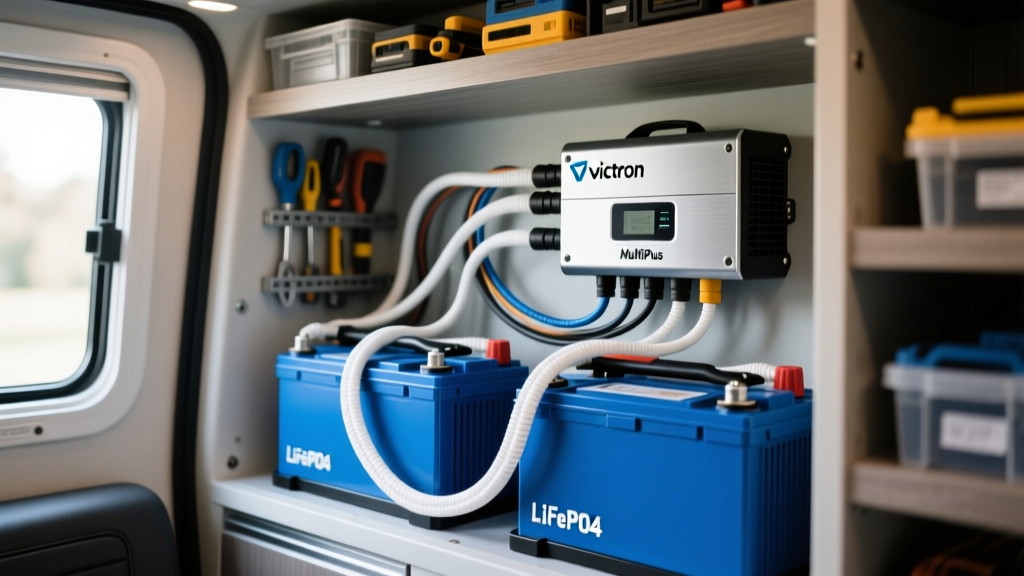
Experts build multi-phase electrical systems. The gold standard is the Victron MultiPlus-II 12/3000/120-50 inverter/charger ($1,450) paired with a minimum of 800Ah in server-rack LiFePO4 batteries (like four SOK 280Ah units at $500 each). This provides 10.2kWh of usable energy, supporting high-draw appliances like espresso machines and AC units without tripping the inverter.
For connectivity, experts use SD-WAN routers like the Peplink MAX BR1 Pro 5G ($1,199) bonded with a roof-mounted Poynting PUCK-5 MIMO antenna. This allows seamless failover between 5G cellular (using dual SIMs from different carriers) and Starlink, ensuring zero dropped packets during critical meetings.
Power and Tech Comparison Matrix
| Feature | Beginner Setup | Expert Setup |
|---|---|---|
| Power Inverter | Jackery 1000W Integrated | Victron MultiPlus-II 3000VA |
| Battery Capacity | 1,072Wh (Internal) | 10,240Wh (External Bank) |
| Internet Router | Starlink Standard Router | Peplink MAX BR1 Pro 5G |
| Antenna | Starlink Dish (Ground/Roof) | Poynting PUCK-5 + Starlink Flat |
| Estimated Cost | ~$1,800 | ~$6,500+ |
| Max Continuous Draw | 1000W | 2400W (120V) |
Ergonomics & Workspace: Beyond the Dinette Table
Sitting on a rigid RV dinette bench for eight hours will quickly lead to lumbar fatigue. Your physical workspace must adapt to the confined geometry of a motorhome, a challenge frequently highlighted by the full-timers at RV Geeks.
Beginner: Modular and Removable
The Lagun Table Mount ($165) is the undisputed champion of entry-level RV desks. It bolts to a wall or cabinet edge and features a 360-degree swivel arm with an adjustable height gas strut. Paired with a lightweight folding chair, it allows you to stow the workspace away when driving. However, the small surface area (typically 18" x 24") limits you to a single laptop and a notebook.
Expert: Actuated and Anchored
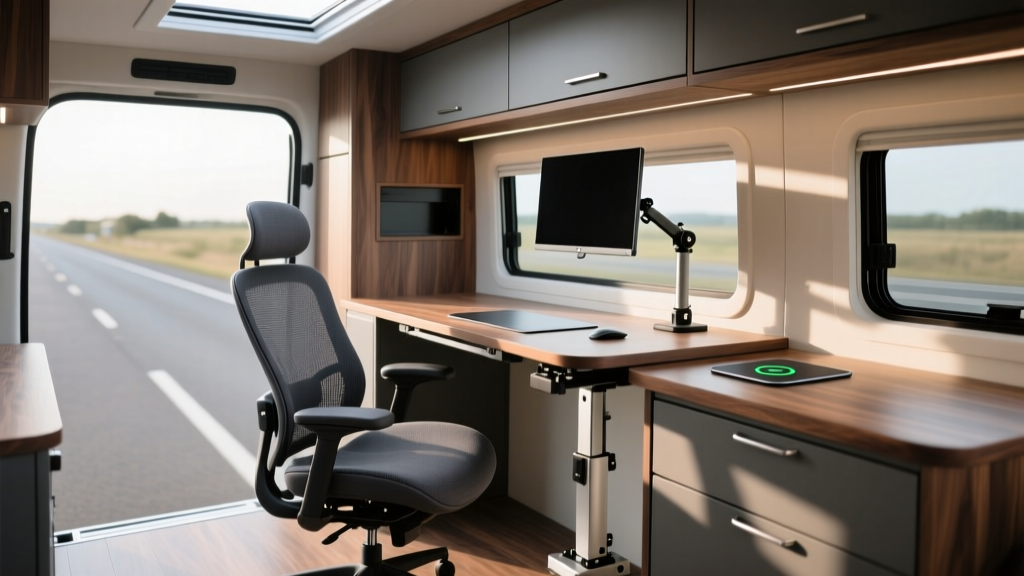
Expert builds integrate the desk into the vehicle's chassis. The NuTrek RV Lift Desk ($850) is an electrically actuated sit/stand desk hardwired to the 12V system, offering memory presets and a 48" x 24" bamboo top. For seating, experts bolt a Herman Miller Aeron or a specialized Grammer MSG95 suspension seat directly to the reinforced subfloor, utilizing pneumatic isolation to absorb road vibrations even when parked on uneven terrain.
Lighting & Acoustics: The Hidden Productivity Killers
Motorhomes are essentially echo chambers built from fiberglass and aluminum. Poor lighting causes eye strain, while road noise and wind resonance destroy audio quality on conference calls.
Beginner Lighting and Audio
Entry-level setups rely on battery-powered LED puck lights and the built-in microphone on a laptop or headset. While functional, the color rendering index (CRI) of cheap LEDs often hovers around 70, making skin tones look unnatural on webcam feeds. For audio, beginners use standard Bluetooth headsets, which frequently suffer from latency and dropouts when the RV's 2.4GHz spectrum is crowded by Wi-Fi routers and microwaves.
Expert Lighting and Acoustic Treatment
Experts install hardwired, dimmable LED strips with a CRI of 95+ (such as the WAC Lighting InvisiLED series) routed through a smart controller to match the circadian rhythm—shifting from 5000K cool white in the morning to 2700K warm white by evening. Acoustically, expert builds apply Dynamat Xtreme butyl rubber sound deadener to the van's metal panels during the build phase, followed by closed-cell polyurethane foam. For calls, they hardwire a Shure MV7+ USB microphone into a boom arm, utilizing a physical noise gate to completely eliminate the sound of rain hitting the metal roof or the hum of the 12V compressor fridge.
Climate & Environment Control
Thermal management is critical for both human comfort and hardware longevity. Laptops will throttle, and batteries will degrade if the ambient temperature exceeds 95°F (35°C).
- Beginner Approach: Relies on 12V oscillating fans (like the Caframo Sirocco II, $135) for cross-ventilation and reflective window covers (Reflectix) to block solar gain.
- Expert Approach: Utilizes 12V compressor-driven AC units like the Dometic RTX 2000 ($2,800) which draws only 20A-40A at 12V, allowing it to run directly off the lithium bank via solar without needing a generator or shore power. Experts also install smart environmental sensors (like Aqara Temperature and Humidity monitors) that trigger automated roof vent fans when interior humidity crosses 60%.
Decision Framework: When to Upgrade Your Rig
How do you know when to transition from a beginner to an expert setup? Use this practical decision matrix based on your work requirements:
- The "Coffee Shop" Rule: If you find yourself driving to cafes or co-working spaces more than twice a week to take high-bandwidth calls, your internet and power redundancy is failing. Upgrade to a Peplink router and a larger battery bank.
- The Posture Test: If you experience sciatica or neck strain after three days of boondocking, your seating and desk geometry are inadequate. Invest in an actuated desk and a suspension seat.
- The Climate Threshold: If your workflow halts during summer months in the Southwest because your inverter overheats or your laptop thermal-throttles, it is time to install a 12V compressor AC and upgrade your battery cabling to 2/0 AWG.
Frequently Asked Questions
Can I run a desktop PC in a motorhome?
Yes, but it requires an expert setup. A high-end desktop and dual monitors can draw 400W-600W continuously. You will need a minimum 2000W pure sine wave inverter (like the Victron MultiPlus) and at least 400Ah of lithium batteries to sustain a full 8-hour workday without solar input.
Is Starlink enough for remote work in 2026?
Starlink is exceptional in open areas, but micro-obstructions (tree branches, canyon walls) still cause micro-drops that will disconnect VoIP calls. According to the Mobile Internet Resource Center, bonding Starlink with a 5G cellular connection via an SD-WAN router is the only way to guarantee enterprise-level uptime in varied terrains.
What is the best way to ground a motorhome desk?
Experts bond the metal chassis of the desk to the vehicle's main grounding bus bar using a 10 AWG copper wire. This prevents static buildup and protects sensitive electronics from stray voltage, a concept thoroughly detailed in the Victron Energy wiring guidelines.
Written by
Jake MorrisonJake Morrison holds a B.S. in Electrical Engineering from UC Berkeley and an MBA from Stanford Graduate School of Business. With over 12 years of hands-on experience in consumer electronics, he previously served as a senior product engineer at a Silicon Valley startup before transitioning to tech journalism. Jake has personally tested and benchmarked over 3,000 gadgets across categories including smartphones, wearables, smart home devices, and audio equipment. His durability testing methodology — involving controlled drop tests, thermal cycling, and water submersion — is widely cited by major tech publications. He is a certified CompTIA A+ technician and a contributing editor to the IEEE Consumer Electronics Magazine.