6 Cool Household Gadgets for Outdoor Workspaces in 2026
Transform your patio into a productive seasonal office. We test the best cool household gadgets for outdoor workspaces, covering power, cooling, and lighting.
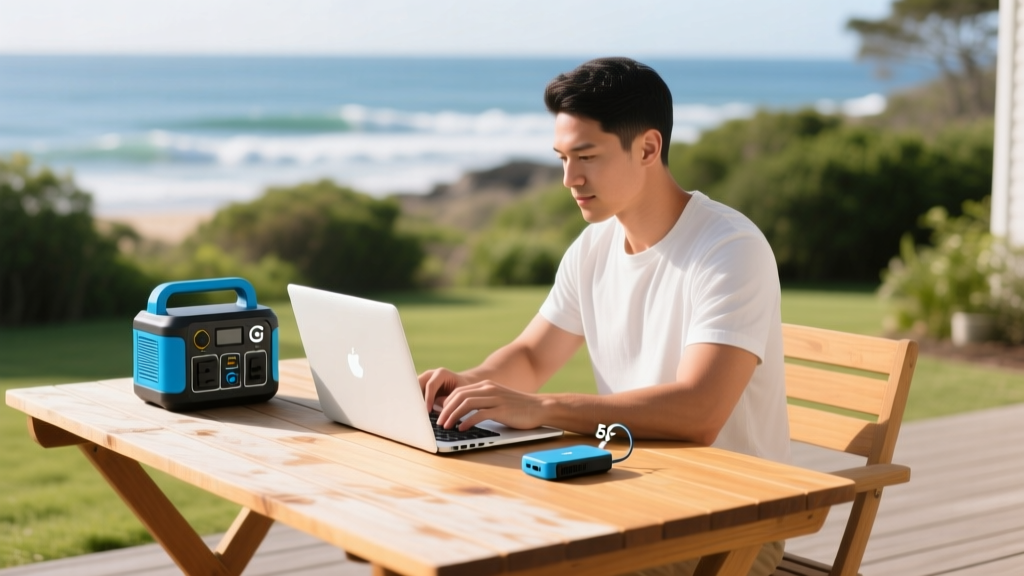
Transitioning your home office to a patio, deck, or balcony during the warmer months requires more than just carrying your laptop outside. The outdoor environment introduces severe variables: rapid battery depletion from screen brightness maxing out, thermal throttling of internal components, Wi-Fi signal degradation through exterior walls, and aggressive solar glare. To maintain professional productivity, you need specialized gear designed to mitigate these exact environmental stressors.
This guide bypasses generic patio furniture recommendations and focuses strictly on the technical infrastructure. Below is a curated selection of cool household gadgets engineered to stabilize power, regulate microclimates, and manage illumination for seasonal outdoor workspaces.
The Core Triad: Power, Data, and Climate
Standard indoor power strips and mesh Wi-Fi nodes fail outdoors due to IP-rating limitations and signal attenuation through Low-E glass or brick. The foundation of an outdoor office relies on self-contained, weather-resilient hardware.
| Gadget Category | Recommended Model | Key Specifications | Estimated Cost (2026) |
|---|---|---|---|
| Portable Power | Anker SOLIX C300 | 288Wh LiFePO4, 300W output, 9.5 lbs | $299 |
| Off-Grid Data | Starlink Mini | 20-40W draw, 100+ Mbps, IP54 rated | $599 + $50/mo |
| Microclimate Cooling | Ryobi RYI1802 Whisper Fan | 1,100 CFM, 55dB, 18V ONE+ HP | $149 (tool only) |
| Smart Evaporative | Orbit B-hyve Smart Timer | Matter-compatible, weather-sync | $69 |
| Task Illumination | Govee Outdoor Wall Lights | RGBIC, CRI >90, 2700K-6500K | $119 (pair) |
Cooling the Microclimate Without Deafening Yourself
Acoustic fatigue is a primary reason outdoor work sessions fail. Standard pedestal fans generate 65 to 75 decibels (dB) of broadband noise, which bleeds into microphone arrays and causes cognitive fatigue during video calls. Managing heat requires high-volume airflow at low acoustic signatures.
Ryobi 18V ONE+ HP Whisper Series (RYI1802)
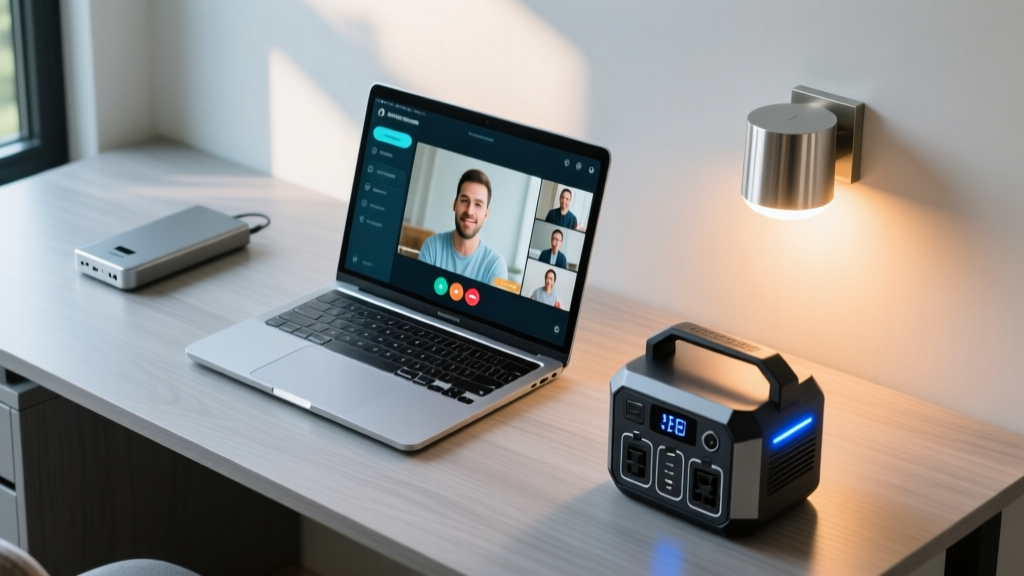
The Ryobi RYI1802 utilizes a brushless motor and specialized blade geometry to push 1,100 cubic feet per minute (CFM) of air while capping noise output at 55 dB on medium speed. This is roughly equivalent to a quiet refrigerator hum, allowing your laptop's noise-canceling microphone array (like those on the ThinkPad X1 Carbon) to easily filter it out. Deployment tip: Position the fan at a 45-degree angle, three feet away from your torso. Direct frontal airflow causes rapid tear evaporation and eye strain within 45 minutes.
Orbit B-hyve Smart Hose Timer + Misting Nozzles
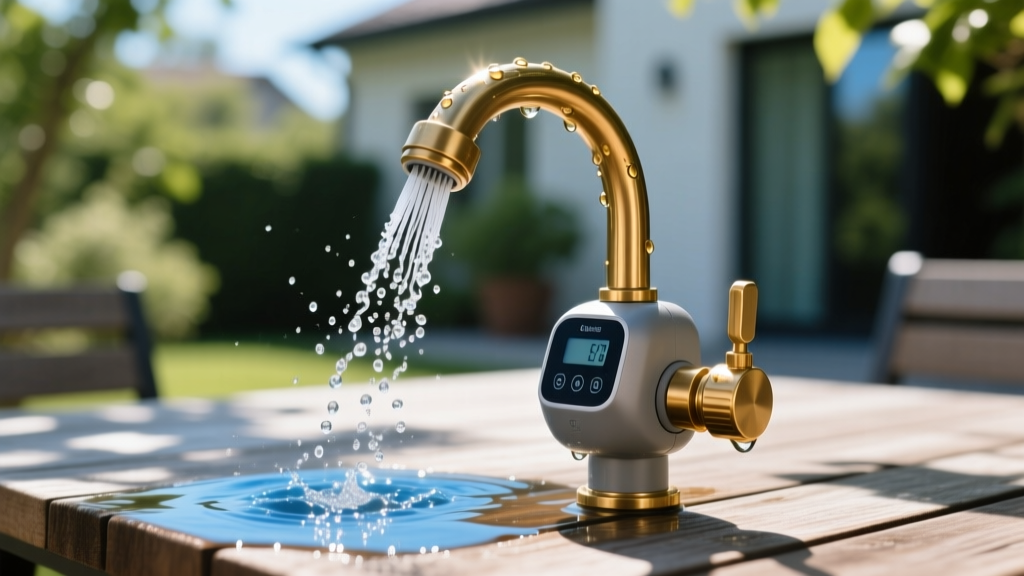
For ambient temperature reduction, evaporative cooling is vastly superior to fans alone. By pairing the Orbit B-hyve Smart Hose Faucet Timer with a standard brass misting line, you can drop the immediate patio temperature by 10°F to 15°F. The B-hyve integrates with local weather APIs via your home Wi-Fi. You can configure a rule in the app: Activate misting zone only if ambient temperature exceeds 82°F AND local humidity is below 60%. This prevents the system from triggering on high-humidity days, which would only make the air feel heavier and promote mold growth on wooden deck surfaces.
Managing Glare and Golden Hour Illumination
Outdoor lux levels routinely exceed 10,000 lux on a sunny day, forcing laptop screens to max out their backlight (often 400-500 nits), which drains the battery by 40% faster and causes severe thermal throttling. According to Cornell University Ergonomics guidelines, maintaining a balanced luminance ratio between your screen and the background environment is critical to preventing visual fatigue.
Ergonomic Rule of Thumb: The brightness of the area immediately behind your monitor should not exceed three times the brightness of the screen itself. Outdoors, this means you must artificially shade the workspace or use high-output, tunable task lighting to balance the exposure during early morning or late afternoon low-angle sun.
When the sun dips, you need artificial light that renders skin tones accurately for video conferencing. The Govee Outdoor Wall Lights offer a tunable white spectrum (2700K to 6500K) with a Color Rendering Index (CRI) above 90. Mount these on the exterior wall facing your desk, angled downward at 30 degrees. Set the color temperature to 4500K (neutral daylight) and brightness to 60% to provide roughly 400 lux on your face, ensuring your webcam sensor doesn't artificially boost ISO and introduce visual noise into your video feed.
Critical Failure Modes: What Destroys Outdoor Tech
Bringing indoor-rated gadgets outside is the fastest way to void warranties and destroy lithium-ion cells. Pay strict attention to ingress protection and thermal thresholds.
⚠️ Warning: Battery Thermal Limits & IP Ratings
According to Battery University, charging a lithium-ion battery at temperatures below 32°F (0°C) causes permanent lithium plating on the anode, creating internal short-circuit risks. Conversely, charging above 113°F (45°C) accelerates capacity degradation. Never leave your portable power station in direct sunlight while actively charging.
Furthermore, understand IP ratings. An IP44 rating (common on cheap outdoor smart plugs) only protects against splashing water from any direction. It will fail during a wind-driven rainstorm. For exposed outdoor tech, demand a minimum of IP65 (dust tight and protected against water jets).
The 4-Step Seasonal Deployment Protocol
To ensure your outdoor office remains functional and compliant with occupational safety standards—such as the OSHA Heat Exposure Standards for managing thermal stress—follow this deployment sequence every morning:
- Establish the Shade Envelope: Deploy a UV-blocking shade sail (minimum UPF 50+) angled to block the specific azimuth of the sun for your working hours. Direct sunlight on a laptop chassis will trigger CPU thermal throttling within 12 minutes.
- Power Sequencing: Connect the Starlink Mini and laptop charger to the Anker SOLIX C300. Turn on the power station before plugging in the laptop to allow the inverter to stabilize the sine wave output, protecting your laptop's sensitive power delivery ICs.
- Microclimate Activation: Trigger the Orbit B-hyve misting system for a 3-minute burst to pre-cool the ambient air, then activate the Ryobi Whisper Fan on medium to circulate the evaporatively cooled air across your workspace.
- Acoustic & Visual Check: Run a 30-second test recording on your webcam and microphone. Verify that the fan noise is being suppressed by your software's AI noise removal (like NVIDIA Broadcast or Windows Studio Effects) and that your face is evenly lit without harsh shadows from the shade sail edges.
By treating your seasonal outdoor workspace as a controlled micro-environment rather than just a desk in the yard, you extend your hardware's lifespan and maintain peak cognitive performance regardless of the weather.
Written by
Tom ReynoldsTom Reynolds holds a CFA (Chartered Financial Analyst) designation and a B.S. in Finance from the University of Texas at Austin. Before entering tech journalism, he spent 6 years as a quantitative analyst at a hedge fund, building cost-benefit models for consumer product investments. Tom has maintained a proprietary database of over 10,000 tech deals for the past 8 years, developing his signature "penny-per-feature" evaluation framework that calculates the true value proposition of every gadget. His budget gadget reviews are known for their financial rigor — he tracks price history across 15+ retailers, calculates cost-per-use over 3-year lifespans, and identifies the exact inflection point where premium features justify their markup. Tom's deal alerts have saved his readers an estimated .3 million since 2018.