14 Cool Office Gadgets to Upgrade Your Workspace in 2026
Discover the best cool office gadgets for 2026. Our buyer's guide reviews high-ROI desk accessories, smart lighting, and workflow automation tools.
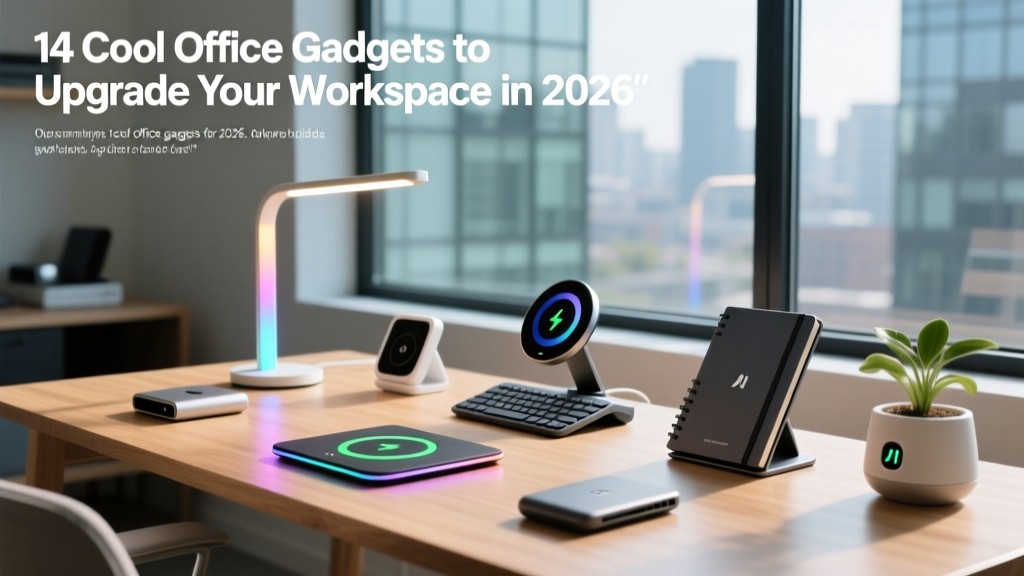
The market for desk accessories is saturated with RGB-lit novelties and app-dependent trinkets that end up in a drawer within three weeks. When searching for cool office gadgets, the primary metric should not be aesthetic novelty, but Return on Interaction (ROI). A genuinely useful workspace upgrade must solve a specific friction point—whether that is cervical spine strain, context-switching fatigue, or cable clutter—without introducing new maintenance overhead.
This 2026 buyer’s guide filters out the gimmicks. We evaluate high-impact hardware based on ergonomic data, workflow integration, and long-term durability, providing exact specifications and pricing to help you build a workspace that actually performs.
Visual and Ergonomic Anchors
Ergonomic failure is the leading cause of afternoon productivity drops. According to guidelines published by the Occupational Safety and Health Administration (OSHA), improper monitor height and inadequate task lighting force the cervical spine into flexion, accelerating muscle fatigue. The following gadgets address these physical baselines.
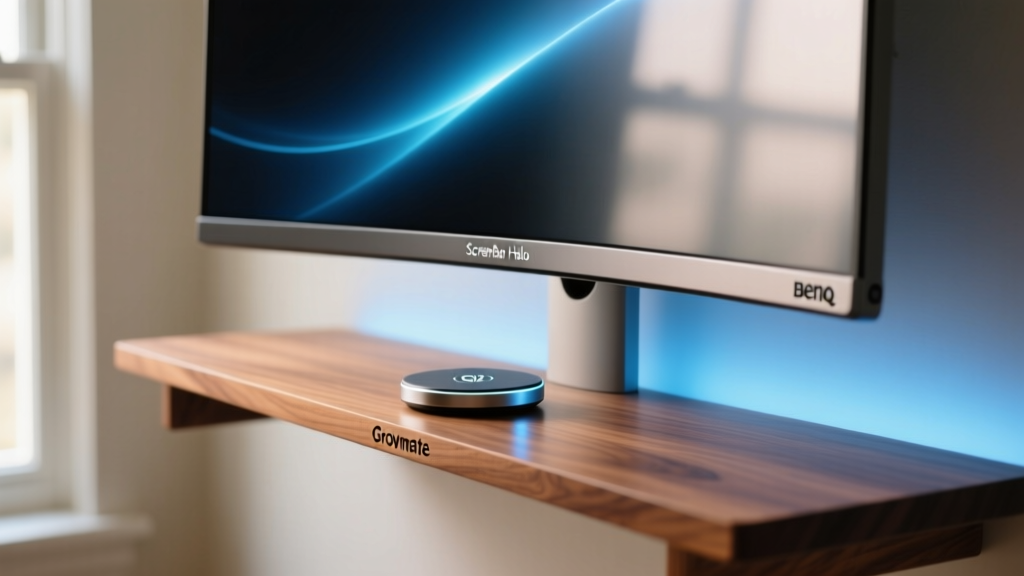
BenQ ScreenBar Halo (Monitor Light)
Cheap monitor light bars cause screen glare, forcing your pupils to constantly adjust. The BenQ ScreenBar Halo ($199) utilizes an asymmetric optical design that projects 500 lux of illumination onto your desk while emitting zero light toward the display. It supports a 2700K to 6500K color temperature range and includes a wireless, weighted dial controller. The 2.4GHz wireless connection eliminates the USB cable clutter that plagues competing models, and the auto-dimming ambient sensor adjusts brightness based on your room's natural light shifts throughout the day.
Grovemade Walnut Desk Shelf with Qi2
Raising your monitor to eye level is non-negotiable for posture. The Grovemade Walnut Desk Shelf ($170) elevates displays by exactly 5.5 inches—the optimal clearance for sliding a mechanical keyboard underneath when not in use. Crafted from solid Eastern Black Walnut, it supports up to 200 pounds. The 2026 iteration integrates a flush-mounted Qi2 15W magnetic charging puck on the right wing, allowing you to snap your phone or wireless earbuds into a designated charging zone without deploying a separate cable.
Workflow Automation and Macro Control
Context switching destroys deep work. The average knowledge worker loses 23 minutes refocusing after a single interruption. Automation hardware bridges the gap between software shortcuts and physical muscle memory.
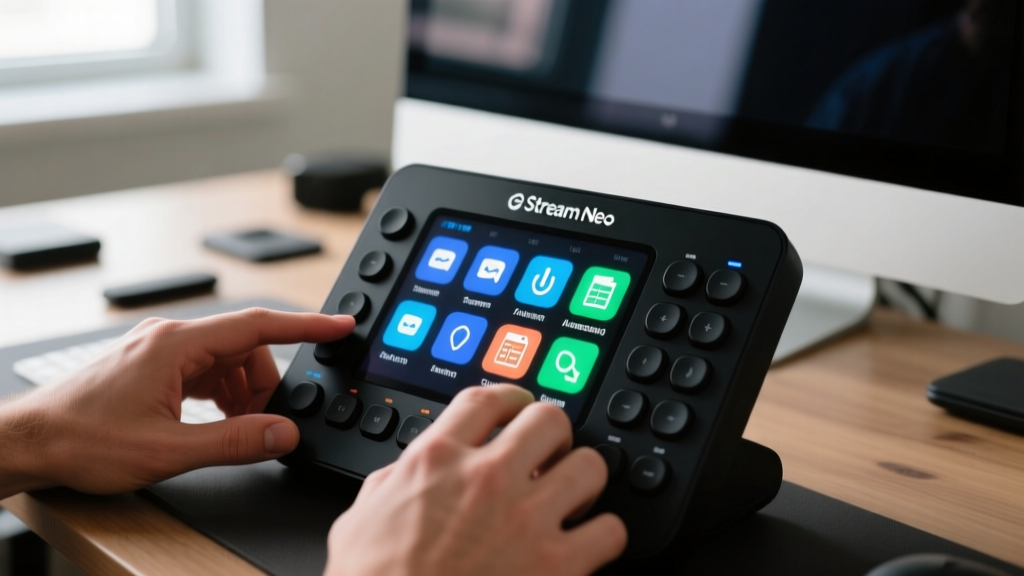
Elgato Stream Deck Neo
Originally built for live streamers, the Stream Deck Neo ($99) is now an essential tool for financial analysts, developers, and project managers. It features 8 customizable LCD keys and a touch-sensitive strip. The real value lies in the Stream Deck SDK and Zapier integration. You can program a single key to execute a multi-step macro: launch a specific Excel workbook, trigger a data-refresh macro, and simultaneously set your Slack status to 'Deep Work'. The tactile feedback of a physical button press eliminates the cognitive load of remembering complex keyboard shortcuts (e.g., Ctrl+Shift+Alt+M).
TourBox Elite Console
For video editors, 3D modelers, and digital illustrators, the TourBox Elite ($289) replaces repetitive mouse movements. It features a combination of dials, sliders, and convex buttons designed for blind operation. The haptic feedback motor provides physical clicks when adjusting brush sizes or scrubbing timelines, allowing your eyes to remain locked on the canvas. It maps natively to Adobe Creative Cloud, DaVinci Resolve, and Blender via dedicated plugins.
Gadget ROI Matrix
| Gadget | Cost | Setup Time | Primary Friction Solved | Best User Profile |
|---|---|---|---|---|
| BenQ ScreenBar Halo | $199 | 2 mins | Screen glare & eye strain | Night-shift workers, readers |
| Stream Deck Neo | $99 | 15 mins | Context switching & macros | Analysts, devs, managers |
| Grovemade Qi2 Shelf | $170 | 1 min | Posture & desk clutter | Minimalists, hybrid workers |
| Mudita Harmony | $150 | 0 mins | Digital distraction | Writers, deep-work purists |
| Anker Prime 100W GaN | $55 | 1 min | Cable sprawl & slow charging | Multi-device travelers |
Focus and Environmental Control
Cognitive function is directly tied to environmental inputs. Air quality, acoustic dampening, and blue-light exposure dictate your ability to sustain attention over a four-hour block.
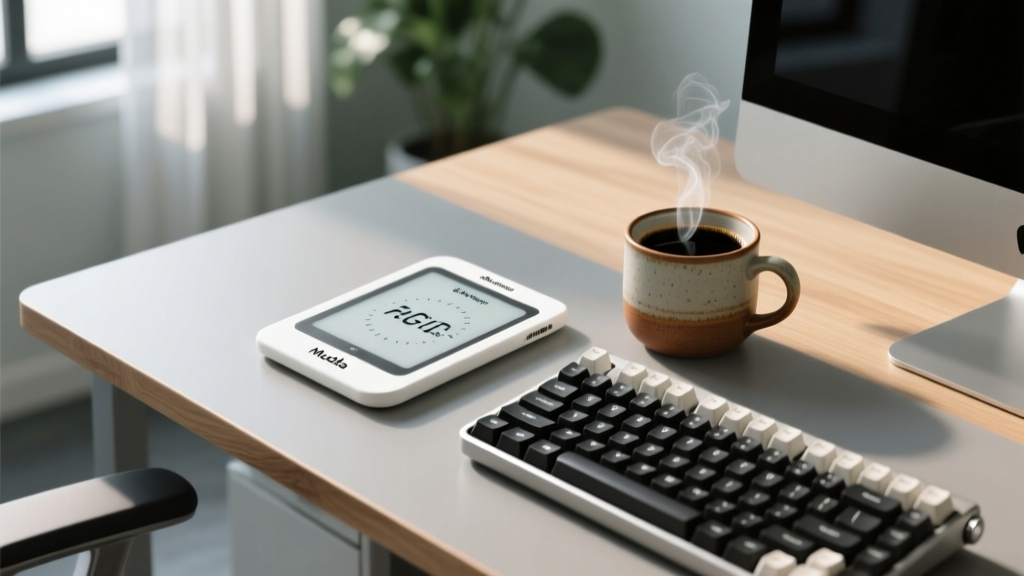
Mudita Harmony E-Ink Timer
Using your phone for Pomodoro timers guarantees distraction. The Mudita Harmony ($150) is a dedicated, offline focus clock utilizing an E-ink display. Unlike LCD screens, E-ink emits zero blue light and uses no Pulse Width Modulation (PWM) flicker, eliminating subconscious eye fatigue. It features a physical mechanical dial for setting 25/5 or 50/10 work intervals and includes a high-fidelity, non-jarring acoustic alarm. It is strictly single-purpose, which is exactly why it works.
Dyson Purifier Hot+Cool Formaldehyde (TP09)
Indoor CO2 and VOC (Volatile Organic Compound) buildup in small, enclosed home offices leads to measurable cognitive decline. The Dyson TP09 ($750) combines a HEPA H13 filter with a solid-state formaldehyde sensor. It actively monitors room air quality and auto-adjusts its airflow. While expensive, it replaces three separate devices: a space heater, a tower fan, and an air purifier, while providing real-time data on your room's particulate matter via the LCD readout.
Power Infrastructure and Cable Management
A desk is only as functional as its power delivery. Daisy-charging power strips create fire hazards and visual chaos.
Anker Prime 100W GaN Wall Charger
At $55, this charger utilizes Gallium Nitride (GaN) technology to deliver 100W of total output across three ports (two USB-C, one USB-A) in a form factor 40% smaller than traditional silicon chargers. It features ActiveShield 2.0, which monitors temperature 35 million times a day to prevent thermal throttling. Plug this directly into the wall behind your desk shelf to power your laptop, phone, and desk lamp simultaneously without a brick resting on your floor.
UGREEN Nexode 100W Desktop Charging Station
If wall space is limited, the UGREEN Nexode Desktop Station ($79) sits on your desk shelf. It features a 1.5-meter braided extension cable and a weighted, non-slip silicone base. The smart power allocation dynamically shifts wattage based on device needs, ensuring your 14-inch laptop gets the 65W it requires while your wireless mouse trickle-charges at 5W.
Decision Framework: Sizing Your Upgrades
Not every gadget fits every workspace. Use this framework to allocate your budget based on your physical desk dimensions.
- Shallow Desks (Under 24 inches deep): Skip the monitor arms and desk shelves. Invest in the BenQ ScreenBar Halo to reclaim desktop real estate previously occupied by a desk lamp, and use the Anker Prime Wall Charger to keep power bricks off the limited surface area.
- Deep Desks (Over 30 inches deep): You have the footprint for environmental control. Add the Dyson TP09 behind your monitor and use the Grovemade Desk Shelf to push your monitor further back to the optimal 28-inch focal distance from your eyes.
- Standing Desks: Cable management is your primary enemy. Avoid heavy desktop charging stations. Rely on the Elgato Stream Deck Neo mounted via double-sided VHB tape to the side of your desk frame for quick macro access while standing, keeping the surface completely clear.
Frequently Asked Questions
Are smart desk mats with built-in wireless charging worth the premium?
Generally, no. Most 'smart' desk mats ($80-$120) use outdated Qi 5W or 10W charging coils that require precise placement and generate excess heat, which degrades your phone's battery health over time. A standard high-quality wool felt mat ($40) paired with a dedicated Qi2 15W magnetic puck is a more reliable, faster, and cooler-running solution.
How do I justify the cost of automation gadgets like the Stream Deck to my employer?
Frame the purchase around time-saved metrics. If a Stream Deck Neo ($99) automates a daily 5-minute reporting workflow (launching software, pulling data, formatting), it saves roughly 20 hours per year. At a conservative $40/hour fully-loaded employee cost, the device pays for itself in less than two weeks. Data from the American Psychological Association highlights that reducing micro-interruptions in remote and hybrid environments significantly improves long-term task retention and job satisfaction.
What is the most overlooked ergonomic gadget for home offices?
The footrest. While buyers obsess over $1,000 chairs, they ignore the fact that if your feet do not rest flat on a surface with your knees at a 90-degree angle, your lower back will compensate, leading to lumbar strain. A simple, adjustable angled footrest ($35-$50) often yields a higher immediate comfort ROI than upgrading from a mid-tier to a premium ergonomic chair.
Written by
Tom ReynoldsTom Reynolds holds a CFA (Chartered Financial Analyst) designation and a B.S. in Finance from the University of Texas at Austin. Before entering tech journalism, he spent 6 years as a quantitative analyst at a hedge fund, building cost-benefit models for consumer product investments. Tom has maintained a proprietary database of over 10,000 tech deals for the past 8 years, developing his signature "penny-per-feature" evaluation framework that calculates the true value proposition of every gadget. His budget gadget reviews are known for their financial rigor — he tracks price history across 15+ retailers, calculates cost-per-use over 3-year lifespans, and identifies the exact inflection point where premium features justify their markup. Tom's deal alerts have saved his readers an estimated .3 million since 2018.