9 Cool Motorhome Gadgets for Budget Mobile Offices 2026
Discover 9 cool motorhome gadgets under $80 to build a budget-friendly RV home office. Includes power draw math, ergonomic gear, and 2026 connectivity tips.

The Rise of the Budget Mobile Workspace
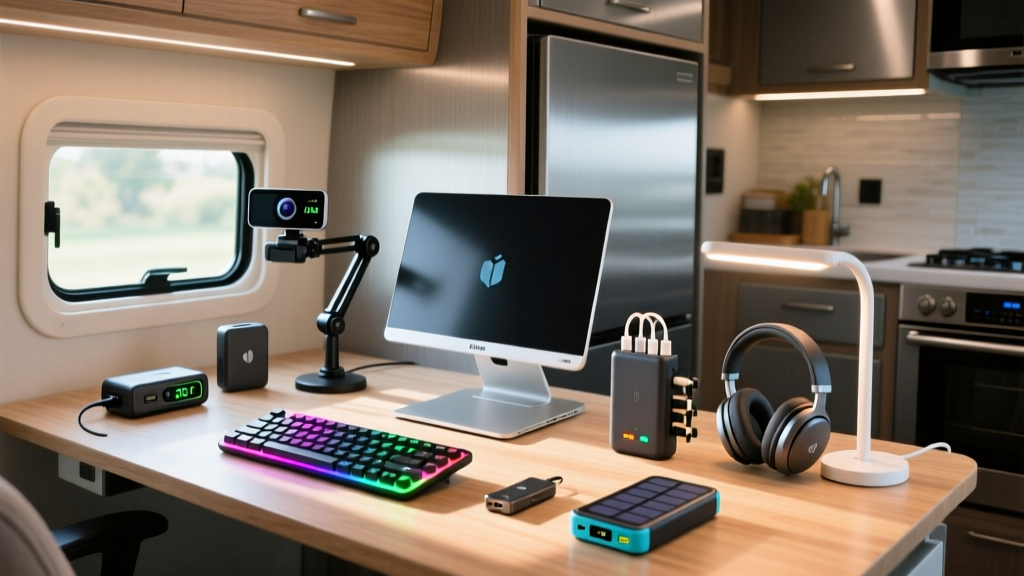
Outfitting a Class B or Class C RV for full-time remote work does not require a $5,000 technology budget. As mobile workforce trends stabilize in 2026, the RV Industry Association notes a massive surge in budget-conscious digital nomads prioritizing functional, space-saving office gear over luxury installations. Finding the right cool motorhome gadgets means balancing strict spatial constraints with the rigorous power demands of modern laptops and routers.
This roundup isolates highly specific, budget-friendly hardware (all under $80) that solves the unique friction points of a rolling home office: fluctuating shore power, cramped ergonomics, and poor ambient lighting. We will also cover the exact power-draw math you need to avoid tripping your RV inverter.
Category 1: Power & Connectivity Lifelines (Under $80)
The most critical point of failure in a motorhome office is power delivery. RV electrical systems are notorious for voltage spikes when connecting to campsite pedestals.
1. CyberPower CP425SLG Standby UPS ($59.95)
Most mobile workers rely on laptop batteries, but a sudden voltage drop can instantly reboot your 12V DC router, dropping your Zoom call. The CyberPower CP425SLG is a compact, 425VA uninterruptible power supply. It weighs just 8.2 pounds and fits easily into a motorhome overhead cab. It provides roughly 15 minutes of bridge power for a 65W laptop and a 12W Wi-Fi router during a pedestal failure, allowing you to safely save work and switch to your cellular backup.
2. Anker 537 USB-C Hub (12-in-1) ($54.99)
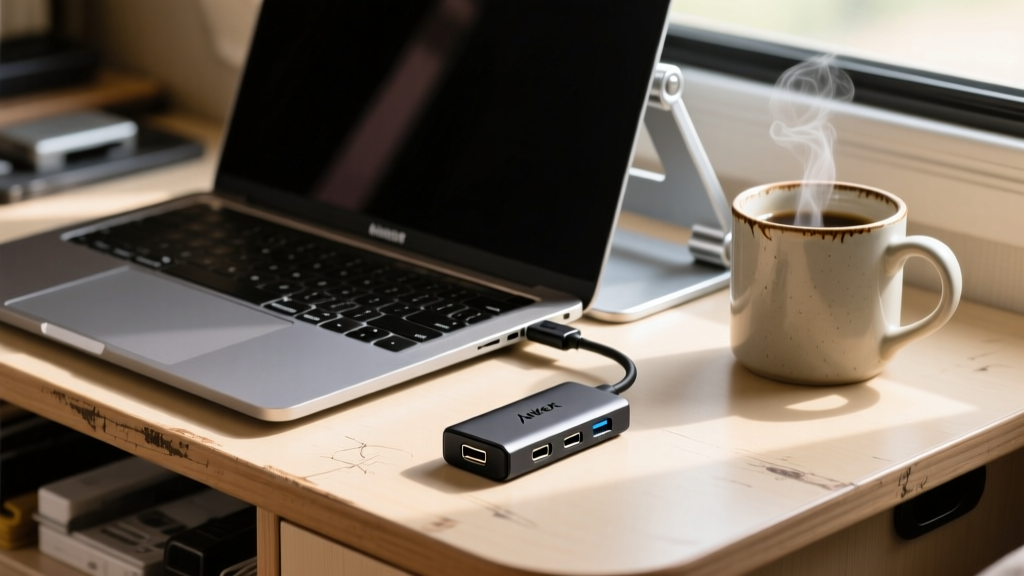
Motorhome desks rarely have built-in cable management or port access. The Anker 537 provides 12 ports, including a 100W Power Delivery pass-through, dual HDMI (4K@60Hz), and Ethernet. The Ethernet port is crucial: many RV park Wi-Fi networks require a captive portal login that blocks wireless repeaters, but a hardwired connection via a cheap USB-to-Ethernet adapter bypasses this. The braided cable is highly resistant to the friction and pinching common in RV slide-out desk mechanisms.
Never plug expensive laptop chargers (especially Apple MagSafe or Dell XPS adapters) into a cheap 'modified sine wave' inverter. The chopped waveform causes power bricks to overheat, buzz, and eventually fail. Always ensure your RV office circuit runs on a pure sine wave inverter (minimum 1000W). If your motorhome only has modified sine wave, use the 12V DC cigarette lighter port with a dedicated 12V-to-USB-C PD step-up cable instead.
Category 2: Space-Saving Ergonomics (Under $50)
Working from a dinette booth or a pull-out pantry shelf wreaks havoc on cervical posture. You need gear that deploys in seconds and stores flat.
3. Nulaxy Fully Adjustable Aluminum Laptop Stand ($25.99)
Unlike bulky monitor arms that require desk clamping (which ruins thin RV tabletops), the Nulaxy stand uses a tension-based Z-axis lift. It elevates a 16-inch laptop up to 20 inches high, bringing the screen to eye level even when sitting on low RV jackknife sofas. It folds completely flat (0.4 inches thick) and slides into a standard laptop sleeve. The open aluminum frame also allows crucial airflow, preventing thermal throttling when your laptop is resting on a soft RV blanket or upholstery.
4. Logitech Pebble Keys 2 K380s ($39.99)
Motorhome desks are often 18 to 22 inches deep—far too shallow for a standard keyboard and mouse combination. The K380s is a compact, multi-device Bluetooth keyboard that eliminates the number pad, saving 4 inches of lateral desk space. Its circular keys are highly tactile, reducing typing errors caused by the subtle vibrations and swaying of a motorhome parked in windy conditions.
5. Grovemade Wool Felt Desk Mat (36x16) ($75.00)
While slightly pushing the budget cap, a thick wool felt mat serves a dual purpose in an RV. First, it provides a soft, non-slip surface for your mouse and keyboard on uneven, tilted campsite tables. Second, wool felt is an excellent acoustic dampener. It absorbs the sharp echoes of typing and speaking inside the hard-surfaced, metal-walled acoustic chamber of a motorhome, significantly improving your outgoing audio quality on Microsoft Teams and Slack huddles.
RV Office Gadget Power Draw & Cost Matrix
Understanding your continuous wattage draw is essential for sizing your battery bank. Here is the exact power profile for the budget setup outlined above.
| Gadget | Continuous Draw | Peak Draw | Budget Price |
|---|---|---|---|
| 65W USB-C Laptop | 35W (average) | 65W | Existing |
| 12V Wi-Fi 6 Router | 12W | 18W | Existing |
| Anker 537 Hub | 3W (idle) | 8W | $54.99 |
| Xiaomi Monitor Light Bar | 5W | 5W | $45.00 |
| TOTAL OFFICE LOAD | 55W | 96W | ~$100 |
Category 3: Ambient Control & Lighting (Under $45)
Motorhome interiors are notoriously dark, relying on harsh, overhead LED strip lights that create severe screen glare and eye strain during 8-hour shifts.
6. Xiaomi Mi Computer Monitor Light Bar 1S ($45.00)
Clamp-on desk lamps fail on RV desks because the tables are often too thin or have lip edges that prevent secure mounting. The Xiaomi Light Bar uses a weighted, magnetic gravity pivot that simply rests on top of your external monitor or laptop screen. It projects an asymmetric optical curve that illuminates your keyboard and notes (up to 300 lumens) without casting a single photon onto your screen, entirely eliminating glare. It draws power directly from your laptop via USB-C.
7. Baseus 360-Degree USB Desk Fan ($18.99)
RV HVAC systems are loud and cycle on and off, creating distracting background noise for video calls. The Baseus brushless motor desk fan operates at just 28 decibels on its lowest setting. It provides a localized, silent breeze to keep you cool without forcing you to run the roof air conditioner, saving massive amounts of battery power when boondocking.
Step-by-Step: Sizing Your RV Inverter for Office Gear
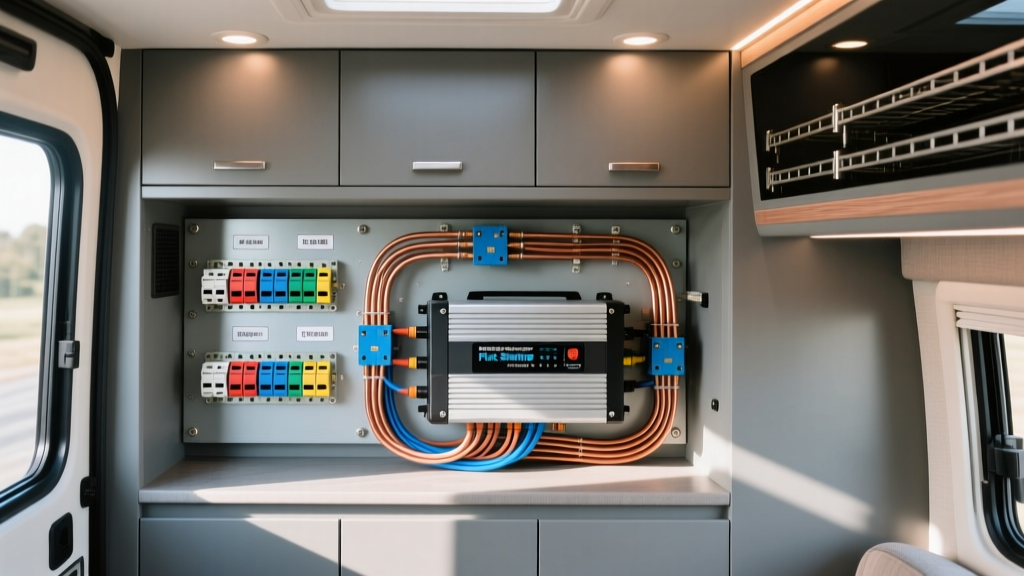
According to the U.S. Department of Energy, managing phantom loads and understanding peak vs. continuous wattage is vital for electrical efficiency. Here is how to calculate your exact inverter needs for a mobile office:
- Tally Continuous Wattage: Add the average running watts of all devices you will use simultaneously (e.g., Laptop 35W + Router 12W + Light 5W = 52W).
- Calculate Peak Surge: Identify devices with motors or capacitors that spike on startup. A laptop charger might pull 65W for the first 3 seconds when plugged in.
- Apply the Inverter Efficiency Penalty: Inverters lose roughly 15% of power as heat during DC-to-AC conversion. Divide your total continuous wattage by 0.85. (52W / 0.85 = 61.1W actual battery draw).
- Determine Battery Drain: Divide the adjusted wattage by your battery voltage (usually 12V). 61.1W / 12V = 5.09 Amps per hour. An 8-hour workday will consume roughly 40.7 Amp-hours (Ah) from your 12V battery bank.
For a standard 100Ah Lithium Iron Phosphate (LiFePO4) battery, this office setup will consume less than 50% of your usable capacity, leaving ample reserve for your RV water pump and LED lighting.
Frequently Asked Questions
Can I use a standard household power strip in my motorhome?
Yes, but avoid power strips with built-in surge protection. RV park pedestals frequently experience voltage fluctuations that can trigger the surge protector's internal breaker, cutting power to your entire desk setup without warning. Use a standard, non-surge-protected power strip, and rely on your UPS or a dedicated hardwired RV surge guard (like a Progressive Industries EMS) at the shore power inlet for protection.
How do I mount a monitor in an RV without drilling into the walls?
Do not use standard VESA monitor arms; RV walls are typically 1/8-inch luan plywood or fiberglass and cannot support the torque of an articulating arm. Instead, use a heavy-duty, freestanding dual-monitor stand that clamps to the back edge of a thick countertop, or utilize a tension-pole floor-to-ceiling mount wedged between the RV floor and ceiling, which requires zero drilling.
What is the best budget cellular router for RV office connectivity?
While enterprise routers like the Peplink MAX BR1 Pro cost upwards of $600, a budget-friendly alternative for 2026 is the TP-Link Archer MR600 4G LTE Router (approx. $120). It accepts a standard nano-SIM and features detachable SMA antennas, allowing you to mount a high-gain MIMO directional antenna on your RV roof to pull in distant cell towers while boondocking.
Written by
David OkaforDavid Okafor is an ASE (Automotive Service Excellence) Master Certified Technician with 15 years of professional experience in vehicle diagnostics, aftermarket electronics installation, and fleet management. He holds an Associate Degree in Automotive Technology from Universal Technical Institute and certifications in mobile electronics (MECP Certified Installer). David has installed and reviewed over 800 car tech products — from OBD2 scanners and dash cams to full infotainment system retrofits — in vehicles ranging from economy compacts to luxury SUVs. His popular YouTube channel "AutoTech David" has over 150,000 subscribers and features detailed installation tutorials and product teardowns. He is a regular contributor to the SEMA Show's aftermarket technology showcase and advises two automotive tech startups on product development.