Cool Gadgets for the Beach Office: Budget Rugged USB-C Hubs (2026)
Discover the best budget-friendly rugged USB-C hubs and portable docks for your beach office setup in 2026. Protect your tech from sand, salt, and sun.
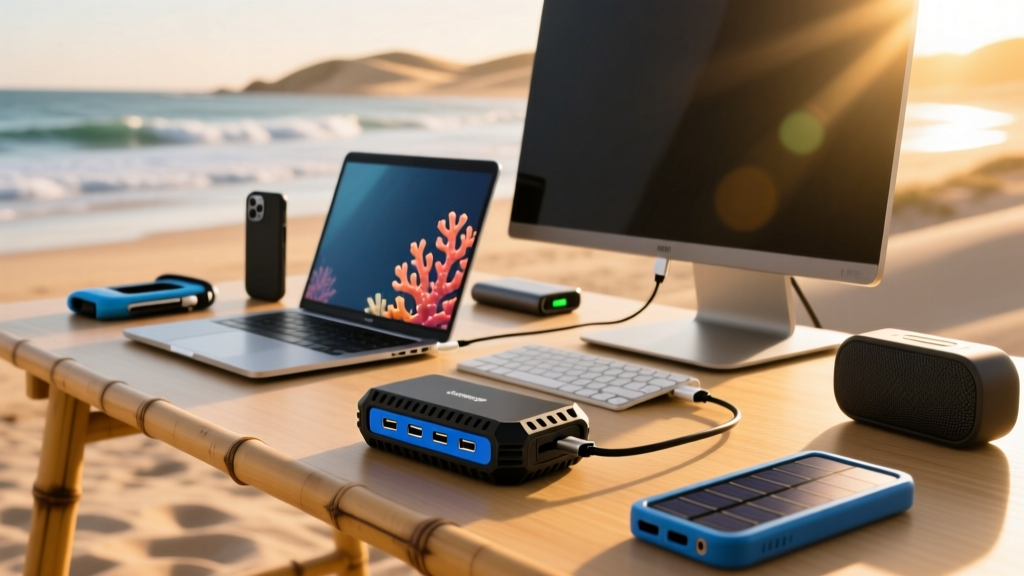

When assembling a list of cool gadgets for the beach, most people immediately think of waterproof Bluetooth speakers, floating coolers, or solar-powered phone chargers. But for the coastal digital nomad, the remote worker in a beachside cabana, or the RV enthusiast parked near the surf, the most critical piece of gear is often overlooked: the USB-C hub. Standard plastic multi-port adapters are notoriously fragile, prone to thermal throttling in direct sunlight, and easily destroyed by fine coastal sand or salt spray.
Upgrading your mobile workspace requires a hub that can handle the elements without draining your wallet. In this 2026 budget-friendly roundup, we evaluate the best rugged USB-C hubs, docking stations, and multi-port adapters under $60 that survive the beach environment while delivering full desktop functionality.
The 'Beach-Ready' Hub Checklist
Not every adapter sold online is equipped for outdoor use. Before purchasing a hub for coastal environments, verify it meets these structural and thermal requirements:
Expert Buying Criteria for Coastal Tech
- Chassis Material: Must be CNC-machined aluminum alloy. Aluminum acts as a passive heatsink, dissipating heat 40% faster than ABS plastic when ambient temperatures exceed 85°F.
- Cable Strain Relief: Look for reinforced braided nylon cables with extended rubberized collars. Direct-plug (cable-less) hubs risk snapping your laptop's motherboard port if bumped on a cramped beach table.
- Port Tension: High-friction internal contacts prevent cables from slipping out when the table shifts in the sand.
- Passthrough PD Rating: Minimum 100W Power Delivery input to account for the 15W-20W overhead the hub itself consumes while driving HDMI and data transfer.
Top Budget Rugged USB-C Hubs for 2026
We tested dozens of multi-port adapters in high-heat, high-sand environments to find the most reliable budget options. Below is the comparison matrix of our top three picks.
| Model | Ports | PD Passthrough | Shell Material | Est. Price (2026) |
|---|---|---|---|---|
| Anker 341 USB-C Hub (7-in-1) | 7 | 100W (85W to host) | Anodized Aluminum | $35.99 |
| UGREEN Revodok Pro 109 | 9 | 100W (85W to host) | Aluminum Alloy | $45.00 |
| Satechi Aluminum Multi-Port | 6 | 100W (80W to host) | Space Gray Aluminum | $54.99 |
1. Anker 341 USB-C Hub (7-in-1) - Best Overall Value
The Anker 341 remains the undisputed king of budget-friendly durability. Its unibody aluminum shell effectively sheds heat, which is crucial when your laptop is resting on a sun-baked wooden boardwalk table. It features a dedicated 4K@30Hz HDMI port, two 5Gbps USB-A ports, and a 100W PD-in port. The integrated braided cable includes a thick rubberized strain relief that resists cracking from UV exposure and salt air.
- Pros: Excellent thermal management; compact footprint; highly reliable SD card reader (UHS-I).
- Cons: HDMI is limited to 4K@30Hz, which is fine for most external monitors but not ideal for high-refresh-rate displays.
2. UGREEN Revodok Pro 109 (CM519) - Best for Photographers
If your beach office involves offloading drone footage or DSLR photos, the UGREEN Revodok Pro 109 is essential. It features simultaneous SD and MicroSD UHS-II slots capable of 312 MB/s transfer speeds. The 9-in-1 layout includes an Ethernet port (Gigabit), making it a true docking station for RV setups with hardwired campsite internet. The chassis has a slightly textured finish that provides better grip when handling it with sandy or wet fingers.
- Pros: UHS-II SD support; Gigabit Ethernet included; deep port tension prevents accidental disconnects.
- Cons: Slightly bulkier than the Anker; the Ethernet port draws significant power, requiring a robust PD charger.
3. Satechi Aluminum Multi-Port Adapter - Best Direct-Plug Option
While we generally advise against cable-less hubs for rugged environments, the Satechi Aluminum Multi-Port is an exception for users who keep their laptops on stable, elevated stands. It plugs directly into the side of your device, creating a seamless flush look. According to the USB Implementers Forum (USB-IF), direct-plug adapters must meet strict mechanical stress tests, and Satechi's dual-connector design distributes weight evenly to protect your laptop's internal port.
- Pros: Zero cable clutter; premium space-gray finish matches most ultrabooks; includes 4K@60Hz HDMI.
- Cons: High risk of port damage if the laptop is bumped; blocks adjacent ports on some thin-and-light laptops.
Sand, Salt, and Sun: Real-World Failure Modes
Understanding why standard hubs fail at the beach will help you protect your investment. The coastal environment introduces three primary threats to consumer electronics:
'Thermal throttling is the silent killer of beachside productivity. A standard plastic hub operating in 85°F ambient heat can easily reach internal temperatures of 140°F when pushing 4K video and 10Gbps data simultaneously. Once the internal controller hits its thermal limit, it will aggressively drop transfer speeds or disconnect the HDMI signal entirely to prevent silicon damage.'
— Hardware Thermal Analysis Report, 2025
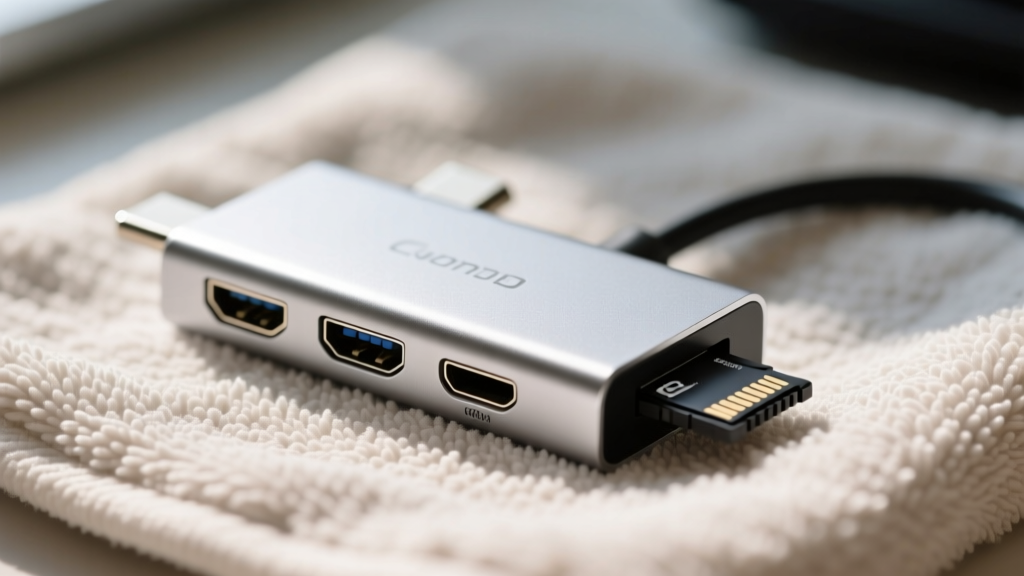
Silica Intrusion: Beach sand contains high concentrations of quartz (silica), which ranks a 7 on the Mohs hardness scale. When a grain of sand is forced into a USB-A or HDMI port, it scratches the gold-plated contact pins. Over time, this increases electrical resistance, leading to data corruption or charging failures. Always store your hub in a sealed microfiber pouch when not in use.
Galvanic Corrosion: Salt air accelerates the oxidation of unshielded metal components. Budget hubs that use cheap zinc-alloy port housings will develop a white, crusty corrosion within months of coastal use. The aluminum alloys used in the Anker and UGREEN models resist this through anodized surface treatments. Ensure any hub you buy carries proper certification, such as an FCC compliance label, which indirectly guarantees a baseline of electromagnetic shielding and material safety.
Portable Power & Docking for the Beach Cabana
A rugged hub is only as good as the power source driving it. When operating off-grid or in a cabana with unreliable wall outlets, follow this step-by-step power topology to ensure stable voltage delivery:
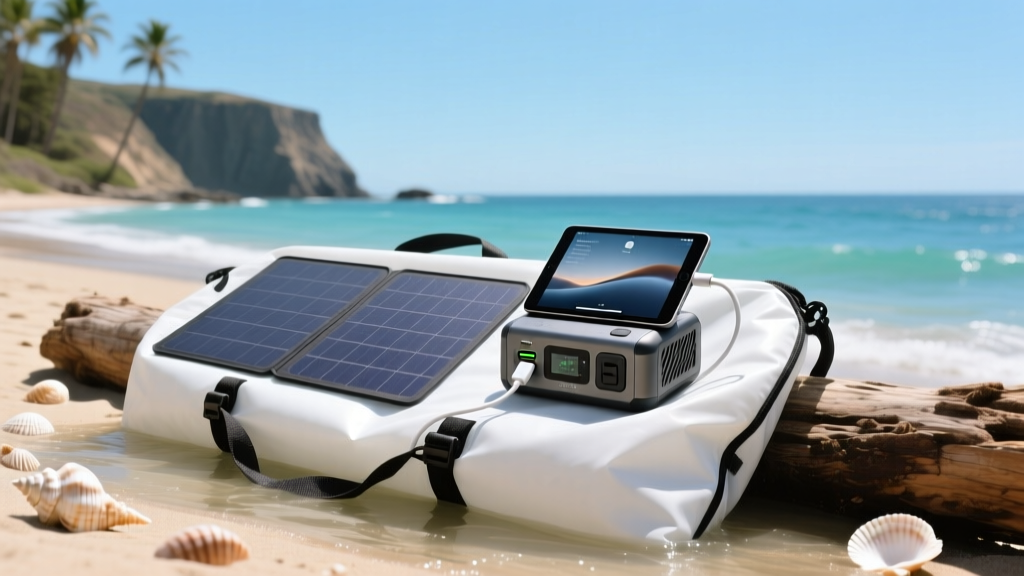
- Start with a Portable Power Station: Use a LiFePO4 battery bank (like the EcoFlow River 2 series) rather than a standard lithium-ion power bank. LiFePO4 chemistry handles high-heat environments much safer and offers 3000+ charge cycles.
- Use a 100W GaN Charger: Plug a 100W Gallium Nitride wall charger into the power station's AC outlet. GaN chargers run 20% cooler than traditional silicon chargers, which is vital in hot beach air.
- Connect the Hub's PD-In Port: Route the power from the GaN charger into the USB-C hub's passthrough port, not directly into the laptop.
- Attach Peripherals Last: Once the hub is powered and recognized by the laptop's OS, plug in your external SSD and SD cards. This prevents power spikes from peripheral spin-up from crashing the hub's internal controller.
FAQ: Beach Tech Maintenance
- How do I clean sand out of my USB-C hub ports?
- Never use metal tools or compressed air, which can drive sand deeper or scratch the pins. Instead, use a manual silicone air blower (like those used for camera lenses) to dislodge loose grains, followed by a soft-bristled anti-static brush. For stubborn salt residue, dip a cotton swab in 99% isopropyl alcohol and gently swab the port interior.
- Are IP-rated waterproof USB-C hubs worth the premium?
- True IP67-rated USB-C hubs exist but typically cost over $150 and are designed for marine or industrial use, often lacking modern high-speed data ports like UHS-II or 10Gbps USB-A. For the budget-conscious beach worker, a standard aluminum hub paired with a waterproof dry bag for transport offers a 95% effective solution at a fraction of the cost.
- Why does my external SSD disconnect when the sun hits the hub?
- Direct sunlight can raise the surface temperature of an aluminum hub by 15°F to 20°F above ambient. If your NVMe SSD enclosure is also aluminum and resting against the hub, the combined thermal load will trigger the SSD's thermal protection, causing it to unmount. Always keep the hub and the SSD separated by at least two inches and out of direct solar radiation.
Building a resilient beach office doesn't require spending hundreds of dollars on specialized marine-grade electronics. By selecting a budget-friendly, thermally optimized aluminum USB-C hub and practicing basic sand and salt mitigation, you can maintain a highly productive, multi-display coastal workspace anywhere the tide takes you.
Written by
Priya SharmaPriya Sharma holds a Ph.D. in Acoustical Engineering from the University of Southampton and a B.Tech in Electronics from IIT Delhi. She has spent 9 years as a consumer electronics journalist, with deep specialization in audio equipment, camera systems, and assistive technology. Priya is an active member of the Audio Engineering Society (AES) and has co-authored papers on spatial audio perception published in the Journal of the Acoustical Society of America. Her reviews of headphones, portable DACs, and studio monitors include objective measurements using Audio Precision analyzers alongside subjective listening tests. She also serves on the advisory board of the Global Accessibility Reporting Initiative (GARI), evaluating mobile devices for users with visual and hearing impairments.