7 Space-Saving Household Gadgets for Tiny Home Offices (2026)
Discover the best space-saving household gadgets for tiny home offices in 2026. Maximize your desk footprint with these compact, multi-use tech upgrades.
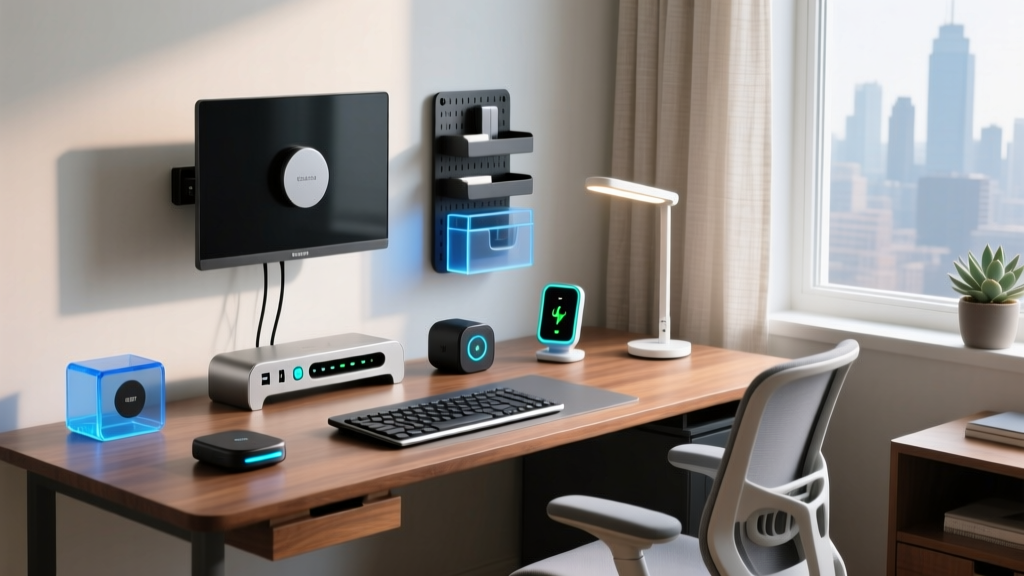
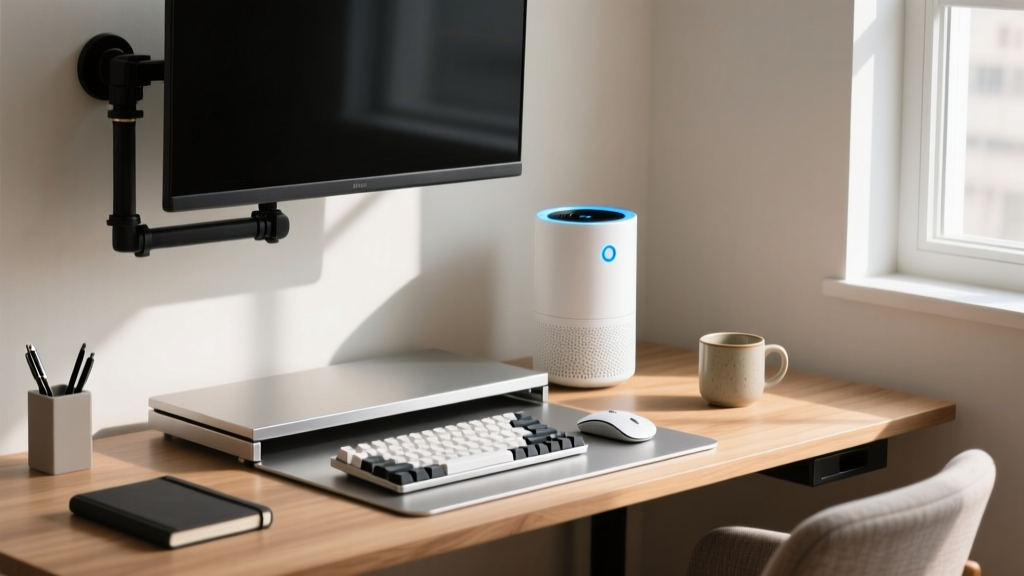
The Micro-Workspace Revolution: Why Footprint Matters in 2026
As hybrid work models solidify into permanent lifestyle shifts, the architecture of our living spaces has fundamentally changed. According to Pew Research data on remote work trends, a massive percentage of the workforce now operates from home full-time or part-time. However, not everyone has the luxury of a dedicated 150-square-foot office. Many professionals are carving out micro-workspaces in living room corners, walk-in closets, or studio apartments. In these environments, every square inch of desk real estate is a premium commodity.
The challenge is no longer just about buying ergonomic chairs or ultrawide monitors; it is about aggressive spatial optimization. When selecting multi-purpose household gadgets for your workspace, the goal is consolidation. You need devices that eliminate the need for three other single-use items. Below, we break down the most effective, space-saving household gadgets that double as high-performance home office upgrades for 2026, complete with exact measurements, pricing, and real-world failure modes.
Top Multi-Functional Household Gadgets for Desk Integration
To reclaim your desk surface, we must look beyond traditional office supplies and borrow from the broader smart home and appliance ecosystems. Here are the top contenders that offer the highest density of utility per square inch.
1. Dyson Purifier Hot+Cool HP07 (The 3-in-1 Climate Hub)
Small, enclosed home offices suffer from rapid CO2 buildup and temperature fluctuations. The EPA notes that indoor air pollutants can be significantly higher than outdoor levels, leading to the dreaded mid-afternoon brain fog. The Dyson HP07 replaces your space heater, tower fan, and standalone air purifier.
- Footprint: 9.8 x 9.8 inches (saves roughly 2.5 sq ft of floor/desk space compared to separate units).
- Price: ~$599.
- Edge Case / Failure Mode: The replacement HEPA H13 filter costs $79 and must be swapped every 12 months. If you ignore the app notification, the airflow throttles down, reducing cooling efficiency by up to 40%.
2. Anker Prime 100W GaN Wall Charger (4 Ports)
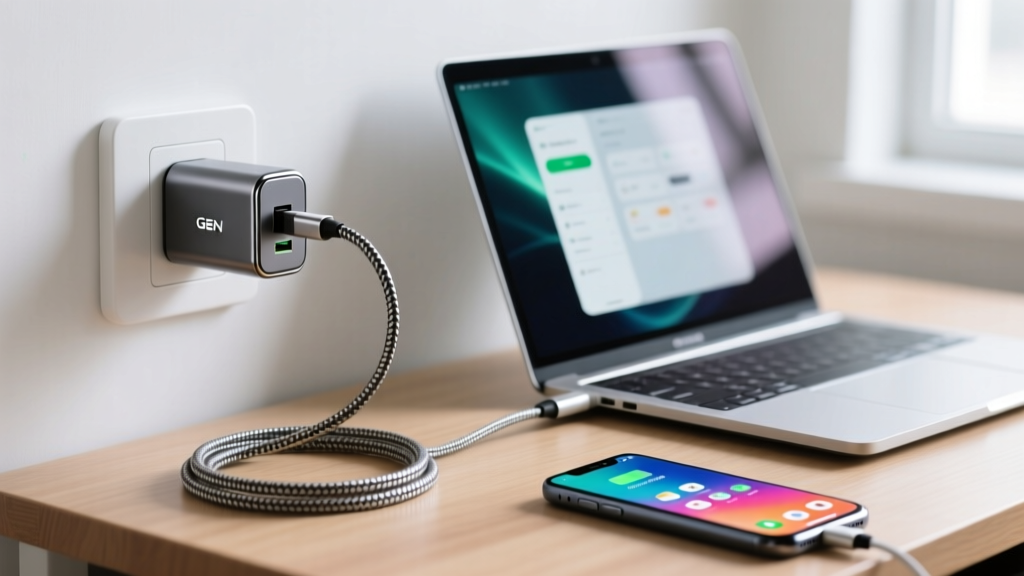
Power bricks are the silent killers of desk space. Traditional laptop chargers and phone cubes create a tangled, bulky mess. The Anker Prime 100W GaN (Gallium Nitride) charger consolidates four devices into one ultra-dense block.
- Dimensions: 3.15 x 2.2 x 1.8 inches.
- Price: ~$55.
- Expert Insight: As noted in Wirecutter's extensive testing of USB-C chargers, GaN technology runs cooler and smaller. However, if you plug in four high-draw devices simultaneously, the 100W output splits dynamically. Ensure your primary laptop port is designated for 65W+ to prevent charging stalls during heavy rendering tasks.
3. BenQ ScreenBar Halo (Zero-Footprint Lighting)
Desk lamps eat up valuable corner space and cause screen glare. The ScreenBar Halo mounts directly to the top bezel of your monitor, illuminating your keyboard and workspace without occupying a single inch of desk surface.
- Requirements: Needs a monitor bezel depth of at least 0.12 inches and a top clearance of 2.4 inches.
- Price: ~$109.
- Pro Tip: Use the included wireless dial to adjust color temperature (2700K to 6500K). The back-ambient light feature reduces eye strain by balancing the contrast ratio between your bright monitor and the dark wall behind it.
4. Twelve South Compass Pro Stand
If you use a laptop as your primary or secondary machine, laying it flat wastes massive amounts of desk width. The Compass Pro is an aerospace-grade aluminum stand that elevates your laptop to eye level and folds completely flat for travel or storage.
- Weight Capacity: Up to 11 lbs (supports the 16-inch MacBook Pro M3 Max easily).
- Price: ~$79.99.
- Failure Mode: The silicone grip pads can attract dust and pet hair over time, reducing friction. Wipe them monthly with isopropyl alcohol to prevent the laptop from sliding during aggressive typing.
Comparison Matrix: Space Saved vs. Cost Efficiency
How do these compact household gadgets stack up when we measure their spatial ROI (Return on Investment)? Use this matrix to prioritize your next purchase based on your specific spatial constraints.
| Gadget Model | Primary Function | Items Replaced | Est. Space Saved | Cost (2026) |
|---|---|---|---|---|
| Dyson HP07 | Climate & Air | Heater, Fan, Purifier | ~2.5 sq ft (Floor) | $599 |
| Anker Prime 100W | Power Delivery | 3-4 Power Bricks | ~15 sq inches (Desk) | $55 |
| BenQ ScreenBar Halo | Task Lighting | Desktop LED Lamp | ~36 sq inches (Desk) | $109 |
| Twelve South Compass | Ergonomic Lift | Fixed Laptop Riser | ~120 sq inches (Desk) | $79 |
Hidden Space-Wasters: What to Evict from Your Desk Immediately
Before buying new compact gear, audit your current setup. Many professionals hold onto legacy tech that actively harms their spatial efficiency.
The 'Eviction' Checklist:
- Standalone Desktop Speakers: Unless you are a professional audio editor, evict them. Switch to a monitor soundbar (like the Dell AC511M) or high-quality under-desk bass modules.
- Countertop Coffee Warmers: These waste prime keyboard-adjacent real estate. Switch to a vacuum-insulated Ember Mug or a high-quality thermos that requires zero electricity and zero cords.
- Multi-Device USB Hubs with Long Cables: If your hub is sitting on the desk, it is failing you. Mount it under the desk using heavy-duty 3M VHB tape or a dedicated clamp.
Step-by-Step: Mounting and Cable Routing for Zero-Clutter Desks
Space-saving household gadgets only work if their cables disappear. A compact charger is useless if its cord snakes across your mousepad. Here is the exact framework for achieving a zero-clutter desk surface in under 45 minutes.
Step 1: The J-Channel Foundation
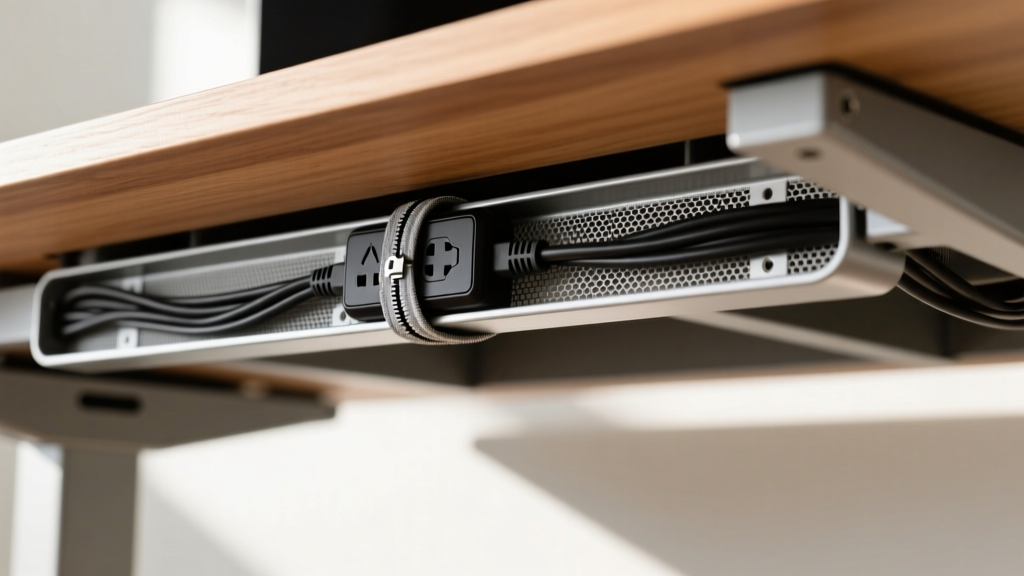
Purchase a 2.4-inch wide mesh or solid plastic J-channel raceway (available in 6-packs for roughly $20). Measure the width of your desk and cut the channel using a hacksaw or heavy shears. Mount it 3 inches from the rear edge of the desk's underside using the included adhesive strips, reinforcing the corners with two small wood screws for permanent adhesion.
Step 2: Power Strip Inversion
Take a compact, 6-outlet surge protector and mount it inside the J-channel or directly to the desk underside using heavy-duty zip ties. Plug your Anker GaN charger, Dyson link, and monitor into this inverted strip. Now, only a single master cable drops from the desk to the wall outlet.
Step 3: The Sleeve Technique
For standing desks, cables must stretch and compress. Use a 10mm to 40mm expandable braided PET cable sleeve. Group your monitor, webcam, and laptop charging cables together, slide them into the sleeve, and secure the ends with heat-shrink tubing or velcro ties. This prevents the 'spaghetti drop' when the desk reaches its maximum 48-inch height.
Frequently Asked Questions
Can smart home hubs replace dedicated office controllers?
Yes. Devices like the Elgato Stream Deck or smart home panels (e.g., Brilliant Smart Home Control) can be programmed with macros for both office tasks (muting Zoom, launching IDEs) and household management (adjusting the Dyson HP07, dimming smart bulbs). Consolidating these into one 5-inch touchscreen saves the space of multiple physical switchgear and remotes.
Are wall-mounted monitor arms worth the installation effort?
Absolutely. A high-quality gas-spring monitor arm (like the Ergotron HX) removes the monitor's base entirely, freeing up to 150 square inches of desk space directly beneath the screen. This is the most critical upgrade for any micro-workspace under 48 inches in width.
How do I manage heat with compact GaN chargers enclosed under a desk?
GaN chargers run hotter to the touch because they dissipate heat through their outer casing rather than using internal fans. Ensure your under-desk J-channel or mounting setup has at least 1 inch of clearance on all sides for passive airflow. Never wrap a GaN charger in tight velcro or acoustic foam, as thermal throttling will reduce charging speeds by up to 50% to protect the internal capacitors.
Written by
Tom ReynoldsTom Reynolds holds a CFA (Chartered Financial Analyst) designation and a B.S. in Finance from the University of Texas at Austin. Before entering tech journalism, he spent 6 years as a quantitative analyst at a hedge fund, building cost-benefit models for consumer product investments. Tom has maintained a proprietary database of over 10,000 tech deals for the past 8 years, developing his signature "penny-per-feature" evaluation framework that calculates the true value proposition of every gadget. His budget gadget reviews are known for their financial rigor — he tracks price history across 15+ retailers, calculates cost-per-use over 3-year lifespans, and identifies the exact inflection point where premium features justify their markup. Tom's deal alerts have saved his readers an estimated .3 million since 2018.