Beginner vs Expert Kids Gadgets: The Ultimate Guide
Compare beginner vs expert kids gadgets to find the right tech. Explore pricing, STEM benefits, and age-appropriate device upgrades for 2026.
The Evolution of Play: Defining Beginner and Expert Kids Gadgets
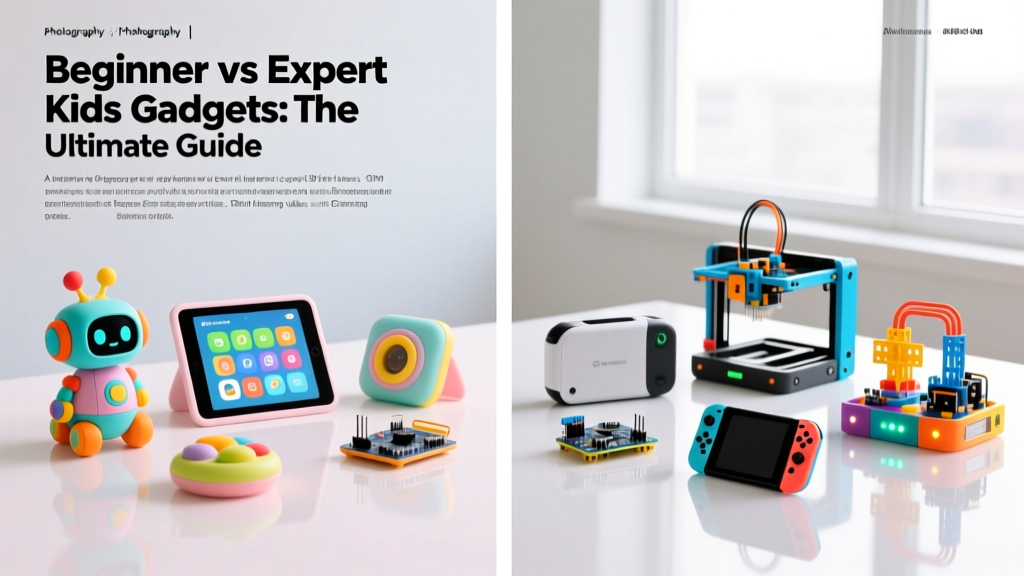
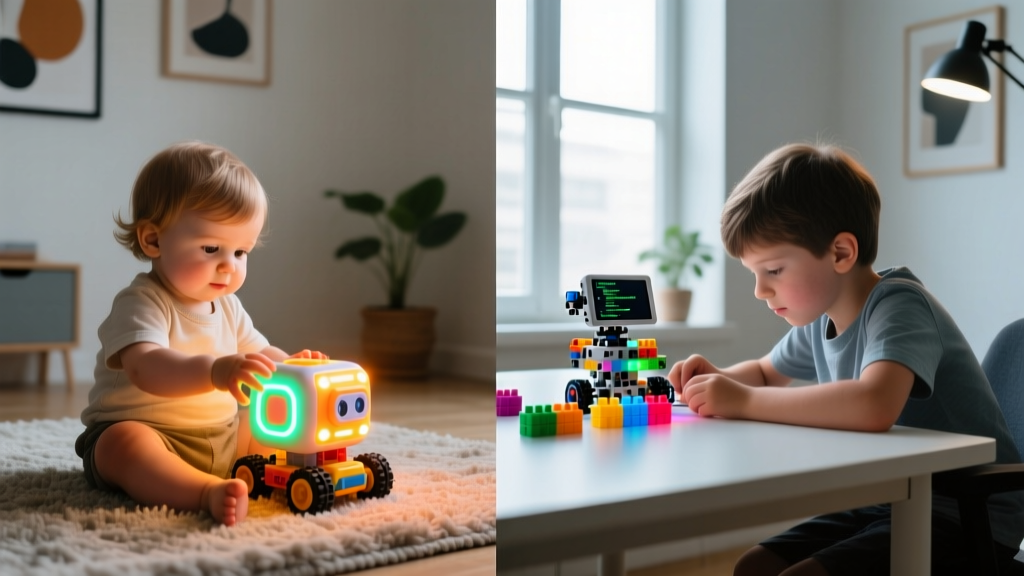
Navigating the world of kids gadgets can feel overwhelming for parents. The market is saturated with flashy promises, but not all screen time or electronic play is created equal. When we categorize kids gadgets, the most critical distinction isn't just price or brand—it's the cognitive demand placed on the child. We divide the market into two primary tiers: Beginner and Expert.
Beginner gadgets are designed for guided consumption, foundational cause-and-effect learning, and safe, walled-garden exploration. They prioritize durability, parental controls, and passive or lightly interactive engagement. Expert gadgets, conversely, are tools for creation. They feature open-ended problem solving, modular hardware, real-world coding environments (like Python or JavaScript), and IoT (Internet of Things) integration. Understanding this dichotomy is essential for fostering genuine digital literacy rather than mere digital dependency.
Head-to-Head Comparison Matrix
Before diving into specific models, it is crucial to understand the structural differences between these two categories. This matrix outlines what to expect as your child's technical aptitude grows.
| Feature | Beginner Tier Gadgets | Expert Tier Gadgets |
|---|---|---|
| Primary Focus | Guided play, media consumption, basic logic | Open-ended creation, coding, hardware engineering |
| Price Range | $40 – $199 | $150 – $350+ |
| Target Age | 3 to 8 years old | 9 to 16+ years old |
| Ecosystem | Closed / Walled Garden (e.g., Amazon Kids+) | Open Source / API Access (e.g., Scratch, Python) |
| Parental Role | Gatekeeper (setting time limits, filtering content) | Co-pilot (debugging code, sourcing replacement parts) |
Beginner Tier: Safe, Guided, and Screen-Limited Tech
Beginner gadgets excel at introducing digital concepts without the risks associated with the open internet. They are built to survive drops, spills, and the occasional tantrum, while providing parents with granular control over usage.
Amazon Fire HD 10 Kids Pro (2025/2026 Edition)
Priced at $199.99, the Fire HD 10 Kids Pro remains the gold standard for introductory tablet computing. It features a 10.1-inch 1920x1200 Full HD display, 3GB of RAM, and a rugged, drop-proof bumper case. What makes it a "beginner" device is the Amazon Kids+ ecosystem. Parents can set strict educational goals (e.g., 30 minutes of reading before unlocking games) and enforce hard screen-time limits.
- Pros: Exceptional 12-hour battery life; 2-year worry-free guarantee; robust web filtering.
- Cons: Locked to Amazon's app ecosystem; lacks advanced stylus support for digital art creation.
VTech KidiZoom Creator Cam
For parents seeking a screen-free (or screen-limited) alternative, the KidiZoom Creator Cam ($69.99) is a brilliant introductory gadget. It shoots 1080p video and 5MP photos, featuring a built-in microphone and basic on-device editing tools like stop-motion and time-lapse. Crucially, it has no Wi-Fi or Bluetooth capabilities, making it a completely closed, offline creation tool.
- Pros: Zero internet risk; encourages real-world exploration and physical activity; expandable microSD storage up to 32GB.
- Cons: Low-light video quality is poor; small 2.4-inch screen makes detailed editing frustrating.

Expert Tier: Open-Ended, Modular, and STEM-Heavy Devices
Expert kids gadgets are less "toys" and more "prototyping tools." They require patience, logical sequencing, and a willingness to fail and iterate. These devices align closely with K-12 Computer Science standards, bridging the gap between digital commands and physical outcomes.
Sphero BOLT+
The Sphero BOLT+ ($179.99) is a marvel of engineering education. Unlike basic remote-control robots, the BOLT+ features an 8x8 programmable LED matrix, an ambient light sensor, an IR communication transceiver, and a precision gyroscope. While beginners can use the Scratch-based Sphero Edu app to draw paths, expert users can write raw JavaScript to manipulate sensor data in real-time, creating complex autonomous behaviors.
- Pros: Waterproof and incredibly durable; IR communication allows for robot-to-robot swarming projects; 6-hour battery life.
- Cons: High price point; requires a relatively modern smartphone or tablet to run the companion app.
Makeblock mBot2 Neo
Priced at $159.00, the mBot2 Neo is the ultimate stepping stone into IoT and AI. Powered by the CyberPi (which houses an ESP32-S3 chip), this modular robot supports both block-based coding and native Python. It features built-in Wi-Fi and Bluetooth, allowing kids to pull live weather data from the internet to control the robot's movements, or use the onboard AI voice recognition module to build custom smart-home assistants.
- Pros: True Python support; modular aluminum chassis allows for infinite hardware expansions; built-in AI and IoT capabilities.
- Cons: Assembly requires a small Phillips screwdriver and fine motor skills; steep learning curve for the Python IDE.
Expert Insight: The leap from beginner to expert gadgets isn't just about harder code; it's about shifting from consumption to systems thinking. When a child uses the mBot2 Neo to pull live API data, they are learning network architecture, not just syntax.
The Transition Framework: When to Upgrade Your Child's Tech
How do you know when your child has outgrown their beginner gadgets and is ready for expert-level hardware? Look for these three behavioral indicators:
- The 'Black Box' Frustration: Your child is no longer satisfied with pressing a button to see a pre-programmed result. They start asking, "How does it know to do that?" or "Can I make it do something else?"
- Mastery of Block Logic: If your child is effortlessly building complex, nested loops and conditional statements in Scratch or Amazon Kids+ coding apps without adult help, they have maxed out the cognitive ceiling of beginner tools.
- Hardware Hacking: They are taking apart broken household electronics to see the circuit boards, or trying to tape different toys together to create new mechanisms.
Expert Insights: Managing Digital Literacy and Screen Time
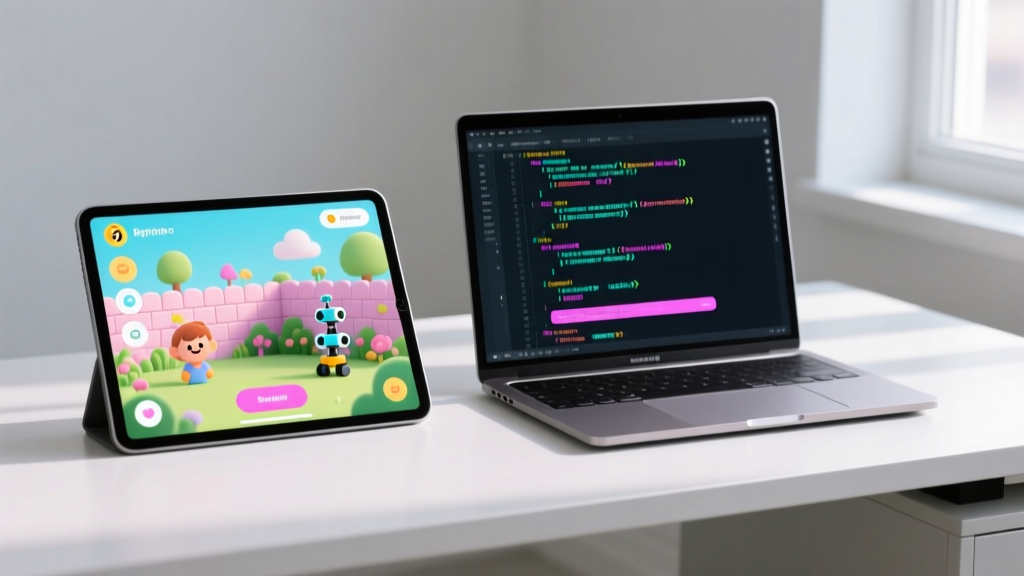
Upgrading to expert gadgets requires a shift in parental management. According to the American Academy of Pediatrics (AAP), as children grow, rigid time limits should evolve into collaborative family media plans that prioritize the quality of engagement over mere duration. Coding a robot for three hours is vastly different from passively watching YouTube for three hours.
Furthermore, Common Sense Media emphasizes that open-ended tech requires active parental co-engagement. You don't need to know Python to help your child debug their code; simply asking them to explain their logic out loud fosters critical thinking. Aligning these gadgets with the Computer Science Teachers Association (CSTA) K-12 standards can also help parents structure their child's learning path, ensuring they touch on data analysis, algorithms, and network ethics.
FAQ: Navigating the Kids Gadget Landscape
Are expert coding gadgets worth the investment if my child loses interest quickly?
Expert gadgets like the Sphero BOLT+ hold their value exceptionally well on the secondary market. However, to prevent quick abandonment, tie the gadget to a real-world passion. If your child loves art, focus on programming the BOLT+'s LED matrix to create light-painting photography. If they love sports, program the mBot2 Neo to act as an automated baseball pitch counter.
Can beginner tablets be 'unlocked' to become expert tools later?
Yes, to a degree. Devices like the Amazon Fire HD 10 Kids Pro can be transitioned into standard Android tablets by disabling the Kids+ sandbox once the child reaches their teens. While it won't become a high-end Python development machine, it can serve as a capable web research and media creation tool, extending its lifespan well beyond the beginner years.
What is the most important safety feature to look for in IoT-connected expert gadgets?
For IoT devices like the mBot2 Neo, network isolation is key. Ensure your home router has a dedicated 'Guest' or 'IoT' VLAN network. Connect smart gadgets to this isolated network so that if a vulnerability exists in the toy's firmware, it cannot be used as a backdoor to access your primary home computers or personal data.
Written by
Tom ReynoldsTom Reynolds holds a CFA (Chartered Financial Analyst) designation and a B.S. in Finance from the University of Texas at Austin. Before entering tech journalism, he spent 6 years as a quantitative analyst at a hedge fund, building cost-benefit models for consumer product investments. Tom has maintained a proprietary database of over 10,000 tech deals for the past 8 years, developing his signature "penny-per-feature" evaluation framework that calculates the true value proposition of every gadget. His budget gadget reviews are known for their financial rigor — he tracks price history across 15+ retailers, calculates cost-per-use over 3-year lifespans, and identifies the exact inflection point where premium features justify their markup. Tom's deal alerts have saved his readers an estimated .3 million since 2018.