Space-Saving MacBook Accessories for a Compact Gadget Beach Setup
Build the ultimate compact gadget beach setup with our 2026 guide to space-saving MacBook hubs, stands, sleeves, and docks for coastal work.
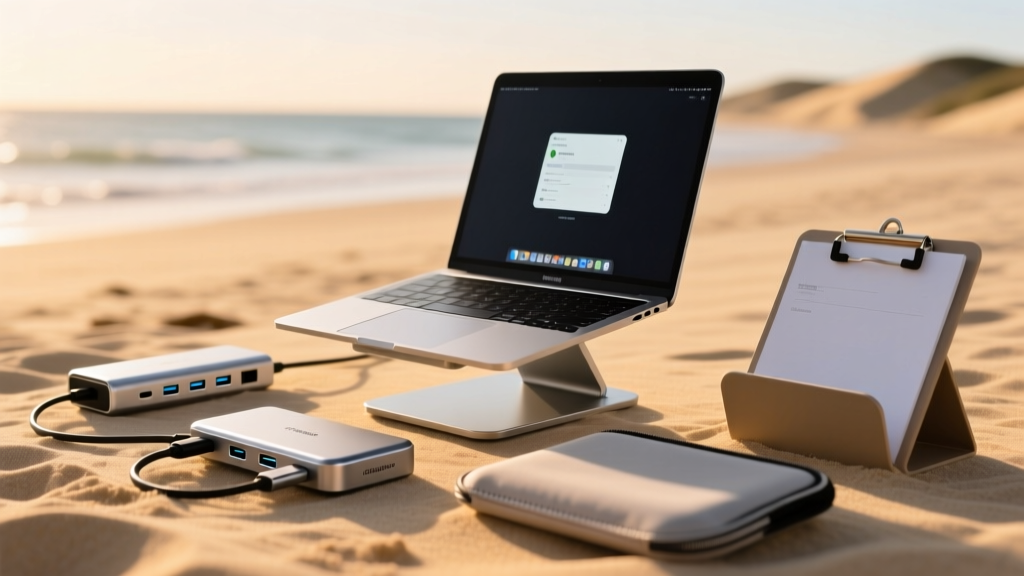
The Anatomy of a Sand-Safe, Space-Saving Mobile Office
Curating the perfect gadget beach setup requires balancing extreme portability with coastal survivability. Working remotely from a beachside cabana, a windy boardwalk cafe, or a cramped coastal rental in 2026 means your MacBook accessories must do double duty: they need to save precious bag space while defending against the twin enemies of mobile tech—sand ingress and thermal throttling. Standard desktop docks and bulky aluminum stands simply do not survive the journey. Instead, digital nomads and weekend warriors are turning to ultra-compact, flush-mount, and sand-resistant gear. Below, we break down the exact space-saving MacBook accessories you need to build a highly functional, lightweight gadget beach office without sacrificing ergonomics or connectivity.
The Flush-Mount Hub: HyperDrive Nano 6-in-1
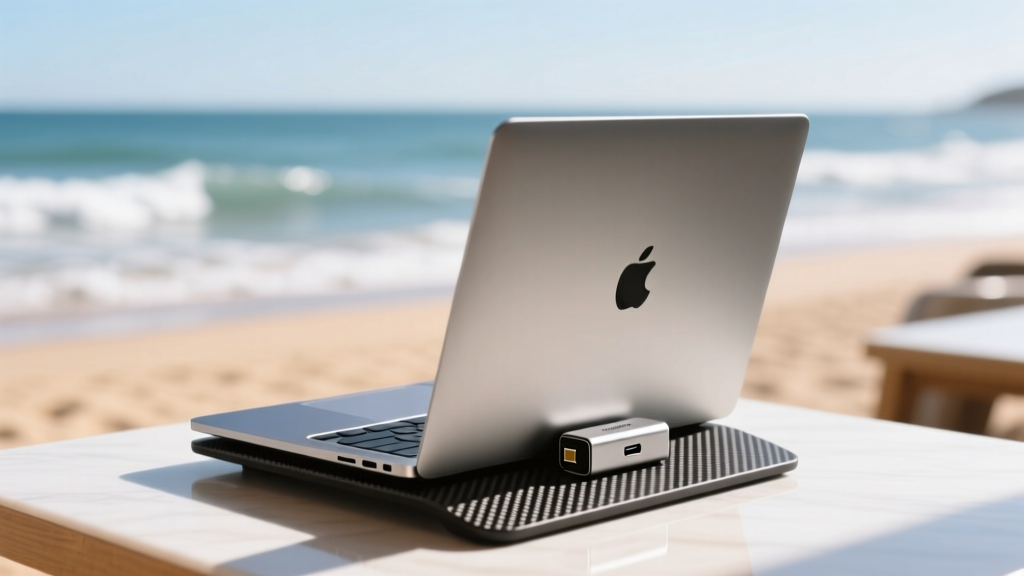
When operating on a small, wobbly beachside table, traditional dongles with dangling cables are a liability. A snagged cable can easily pull your MacBook onto the sand. The HyperDrive Nano 6-in-1 USB-C Hub solves this by plugging flush into the side of your laptop. Measuring a mere 1.73 x 1.22 x 0.31 inches and weighing just 1.1 ounces, it practically disappears into your pocket.
Specs and Sand Survival
- Ports: 2x USB-C (10Gbps), 1x USB-A (10Gbps), 4K HDMI, SD/MicroSD readers.
- Failure Mode Avoidance: Because it sits flush, there is no leverage point for accidental bumps to snap your MacBook's internal USB-C logic board connections.
- Beach Tip: Sand grains can easily lodge into the SD card slot when not in use. Keep a piece of gaffer tape over the slot when the hub is in your bag to prevent micro-abrasions when inserting memory cards later.
According to HyperDrive's official Nano specifications, the aluminum enclosure also acts as a passive heat sink, which is vital when your laptop is fighting ambient coastal humidity and direct sunlight.
Elevation Without the Bulk: Roost V3 Carbon Fiber Stand
Ergonomics usually take a backseat when packing for the coast, but hunching over a 13-inch screen on a low lounge chair guarantees neck strain. The Roost V3 Laptop Stand is the undisputed king of portable elevation. Constructed from aerospace-grade carbon fiber, it collapses into a 13 x 1.25 x 1.25-inch cylinder and weighs an astonishing 5.8 ounces (164g).
Why It Beats the Competition
Unlike cheap aluminum folding stands that sink into soft surfaces or scratch your chassis, the Roost uses a specialized, replaceable rubber lip that grips the MacBook securely. As noted in Wirecutter's extensive testing on laptop ergonomics, elevating the screen to eye level while using a separate Bluetooth keyboard is the only way to maintain cervical neutrality in makeshift workspaces. The Roost sets up in exactly 12 seconds and packs down small enough to slide into the water bottle pocket of any daypack.
Coastal Protection: Bellroy 13" Laptop Sleeve Plus
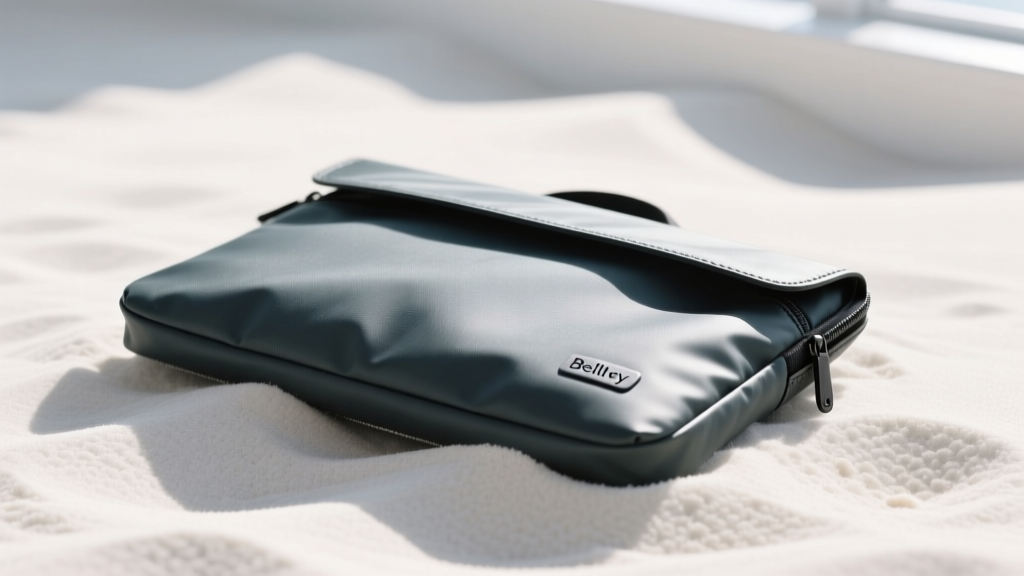
Neoprene sleeves are a terrible choice for the beach; they act like sandpaper, trapping silica grains against your MacBook's anodized aluminum finish. The Bellroy 13" Laptop Sleeve Plus takes a radically different approach. Priced around $109, it features a water-resistant recycled woven exterior that sand simply brushes off of.
Dimensional Breakdown
- Thickness: A razor-thin 0.4 inches, allowing it to slide into tightly packed tote bags.
- Interior: A plush, anti-static microfiber lining that repels dust and prevents moisture buildup.
- Hardware: YKK water-resistant zippers with oversized, sand-proof pull tabs that won't jam if exposed to salt spray.
The 'Plus' designation means it includes a dedicated front slip pocket that perfectly fits the HyperDrive Nano and a 65W GaN charger, consolidating your entire gadget beach power and I/O kit into one slim profile.
The Beach House Basecamp: Plugable Thunderbolt 4 Slim Dock
If your gadget beach setup involves a coastal rental or a dedicated beach house desk, you need a dock that doesn't dominate the limited real estate of a vacation workspace. Horizontal docks like the CalDigit TS4 are powerful but massive. The Plugable Thunderbolt 4 Slim Dock (UD-4VPD) utilizes a vertical footprint of just 1.6 x 3.1 inches.
Performance in a Micro-Footprint
Despite its size, it delivers 96W of charging to your MacBook Pro, supports dual 4K displays at 60Hz, and offers 10Gbps USB-A ports. The Verge's Thunderbolt 4 dock benchmarks confirm that the UD-4VPD maintains stable thermal performance even under heavy dual-monitor I/O loads, making it the perfect drop-in basecamp for when you transition from the sand to the indoor desk.
Comparison Matrix: Weight and Footprint Breakdown
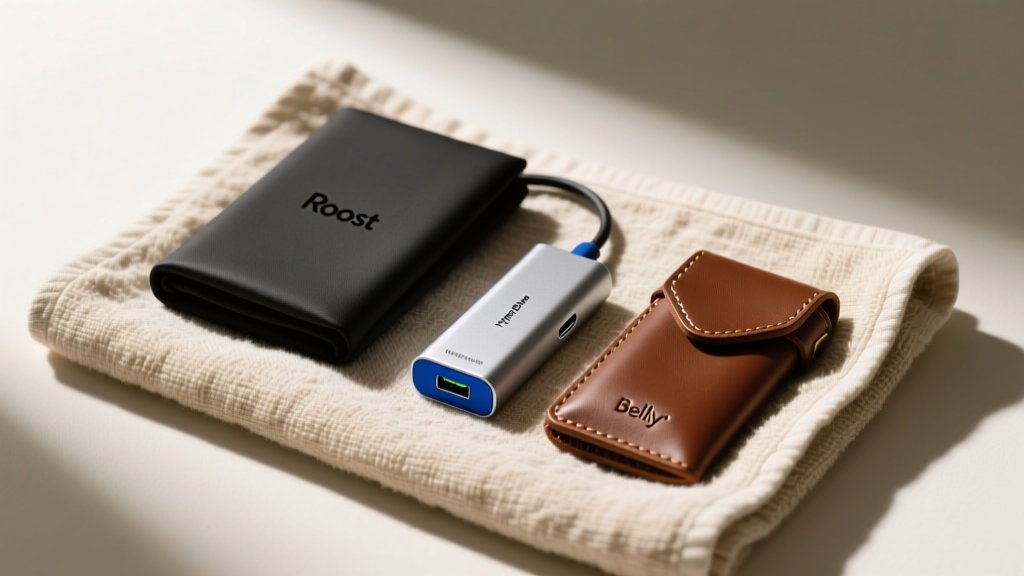
To visualize the space-saving nature of this kit, here is the exact dimensional data for your packing list:
| Accessory | Model | Weight | Packed Dimensions | Est. Price (2026) |
|---|---|---|---|---|
| Hub | HyperDrive Nano 6-in-1 | 1.1 oz (31g) | 1.73 x 1.22 x 0.31 in | $59 |
| Stand | Roost V3 Carbon Fiber | 5.8 oz (164g) | 13.0 x 1.25 x 1.25 in | $89 |
| Sleeve | Bellroy 13" Sleeve Plus | 6.5 oz (184g) | 13.7 x 9.6 x 0.4 in | $109 |
| Dock | Plugable TB4 Slim | 14.1 oz (400g) | 3.1 x 3.1 x 1.6 in | $179 |
Non-Negotiable Rules for Tech at the Beach
The Silica Protocol: Always drop two reusable silica gel desiccant packets into your Bellroy sleeve. Coastal humidity and sudden temperature drops when moving from air-conditioned cafes to outdoor heat can cause internal condensation on your MacBook's logic board. Silica packets mitigate this risk entirely.
- UV Degradation: Never leave your MacBook in direct, unshaded sunlight. Not only will the internal sensors throttle the CPU to prevent battery swelling, but prolonged UV exposure will permanently yellow the anti-reflective coating on your display.
- Port Protection: Invest in $5 silicone USB-C dust plugs. When you are actively typing on the beach and not using the HyperDrive hub, plug the open ports to prevent wind-blown sand from scratching the internal pins.
- The Microfiber Purge: Keep a dedicated, slightly damp microfiber cloth in your bag. Wipe down the Roost stand's rubber grips before collapsing it; trapped sand will act as an abrasive against the carbon fiber tubes over time.
Frequently Asked Questions
Can sand permanently damage a MacBook keyboard?
Yes. Sand grains can easily slip beneath the keycaps of the scissor-switch keyboards on modern MacBooks, leading to stuck or unresponsive keys. Always use your Roost stand to elevate the laptop, and consider a thin, TPU keyboard cover if you are working directly on the sand, though be aware that Apple warns keyboard covers can impede thermal dissipation.
Is the Plugable dock safe to leave in a humid beach house?
The UD-4VPD is built for indoor use. While it handles standard indoor humidity well, you should avoid placing it near open, salt-air windows where salt spray can corrode the exposed Thunderbolt pins over time. Store it in a drawer when not in use.
Will the Roost stand scratch my MacBook's bottom case?
The Roost V3 features a soft, high-friction rubber lip specifically designed to cradle the front edge of the laptop without touching the aluminum chassis. As long as you keep the rubber lip clean of embedded sand, it is entirely scratch-free.
Written by
Priya SharmaPriya Sharma holds a Ph.D. in Acoustical Engineering from the University of Southampton and a B.Tech in Electronics from IIT Delhi. She has spent 9 years as a consumer electronics journalist, with deep specialization in audio equipment, camera systems, and assistive technology. Priya is an active member of the Audio Engineering Society (AES) and has co-authored papers on spatial audio perception published in the Journal of the Acoustical Society of America. Her reviews of headphones, portable DACs, and studio monitors include objective measurements using Audio Precision analyzers alongside subjective listening tests. She also serves on the advisory board of the Global Accessibility Reporting Initiative (GARI), evaluating mobile devices for users with visual and hearing impairments.