How to Set Up the Top Gadgets for Christmas 2026 in Your Home Office
Learn how to install, route power, and program the top gadgets for Christmas 2026, including the BenQ ScreenBar Halo and Elgato Stream Deck +.
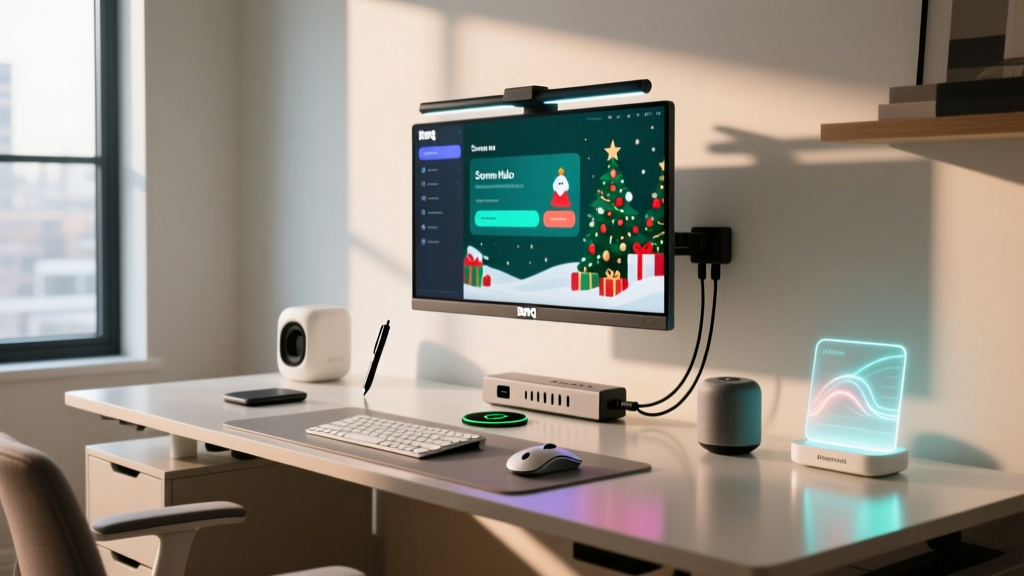
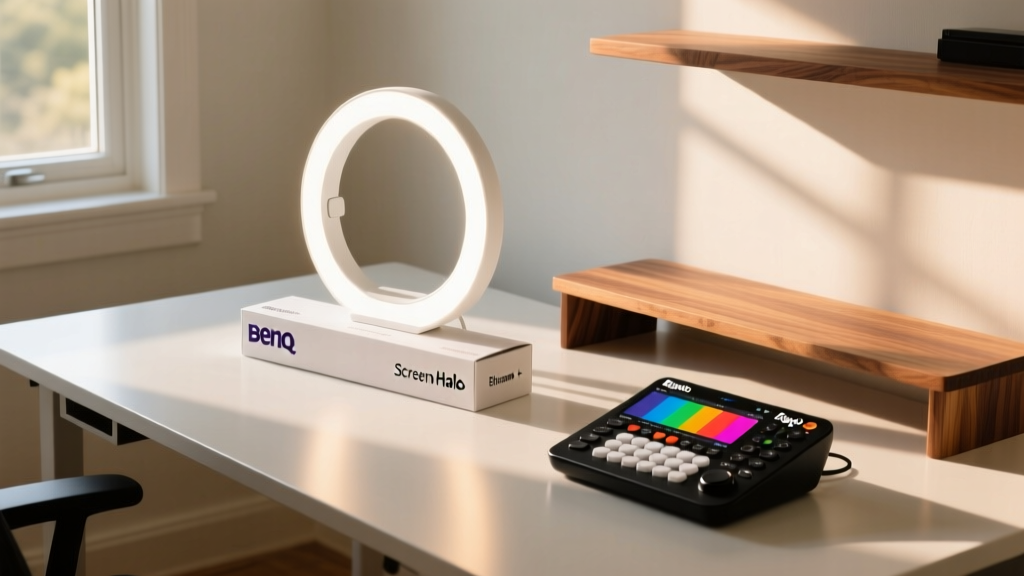
The Post-Holiday Desk Integration Challenge
Unboxing new hardware is only the first step. When you receive the top gadgets for Christmas, the immediate challenge is integrating them into your existing home office ecosystem without creating a tangled mess of cables, overloading your power strips, or bottlenecking your USB bandwidth. A poorly configured desk setup leads to connection drops, ergonomic strain, and wasted productivity.
This guide provides exact measurements, power requirements, and configuration steps for three of the most popular premium home office gifts this season: the BenQ ScreenBar Halo monitor light, the Grovemade Walnut Desk Shelf with Wireless Charging, and the Elgato Stream Deck + macro pad.
Step 1: Mounting and Calibrating the BenQ ScreenBar Halo
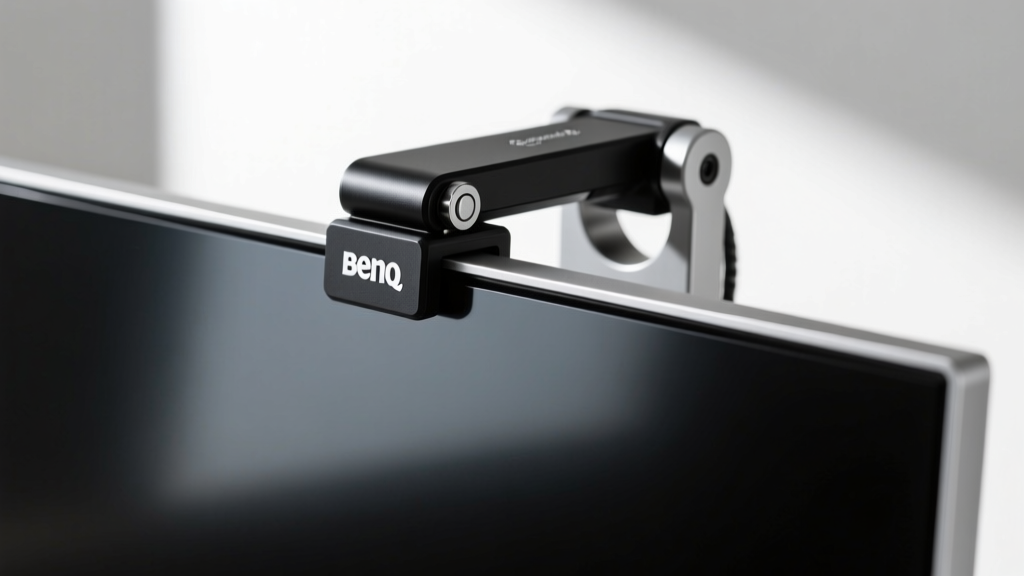
The BenQ ScreenBar Halo (retailing around $199) solves the issue of screen glare and desk shadows, but its unique gravity pivot clamp requires specific monitor geometries to function correctly.
- Verify Bezel Clearance: The clamp requires a flat top bezel depth between 8mm and 30mm. If you own a curved monitor with a steep rear taper (common on LG UltraGear and Samsung Odyssey models), you must attach the included curved monitor adapter plate before mounting.
- Align the Gravity Pivot: Rest the weighted cylinder on the back of your monitor. Do not force the front clamp down; let the counterweight pull the front lip gently against the bezel. Ensure the front lip does not overlap your actual display pixels, which causes a distracting 2mm shadow line at the top of your screen.
- Position the Wireless Puck: The Halo uses a 2.4GHz wireless dial. Do not hide the USB receiver dongle behind your PC's metal chassis. Plug it into a front-facing USB port or a desk-mounted hub to maintain a clear line of sight, preventing the input lag that users frequently report in forums.
Optimizing Lux Levels for Eye Strain
According to guidelines on office ergonomics and lighting from the Mayo Clinic, your ambient room light should closely match your monitor's brightness to prevent pupil fatigue. Use the ScreenBar's auto-dimming sensor, but manually set the color temperature to 4000K during daytime hours and drop it to 2700K after sunset to support your circadian rhythm.
Step 2: Routing Power for the Grovemade Walnut Desk Shelf
The Grovemade Walnut Desk Shelf with Integrated Wireless Charging ($180) elevates your monitor to the correct ergonomic height. Cornell University's Ergonomics Web recommends that the top line of your screen should be at or slightly below eye level. The Grovemade shelf's 3.5-inch height perfectly achieves this for most seated users.
Cable Management Specifics
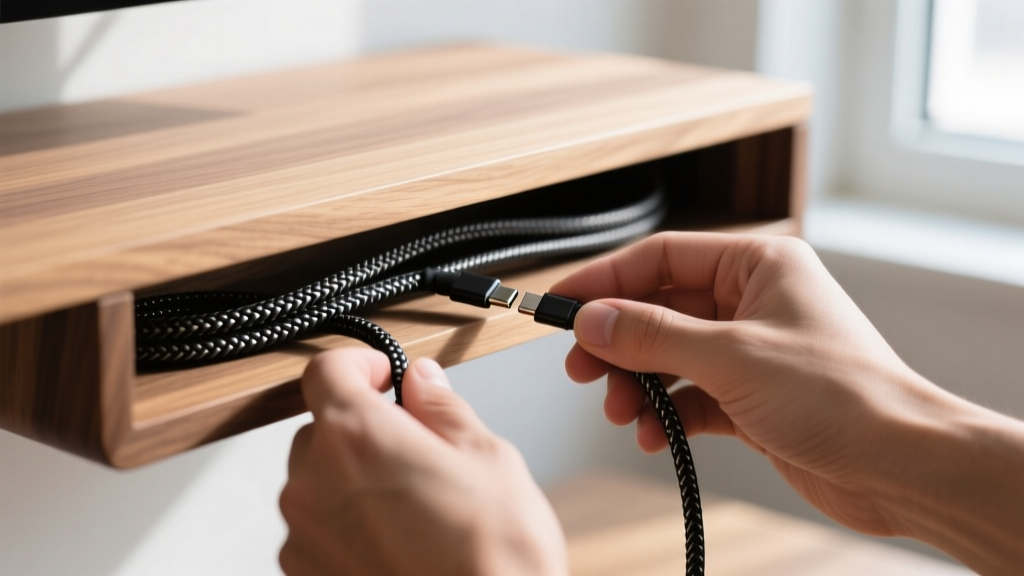
The shelf features a hollowed-out underbelly for cable routing, but improper weight distribution can cause the shelf to warp over time. Follow these routing rules:
- Use Velcro Ties, Not Zip Ties: Zip ties create rigid stress points on power bricks. Use 8-inch velcro cable straps to secure the 15W Qi charging pad's power adapter to the underside of the shelf.
- Center the Heavy Loads: Mount heavy multi-port GaN chargers (like a 100W Anker Prime) directly under the center of the shelf, near the wooden cross-supports, rather than near the front or back edges.
Qi2 Charging Alignment Matrix
The integrated charging pad requires precise device placement. If your phone case is thicker than 3mm, charging efficiency drops by up to 40%.
| Device Type | Case Thickness Limit | Expected Charge Rate | Alignment Requirement |
|---|---|---|---|
| iPhone 15/16 (Qi2) | Up to 4mm (MagSafe) | 15W Peak | Magnetic Snap (Auto-aligned) |
| Samsung Galaxy S24/S25 | Under 3mm | 10W Peak | Manual Centering Required |
| AirPods Pro (USB-C) | N/A (No case) | 2.5W Trickle | LED Indicator Alignment |
Step 3: Programming the Elgato Stream Deck + for Deep Work
The Elgato Stream Deck + ($199) is often marketed to streamers, but its 8 LCD keys and 4 rotary dials make it the ultimate productivity tool for remote workers. The physical dials are the standout feature, allowing for analog control over digital workflows.
Essential Macro Configurations
Do not waste keys on simple app launchers. Use the Stream Deck software to build Multi-Action macros that trigger complex sequences with a single press.
- The 'Deep Work' Key: Program Key 1 to simultaneously launch your primary workspace app (e.g., Notion or VS Code), activate macOS 'Focus Mode' or Windows 11 'Do Not Disturb', and start a 50-minute Pomodoro timer widget on the Stream Deck screen.
- The 'Meeting Recovery' Key: Program Key 8 to clear all background apps consuming CPU, launch Zoom/Teams, unmute your microphone, and switch your BenQ ScreenBar Halo to the 'Video Call' lighting preset (brighter, cooler light to look better on camera).
Mapping the Rotary Dials
The dials support haptic feedback and press-to-click functionality. Map the four dials as follows for maximum efficiency:
- Dial 1 (System Audio): Master volume control. Press to mute/unmute.
- Dial 2 (App-Specific Audio): Map to your communication app (Slack/Teams) notification volume, independent of your music or system sounds.
- Dial 3 (Monitor Brightness): Use the Elgato Screen Brightness plugin to adjust your primary and secondary monitors simultaneously without digging into OS display settings.
- Dial 4 (Timeline/Scroll): Map to horizontal scrolling for wide spreadsheets or timeline scrubbing for video editing.
Pro Tip: Enable the 'Auto-Switch Profile' feature in the Stream Deck software. By linking profiles to specific applications, the dials and keys will automatically change their functions the moment you click into Adobe Premiere, Excel, or your web browser, effectively giving you unlimited programmable keys.
Step 4: Preventing USB Bandwidth Bottlenecks
A common failure point when setting up multiple premium desk gadgets is USB controller saturation. Your motherboard's USB ports are grouped into internal hubs. Plugging high-bandwidth devices into the same hub causes disconnects and audio stuttering.
| Device | Bandwidth Need | Power Draw | Optimal Port Assignment |
|---|---|---|---|
| 4K Webcam (e.g., Insta360 Link) | High (UVC Video) | 5V / 1.5A | Direct to Motherboard USB 3.2 |
| Elgato Stream Deck + | Low (HID Data) | 5V / 900mA | Powered USB Hub (USB 2.0 OK) |
| BenQ ScreenBar Halo | Low (HID Data) | 5V / 1.2A | Powered USB Hub (USB 2.0 OK) |
| External DAC/Amp | Medium (Audio) | 5V / 500mA | Direct to Motherboard USB-C |
If your webcam stutters when you plug in the Stream Deck, you have exceeded the 5Gbps limit of a single USB controller. The solution is to purchase a powered USB hub that features its own dedicated controller chip (such as the Anker 341 USB-C Hub or Sabrent 4-Port Powered Hub), rather than a passive hub that simply splits the motherboard's connection.
Frequently Asked Questions
Can I use the BenQ ScreenBar Halo on a glass desk?
Yes, but the auto-dimming sensor may behave erratically. The sensor points downward to read ambient desk light. A highly reflective glass desk can bounce the monitor's light back into the sensor, causing the light bar to continuously dim itself. Place a dark, matte desk mat directly under the sensor's path to resolve this.
Does the Grovemade shelf block Wi-Fi signals?
The solid walnut wood does not block 2.4GHz or 5GHz Wi-Fi signals. However, if you mount your PC's Wi-Fi antennas directly underneath the shelf using magnetic bases, the desk surface and the shelf's metal internal brackets can cause a 10-15% drop in signal throughput. Always mount antennas vertically, above desk level.
How do I clean the LCD keys on the Stream Deck +?
The LCD keys are covered by a glossy acrylic layer that attracts fingerprints. Do not use Windex or ammonia-based cleaners, which will strip the anti-glare coating over time. Use a microfiber cloth slightly dampened with 70% isopropyl alcohol, wiping in gentle circles.
Written by
Marcus WebbMarcus Webb served as a U.S. Army logistics officer for 8 years, where he managed field equipment procurement and tactical gear evaluation across three combat deployments. After honorable discharge, he earned a certification from the Professional Knife Makers Association and became a certified Wilderness First Responder (WFR). Marcus has tested over 500 EDC products in extreme environments — from -40°F in Alaska to 120°F in the Mojave Desert — using military-spec testing protocols. His reviews of multi-tools, tactical flashlights, and survival gear are known for their rigorous methodology: controlled drop tests from 6 feet, 120-minute water submersion at 2 meters, and lateral torque testing at 45 Nm. He is a member of the Blade Show judging panel and contributes to OutdoorGearLab.