Cool Gadgets for Christmas 2026: Beginner vs Expert Desk Upgrades
Discover the best cool gadgets for Christmas 2026. Compare beginner-friendly desk essentials against expert-level home office automation and ergonomic upgrades.
The Home Office Gifting Dilemma: Foundation vs. Optimization
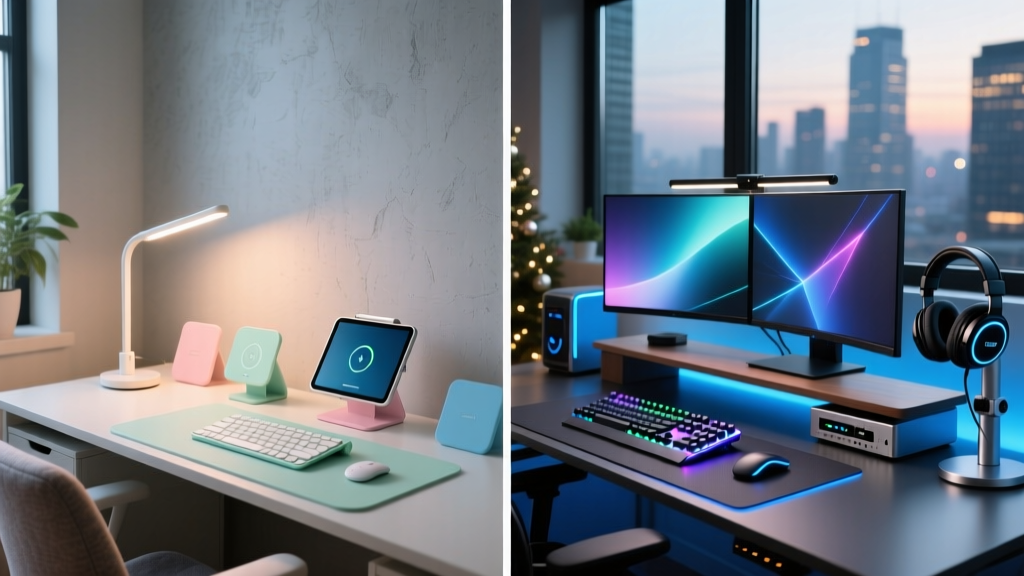
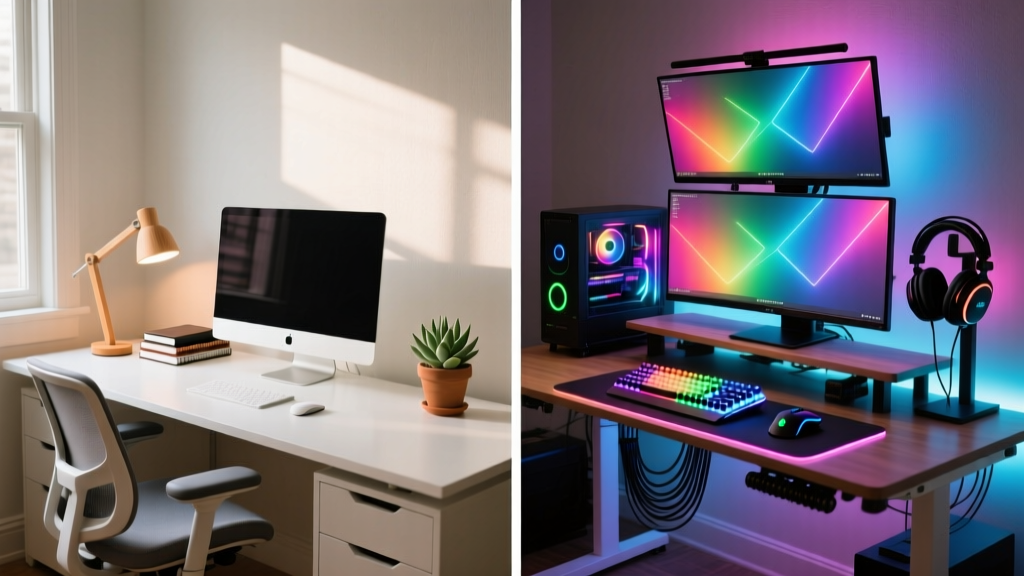
Shopping for remote workers and digital creators requires a precise understanding of their current workflow maturity. A beginner building their first dedicated workspace needs foundational ergonomics and basic cable management to prevent physical strain and visual clutter. An expert, however, already has the basics covered; their bottleneck lies in micro-automation, acoustic control, and input latency. Throwing a basic monitor light bar at a power user who already runs a bias-lighting sync box is a wasted gift, just as handing a beginner a complex macro-dial console will result in it gathering dust.
This guide breaks down the best cool gadgets for Christmas 2026 across three critical home office categories, contrasting the ideal entry-level gift with the ultimate expert-tier upgrade. We evaluate exact model numbers, real-world pricing, and specific failure modes to ensure your holiday gifting hits the mark.
Gifting Decision Matrix: Beginner vs. Expert
| Criteria | Beginner (The Builder) | Expert (The Optimizer) |
|---|---|---|
| Primary Goal | Establishing baseline comfort and organization. | Reducing friction, latency, and cognitive load. |
| Budget Range | $30 – $120 per item | $150 – $350+ per item |
| Tech Tolerance | Plug-and-play, zero software configuration. | Willing to flash firmware, write API scripts, and tune sensors. |
| Failure Mode | Physical fatigue, desk clutter, eye strain. | Repetitive macro execution, input lag, acoustic echo. |
Category 1: Task Lighting and Visual Ergonomics
Proper lighting is non-negotiable for productivity. According to CDC NIOSH guidelines on workstation ergonomics, inadequate lighting forces users into compromised postures as they lean toward screens to read text, accelerating cervical spine fatigue. However, the solution scales dramatically based on the user's monitor setup.
The Beginner Gift: Baseus LED Clip Lamp ($35)
For a beginner with a single 24-inch monitor on a standard desk, the Baseus LED Clip Lamp is a massive upgrade from overhead room lighting. It features a 4000K neutral white temperature and a basic 5V USB-A power draw. The Catch: Clip lamps fail on ultrawide monitors or dual-screen setups. Because the light source is omnidirectional, it casts severe glare on the outer edges of curved displays and creates harsh shadows on the keyboard if placed too high.
The Expert Gift: BenQ ScreenBar Halo + Govee AI Sync Box 2 ($268 Total)
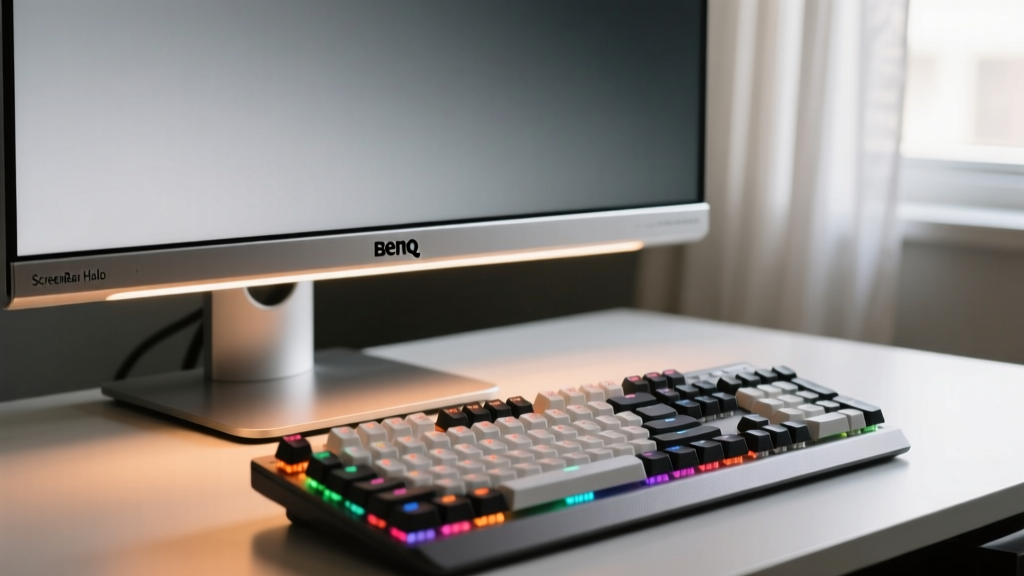
Experts running 34-inch ultrawides or multi-monitor arrays require asymmetric optical paths. The BenQ ScreenBar Halo ($109) uses a patented curved reflector that projects light strictly downward at a 45-degree angle, delivering 500 lux at the desk center while emitting zero lux on the screen surface. It also includes a wireless puck controller with an auto-dimming ambient sensor.
For the true enthusiast, pair this with the Govee AI Sync Box 2 ($159). This device analyzes the HDMI video signal in real-time (up to 4K at 60Hz) and projects matching ambient colors onto the wall behind the monitor. This reduces the perceived contrast ratio between the bright screen and dark room, drastically reducing pupillary strain during late-night editing or coding sessions.
Category 2: Input Devices and Tactile Feedback
The keyboard and mouse are the primary physical touchpoints for any home office worker. Gifting input devices requires understanding the user's reliance on macros, their sensitivity to actuation force, and their desk footprint.
The Beginner Gift: Logitech MX Master 3S ($99)
The MX Master 3S remains the undisputed king of entry-to-mid-level productivity mice. Its MagSpeed electromagnetic scroll wheel can ratchet through 1,000 lines of code or spreadsheet rows in a single second. The 8,000 DPI sensor tracks flawlessly on glass, and the quiet-click switches reduce acoustic noise by 90%. The Catch: Weighing in at 141 grams, it is a brick. Users with smaller hands or those who prefer low-friction, wrist-driven aiming will experience fatigue during extended 10-hour shifts.
The Expert Gift: Wooting 60HE+ & Pulsar X2V2 Mini ($294 Total)
Experts demand granular control over hardware latency. The Wooting 60HE+ ($175) is a 60% mechanical keyboard utilizing Hall Effect (HE) magnetic switches. Unlike traditional mechanical switches that rely on physical metal leaf contacts (which degrade and chatter over time), HE switches measure the exact distance of the magnetic stem. Information Gain: The Wooting allows users to set the actuation point anywhere from 0.1mm to 4.0mm. More importantly, its 'Rapid Trigger' feature resets the key the millimeter it begins to travel upward, allowing for instantaneous repeating keystrokes—a massive advantage for CAD software shortcuts, terminal navigation, and even competitive gaming after hours.
Pair it with the Pulsar X2V2 Mini ($119). At just 54 grams with a PixArt PAW3395 sensor polling at 1000Hz (wireless), it eliminates the wrist strain associated with heavier productivity mice while maintaining flawless tracking accuracy on specialized desk mats.
⚠️ Expert Warning: Polling Rate vs. Battery Life
When gifting high-performance wireless mice like the Pulsar or high-polling keyboards, remind the recipient that running a 4000Hz or 8000Hz polling rate via a wired dongle will drain the battery in under 15 hours. Experts should configure their hub software to drop the polling rate to 1000Hz during standard web browsing, reserving the ultra-high polling rates strictly for active creative or gaming applications.
Category 3: Workflow Automation and Macro Control
As workflows become more complex, reaching across the desk to click through nested software menus destroys focus. Automation hardware bridges the gap between thought and execution.
The Beginner Gift: TourBox Neo ($169)
The TourBox Neo is a tactile console designed specifically for Adobe Lightroom, Premiere, and Photoshop beginners. It features a scroll wheel, a dial, and a directional pad. The companion software maps these physical inputs to standard software sliders (e.g., exposure, brush size, timeline scrubbing). It requires zero coding knowledge and works out of the box via Bluetooth. The Catch: The Bluetooth connection introduces slight latency, and the device lacks visual feedback—you must memorize the button layouts, and it cannot trigger complex, multi-step API webhooks.
The Expert Gift: Elgato Stream Deck + with Custom Plugins ($199)
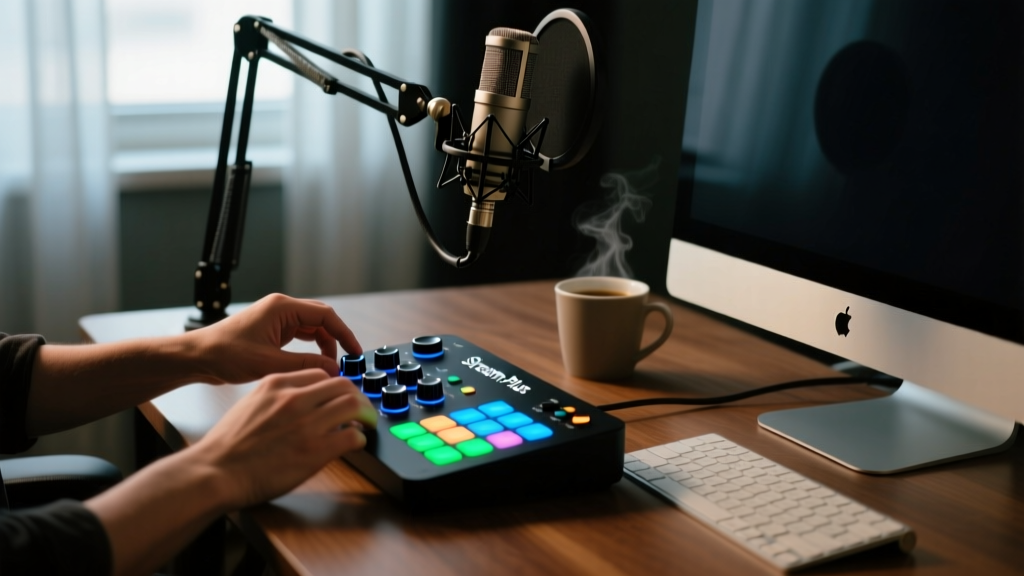
The Elgato Stream Deck + is the ultimate expert automation hub. It features 15 customizable LCD keys and, crucially, 4 rotary dials with built-in haptic feedback and LCD strip displays. Information Gain: While beginners use it to mute their mic on Zoom, experts use the Stream Deck + to execute multi-step API webhooks. For example, a single button press can trigger a Zapier webhook that logs a time-entry in Toggl, sends a Slack status update to 'Deep Work', and launches a specific OBS scene with pre-configured audio routing. The rotary dials can be mapped to control the master volume of a GoXLR mixer or adjust the color temperature of smart home Philips Hue bulbs via the local API, keeping the expert's hands entirely off the mouse.
The Hidden Upgrades: Acoustics and Cable Routing
The most overlooked aspect of a home office is what happens beneath the desk and around the perimeter. A cluttered floor and echoing room subconsciously degrade work quality.
- Beginner Cable Management ($15): The JOTO Cable Management Sleeve is a neoprene zip-up tube. It works well for bundling 3 or 4 standard power cords. Failure Mode: It completely fails if the user has thick, shielded USB-C 3.2 Gen 2x2 cables or stiff HDMI 2.1 cords, as forcing these into a tight sleeve exceeds their bend radius, causing signal degradation and intermittent monitor flickering.
- Expert Cable & Acoustic Management ($85): Skip the sleeves. Gift a Husky 48-inch Steel Pegboard ($48) mounted horizontally under the desk using heavy-duty L-brackets. This allows power bricks, external SSDs, and DACs to be zip-tied directly to the steel grid, maintaining perfect 90-degree drop routing for thick cables. Pair this with a set of Elgato Wave Panels ($39) mounted on the wall behind the monitor to absorb high-frequency acoustic reflections, drastically improving the clarity of their microphone input during video calls.
Final Verdict: How to Choose the Right Tier
When selecting from these cool gadgets for Christmas, observe the recipient's current desk. If their monitor sits on a stack of books and their mouse cable is tangled in their chair wheels, buy the Beginner tier. They need physical foundation. If their desk already features a dual-monitor arm, a custom mechanical keyboard, and acoustic foam, bypass the basics and invest in the Expert tier—specifically the Wooting 60HE+ or the Stream Deck +—to eliminate the micro-frictions in their daily digital life.
Written by
Marcus WebbMarcus Webb served as a U.S. Army logistics officer for 8 years, where he managed field equipment procurement and tactical gear evaluation across three combat deployments. After honorable discharge, he earned a certification from the Professional Knife Makers Association and became a certified Wilderness First Responder (WFR). Marcus has tested over 500 EDC products in extreme environments — from -40°F in Alaska to 120°F in the Mojave Desert — using military-spec testing protocols. His reviews of multi-tools, tactical flashlights, and survival gear are known for their rigorous methodology: controlled drop tests from 6 feet, 120-minute water submersion at 2 meters, and lateral torque testing at 45 Nm. He is a member of the Blade Show judging panel and contributes to OutdoorGearLab.