The Cool Gadgets of 2026: Custom Mechanical Keyboard Guide
Discover the cool gadgets redefining input in 2026. Our comprehensive buyer's guide covers custom mechanical keyboards, Hall effect switches, and macro pads.
Why Custom Input Devices Are the Cool Gadgets Redefining Productivity
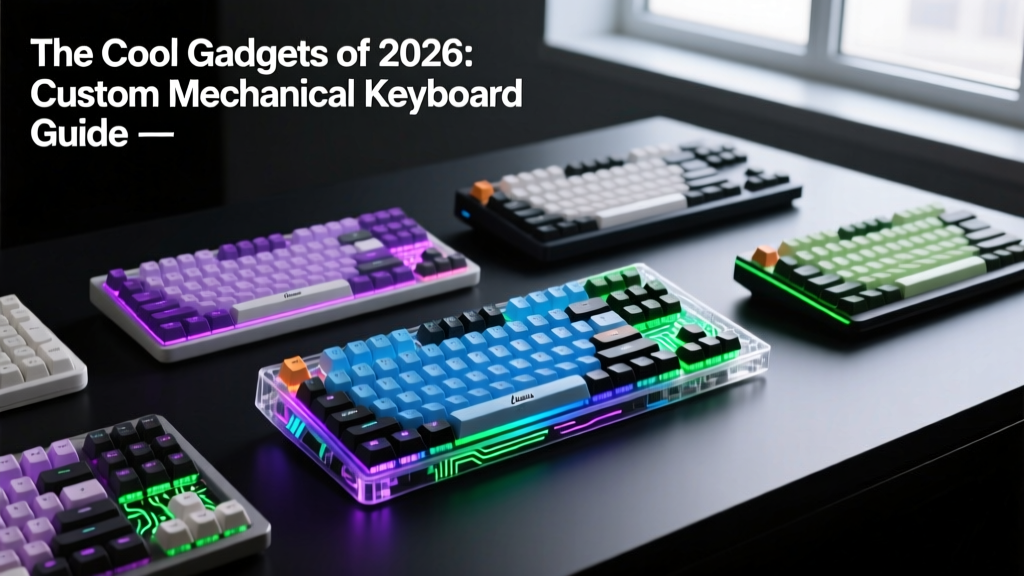
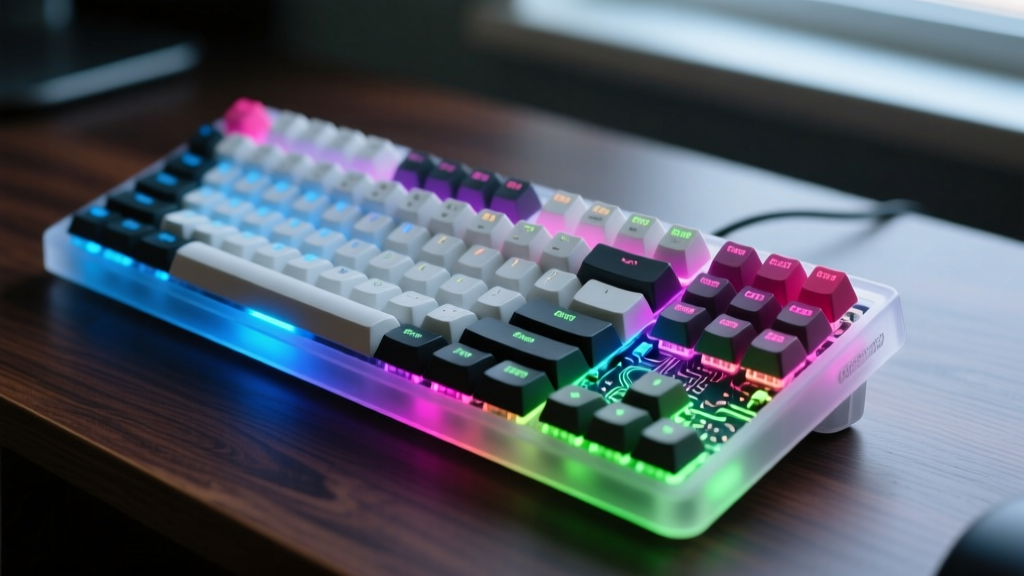
When tech enthusiasts hunt for the cool gadgets that genuinely alter daily workflows, custom mechanical keyboards and programmable input devices consistently dominate the conversation. In 2026, this space has evolved far beyond niche forum group buys. It is now a mainstream pursuit of acoustic perfection, sub-millisecond latency, and ergonomic mastery. Whether you are a competitive gamer needing adjustable actuation points or a developer seeking to eliminate repetitive strain through split-columnar layouts, the modern input device market offers unprecedented granularity.
This comprehensive buyer’s guide cuts through the marketing noise. We break down the exact materials, switch technologies, and budget allocation frameworks you need to build or buy a high-end custom setup this year, referencing testing methodologies from experts at Rtings and Tom's Hardware.
The Anatomy of a Premium Custom Build
The acoustic profile and typing feel of a mechanical keyboard are dictated by its internal architecture. The days of simply stuffing a case with silicone foam are over. Modern enthusiast builds rely on precise material pairings and mounting mechanisms to control sound frequencies and flex.
Mounting Styles and Case Materials
- Gasket Mount: Uses strips of Poron or EVA foam between the plate and the case. This provides a cushioned, flexible typing experience and isolates vibrations, resulting in a deeper 'thock'.
- O-Ring Mount: A variation of gasket mounting where a single large silicone O-ring suspends the PCB/plate sandwich. This maximizes vertical flex and creates a bouncier, softer bottom-out.
- Top Mount: The plate screws directly into the top frame. This offers a stiffer, more consistent typing feel across the board, preferred by users who prioritize uniformity over flex.
Plate Material Acoustic Matrix
The plate holds your switches in place and heavily influences the sound signature. Here is how the top four materials compare in 2026:
| Material | Acoustic Profile | Flex Characteristics | Best Use Case |
|---|---|---|---|
| FR4 (Fiberglass) | Deep, muted, low-pitched | High flex (especially when flex-cut) | Typing enthusiasts, office environments |
| POM (Polyoxymethylene) | Warm, soft, slightly hollow | Medium-high flex | Linear switch pairings, creamy sound profiles |
| Aluminum (6063) | Bright, clacky, high-pitched | Very rigid (zero flex) | Tactile switches, competitive gaming |
| Polycarbonate (PC) | Hollow, resonant, bright | Medium flex | RGB-heavy builds, softer bottom-outs |
Switch Selection: Hall Effect vs. Enthusiast Linears
The switch is the engine of your keyboard. In 2026, the market is sharply divided between magnetic Hall Effect (HE) switches for gaming and highly engineered mechanical linears for typing.
Hall Effect (HE) and Rapid Trigger
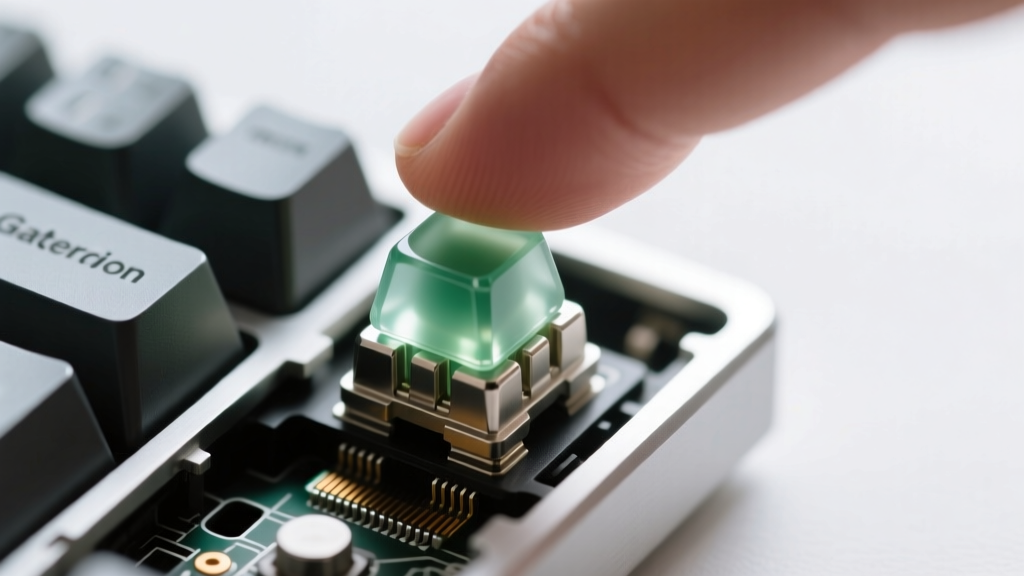
HE switches use magnets and sensors to measure exact depth, eliminating the physical metal leaf contact of traditional switches. This enables Rapid Trigger, a feature where the switch resets the moment you lift your finger, rather than waiting to cross a fixed reset point. This allows for instant strafing in tactical shooters.
- Gateron Magnetic Jade: The current gold standard for HE switches. It features a closed bottom housing that produces a remarkably deep, 'mahjong-tile' acoustic profile previously thought impossible for magnetic switches. Priced around $6.50 per 10-pack.
- Wooting UwU: The first widely available tactile magnetic switch. It provides a distinct physical bump at the actuation point while retaining Rapid Trigger capabilities, bridging the gap for gamers who refuse to type on linears. (~$7.00 per 10-pack).
Premium Mechanical Linears
For pure typing and productivity, mechanical linears remain unbeatable for consistency and acoustic tuning.
- Gateron Oil Kings: Factory-lubricated to perfection with a long pole stem that delivers a sharp, resonant bottom-out. ($5.50 per 10-pack).
- Cherry MX2A: Cherry's modernized flagship linear, featuring a revised spring and housing that eliminates the scratchiness and spring ping of older MX Reds. ($4.50 per 10-pack).
2026 Standout Keyboards and Macro Pads
If you prefer a pre-built or barebone kit over sourcing individual parts from international group buys, these are the top-tier options currently defining the market.
Wooting 60HE+ (The Performance King)
Price: $175 | Layout: 60% | Connection: Wired USB-C
Pros: Unmatched Rapid Trigger latency (sub-1ms), intuitive web-based software (Wootility), durable aluminum case upgrade available.
Cons: 60% layout lacks dedicated arrow keys (requires layer toggling), stock keycaps are low-quality ABS.
Verdict: The undisputed champion for competitive FPS gamers. Pair it with Gateron Magnetic Jades and aftermarket PBT keycaps for a flawless experience.
Mode Sonnet (The Acoustic Masterpiece)
Price: $400 (Barebone) | Layout: 75% | Connection: Tri-mode (Wired, 2.4GHz, BT)
Pros: Incredible out-of-the-box sound due to dual-gasket mounting and specialized acoustic foams, premium CNC aluminum chassis, hot-swappable.
Cons: High price point, heavy (not ideal for travel), proprietary PCB layout limits custom case swaps.
Verdict: The ultimate choice for enthusiasts who want a luxury typing instrument without the hassle of manual modding and tuning.
Beyond Standard Layouts: Dials, Trackballs, and Split Ergonomics
True enthusiasts know that a standard rectangular keyboard is a compromise. Custom input devices now integrate dials, trackballs, and split halves to map precisely to human biomechanics and software-specific workflows.
Split Ergonomic Keyboards
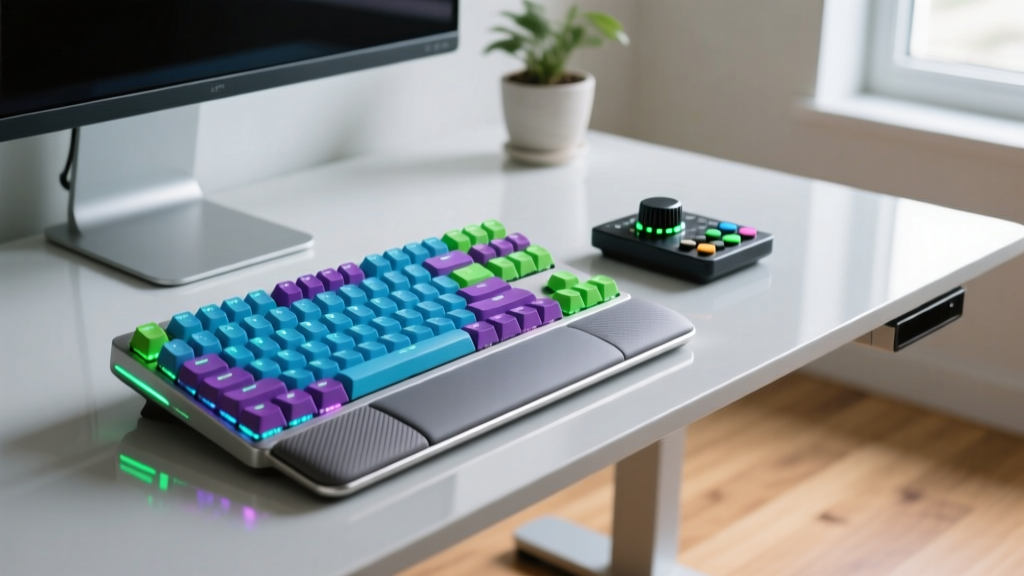
Split keyboards separate the halves to keep your shoulders square and your wrists straight. The MoErgo Glove80 ($389) has emerged as a leader in this space. It features a contoured, columnar-staggered key well that drastically reduces finger travel distance, alongside a 6-key thumb cluster that takes the load off your weakest pinky fingers. When paired with QMK/ZMK firmware, you can map complex macros to single thumb presses.
Macro Dials and Trackballs
For video editors and 3D artists, a keyboard is only half the setup. Devices like the Loupedeck Live or custom 3D-printed macro dials running QMK allow you to map timeline scrubbing, brush sizing, and zoom functions to physical rotary encoders. The tactile detents of a high-quality ALPS encoder provide physical feedback that a touchscreen simply cannot replicate.
Budget Allocation: Where to Spend Your Money
A common mistake newcomers make is spending 80% of their budget on an aluminum case and leaving $20 for cheap switches and stabilizers. To maximize your return on investment, follow this priority framework:
- Switches (30% of budget): The switch dictates the core feel and sound. Allocate $50–$80 for premium switches (e.g., Gateron Oil Kings or Magnetic Jades).
- Stabilizers (10% of budget): Rattling stabilizers will ruin an otherwise perfect build. Buy premium screw-in stabs like TX Keyboards AP Stabilizers or Staebies ($25) and learn to tune them with dielectric grease and the 'Holee Mod'.
- Keycaps (20% of budget): Invest in thick, double-shot PBT or ABS keycaps (e.g., GMK, ePBT, or high-quality PBT sets from Akko/Keychron). Avoid thin, shiny ABS.
- PCB and Case (40% of budget): A well-designed polycarbonate or mid-tier aluminum case with a flex-cut FR4 plate will often sound better than a premium, rigid aluminum vault.
Frequently Asked Questions
Is a custom mechanical keyboard worth the cost compared to a standard gaming keyboard?
Yes, if you value longevity, repairability, and ergonomics. A $200 custom build using hot-swap sockets allows you to replace a single dead switch for $0.50, whereas a dead switch on a soldered mainstream gaming keyboard often requires replacing the entire $150 unit. Furthermore, the acoustic tuning and typing comfort of a gasket-mounted custom board drastically reduce finger fatigue during 8+ hour workdays.
Do I need to know how to solder to build a custom keyboard?
No. The vast majority of enthusiast PCBs in 2026 feature Kailh hot-swap sockets. You simply press the switches into the sockets using a switch puller tool. Soldering is only required if you are building a bespoke, hand-wired macro pad or installing specific daughterboards that lack pre-soldered connectors.
What is the 'Holee Mod' for stabilizers?
The Holee Mod involves placing a tiny piece of adhesive bandage or specialized modding tape over the metal wire insert of a keyboard stabilizer stem. This eliminates the microscopic gap between the wire and the plastic housing, completely eradicating the 'tick' sound and rattle that plagues stock stabilizers. It is a mandatory step for achieving a premium, solid acoustic profile.
Written by
Emma LarssonEmma Larsson holds an M.A. in International Relations from Sciences Po Paris and a B.A. in Communications from Stockholm University. A digital nomad since 2017, she has worked from over 45 countries across six continents, building deep expertise in portable power solutions, travel routers, compact computing, and connectivity gadgets that survive international travel. Emma is a certified member of the Travel Technology Association and has advised three travel gear startups on product-market fit for remote workers. Her reviews evaluate products against real travel scenarios — TSA compliance, voltage compatibility across 200+ countries, durability through 50+ checked bag cycles, and battery life under airplane mode vs. active use. She has been featured in Condé Nast Traveler's "Tech-Savvy Traveler" series and speaks at Remote Work Summit events.