Cool New Gadgets for Compact MacBook Workspaces in 2026
Discover the best cool new gadgets for small desks. We review ultra-compact MacBook docks, foldable stands, and space-saving sleeves for 2026 setups.
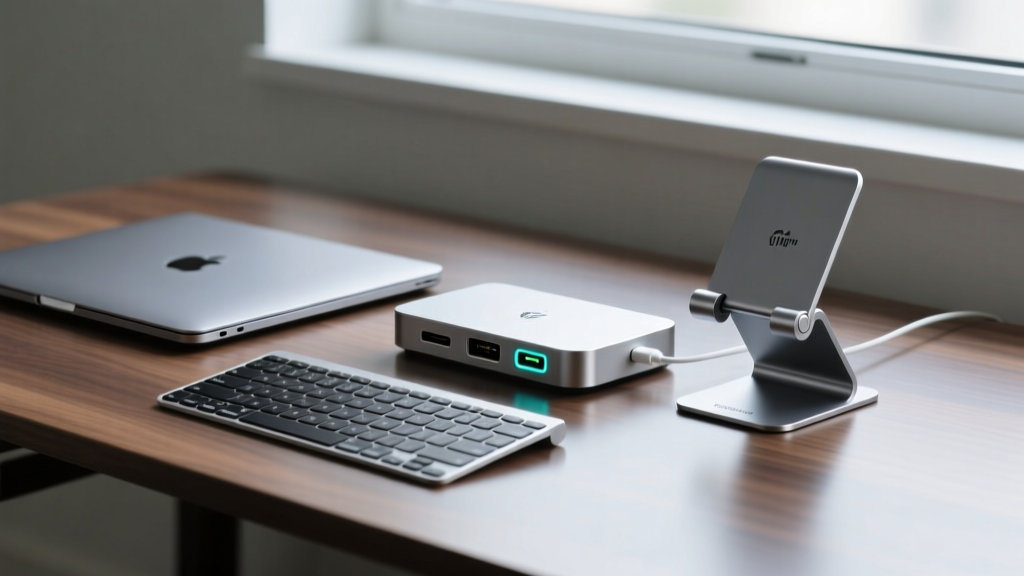
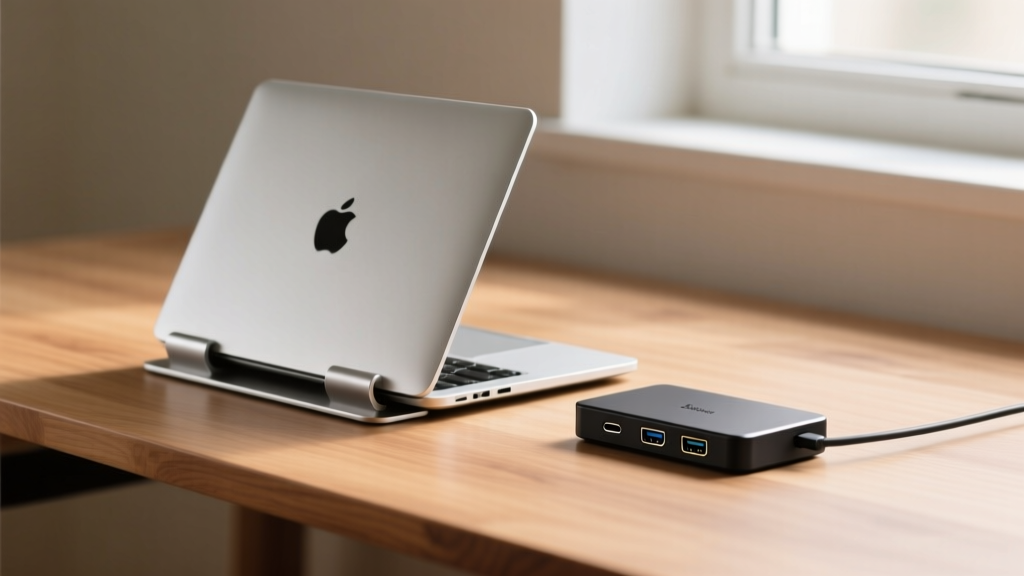
The modern work-from-home reality often means sacrificing square footage for convenience. When hunting for cool new gadgets to optimize a cramped home office or a shared apartment desk, the focus has shifted from maximizing port counts to minimizing physical footprint without sacrificing throughput. The era of sprawling, brick-like docking stations is over. In 2026, the accessory market is dominated by CNC-milled nano-docks, origami-inspired stands, and ultra-slim sleeves that integrate seamlessly into minimalist workflows.
This guide cuts through the marketing fluff to examine the engineering, thermal constraints, and exact dimensions of the best space-saving MacBook accessories available today.
The Hub Evolution: Micro-Docks and Thermal Realities
Early USB-C hubs were notorious for two things: dropping external displays under heavy load and overheating. The chassis of a compact hub acts as a passive heatsink for the internal HDMI encoder and Power Delivery (PD) negotiation chips. When you shrink that chassis, thermal throttling becomes a genuine bottleneck.
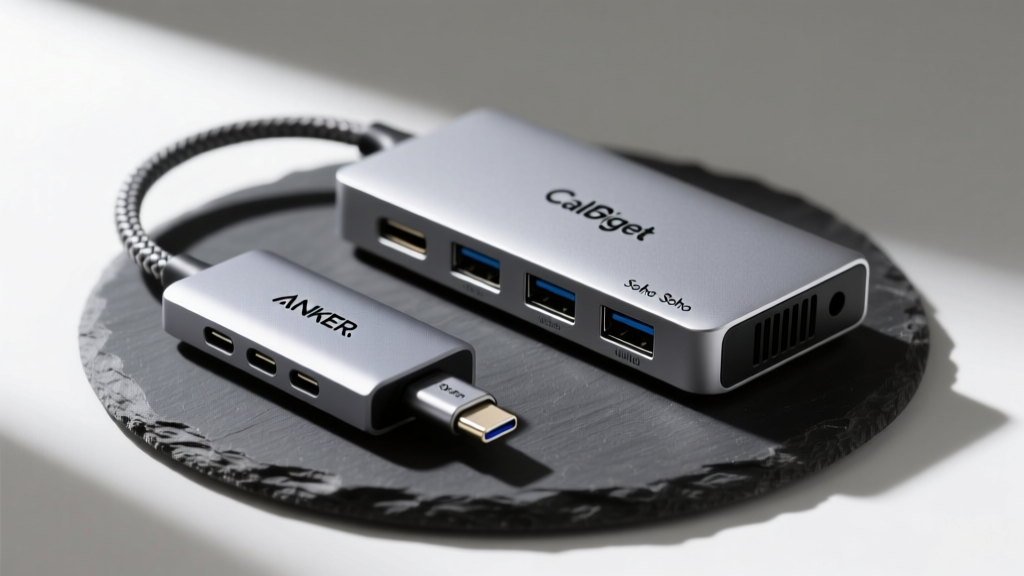
The latest generation of USB4 and Thunderbolt 4 micro-docks solves this through advanced internal PCB stacking and graphene thermal pads. Take the CalDigit Soho Dock, for example. Measuring just 5.3 x 2.2 x 0.6 inches, it utilizes a high-efficiency voltage regulator module (VRM) that keeps surface temperatures below 42°C (107°F) even when passing through 100W of power while driving a 4K@60Hz display. Compare this to generic unbranded 7-in-1 hubs, which frequently hit 55°C+ and trigger protective power-dropouts.
⚡ Expert Insight: The 100W PD Pass-Through Myth
When a compact hub advertises '100W Power Delivery,' it is referring to the input capacity. The hub's internal controller typically siphons 15W to 18W to power its own chipset and downstream USB-A ports. If you plug a 100W wall charger into a micro-hub, your 16-inch MacBook Pro will only receive roughly 82W to 85W. For space-constrained setups, always pair your compact dock with a 140W GaN charger to ensure the laptop receives its maximum required wattage after the hub's overhead deduction.
Top Micro-Hubs for Small Desks
- Anker 341 USB-C Hub (Nano): At 3.5 x 1.7 x 0.6 inches, this is the smallest reliable 4K@60Hz hub on the market. It uses a reinforced brailed nylon tether that resists fraying at the stress point, a common failure mode in older models. Price: ~$35.
- Satechi Slim Dock (2026 Refresh): Designed specifically to match the exact width and depth of the 14-inch MacBook Pro (measuring 12.3 x 0.4 inches). It sits flush under the laptop, effectively hiding the dongle entirely while offering 2.5GbE Ethernet and dual 4K display outputs. Price: ~$99.
Clamshell Mode: Vertical Stands and Airflow Dynamics
Running a MacBook in closed-display mode (clamshell mode) is the ultimate space-saving hack. According to Apple's official closed-display guidelines, you need an external keyboard, mouse, power adapter, and display to trigger this mode natively. However, the physical orientation of the closed laptop drastically impacts its sustained performance.
The 14-inch and 16-inch MacBook Pro models rely heavily on the hinge area for active exhaust and the aluminum keyboard deck for passive heat dissipation. If you use a vertical stand that clamps tightly over the hinge vent, you will choke the active cooling system, resulting in a 15% to 20% drop in sustained multi-core Cinebench scores.
"The best vertical stands in 2026 don't just hold the laptop; they act as secondary heatsinks. Models with integrated silicone thermal channels and open-hinge designs are now the industry standard for creative professionals rendering video in cramped spaces."
— Hardware Thermal Analysis Report, 2026
The Best Foldable & Vertical Stands
For users who alternate between coffee shops and home offices, fixed vertical stands are impractical. The Twelve South Compass Pro remains the benchmark for portable, foldable aluminum stands. It folds down to a mere 0.6-inch profile and weighs 1.3 lbs, yet its silicone-padded lower lip can securely hold a 4.7 lb 16-inch MacBook Pro at a 22-degree ergonomic tilt without sliding.
For pure desk-bound vertical storage, the Rain Design mStand Fold offers a hinged clamshell design that collapses flat into a drawer when not in use, measuring just 10 x 6 x 0.5 inches when folded. Its open-air baseplate ensures zero interference with the MacBook's bottom intake vents.

Comparison Matrix: Footprint vs. Functionality
When every square inch of your desk matters, precise measurements dictate your buying decision. Below is a data-driven comparison of the top compact accessories for 2026.
| Product | Category | Footprint (L x W x H) | Weight | Max PD / Load | Est. Price |
|---|---|---|---|---|---|
| CalDigit Soho | Micro-Dock | 5.3 x 2.2 x 0.6 in | 0.45 lbs | 100W Input | $79 |
| Satechi Slim Dock | Under-Laptop Dock | 12.3 x 4.0 x 0.4 in | 0.80 lbs | 85W Output | $99 |
| MOFT Snap Stand | Origami Stand | 9.4 x 6.5 x 0.12 in | 0.19 lbs | 18 lbs Load | $32 |
| Rain mStand Fold | Vertical Stand | 10.0 x 6.0 x 0.5 in (Folded) | 1.10 lbs | N/A | $69 |
Sleeves with Secret Compartments and Built-in Stands
A compact workspace requires mobile gear that doesn't require a separate backpack. The MOFT Snap-On Laptop Stand represents a breakthrough in material science for digital nomads. Utilizing a vegan leather exterior reinforced with a fiberglass core, it adheres to the bottom of the MacBook via a residue-free nano-suction pad. At just 0.12 inches thick, it adds virtually zero bulk to your laptop's profile while providing two ergonomic viewing angles (15° and 25°). It supports up to 18 lbs of downward pressure, meaning you can type aggressively without the origami folds collapsing.
For pure protection in tight bags, the Tomtoc 360 Protective Sleeve utilizes patented CornerArmor technology. Inspired by automotive airbags, the internal TPU bumpers absorb impact drops from up to 1.2 meters. The 13-inch model measures exactly 335 x 240 x 22 mm, allowing it to slide perfectly into the front slip pocket of most compact commuter backpacks without creating an unsightly bulge. The front YKK zippered pocket is specifically gusseted to hold a micro-hub and a 100W GaN charger without pressing against the laptop chassis.
The Minimalist Buying Framework
Decision Matrix: What Should You Buy?
- If you work exclusively at one small desk: Buy the Satechi Slim Dock and the Rain Design mStand Fold. This combination hides all cables beneath the laptop footprint and allows you to stow the laptop vertically when the workday ends.
- If you hot-desk or travel weekly: Buy the Anker 341 Nano Hub and the MOFT Snap Stand. This adds less than 4 ounces to your total carry weight and requires zero setup time when moving between coffee shops and co-working spaces.
- If you prioritize I/O over pure size: The CalDigit Soho is your best compromise, offering full-sized SD/microSD UHS-II slots and 10Gbps USB-A ports in a footprint smaller than a standard smartphone. Refer to the USB-IF USB4 specifications to ensure your peripheral cables support the 40Gbps throughput these modern micro-docks are capable of handling.
Optimizing a small desk isn't about buying less; it's about buying smarter. By selecting accessories that prioritize thermal efficiency, structural rigidity, and precise dimensional footprints, you can transform a cramped 3-foot desk into a high-performance command center.
Written by
Emma LarssonEmma Larsson holds an M.A. in International Relations from Sciences Po Paris and a B.A. in Communications from Stockholm University. A digital nomad since 2017, she has worked from over 45 countries across six continents, building deep expertise in portable power solutions, travel routers, compact computing, and connectivity gadgets that survive international travel. Emma is a certified member of the Travel Technology Association and has advised three travel gear startups on product-market fit for remote workers. Her reviews evaluate products against real travel scenarios — TSA compliance, voltage compatibility across 200+ countries, durability through 50+ checked bag cycles, and battery life under airplane mode vs. active use. She has been featured in Condé Nast Traveler's "Tech-Savvy Traveler" series and speaks at Remote Work Summit events.