10 Cool New Technology Gadgets for MacBook Users: 2026 Gift Guide
Discover the best cool new technology gadgets for MacBook users. Our 2026 gift guide covers Thunderbolt docks, ergonomic stands, and premium sleeves.
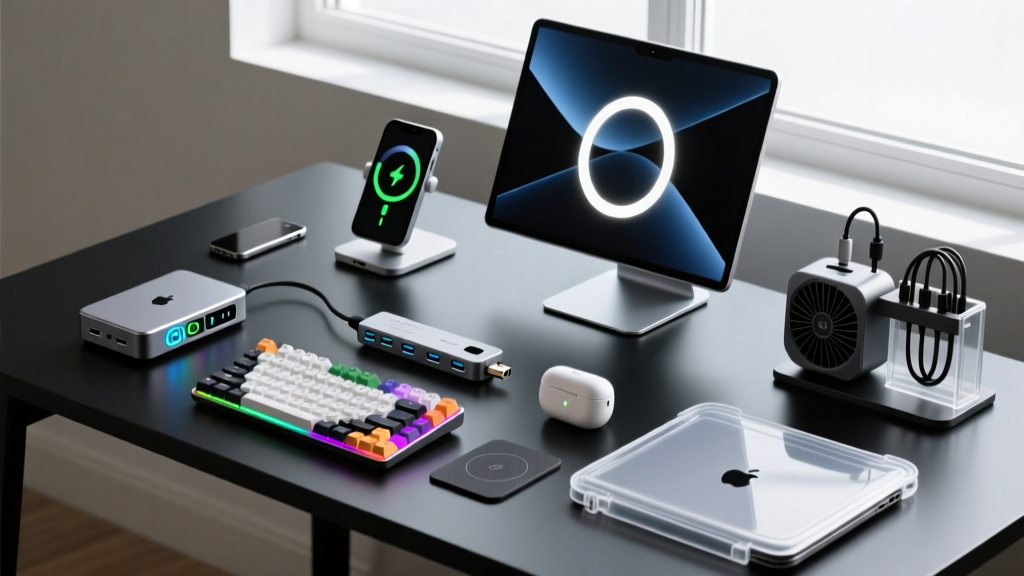
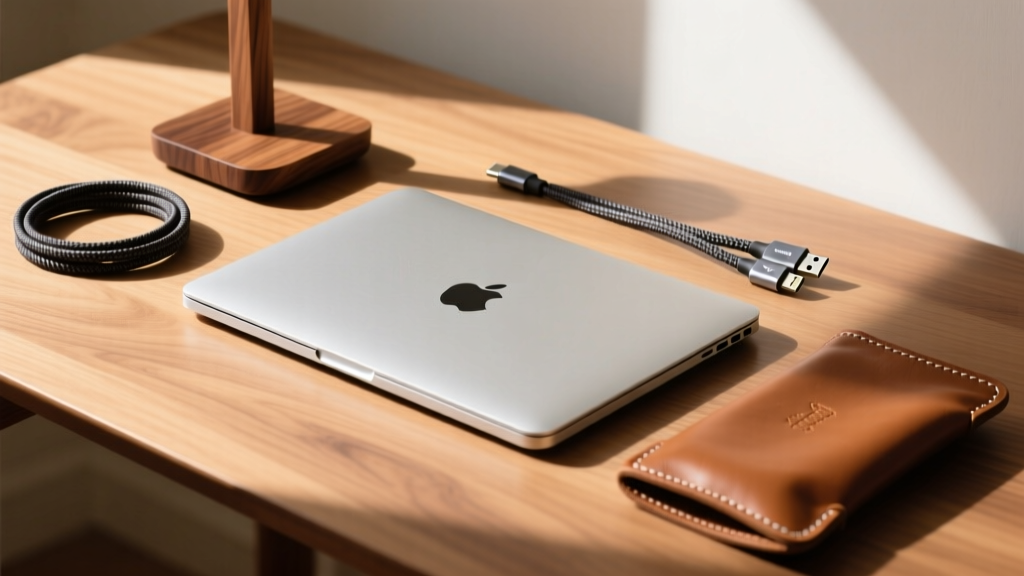
Finding the perfect gift for a tech enthusiast who already owns a premium machine like an M3 or M4 MacBook Pro requires looking beyond the computer itself. The ecosystem of laptop accessories has evolved dramatically, shifting from basic plastic dongles to sophisticated, thermally optimized, and high-bandwidth command centers. If you are hunting for cool new technology gadgets that will genuinely upgrade a MacBook user's daily workflow, you must navigate a minefield of bandwidth bottlenecks, thermal throttling, and material degradation.
This guide bypasses generic accessories and focuses on high-impact, precision-engineered laptop gear. We break down the exact specifications, material sciences, and silicon limitations you need to know before purchasing docks, stands, hubs, and sleeves for the Apple ecosystem in 2026.
The Silicon Gotcha: M-Series Display Bandwidth Limits
Before purchasing a high-end Thunderbolt dock, you must verify the recipient's specific MacBook chip. This is the most common failure point in tech gifting. According to Apple's official display and adapter specifications, base M3 and M4 chips natively support only one external display (up to 6K at 60Hz).
Thunderbolt 4 Docks: The Desktop Command Centers
For users with Pro or Max chips, a Thunderbolt 4 (TB4) dock is the ultimate desk upgrade. TB4 guarantees 40 Gbps of bidirectional bandwidth, ensuring that dual 4K@60Hz displays, 10Gbps data transfers, and 98W+ laptop charging happen simultaneously without bottlenecking. Based on extensive thermal and bandwidth testing by Wired's hardware team, here is how the top-tier options compare for gifting.
| Model | Max Power Delivery | Display Support (Pro/Max) | Price Range |
|---|---|---|---|
| CalDigit TS4 | 98W | Dual 4K@60Hz / Single 6K | $379 - $399 |
| Satechi TB4 Slim | 96W | Dual 4K@60Hz | $279 - $299 |
| OWC Thunderbolt Go | 90W | Dual 4K@60Hz | $299 - $329 |
The Expert Pick: The CalDigit TS4 remains the undisputed champion for enthusiasts. It features 18 ports, including a 2.5Gb Ethernet port and an SD 4.0 UHS-II card reader capable of 312 MB/s transfer speeds—crucial for photographers and videographers. The Satechi TB4 Slim is the better gift for minimalists who prioritize a low-profile aesthetic under their monitor and only need essential ports.
Ergonomic Stands: Thermals Meet Material Science
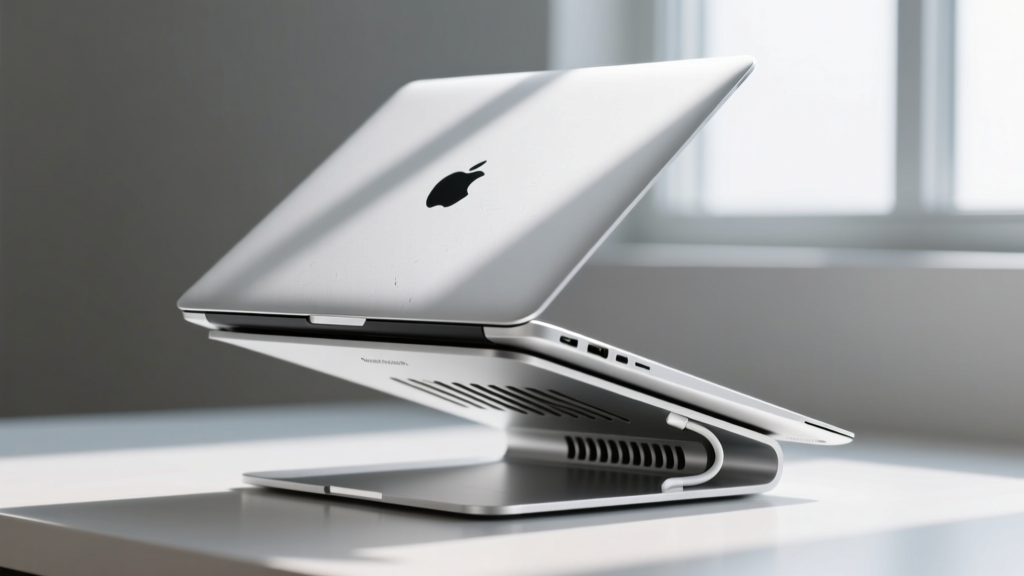
A laptop stand is not just about neck ergonomics; it is a critical thermal management tool. MacBooks dissipate heat through their aluminum chassis and the hinge vent. Laying a MacBook flat on a desk restricts airflow, causing the system to thermal throttle during sustained workloads like 3D rendering or video encoding.
What to Look For in a Premium Stand
- Clearance: Minimum 2.5 inches of vertical lift to align the screen with eye level and expose the chassis to ambient air.
- Material Density: Solid walnut or CNC-machined aluminum. Avoid hollow plastic or thin steel, which can resonate and amplify keyboard vibrations.
- Clamp vs. Tray: Vertical "clamshell" stands (like the Twelve South BookArc) are excellent for saving desk space when the laptop is connected to a dock and closed, but they require precise width adjustments to avoid scratching the chassis.
Top Gift Recommendation: The Grovemade Walnut Laptop Riser ($180). Crafted from solid Eastern Black Walnut with a vegetable-tanned leather pad, it absorbs micro-vibrations and provides a massive 5-inch lift. The bent stainless steel bracket underneath adds structural rigidity without flexing under the weight of a 16-inch MacBook Pro.
Portable Hubs: The Traveler’s Compromise
While docks rule the desk, hubs rule the road. The engineering challenge with USB-C hubs is thermal saturation. Processing HDMI output, USB-A data, and 100W Power Delivery simultaneously inside a tiny aluminum enclosure generates immense heat. Cheaper hubs throttle data transfer speeds or drop HDMI connections when they exceed 60°C internally.
"When gifting a travel hub, prioritize models with dedicated thermal padding between the logic board and the outer chassis. Pass-through charging (PD) should be rated at least 20W higher than the laptop's maximum draw to account for the hub's internal power consumption." — Hardware Engineering Best Practices
For the frequent flyer, the Anker 556 USB-C Hub (8-in-1) ($75) offers a highly reliable balance. It features a dedicated 10Gbps data port, a 4K@60Hz HDMI 2.0 port (a rarity in this price bracket, as most cheap hubs are limited to 4K@30Hz), and pass-through charging up to 85W. Its braided nylon cable is reinforced at the stress point, preventing the internal wire fraying that plagues lesser hubs after six months of travel.
Sleeves and Carriers: Impact Resistance and Textile Engineering
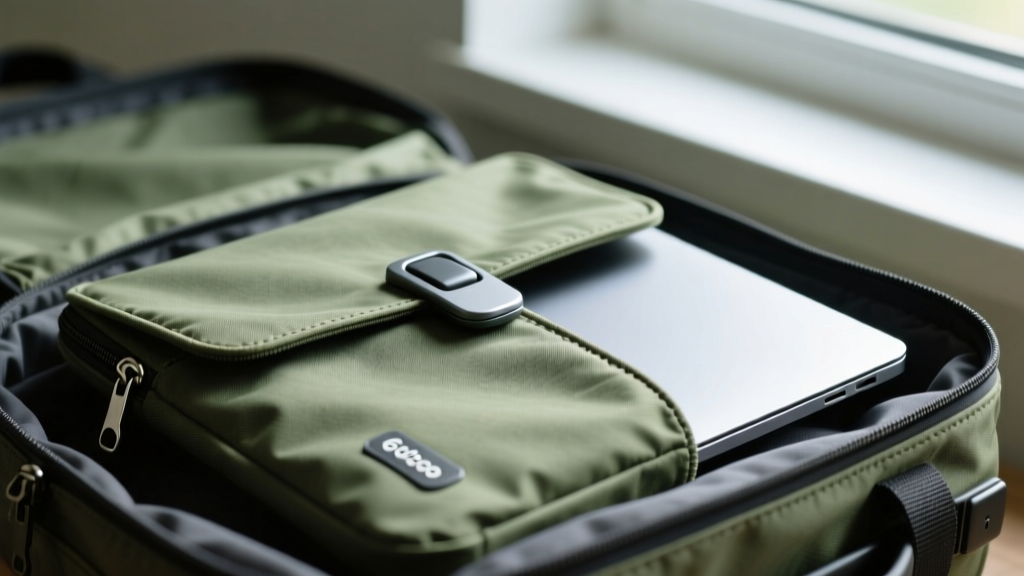
The days of thin, form-fitting neoprene sleeves are over. Modern tech enthusiasts demand impact dispersion, weather resistance, and rapid-access mechanisms. When evaluating sleeves, look beyond the exterior fabric and examine the internal suspension system.
Material Breakdown for Sleeves
| Material | Pros | Cons | Best For |
|---|---|---|---|
| 600D Recycled Canvas | High abrasion resistance, weather-proof | Stiff, requires break-in period | Commuters, cyclists |
| Full-Grain Leather | Develops patina, premium aesthetic | Heavy, poor water resistance | Executive boardrooms |
| EVA Foam + Felt | Excellent corner impact dispersion | Can trap moisture if left wet | Air travel, backpacks |
The Premium Gift: The Bellroy Laptop Sleeve Premium ($139). It utilizes a dual-layer impact foam system with reinforced corner bumpers—statistically where 80% of drop damage occurs. The exterior is crafted from environmentally certified leather, while the interior features a plush, microfiber lining that actively repels dust and prevents micro-scratches on the MacBook's anodized aluminum lid. Crucially, it uses a magnetic Fidlock closure, allowing one-handed access without the risk of zipper teeth scratching the chassis.
The Gifter’s Decision Framework
To ensure your gift is a functional upgrade rather than desk clutter, map the recipient's primary workflow to these specific accessory categories:
Match the Accessory to the User Profile
- The Studio Creative (Video/3D): Gift the CalDigit TS4 Dock + ProGrade Digital CFexpress Card Reader. They need uninterrupted 40Gbps bandwidth and maximum power delivery for sustained rendering sessions.
- The Hybrid Commuter: Gift the Grovemade Walnut Riser for their home office and the Bellroy Premium Sleeve for the train. Focus on ergonomic transitions and physical protection.
- The Digital Nomad: Gift the Anker 556 Hub + Satechi 108W Pro USB-C PD Adapter. Prioritize compact footprint, multi-voltage compatibility, and thermal efficiency in confined spaces like airplane trays.
Gifting tech accessories to MacBook users is an exercise in precision. By understanding the underlying silicon limitations, thermal requirements, and material sciences of modern laptop gear, you can select a tool that seamlessly integrates into their workflow, proving that the most thoughtful gifts are the ones that solve complex, everyday friction points.
Written by
Sarah KimSarah Kim holds certifications from both NASM (National Academy of Sports Medicine) and ACE (American Council on Exercise), along with a B.S. in Kinesiology from UCLA. She has spent 7 years bridging the gap between exercise science and consumer technology, evaluating fitness trackers, smart scales, sleep monitors, and recovery devices with clinical precision. Sarah has tested over 200 health-focused wearables in controlled lab settings and real-world training environments, comparing device data against gold-standard medical equipment like ECG monitors and DEXA scans. She consults for three fitness app companies on data accuracy standards and has presented research on wearable reliability at the American College of Sports Medicine (ACSM) annual conference. Her reviews emphasize clinical validity over marketing claims.