Sketch Gadgets 2026: Best Drawing Tablets & Styluses
Find the best sketch gadgets for digital art in 2026. We compare top drawing tablets, styluses, and smart sketchpads at every price point. Shop smart.
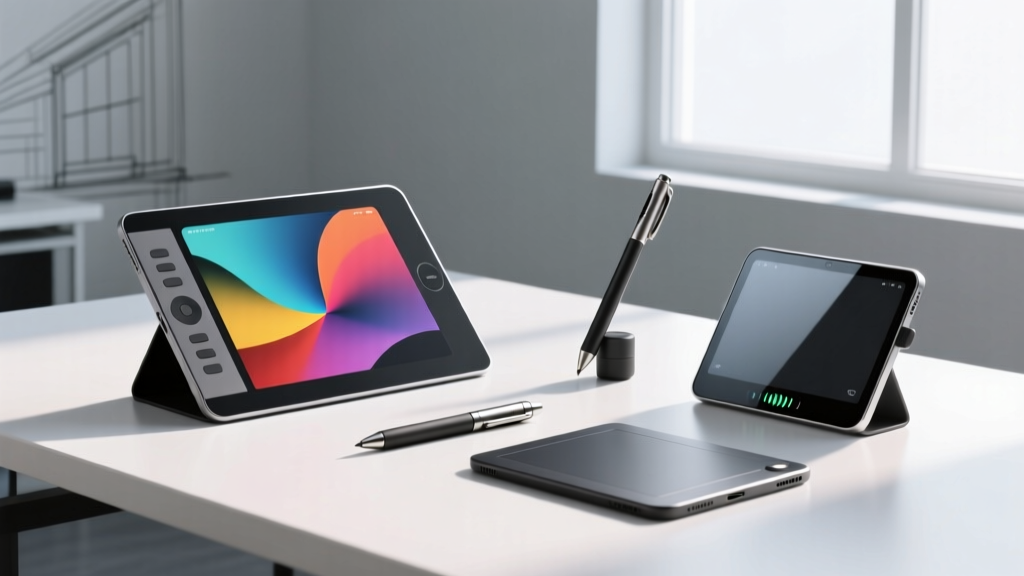
The best sketch gadgets for digital creation in 2026 include the Apple iPad Pro M4 with Apple Pencil Pro, the Wacom Cintiq Pro 27, and the reMarkable Paper Pro. These devices cater directly to freelance illustrators, concept artists, and hobbyist sketchers seeking pressure-sensitive precision and portable form factors. If you are an artist transitioning from traditional media to digital workflows, selecting the right hardware dictates your line quality, ergonomic comfort, and overall productivity.
- Apple iPad Pro M4 offers the best standalone portable sketching experience with zero stroke lag.
- Wacom Cintiq Pro 27 remains the industry standard for tethered studio desktop setups.
- E-ink devices like reMarkable Paper Pro provide distraction-free, paper-like sketching for ideation.
Top Sketch Gadgets for Digital Artists
High-End Drawing Tablets
The Apple iPad Pro M4 features a 13-inch tandem OLED display with a 120Hz ProMotion refresh rate. This high refresh rate eliminates stroke lag, ensuring the digital ink follows the Apple Pencil Pro instantaneously. Professional illustrators rely on this standalone setup for on-location client work and rapid storyboarding.
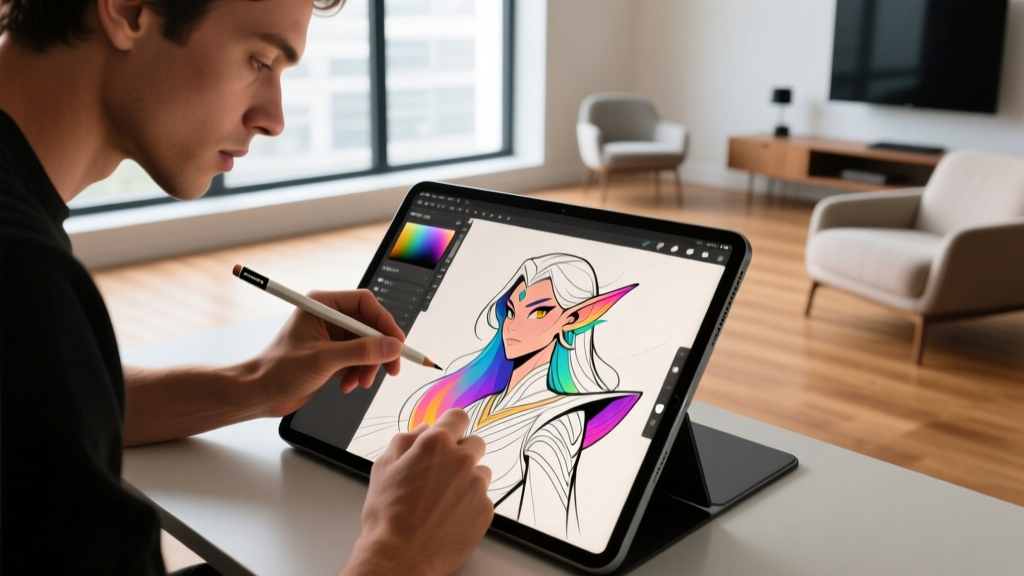
For desktop environments, the Wacom Cintiq Pro 27 provides a massive 27-inch 4K UHD canvas. The included Wacom Pro Pen 3 delivers 8,192 levels of pressure sensitivity and customizable grip weights for personalized ergonomics. This pen display requires a tethered connection to a Mac or Windows PC but offers unmatched color accuracy at 99% Adobe RGB coverage, as detailed in the Wacom Cintiq Pro 27 specifications.
E-Ink Digital Sketch Pads
The reMarkable Paper Pro utilizes an 11.8-inch Canvas Color display designed specifically to mimic the physical friction of graphite on paper. E-ink sketch gadgets eliminate blue light exposure and eye strain during long drafting sessions. These devices lack traditional backlights and wide color gamuts, making them strictly optimized for ideation, note-taking, and line-art sketching.
Stylus Technology and Precision
Active vs. Passive Styluses
Active styluses contain internal electronics that communicate with the tablet digitizer to transmit tilt, rotation, and pressure data. The Samsung S Pen for the Galaxy Tab S10 Ultra uses Wacom EMR (Electro-Magnetic Resonance) technology, meaning the pen requires no internal battery or charging.
Passive capacitive styluses merely mimic a human finger and lack pressure sensitivity entirely. Professional sketch gadgets universally utilize active stylus protocols like AES (Active Electrostatic) or EMR to achieve sub-millimeter accuracy. You can explore the engineering behind this in the Wacom EMR technology overview.
Sketch Gadget Comparison Matrix
| Device | Display Size | Stylus Tech | Best Use Case |
|---|---|---|---|
| Apple iPad Pro M4 | 13.0-inch OLED | Apple Pencil Pro (Active) | Portable illustration, Procreate |
| Wacom Cintiq Pro 27 | 27.0-inch 4K LCD | Pro Pen 3 (EMR) | Studio concept art, Photoshop |
| Samsung Galaxy Tab S10 Ultra | 14.6-inch AMOLED | S Pen (EMR) | Android sketching, Clip Studio |
| reMarkable Paper Pro | 11.8-inch E-Ink | Marker Plus (EMR) | Distraction-free ideation |
Hardware Purchasing Checklist
- Software Compatibility: Verify your primary application (e.g., Clip Studio Paint, Procreate, Adobe Fresco) runs natively on the device operating system.
- Workspace Mobility: Choose standalone tablets for travel and tethered pen displays for fixed studio desks.
- Screen Real Estate: Select a 14-inch or larger screen if you frequently use complex brush palettes and layer panels.
- Stylus Ergonomics: Test the grip thickness and weight distribution of the included pen to prevent repetitive strain injuries.
Frequently Asked Questions
What are the best digital sketch pads for beginners?
Beginners should look for cost-effective, standalone devices that do not require a separate computer. The base-model Apple iPad (10th generation) paired with the Apple Pencil USB-C offers an accessible entry point into digital art. Alternatively, the Samsung Galaxy Tab S9 FE provides a bundled S Pen, eliminating the need for separate stylus purchases.
How do I check stylus for drawing tablets compatibility?
Stylus compatibility is strictly hardware-dependent. An Apple Pencil will not function on a Samsung Galaxy tablet, and a Wacom Pro Pen requires an EMR-compatible digitizer. Always consult the manufacturer's official compatibility chart before purchasing third-party replacement nibs or upgraded stylus models.
Which portable sketching devices are best for travel?
For frequent travelers, weight and battery life are paramount. The 11-inch iPad Pro weighs under 500 grams and offers up to 10 hours of continuous drawing time. E-ink alternatives like the reMarkable Paper Pro can last several weeks on a single charge, making them ideal for long flights or remote sketching trips without access to power outlets.
Choosing Your Ideal Sketching Hardware
The right sketch gadget ultimately depends on whether you require standalone portability for field work or tethered studio power for high-resolution rendering. Evaluate your physical workspace and artistic output requirements before committing to a specific ecosystem. Your immediate next step is to audit your current software subscriptions, confirm which operating systems they support, and purchase the tablet that natively integrates with your primary drawing application.
Written by
Marcus WebbMarcus Webb served as a U.S. Army logistics officer for 8 years, where he managed field equipment procurement and tactical gear evaluation across three combat deployments. After honorable discharge, he earned a certification from the Professional Knife Makers Association and became a certified Wilderness First Responder (WFR). Marcus has tested over 500 EDC products in extreme environments — from -40°F in Alaska to 120°F in the Mojave Desert — using military-spec testing protocols. His reviews of multi-tools, tactical flashlights, and survival gear are known for their rigorous methodology: controlled drop tests from 6 feet, 120-minute water submersion at 2 meters, and lateral torque testing at 45 Nm. He is a member of the Blade Show judging panel and contributes to OutdoorGearLab.