From Gadget and the Gadgetinis to 2026 Custom Mechanical Keyboards
Discover the ultimate 2026 buyer's guide to custom mechanical keyboards and macro pads, channeling your inner modular tech spy.
The Evolution of Custom Input: From Cartoon Spy Gear to 2026 Reality
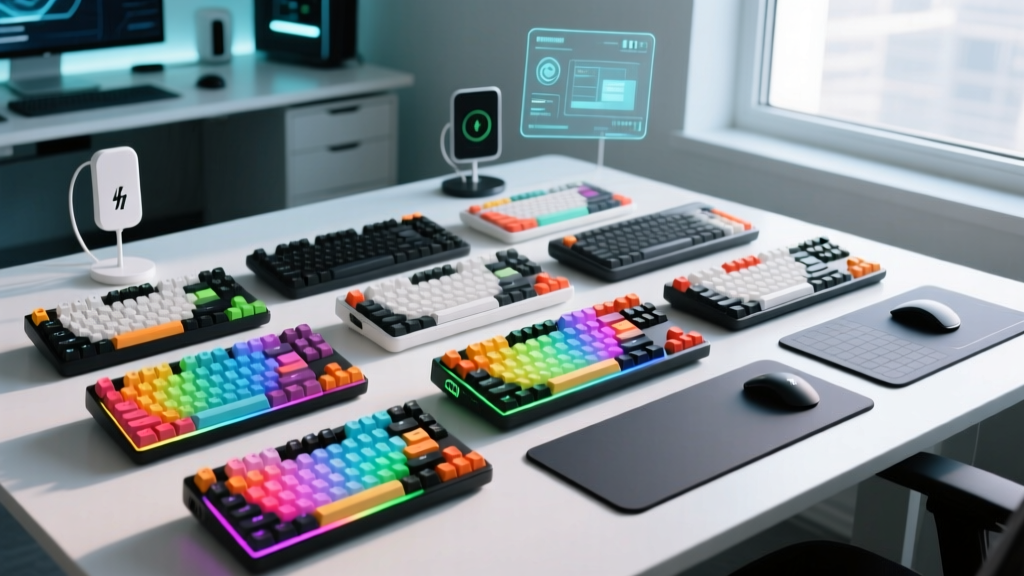
If you grew up watching Gadget and the Gadgetinis, you likely remember Brain and Digit utilizing hyper-modular, customizable spy gear to solve problems. Fast forward to 2026, and that fictional dream of fully personalized, mission-specific hardware is the everyday reality for tech enthusiasts. The modern custom mechanical keyboard and auxiliary input market has evolved from a niche hobby into a sophisticated ecosystem of precision engineering.
Today, building a custom input setup is no longer just about aesthetics; it is about biomechanical efficiency, latency reduction, and workflow optimization. Whether you are a competitive gamer needing 0.1mm actuation points or a video editor requiring dedicated rotary encoders, this comprehensive buyer's guide will help you assemble your ultimate 2026 daily driver.
Core Components: Building Your Ultimate Daily Driver
Switches: The Heartbeat of Your Keystrokes
The switch dictates the feel, sound, and performance of your keyboard. In 2026, the market is distinctly split between traditional mechanical contacts and Hall Effect (HE) magnetic switches.
- Hall Effect (Magnetic) Switches: Dominating the gaming and high-performance space, HE switches use magnets and sensors to measure exact stem depth. The Wooting 60HE+ ($175) utilizes Lekker switches, allowing for Rapid Trigger and adjustable actuation from 0.1mm to 4.0mm. This eliminates debounce delay, offering a tangible competitive edge.
- Premium Linears: For typists who prefer a smooth, traditional feel, factory-lubed switches like the Gateron Oil Kings ($65 for 90 units) remain the gold standard. Their extended POM stems and pre-applied lubricant eliminate the need for manual tuning.
- Tactile Feedback: The Gazzew Boba U4T ($70 for 90 units) provides a sharp, rounded tactile bump without the scratchiness of older designs, making it ideal for programmers who rely on physical feedback to confirm keystrokes.
Acoustics and Tuning: Engineering the Perfect Sound Profile
The 'thock' or 'clack' of a keyboard is no longer left to chance; it is engineered. According to extensive acoustic testing by RTINGS, the chassis material and internal dampening dictate 80% of a keyboard's sound signature.
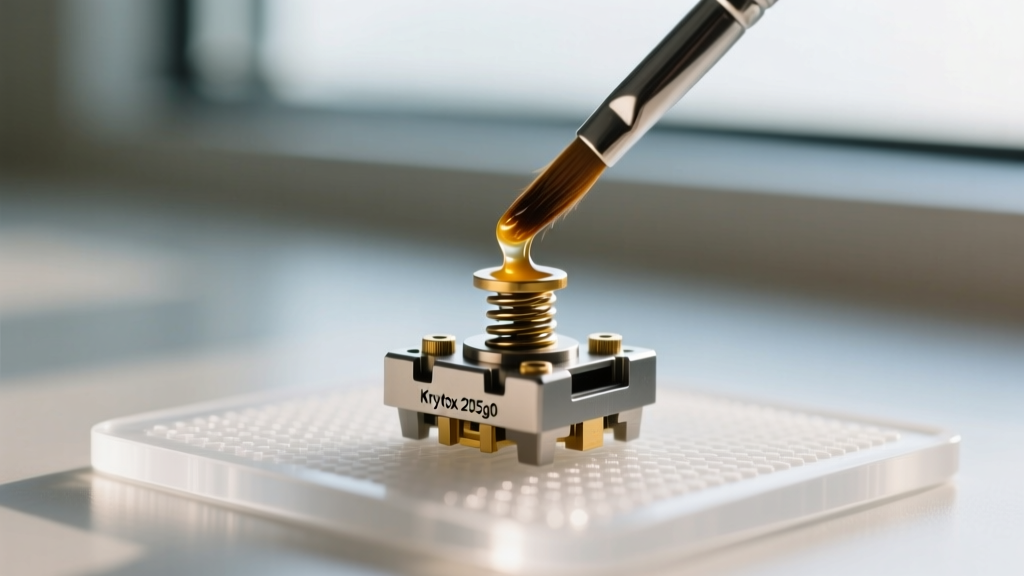
Pro-Tip for 2026 Builds: Skip the silicone case foam. The current meta relies on a 'force-break mod' (using PTFE tape between the PCB and case to prevent grounding squeaks) combined with a single layer of PORON cotton and a PE (polyethylene) switch pad. This combination absorbs high-pitched ping while preserving low-frequency bottom-out acoustics.
Ergonomics and Form Factors: Sizing Up Your Setup
Choosing the right physical layout is critical for long-term joint health and desk real estate management. The era of the massive 100% full-size board is largely over for enthusiasts, replaced by hyper-efficient layouts.
| Form Factor | Key Count | Best Use Case | 2026 Top Recommendation |
|---|---|---|---|
| 65% Layout | 67-68 Keys | Daily driving, coding, casual gaming | Mode Sonnet ($165) |
| Tenkeyless (TKL) | 87 Keys | Office environments, spreadsheet work | Keychron Q1 HE ($219) |
| 40% Ortholinear | 40-48 Keys | Minimalists, heavy layer-reliance users | Planck EZ ($250) |
| Split Ergonomic | 58-70 Keys | RSI prevention, long-form writing | ZSA Voyager ($365) |
For those suffering from wrist fatigue, the ZSA Voyager represents the pinnacle of 2026 ergonomic design. Its aggressive columnar stagger and split halves allow your shoulders to remain naturally aligned, while its low-profile Choc V2 switches minimize finger travel distance.
Beyond the Keyboard: Macro Pads and Auxiliary Input
True to the modular spirit of the Gadgetinis, a modern desk setup rarely relies on a keyboard alone. Auxiliary input devices offload complex macros and timeline scrubbing to dedicated hardware.
The Creative's Best Friend: Dials and Consoles
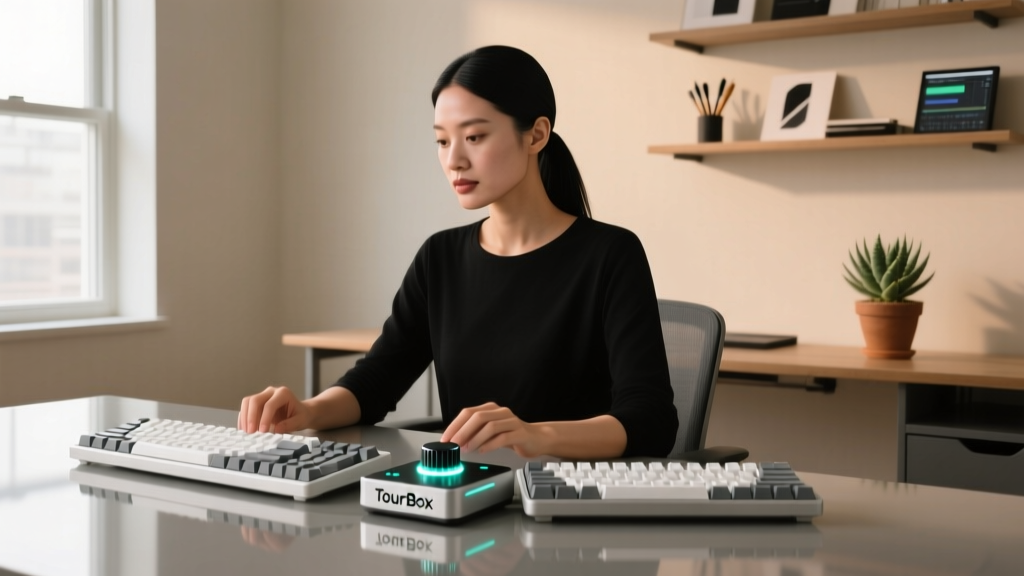
If you edit video, grade photos, or produce audio, a standard keyboard is inefficient. The TourBox Elite ($209) offers a highly ergonomic, left-handed console with a mix of dials, sliders, and concave buttons. When mapped via its proprietary software, it allows for simultaneous dual-axis adjustments (e.g., changing brush size and opacity in Photoshop with one hand).
For streamers and macro-heavy gamers, the Elgato Stream Deck + ($199) integrates physical dials above LCD keys, allowing you to adjust audio mixing levels or trigger complex OBS scene transitions instantly.
Custom Ortholinear Macro Pads
For the ultimate DIY enthusiast, building a custom 9-key or 12-key macro pad using a Pro Micro or RP2040 microcontroller is a weekend rite of passage. By flashing custom firmware via QMK or VIA, you can program tap-dances, encoder volume controls, and OS-level shortcuts that proprietary software simply cannot match.
Budgeting Your Build: Real-World Costs for 2026
Custom input devices scale wildly in price. Here is a realistic breakdown of what to expect when budgeting for your setup in 2026.
| Tier | Estimated Cost | What You Get | Target Audience |
|---|---|---|---|
| Entry-Level Custom | $120 - $180 | Hot-swappable aluminum board, decent stock stabilizers, PBT keycaps | Beginners wanting to escape membrane keyboards |
| Mid-Tier Enthusiast | $250 - $400 | Gasket-mounted chassis, premium switches, hand-lubed stabs, artisan keycaps | Dedicated hobbyists seeking perfect acoustics |
| Endgame / Bespoke | $500 - $1,200+ | CNC machined brass/aluminum, limited group-buy PCBs, custom artisan sets | Collectors and professionals demanding zero compromises |
Frequently Asked Questions (FAQ)
Do I need to solder to build a custom mechanical keyboard?
No. In 2026, over 90% of enthusiast-grade PCBs feature hot-swappable sockets (typically Kailh or Gateron hot-swap sockets). This allows you to use tweezers to pull and replace switches without ever touching a soldering iron, making it incredibly easy to test different switch types.
What is the difference between QMK and VIA firmware?
QMK is the underlying open-source firmware that powers most custom keyboards, offering limitless programming depth but requiring you to compile and flash code. VIA is a graphical user interface built on top of QMK that allows you to remap keys, create macros, and adjust RGB lighting in real-time without reflashing the board.
Are Hall Effect keyboards only for gamers?
While HE keyboards like the Wooting 60HE+ are marketed toward gamers due to Rapid Trigger, programmers and writers are increasingly adopting them. The ability to set a heavier actuation point (e.g., 2.5mm) can actually reduce typing errors by preventing accidental bottom-outs on adjacent keys.
Written by
Nina PetrovaNina Petrova holds a Master's degree in Child Development from the Erikson Institute and a B.S. in Nursing from the University of Illinois at Chicago. She worked as a pediatric nurse for 6 years before transitioning to family technology consulting, bringing clinical rigor to her evaluations of kid-friendly gadgets, educational toys, and parental control software. Nina has reviewed over 400 children's tech products, testing each for safety compliance (CPSC and ASTM standards), developmental appropriateness across age groups, screen-time impact, and data privacy practices. She serves on the Children's Technology Review advisory board and has testified before the FTC on children's data protection in connected toys. Her reviews are trusted by parents and educators alike for their evidence-based approach to balancing technology benefits with child safety.