Cool Gadgets for Cooks: 2026 Portable Projectors for Kitchen Recipes
Discover the best cool gadgets for cooks in 2026. We review top portable projectors for hands-free kitchen recipe viewing, tackling steam and grease challenges.
The Shift from Touchscreens to Touchless Cooking
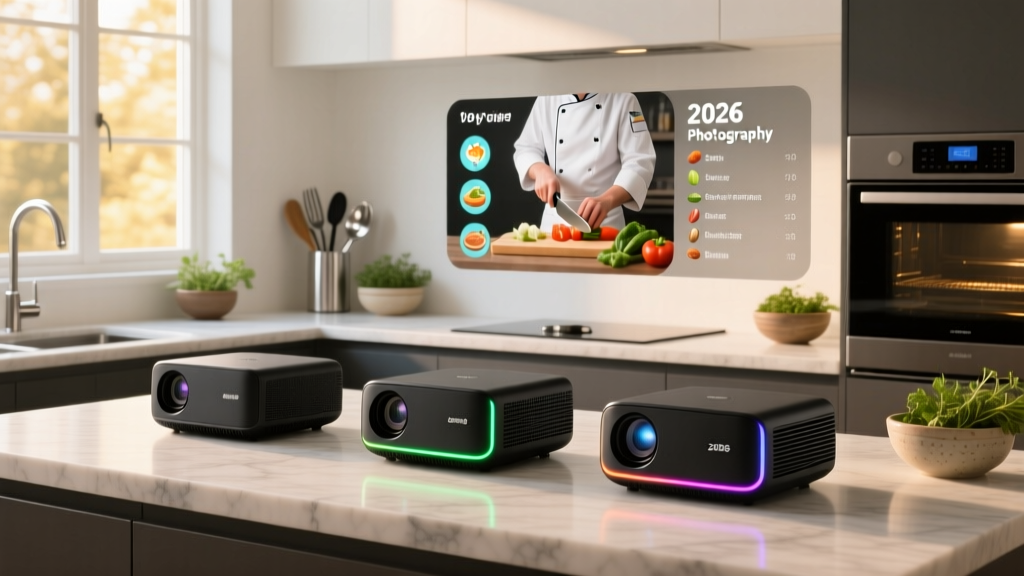
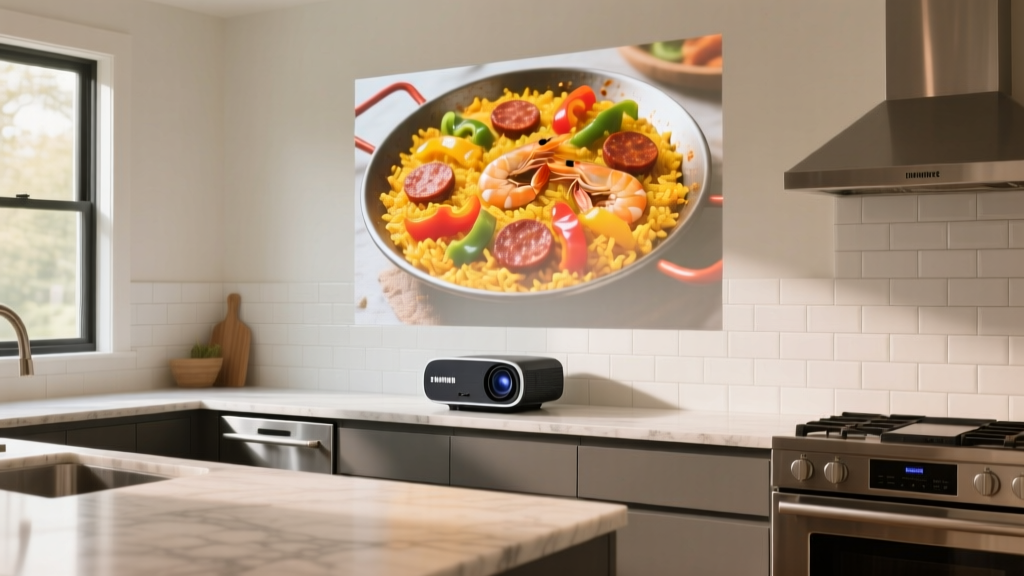
Capacitive touchscreens are a liability in active culinary environments. Flour dust, raw egg residue, and aerosolized cooking oils rapidly turn tablets and smartphones into smeared, unresponsive messes. For serious home chefs and tech enthusiasts, the solution in 2026 is not a better screen protector, but eliminating the screen entirely. Portable projectors have evolved from dim, novelty camping accessories into high-lumen, auto-calibrating kitchen companions that project interactive recipe interfaces, digital timers, and instructional videos directly onto backsplashes, countertops, or ceilings.
By leveraging short-throw optics and intelligent keystone correction, modern portable projectors allow cooks to navigate complex recipes with voice commands or Bluetooth foot pedals, keeping hands entirely in the prep zone. However, the kitchen is a uniquely hostile environment for consumer electronics. Selecting the right hardware requires understanding how ambient light, steam, and airborne lipids interact with optical engines.
The Kitchen Environment: Steam, Grease, and Lumens
Kitchens generate extreme micro-climates. Boiling pasta water releases massive volumes of vapor, while searing meats atomize fats into the air. According to the EPA guidelines on indoor air quality and humidity, cooking without adequate ventilation drastically spikes indoor particulate matter and moisture levels. When these aerosolized lipids settle on a projector's intake fan or optical lens, they cause thermal throttling and permanent image blurring.
Furthermore, kitchens are brightly lit spaces. To combat overhead LED recessed lighting and natural window glare, you must prioritize ISO 21118 lumens over LED lumens. While a 200-lumen projector might suffice for a darkened bedroom, a kitchen recipe display requires a minimum of 400 ISO lumens to maintain text legibility on a matte tile backsplash.
2026 Portable Projector Comparison Matrix
| Model | Light Source | Brightness | Throw Ratio | Est. Price |
|---|---|---|---|---|
| Samsung The Freestyle (Gen 2) | LED | 230 ISO Lumens | 1.2:1 | $799 |
| XGIMI MoGo 2 Pro | LED | 450 ISO Lumens | 1.2:1 | $599 |
| Anker Nebula Capsule 3 Laser | Laser Diode | 300 ISO Lumens | 1.2:1 | $799 |
Deep Dive: Top Models for the Culinary Space
Samsung The Freestyle (2nd Gen)
The defining feature of Samsung's official Freestyle lineup is its 180-degree cradle stand and real-time auto-leveling. If your kitchen island is uneven, or you need to quickly pivot the projection from the backsplash to the ceiling while kneading dough, the Freestyle recalibrates its focus and keystone in under three seconds. While its 230 ISO lumens are on the lower end, its Smart TV interface natively supports YouTube and recipe apps, eliminating the need for a secondary casting device. Best for: Ceiling projection and flexible, multi-angle viewing.
XGIMI MoGo 2 Pro
For kitchens with heavy ambient light, the XGIMI MoGo 2 Pro is the superior workhorse. Pushing 450 ISO lumens, it delivers the necessary punch to keep high-contrast text readable on light-colored walls. It features ISA (Intelligent Screen Adaptation) 2.0, which automatically dodges obstacles like hanging pendant lights or range hoods that might interrupt the projection path. Priced around $599, it offers the best lumen-per-dollar ratio for dedicated prep-zone mounting. Best for: Brightly lit kitchens and backsplash mounting.
Anker Nebula Capsule 3 Laser
Utilizing Nebula's laser projection technology, the Capsule 3 trades raw lumen output for vastly superior contrast ratios and color gamut coverage. Laser diodes maintain their brightness longer than traditional LEDs and produce deeper blacks, making dark-mode recipe interfaces pop. Its soda-can form factor makes it easy to slide into a kitchen drawer when not in use. Best for: High-contrast dark-mode UI and ultra-portability.
Calibrating for Backsplash Materials
A projector is only as good as the surface it projects upon. Kitchen backsplashes vary wildly in reflectivity, which directly impacts image quality.
- Matte Ceramic or Zellige Tile: The ideal projection surface. The micro-texture diffuses light evenly, eliminating hotspotting and providing a wide viewing angle.
- Glossy Subway Tile: Highly problematic. Glossy surfaces create a 'mirror' effect at steep angles. To avoid severe glare, the projector must be placed perfectly perpendicular to the tile, or you must apply a temporary matte vinyl film to the projection zone.
- Stainless Steel: Practically unusable for direct projection. The metallic grain scatters light and washes out contrast. If you have a steel backsplash, invest in a retractable matte grey ALR (Ambient Light Rejecting) roller screen mounted under your upper cabinets.
Tactical Placement and Throw Distances
Understanding throw ratios is critical for kitchen integration. A standard 1.2:1 throw ratio means that for every 1 foot of distance from the wall, the image width increases by 1.2 feet.
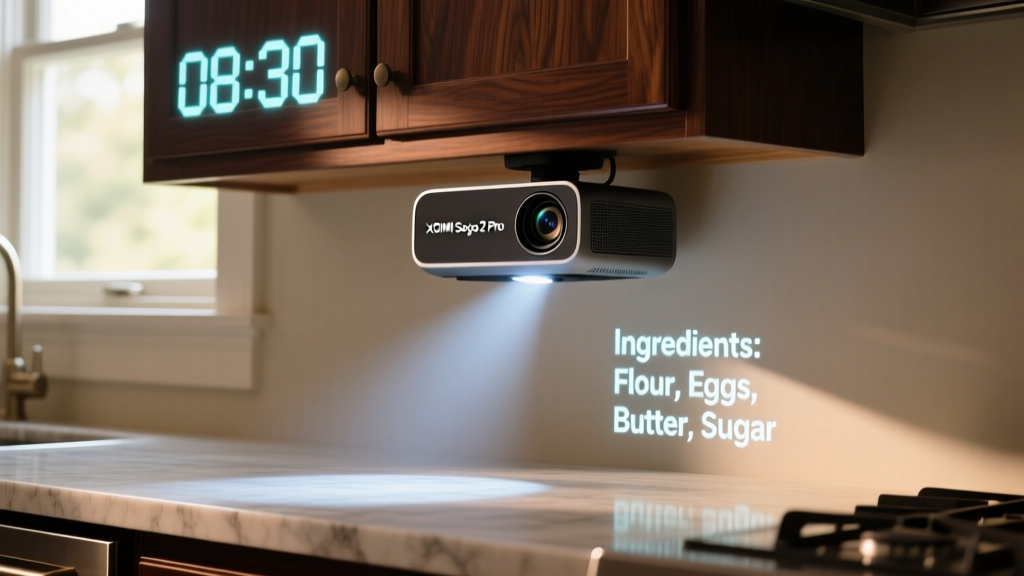
The Under-Cabinet Mount Strategy: By mounting a compact projector upside-down beneath your upper cabinets (typically 18 inches above the counter), you are restricted by a very short throw distance. At 1.5 feet away, a 1.2:1 projector will only yield an 18-inch wide image. For under-cabinet mounting, you must seek out a short-throw projector (0.5:1 ratio) or accept a smaller, albeit highly focused, digital display area directly over your cutting board.
Maintenance: Protecting Optics from Aerosolized Fats
Even with perfect placement, kitchen projectors require a specific maintenance regimen. Never use ammonia-based glass cleaners or abrasive paper towels on a projector lens. The optical coatings are delicate and easily scratched.
- Use a manual air blower (like a Giottos Rocket) to dislodge loose flour dust or salt crystals.
- Wipe the lens gently in a circular motion using a dedicated, clean optical microfiber cloth.
- Every three months, use a can of compressed air to blow out the intake and exhaust vents, preventing grease-caked dust from suffocating the internal cooling fan.
Frequently Asked Questions
Can I use voice commands to navigate recipes while cooking?
Yes, but with caveats. Most portable projectors run Android TV or proprietary smart OS platforms with built-in microphones. However, the ambient noise of a running range hood or food processor will easily drown out voice assistants. For reliable hands-free navigation, pair the projector with a Bluetooth foot pedal or a waterproof smart dial mounted to your prep counter.
Do portable projectors overheat in warm kitchens?
Modern DLP projectors are rated for ambient temperatures up to 104°F (40°C). Unless your kitchen lacks basic ventilation and exceeds this threshold, the internal thermal management systems will handle the heat. The primary risk is not ambient heat, but the intake of hot, grease-laden air directly from a stovetop, which is why lateral placement away from the cooking zone is mandatory.
Written by
Priya SharmaPriya Sharma holds a Ph.D. in Acoustical Engineering from the University of Southampton and a B.Tech in Electronics from IIT Delhi. She has spent 9 years as a consumer electronics journalist, with deep specialization in audio equipment, camera systems, and assistive technology. Priya is an active member of the Audio Engineering Society (AES) and has co-authored papers on spatial audio perception published in the Journal of the Acoustical Society of America. Her reviews of headphones, portable DACs, and studio monitors include objective measurements using Audio Precision analyzers alongside subjective listening tests. She also serves on the advisory board of the Global Accessibility Reporting Initiative (GARI), evaluating mobile devices for users with visual and hearing impairments.