Mini PC Setup: Deploying Gadget Aziendali Innovativi
Learn how to deploy mini PCs and SBCs as gadget aziendali innovativi. This setup guide covers provisioning, thermal tuning, and edge clustering.
The Shift Toward Compact Enterprise Hardware
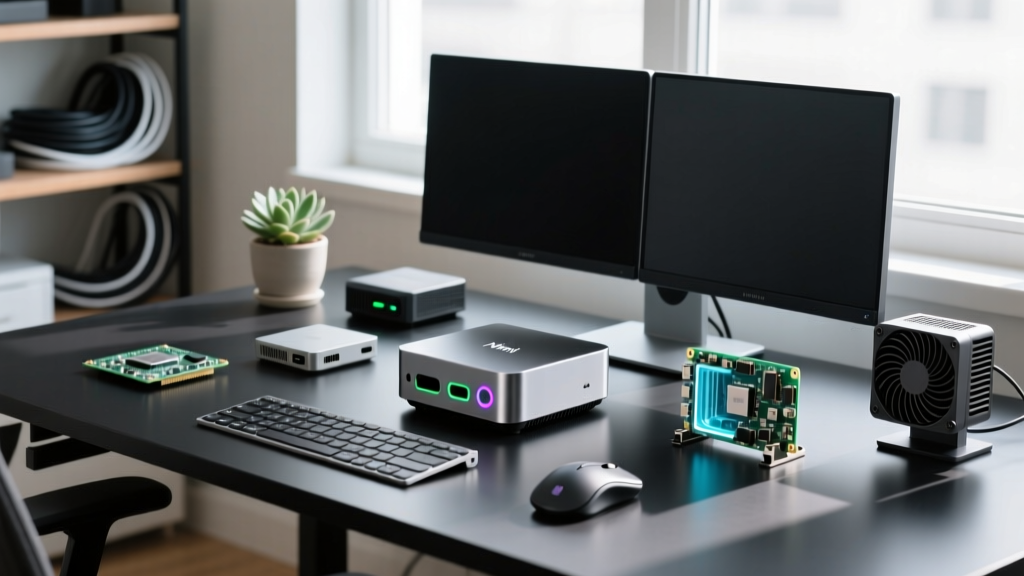
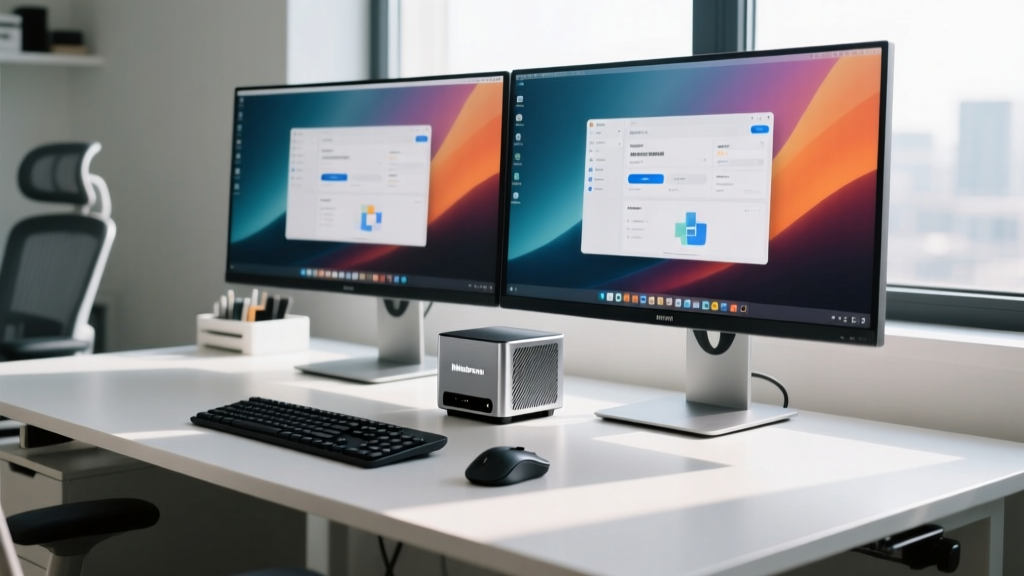
In modern IT infrastructure, the era of the monolithic desktop tower is effectively over. Across European enterprise tech circles, the procurement search for gadget aziendali innovativi (innovative business gadgets) has increasingly pivoted toward ultra-compact, high-performance nodes. Mini PCs and Single-Board Computers (SBCs) now deliver workstation-class compute density while consuming a fraction of the power and physical footprint.
Whether you are deploying a fleet of edge-computing nodes for digital signage, setting up high-density virtualization clusters, or outfitting a trading floor with low-latency compact desktops, the setup process requires meticulous attention to thermal management, network provisioning, and BIOS-level tuning. This comprehensive guide walks you through deploying the most powerful compact systems available in 2026.
Hardware Selection Matrix for 2026
Before initiating a bare-metal deployment, selecting the right silicon for your specific workload is critical. Below is a comparison of the top-tier compact systems currently dominating the enterprise space.
| Device Model | Processor / SoC | Max RAM / Storage | Networking & I/O | Est. Price (Barebone) |
|---|---|---|---|---|
| Minisforum MS-01 | Intel Core i9-13900H | 64GB DDR5 / 2x PCIe Gen4 NVMe | 2x 10G SFP+, 2x 2.5GbE, USB4 | $859 |
| Intel NUC 14 Pro | Intel Core Ultra 7 155H | 64GB DDR5 / 1x PCIe Gen4 NVMe | 2x Thunderbolt 4, 2x 2.5GbE | $749 |
| Raspberry Pi 5 (8GB) | BCM2712 Quad-Core A76 | 8GB LPDDR4X / MicroSD or NVMe HAT | Gigabit Ethernet (PoE+ capable), 2x USB 3.0 | $80 |
Provisioning the Minisforum MS-01 Workstation
The Minisforum MS-01 has become a staple for homelab enthusiasts and enterprise edge deployments alike, largely due to its dual 10G SFP+ ports and PCIe Gen4 x8 half-length slot. However, out-of-the-box configurations often prioritize acoustics over sustained performance.
Thermal Management and Phase-Change Tuning
The i9-13900H is notorious for thermal throttling under sustained multi-threaded loads, hitting the 100°C TJMax threshold within seconds of a Cinebench run. To resolve this in a 24/7 enterprise environment:
- Repaste with PTM7950: Disassemble the bottom chassis and replace the factory thermal paste with Honeywell PTM7950 phase-change material. This reduces delta-T by 4°C to 7°C and eliminates pump-out degradation over time.
- Custom Fan Curves: Enter the BIOS (Del key on boot) and navigate to the Smart Fan settings. Set the baseline to 35% at 45°C, ramping linearly to 85% at 80°C. Do not use the default 'Silent' profile for server workloads.
- Undervolting: If the BIOS permits, apply a -50mV offset to the CPU core and cache to reduce overall power draw without sacrificing single-core boost clocks.
Network Boot and PXE Imaging
For fleet deployments, manual OS installation is inefficient. We utilize FOG Project for multicast PXE booting.
- Enable Wake on LAN (WOL) and PXE Boot in the MS-01 BIOS under the Advanced > Network Stack menu.
- Configure your DHCP server to pass Option 66 (FOG Server IP) and Option 67 (undionly.kpxe or ipxe.efi for UEFI environments).
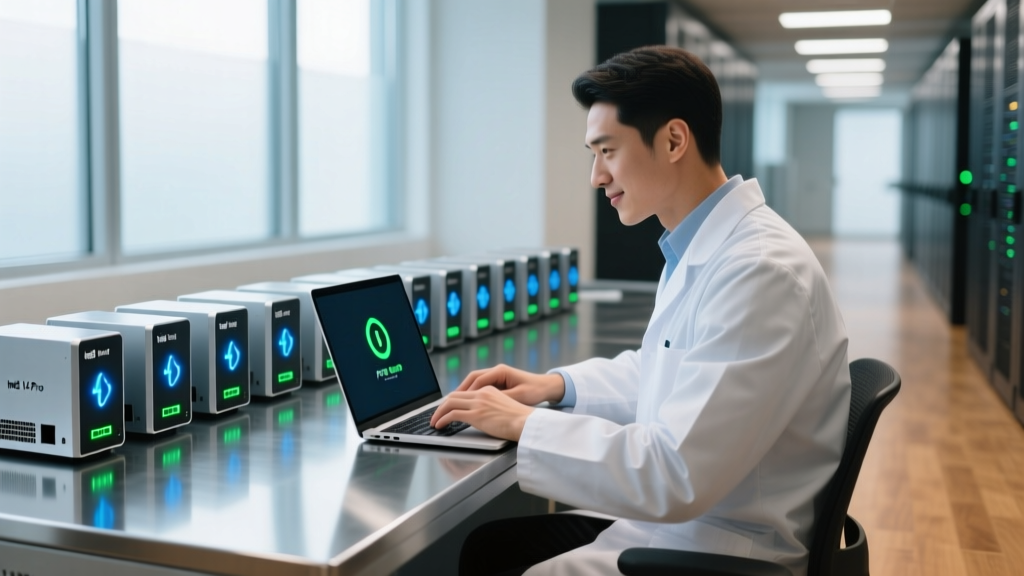
- Boot the MS-01 via F12 and select the IPv4 network interface. The system will pull the master image via multicast, allowing you to image up to 15 units simultaneously on a 10G backbone without saturating the network.
Deploying Raspberry Pi 5 Edge Nodes
While the MS-01 handles heavy virtualization, the Raspberry Pi 5 remains the undisputed king of low-power edge computing. Deploying these as gadget aziendali innovativi for IoT data aggregation requires bypassing the inherent limitations of MicroSD storage.
NVMe Base and PCIe Bifurcation
The Pi 5 exposes a PCIe 2.0 x1 interface via a FPC connector on the board. To achieve reliable NVMe boot and high IOPS for database logging:
- Hardware: Pair the Pi 5 with the official M.2 HAT+ or a third-party base like the Pimoroni NVMe Base. Use a 2230 or 2242 PCIe Gen3 NVMe drive (e.g., WD SN740).
- Config.txt Tuning: By default, the Pi 5 limits the FPC connector to PCIe Gen2 speeds. Edit the
/boot/firmware/config.txtfile and append the following lines to force Gen3 speeds, effectively doubling your bandwidth to ~800 MB/s:dtparam=pciex1dtparam=pciex1_gen=3 - Power Delivery: The Pi 5 requires a strict 5V/5A (27W) USB-C PD profile. If using a PoE+ HAT for rack mounting, ensure your switch can deliver a full 30W per port to account for voltage drop over Cat6 cabling and the active cooler's power draw.
Cost vs. Performance Analysis
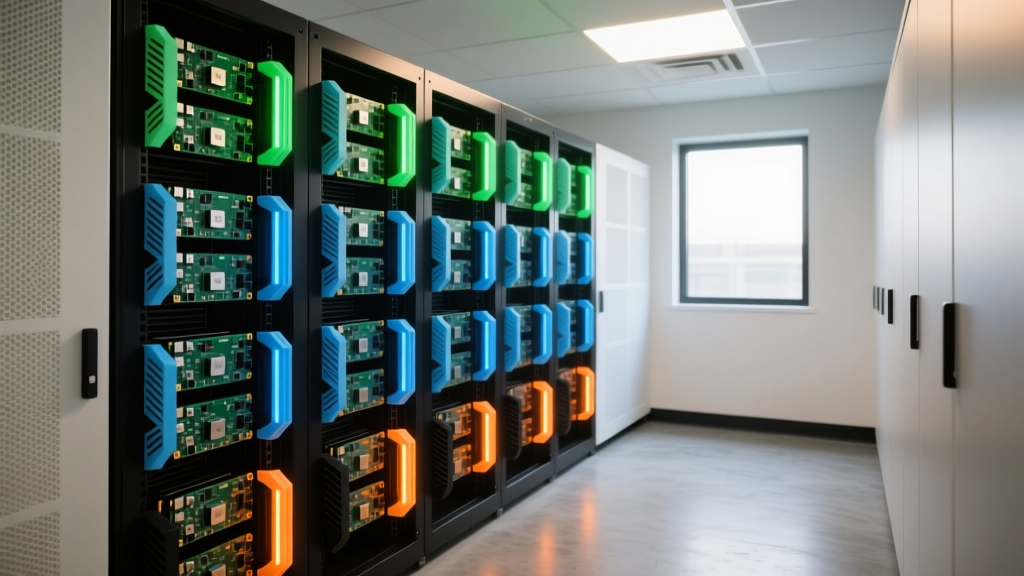
Deployment Insight: When comparing a traditional Dell OptiPlex Micro to a Minisforum MS-01, the MS-01 offers a 40% reduction in per-node cost while providing dual 10G networking natively—a feature that typically requires expensive proprietary add-in cards from legacy enterprise vendors. For edge clustering, a 10-node Raspberry Pi 5 cluster consumes less than 120W under full load, costing roughly $1,200 total, compared to a single 1U rack server that idles at 350W.
Troubleshooting Common Deployment Failures
Even with meticulous planning, compact form-factor deployments present unique edge cases. Here is how to resolve the most frequent issues encountered in 2026:
- Intel vPro / AMT Connection Drops: On the Intel NUC 14 Pro, ensure you are using the Ethernet port wired directly to the Intel I226-V controller. AMT (Active Management Technology) out-of-band management will fail if routed through a USB-C to Ethernet dongle or a Thunderbolt dock.
- NVMe Kernel Panics on SBCs: Certain Phison-based NVMe controllers struggle with the BCM2712's PCIe implementation on the Pi 5. If you experience random I/O freezes, add
pcie_aspm=offto yourcmdline.txtto disable Active State Power Management for the storage bus. - 10G SFP+ DAC Compatibility: The MS-01's Marvell AQtion 10G controllers can be picky with Direct Attach Copper (DAC) cables. If your switch port shows a link light but no IP assignment, flash the transceiver EEPROM or use fiber optic modules with generic coding instead of vendor-locked DACs.
Frequently Asked Questions
Can these mini PCs be mounted behind standard monitors?
Yes, both the Minisforum MS-01 and Intel NUC 14 Pro include standard 75x75mm and 100x100mm VESA mounting plates. However, ensure your monitor's rear I/O layout does not physically block the mini PC's exhaust vents, as recirculating hot air will lead to severe thermal throttling.
Are single-board computers secure enough for enterprise data?
Out of the box, SBCs lack hardware TPMs. For enterprise compliance, use a software-based TPM (like swtpm) or attach a hardware TPM 2.0 module via the Pi 5's GPIO header if your specific HAT supports it, ensuring BitLocker or LUKS encryption keys are stored securely.
What is the expected lifespan of these compact systems in 24/7 operation?
With proper thermal tuning (PTM7950) and clean power delivery via UPS-backed PSUs, enterprise-grade mini PCs like the NUC 14 Pro easily achieve a 5-to-7-year operational lifespan. The primary failure points are typically the internal blower fans, which should be scheduled for replacement every 36 months in dusty environments.
Written by
David OkaforDavid Okafor is an ASE (Automotive Service Excellence) Master Certified Technician with 15 years of professional experience in vehicle diagnostics, aftermarket electronics installation, and fleet management. He holds an Associate Degree in Automotive Technology from Universal Technical Institute and certifications in mobile electronics (MECP Certified Installer). David has installed and reviewed over 800 car tech products — from OBD2 scanners and dash cams to full infotainment system retrofits — in vehicles ranging from economy compacts to luxury SUVs. His popular YouTube channel "AutoTech David" has over 150,000 subscribers and features detailed installation tutorials and product teardowns. He is a regular contributor to the SEMA Show's aftermarket technology showcase and advises two automotive tech startups on product development.