Best AR Camp Gadget Options for Trail Navigation and RV VR
Discover the best AR camp gadget options for 2026. Explore smart glasses for trail navigation, stargazing, and portable VR setups for RV entertainment.
The Evolution of the Modern Camp Gadget: From Compass to Spatial Computing
When you hear the term camp gadget, your mind likely jumps to titanium sporks, solar-powered lanterns, or ruggedized GPS units. But as we move through 2026, the definition of essential outdoor tech has radically expanded. Spatial computing, augmented reality (AR), and virtual reality (VR) have escaped the living room and entered the backcountry. For the tech-savvy outdoorsman, an AR camp gadget is no longer a novelty; it is a critical tool for navigation, environmental education, and off-grid entertainment.
Whether you are ultralight backpacking through the Appalachian Trail, overlanding in a 4x4, or managing a luxury RV setup, integrating AR glasses and portable VR headsets into your gear list offers unprecedented utility. This guide breaks down the exact hardware, power requirements, and environmental limitations of bringing spatial tech into the wild.
AR Smart Glasses: The Ultimate Trail Companion
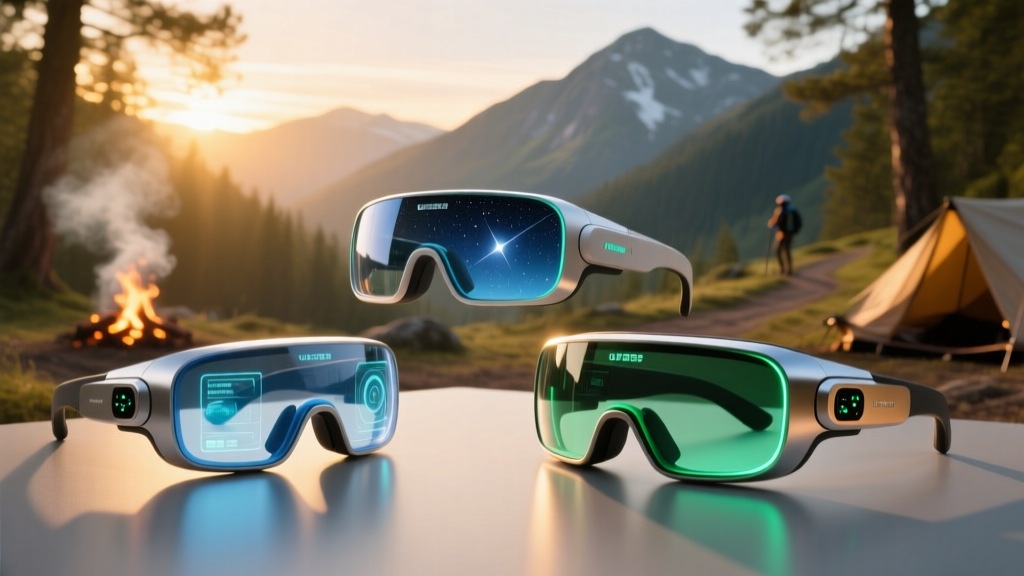
Unlike bulky VR headsets that isolate you from your surroundings, AR smart glasses overlay digital information onto the physical world. This makes them the ideal camp gadget for maintaining situational awareness while accessing real-time data.
Viture Pro XR Glasses: Beating the Outdoor Glare
The biggest enemy of any wearable display in the outdoors is the sun. The Viture Pro XR Glasses solve this with a staggering 1000 nits of peak brightness and an electrochromic dimming film that adjusts the opacity of the outer lens at the flick of a switch. Weighing just 77 grams, they fold up like standard sunglasses.
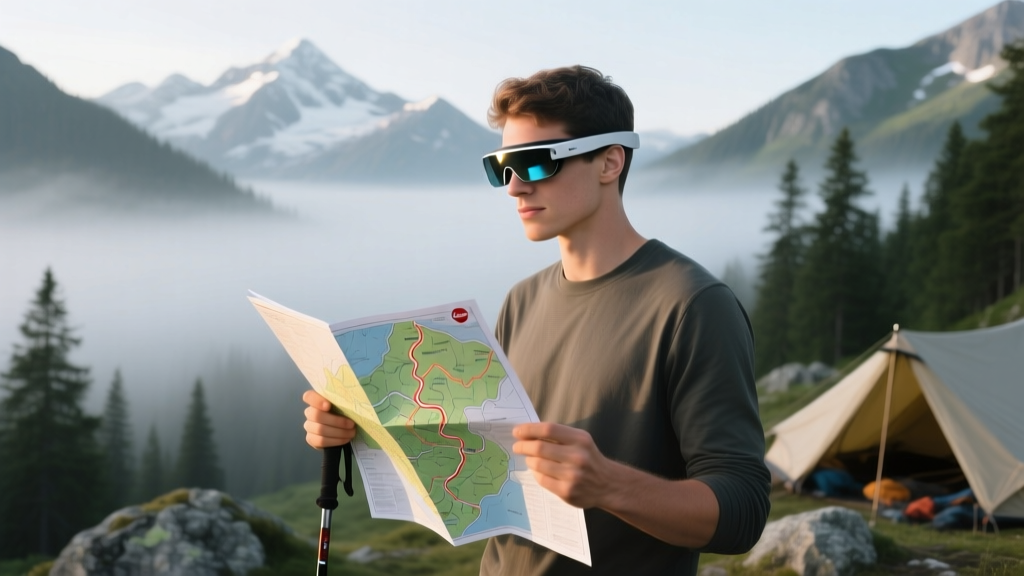
- Navigation: Paired with a compatible smartphone running offline topographic maps, the Viture Pro projects a massive 120-inch equivalent virtual screen. You can review complex trail junctions and elevation profiles without squinting at a 6-inch phone screen in direct sunlight.
- Stargazing: At basecamp, connect them to an astronomy app like Sky Guide. The micro-OLED displays provide crisp, high-contrast overlays of constellations and satellite paths against the night sky.
- Cost: Approximately $459, making it a premium but justifiable investment for serious navigators.
Brilliant Labs Frame: AI-Powered Foraging and Flora ID
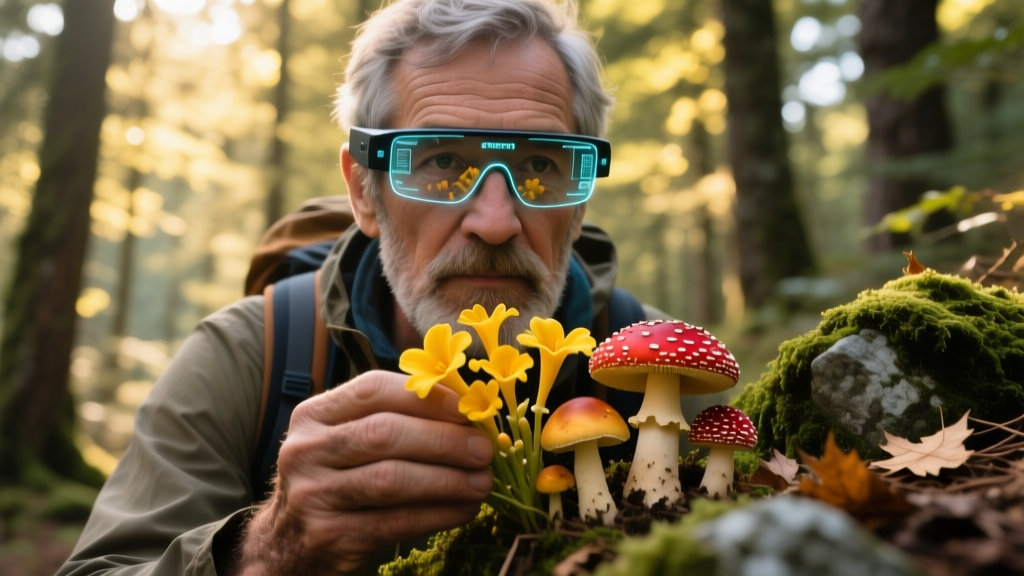
If your goal is hands-free environmental interaction rather than screen projection, the Brilliant Labs Frame is a revolutionary camp gadget. These open-source AI glasses weigh a mere 38 grams and feature a multimodal vision camera powered by the 'Noa' AI assistant.
Expert Insight: The Frame's ability to process visual data locally and via cloud (when connected to a phone hotspot) makes it an incredible foraging tool. Point your head at a cluster of mushrooms or a specific lichen, and the AI can cross-reference visual markers to help identify species, though you should always verify with a physical field guide before consuming anything.
Portable VR: Transforming RVs and Glamping Tents
While AR is for the trail, VR is for the campsite. Bad weather days in an RV or a canvas glamping tent can lead to cabin fever. The Meta Quest 3 has become a staple for overlanders and RV enthusiasts, primarily due to its high-resolution full-color passthrough cameras.
Why Mixed Reality Matters in an RV
Traditional VR blinds you to your environment, which is a hazard in a confined space like an RV where you might trip over a slide-out mechanism or knock over a propane stove. The Quest 3's mixed reality (MR) capabilities allow you to map your physical surroundings. You can anchor a massive virtual movie screen to the actual wall of your RV, while still seeing your coffee cup on the table and your dog sleeping on the rug.
- Entertainment: Download movies and 3D spatial environments before hitting the road. The 4K+ Infinite Display provides a cinematic experience that rivals high-end home theaters, without the physical space requirements.
- Training & Simulation: Use VR apps to practice kayak rolling techniques or review 3D topographical models of a mountain bike trail network before you actually hit the dirt.
Hardware Comparison: Choosing Your Spatial Camp Gadget
Selecting the right device depends entirely on your style of camping. Backpackers need featherweight AR, while car campers can afford the luxury of VR.
| Device | Type | Weight | Battery Life (Standalone) | Peak Brightness / FOV | Best Outdoor Use Case | Est. Price |
|---|---|---|---|---|---|---|
| Viture Pro XR | AR / XR Glasses | 77g | N/A (Draws from phone) | 1000 nits | Trail Nav, Map Review | $459 |
| Brilliant Labs Frame | AI Smart Glasses | 38g | ~14 Hours | N/A (Audio/OLED micro) | Foraging, Translation | $349 |
| Meta Quest 3 | Standalone VR/MR | 515g | ~2.2 Hours | 110° FOV | RV Entertainment, MR | $499 |
| XREAL Air 2 Ultra | AR (6DoF) | 80g | N/A (Draws from phone) | 500 nits | Spatial Anchoring | $699 |
Off-Grid Power Management for Spatial Tech
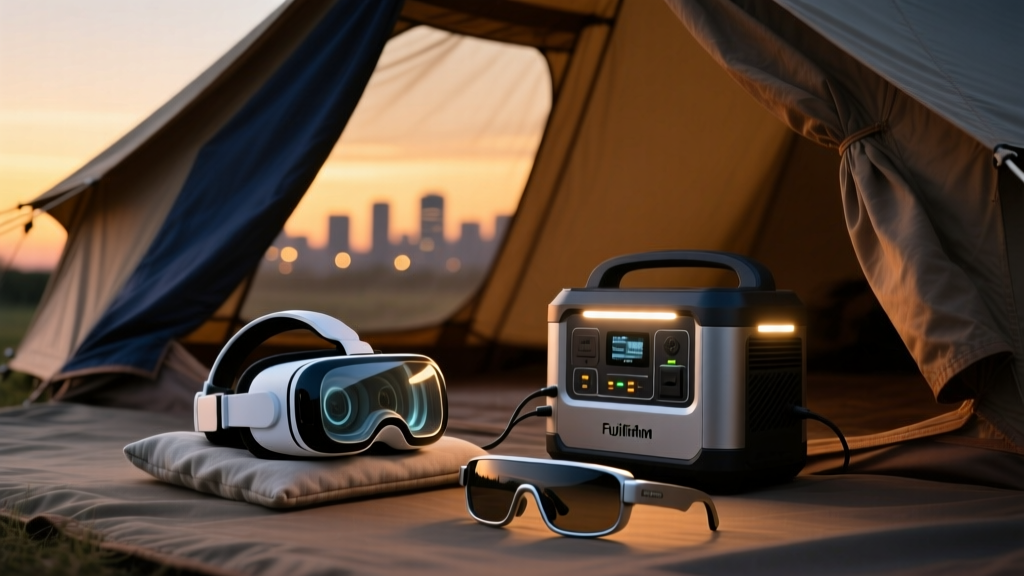
A high-tech camp gadget is useless if you cannot keep it charged. AR glasses generally draw power directly from your smartphone, meaning your phone's battery takes a double hit. VR headsets like the Quest 3 have internal batteries that last roughly two hours, requiring external top-ups.
The LiFePO4 Advantage
For car camping and RV setups, abandon traditional lithium-ion power banks in favor of Lithium Iron Phosphate (LiFePO4) portable power stations. The Jackery Explorer 300 Plus (288Wh capacity) weighs just 8.2 lbs and offers over 3,000 charge cycles. It can recharge a Meta Quest 3 from 0 to 100% roughly 12 times, ensuring you have entertainment for a multi-week off-grid boondocking trip. For backpackers using AR glasses, a 10,000mAh Anker Nano power bank (approx. 220g) clipped to your hip belt will provide enough juice to keep your phone and XR glasses running for a full 10-hour hiking day.
Environmental Realities: Dust, Cold, and Moisture
The backcountry is hostile to precision optics and electronics. Before bringing an AR camp gadget into the wild, you must understand its environmental failure points.
Temperature Extremes and LCD Ghosting
Most consumer AR and VR headsets are rated for operating temperatures between 32°F (0°C) and 95°F (35°F). If you are winter camping in sub-zero conditions, the liquid crystals in micro-OLED and LCD panels can experience 'ghosting' or severe lag. Furthermore, lithium-ion batteries will temporarily lose up to 30% of their capacity in freezing weather. Pro Tip: Keep your VR headset and phone in an insulated pouch close to your body heat while moving, and only power them on once inside a heated tent or RV.
Dust and Micro-Scratches
Trail dust and pine pollen will coat your lenses. Never wipe AR glasses or VR lenses with a t-shirt or camping towel. The micro-abrasives in outdoor dirt will permanently scratch the delicate anti-reflective and electrochromic coatings. Always carry a dedicated microfiber cloth and a bulb blower in your gear kit to remove particulates before wiping.
Frequently Asked Questions
Can I use AR glasses for hiking if I wear prescription glasses?
Yes, but with caveats. The Viture Pro and XREAL lines offer custom prescription lens inserts that snap magnetically into the frame. Clip-in inserts are vastly superior to wearing AR glasses over your regular frames, which causes uncomfortable pressure points on the nose bridge during long hikes and introduces glare between the two lens layers.
Is it safe to wear AR glasses while mountain biking?
While technically possible, it is not recommended for high-speed trail riding. Even with electrochromic dimming set to transparent, the physical frame of the glasses reduces your peripheral vision, and a crash could result in the frames shattering near your eyes. Reserve the AR camp gadget usage for hiking, basecamp navigation, and paddling.
How do I clean VR headset facial interfaces after a sweaty camping trip?
Stock silicone covers are mandatory for outdoor VR use. The stock fabric interfaces on headsets will absorb sweat, humidity, and campfire smoke, becoming a breeding ground for bacteria. Wipe down the silicone cover with an alcohol-free antibacterial wipe after each use, and let it air dry in the shade (UV degradation from direct sunlight can warp the headset's plastic housing).
Written by
David OkaforDavid Okafor is an ASE (Automotive Service Excellence) Master Certified Technician with 15 years of professional experience in vehicle diagnostics, aftermarket electronics installation, and fleet management. He holds an Associate Degree in Automotive Technology from Universal Technical Institute and certifications in mobile electronics (MECP Certified Installer). David has installed and reviewed over 800 car tech products — from OBD2 scanners and dash cams to full infotainment system retrofits — in vehicles ranging from economy compacts to luxury SUVs. His popular YouTube channel "AutoTech David" has over 150,000 subscribers and features detailed installation tutorials and product teardowns. He is a regular contributor to the SEMA Show's aftermarket technology showcase and advises two automotive tech startups on product development.