Achieving Gadget Ease: Problem-Solving Drone Gear for 2026
Solve battery anxiety, filter fumbling, and crash losses. Discover the top drone accessories for 2026 that deliver true gadget ease in the field.
The "Gadget Ease" Philosophy in Modern Drone Workflows
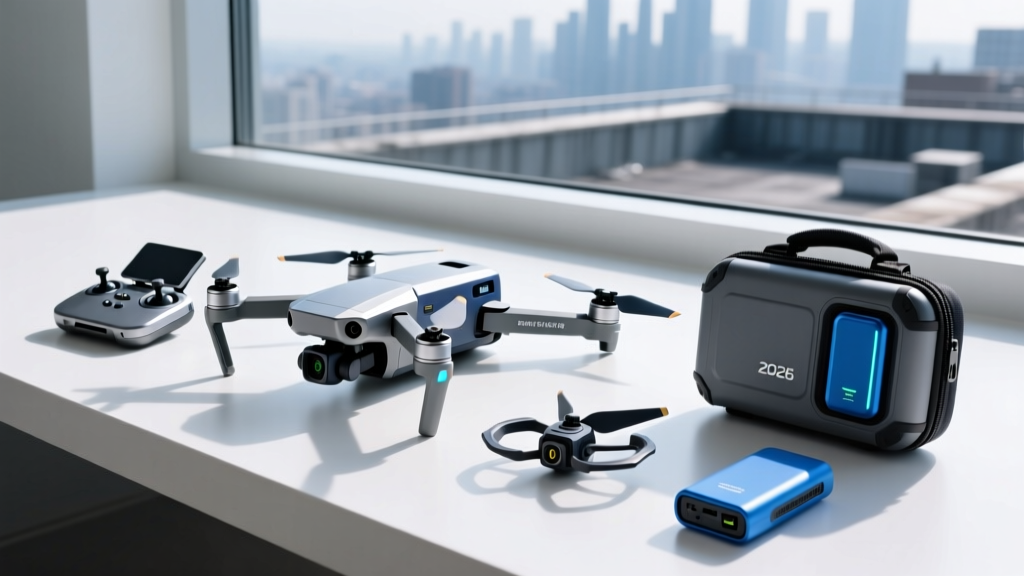
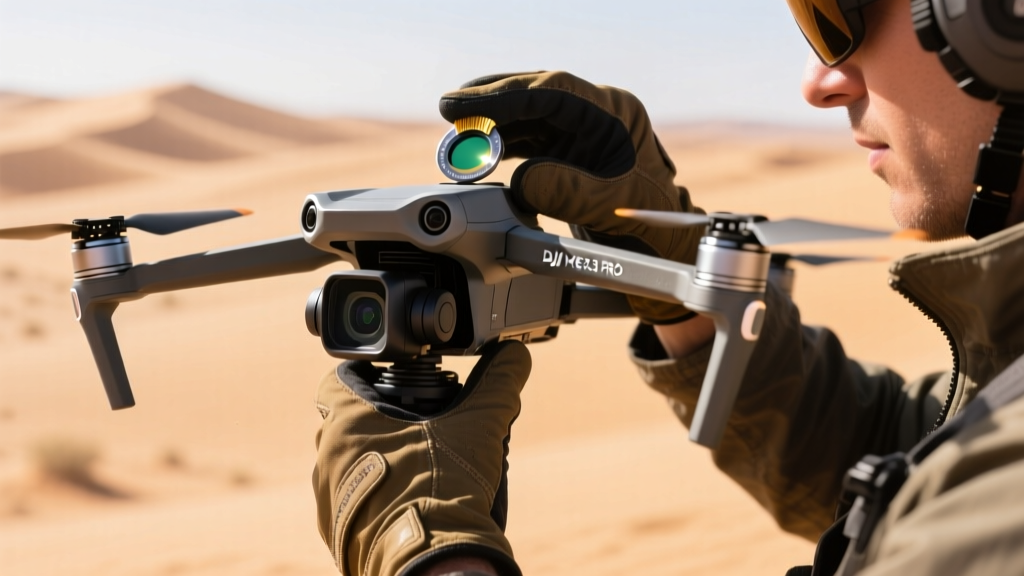
For tech enthusiasts and professional aerial photographers, the drone itself is only half the battle. The other half is the ecosystem of accessories required to keep it flying, filming, and functioning in unpredictable environments. When we talk about gadget ease in 2026, we are referring to the elimination of field friction. It is the difference between fumbling with threaded lens caps while a once-in-a-lifetime sunset fades, and snapping a magnetic ND filter into place in under two seconds. It is the difference between hauling a gas generator to a remote shoot and utilizing a high-density GaN charging matrix that fits in your jacket pocket.
This guide bypasses generic drone recommendations to focus strictly on the problem-solving accessories that elevate your workflow. We will break down the exact gear that mitigates battery anxiety, protects delicate gimbal motors, streamlines FPV tuning, and ensures you never lose a $2,000 aircraft in tall grass again.
Solving Battery Anxiety: Smart Hubs and Field Power
The most common failure point in a drone workflow isn't a crashed aircraft; it's dead batteries and inadequate charging infrastructure. The DJI Mavic 3 Pro utilizes 5000mAh Intelligent Flight Batteries, which are fantastic for flight time but notoriously slow to charge if you are relying on standard 65W USB-C brick chargers.
The GaN Revolution vs. OEM Hubs
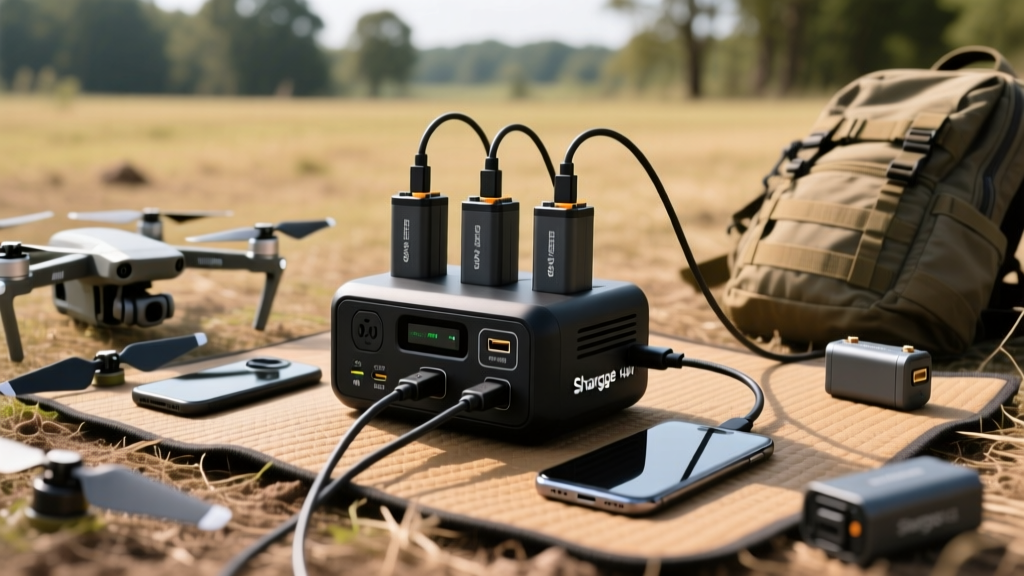
To achieve true gadget ease, you must match your charging wattage to the battery's peak acceptance curve. In 2026, third-party Gallium Nitride (GaN) chargers have largely superseded bulky OEM power bricks. The Shargge 140W 4-Port GaN Charger, for instance, allows you to charge two Mavic 3 batteries simultaneously at their maximum 82W draw per port, while leaving 58W for your smartphone and RC controller.
| Charger Model | Total Output | Per-Port Max | Dual Charge Time | Weight | Est. Price |
|---|---|---|---|---|---|
| DJI 100W Battery Charger | 100W | 82W / 18W | 135 mins (Sequential) | 285g | $99 |
| DJI 240W Multi-Charger | 240W | 82W x 3 | 68 mins (Simultaneous) | 610g | $129 |
| Shargge 140W GaN 4-Port | 140W | 82W / 58W | 72 mins (Simultaneous) | 215g | $75 |
Pro Tip: Never charge LiPo-based drone batteries to 100% if you plan to store them for more than 48 hours. Use your charger's custom profile or the DJI app's "Battery Self-Discharge" settings to drop them to 60% storage voltage, preventing irreversible cell swelling and capacity degradation.
Optical Precision Without the Fumble: Magnetic ND Systems
Threaded Neutral Density (ND) filters are a relic of the past. Forcing a threaded filter onto the delicate gimbal housing of a camera drone applies lateral torque that can strip micro-gears or trigger a gimbal motor overload error before you even launch. Achieving gadget ease means transitioning to magnetic quick-release systems.
PolarPro vs. Freewell: The Magnetic Showdown
The PolarPro Shutter Collection remains the gold standard for optical clarity, utilizing fused quartz glass that introduces zero color shift or vignetting, even on the wide-angle Hasselblad sensors. However, their magnetic base ring requires a one-time threaded installation. Once installed, swapping from an ND8 to an ND32 takes less than a second with one hand.
Alternatively, Freewell's Bright Day 4-Pack uses a slightly stronger neodymium magnet array, which is highly recommended for high-vibration environments or heavy-wind coastal shoots where filter detachment is a risk. The trade-off? Freewell's glass is marginally thicker (1.2mm vs PolarPro's 0.8mm), which can introduce a 2% vignette on the ultra-wide sensors of the Autel EVO Lite+ at maximum tilt.
The Failure Mode: If you drop a magnetic filter in sand, do not blow on it. Micro-silica particles will scratch the multi-coating. Use a Rocket Blower and a specialized optical pen. Replacing a $90 filter is painful; scratching a $300 gimbal lens is catastrophic.
FPV and Racing: Minimizing Downtime Between Heats
For FPV freestyle pilots and racers, gadget ease translates to rapid trackside adjustments. Historically, changing PID profiles, adjusting VTX (Video Transmitter) power, or checking motor resonance required unpacking a laptop, finding a flat surface, and connecting via USB-C.
Bluetooth Stack Configuration
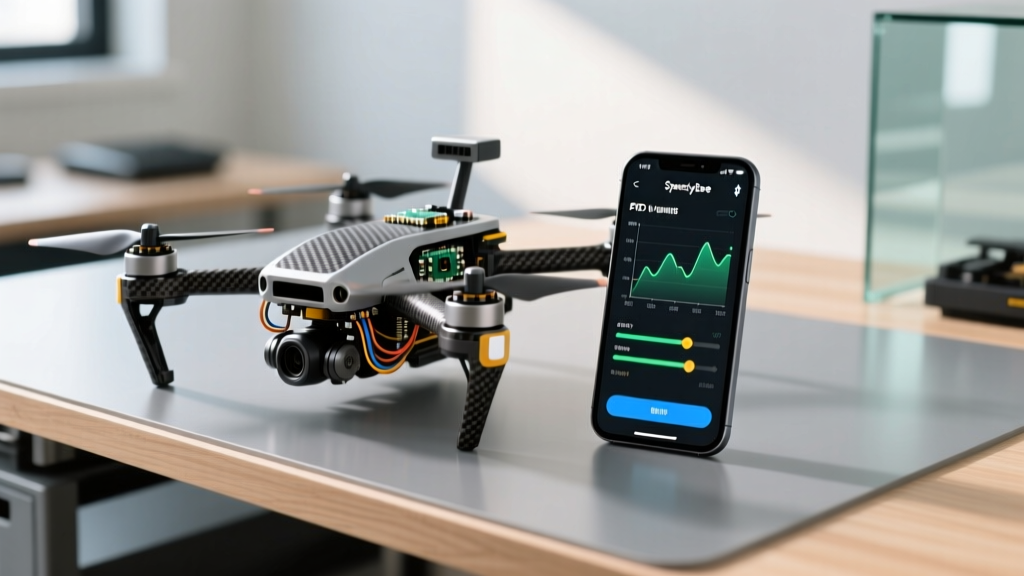
The integration of Bluetooth UART modules directly onto flight controller stacks has revolutionized the FPV pit area. The SpeedyBee F405 V4 Stack (priced around $65) features an onboard Bluetooth chip that interfaces seamlessly with the SpeedyBee mobile app. This allows pilots to blackbox log analysis, remap UARTs, and adjust OSD elements directly from a smartphone while standing on the starting line.
- Motor Testing: Safely test motor rotation and order via the app without arming the drone or risking prop-strikes.
- VCN Power Management: Dynamically adjust your VTX output from 25mW (for indoor/warehouse band scanning) to 1.6W (for long-range mountain surfing) via a simple slider on your phone.
- Wired Backup: Includes a USB-C port for Betaflight configurator fallback if your phone battery dies.
Crash Recovery and Telemetry Tracking
No matter your skill level, a bird strike, signal loss, or LiPo voltage sag will eventually put your drone in the dirt. Relying solely on the drone's last-known GPS coordinates is a flawed strategy, as GPS drift and dense foliage can render the "Find My Drone" feature useless within a 20-meter radius.
Active vs. Passive Tracking Solutions
To ensure gadget ease during a recovery mission, you need an independent tracking layer. While many pilots zip-tie an Apple AirTag to their drone frame, this introduces two problems: the speaker can be muffled by carbon fiber, and the Bluetooth signal struggles to penetrate thick forest canopies. Furthermore, Apple's anti-stalking protocols will eventually disable the AirTag's speaker if it detects it is moving away from the owner's iPhone.
The Practical Pick: The Flywoo GeoLink or a dedicated 433MHz/868MHz telemetry beacon (like the Marco Polo Advanced Tracking System). These systems do not rely on cellular networks or Bluetooth meshes. They provide a directional vector and signal strength meter on a dedicated handheld receiver, guiding you precisely to the crash site even in dead zones. Yes, it adds 35 grams to your all-up weight (AUW), but it is a necessary insurance policy for any aircraft valued over $800.
Final Verdict: Building Your Frictionless Kit
Achieving gadget ease isn't about buying the most expensive drone; it's about investing in the connective tissue of your workflow. By upgrading to a 140W GaN charger, switching to magnetic ND filters, utilizing Bluetooth-enabled flight stacks, and carrying an independent RF tracker, you transform a stressful, fragmented shoot into a seamless, professional operation. In 2026, the best tech doesn't just perform well—it gets out of your way and lets you create.
Frequently Asked Questions (FAQ)
Do magnetic ND filters affect the drone's compass calibration?
No. The neodymium magnets used in quick-release filter systems are shielded and located at the extreme front of the aircraft, far away from the internal IMU and compass modules typically housed in the rear or landing gear. They will not interfere with GPS or compass calibration.
What is the safest way to transport LiPo batteries for air travel?
Airlines require LiPo batteries to be in carry-on luggage, individually protected against short circuits. Use specialized fireproof LiPo safety bags (like those from Bat-Safe) and ensure each battery is discharged to roughly 30% (storage voltage) to minimize thermal runaway risk during cabin pressure changes.
Can I use a standard power bank to charge drone batteries in the field?
Only if the power bank supports USB-C Power Delivery (PD) 3.1 and can output at least 100W. Standard 18W or 30W smartphone power banks will not trigger the charging circuit on high-capacity camera drone batteries, or they will charge them so slowly that the power bank will deplete before the battery reaches 50%.
Written by
Tom ReynoldsTom Reynolds holds a CFA (Chartered Financial Analyst) designation and a B.S. in Finance from the University of Texas at Austin. Before entering tech journalism, he spent 6 years as a quantitative analyst at a hedge fund, building cost-benefit models for consumer product investments. Tom has maintained a proprietary database of over 10,000 tech deals for the past 8 years, developing his signature "penny-per-feature" evaluation framework that calculates the true value proposition of every gadget. His budget gadget reviews are known for their financial rigor — he tracks price history across 15+ retailers, calculates cost-per-use over 3-year lifespans, and identifies the exact inflection point where premium features justify their markup. Tom's deal alerts have saved his readers an estimated .3 million since 2018.