Solving Drone Storage: Syncing Fleet Data to a Gadget Cloud
Learn how to solve drone storage bottlenecks by syncing 4K footage and telemetry data to a dedicated gadget cloud NAS setup with practical picks.
The Drone Data Bottleneck: Why Local Storage Fails
If you are flying camera drones like the DJI Mavic 3 Pro or the Autel EVO Max 4T in 2026, you already know the post-flight panic. A single 45-minute flight shooting 5.1K/50fps in Apple ProRes 422 HQ can easily generate over 300GB of raw footage. Add in FPV racing drones logging high-frequency telemetry, and your laptop's 1TB SSD will choke before the weekend is over. Relying on public cloud services like Dropbox or Google Drive is a non-starter; uploading terabytes of raw drone video over standard fiber connections takes days, and the monthly subscription fees for 4TB+ plans are financially draining.
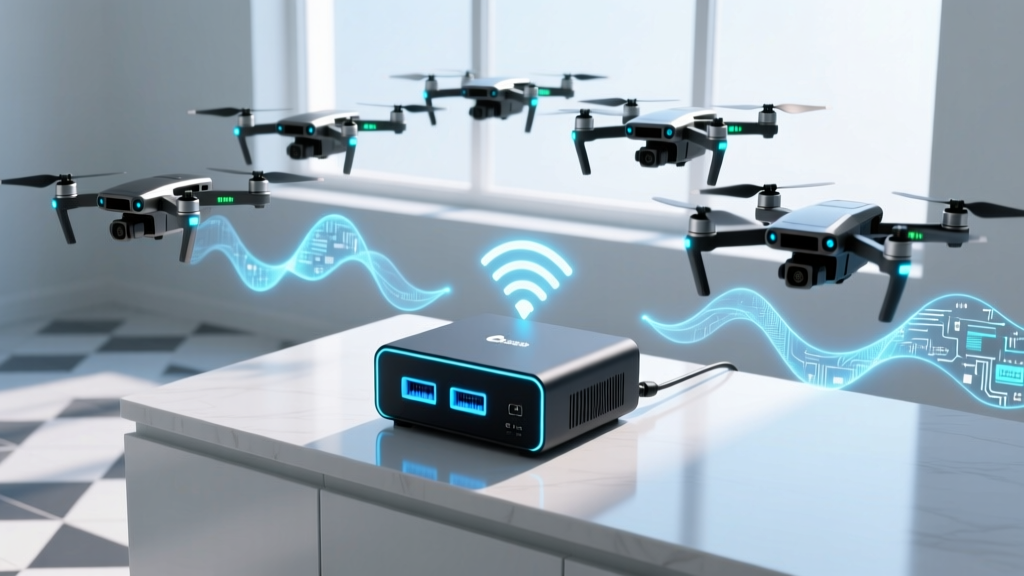
The solution? Building a dedicated gadget cloud. In the prosumer tech space, a gadget cloud refers to a centralized, automated hybrid storage ecosystem—typically a high-performance NAS (Network Attached Storage) paired with edge-computing scripts—designed specifically to ingest, organize, and back up data from interconnected devices. Here is how to build one tailored for drone enthusiasts.
Defining the Gadget Cloud Architecture for Drones
Unlike a standard smart home hub, a drone-centric gadget cloud must handle three distinct data types simultaneously:
- Massive Media Files: 10-bit H.265 and ProRes video files ranging from 20GB to 500GB per clip.
- Telemetry Logs: Tiny but critical .srt, .csv, and .txt flight logs required for post-flight analysis and warranty claims.
- Photogrammetry Datasets: Hundreds of high-res RAW images used for 3D mapping and enterprise surveying.
A true gadget cloud bridges the gap between local edge storage and remote redundancy, utilizing local 10GbE networks for instant editing access, while automatically pushing compressed proxies and telemetry to an offsite server.
Storage Matrix: Public Cloud vs. Standard NAS vs. Gadget Cloud
| Feature | Public Cloud (Drive/Dropbox) | Standard Home NAS | Dedicated Gadget Cloud |
|---|---|---|---|
| Ingest Speed (Local) | N/A (Upload bound) | 110 MB/s (1GbE) | 1,100 MB/s (10GbE) |
| Telemetry Parsing | No | Manual | Automated via Docker |
| Proxy Generation | No | Limited | Automated via FFmpeg |
| Cost (3-Year TCO) | $1,400+ | $800 | $1,250 |
Practical Hardware Picks for Your Drone Gadget Cloud
To build a robust system capable of handling 2026's massive drone data rates, you need hardware that prioritizes sustained write speeds and RAM for caching. Here are the exact components I recommend for a mid-tier enthusiast fleet.
1. The Core NAS: Synology DS923+ or QNAP TS-464
The Synology DS923+ (priced around $600 bare) is the backbone of this setup. Its AMD Ryzen R1600 processor handles Docker containers effortlessly, which is crucial for running automated log-parsing scripts. Critical Upgrade: You must purchase the optional 10GbE RJ45 upgrade module ($150). Without it, you are bottlenecked to 1GbE (110 MB/s), which makes scrubbing through 5.1K drone footage over the network a stuttering nightmare.
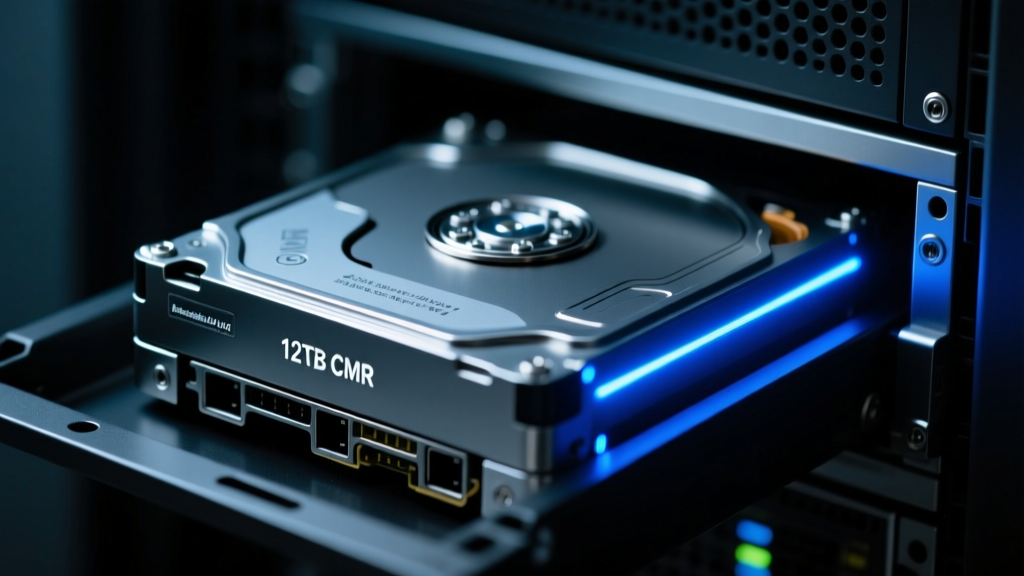
2. The Drives: CMR is Non-Negotiable
Never use SMR (Shingled Magnetic Recording) drives for a gadget cloud. When your drone's SD card dumps 256GB of fragmented video files, SMR drives will suffer severe write-cliff slowdowns, dropping to 15 MB/s. Opt for Seagate IronWolf Pro 12TB or WD Red Pro 12TB (approx. $220 each). These CMR (Conventional Magnetic Recording) drives sustain 250+ MB/s write speeds and are rated for 24/7 vibration environments.
3. The Network Bridge: Wi-Fi 7 Router
To wirelessly offload footage from a rugged wireless SD card reader (like the DJI RC Pro's built-in transfer tool), you need massive wireless bandwidth. The Asus RT-BE88U Wi-Fi 7 router ($400) provides the multi-gigabit wireless throughput required to beam 50GB of FPV race footage from the garage to your server room in under three minutes.
Automating the Ingest Pipeline with rclone
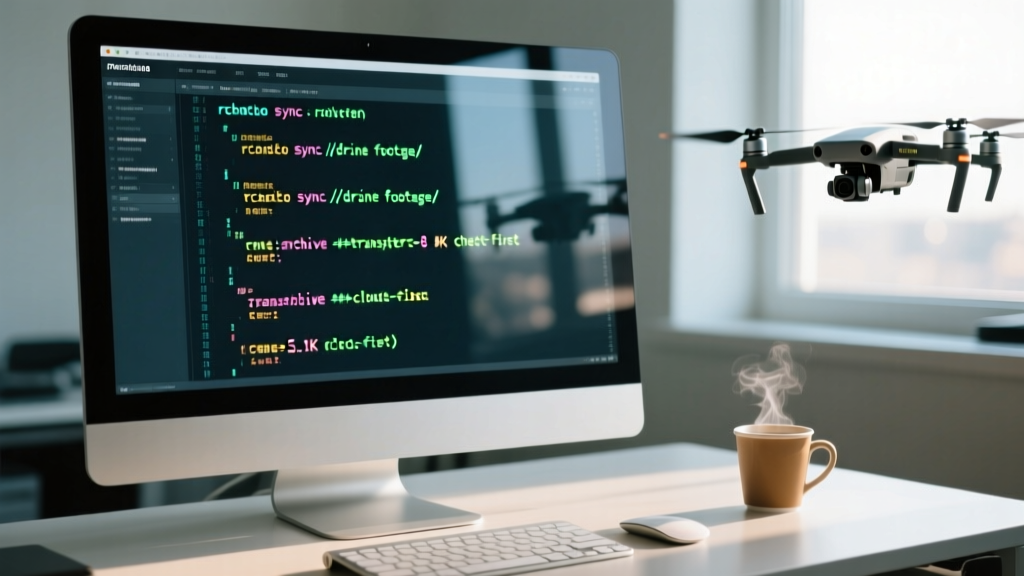
The true power of a gadget cloud is automation. You shouldn't be manually dragging and dropping files. By utilizing rclone, an open-source command-line program, you can create a 'watch folder' on your NAS.
Pro-Tip: Configure your drone's file naming convention to include the date and aircraft serial number. This allows your gadget cloud's ingest script to automatically sort footage into folders like
/Fleet/Mavic3Pro_SN4492/2026-04-12/without manual intervention.
Here is a practical workflow for automating your offloads:
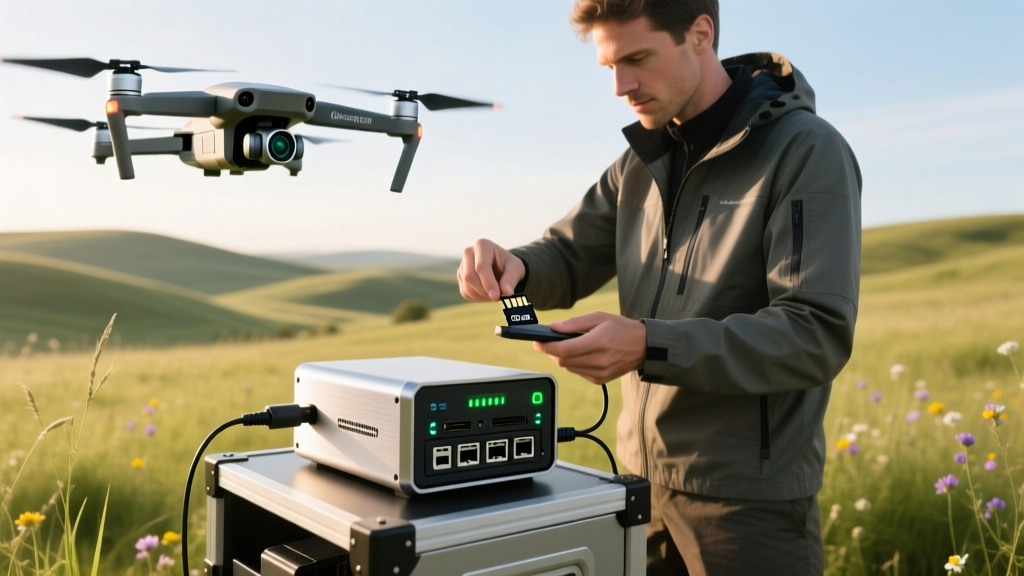
- Mount the SD Card: Insert the drone's microSD into a UHS-II USB-C reader connected to a Raspberry Pi 5 acting as an edge node at your workbench.
- Trigger the Script: A simple bash script detects the mount point and initiates an rsync transfer to the NAS over your local 10GbE network.
- Generate Proxies: Once the transfer completes, a Docker container running FFmpeg on the NAS automatically generates 1080p ProRes Proxy files for your laptop, allowing you to edit on the go without downloading the 300GB master files.
- Offsite Backup: rclone encrypts and pushes only the lightweight telemetry logs and proxy files to a cheap cloud bucket (like Backblaze B2) for disaster recovery.
Real-World Cost Breakdown & ROI
Building a gadget cloud requires upfront capital, but the return on investment becomes obvious when you factor in time saved and subscription fees avoided. Here is a realistic 2026 pricing breakdown for a 24TB usable setup (RAID 5):
- Synology DS923+ NAS: $600
- 10GbE Network Module: $150
- 3x 12TB Seagate IronWolf Pro: $660
- 2x 1TB NVMe SSD (Read/Write Cache): $120
- Total CapEx: $1,530
Compare this to a 4TB Dropbox Professional plan at $20/month ($720 over three years) which still lacks local 10GbE editing speeds and automated telemetry parsing. The gadget cloud pays for itself in pure workflow efficiency within the first six months of heavy flying.
FAQ: Troubleshooting Gadget Cloud Sync Issues
Why do my drone MP4 files show as corrupted after a network transfer?
If a drone crashes or loses power mid-recording, the MP4 header is never written, resulting in an unplayable file. When your gadget cloud ingests these, they appear as 0-byte or corrupted files. Use a tool like recover_mp4 on your NAS Docker environment to automatically scan the ingest folder and rebuild the headers using a reference file from the same drone model.
How do I handle LUTs and color profiles across my fleet?
Store your custom .cube LUTs and camera calibration profiles in a dedicated, synced folder on your gadget cloud. Map this folder as a network drive on your editing workstation so DaVinci Resolve or Premiere Pro always pulls the latest color science updates, ensuring your Mavic 3 and Inspire 3 footage match perfectly in post.
By treating your drone fleet's data with the same respect as enterprise server architecture, a dedicated gadget cloud transforms post-flight data management from a frustrating chore into a seamless, automated background process.
Written by
Ryan TanakaRyan Tanaka holds a B.S. in Mechanical Engineering from Oregon State University and is a certified AWS Solutions Architect. He has built over 80 custom electronics projects ranging from CNC machines to IoT sensor networks, and has reviewed development boards, 3D printers, soldering equipment, and maker tools for the past 6 years. Ryan is an active contributor to 12 open-source hardware projects on GitHub and teaches monthly workshops at three hackerspaces across the Pacific Northwest. His reviews combine engineering rigor with accessibility — he evaluates products not just on specs but on documentation quality, community support, and learning curve for beginners. He has presented at Maker Faire Bay Area, Open Hardware Summit, and the Adafruit community showcase, and maintains a popular blog documenting his build processes.