Home Lab Tech: Tucson Games and Gadgets Tucson AZ Insights
Compare beginner and expert home lab setups. Dive into NAS, servers, and UPS systems with real pricing, power metrics, and upgrade frameworks.
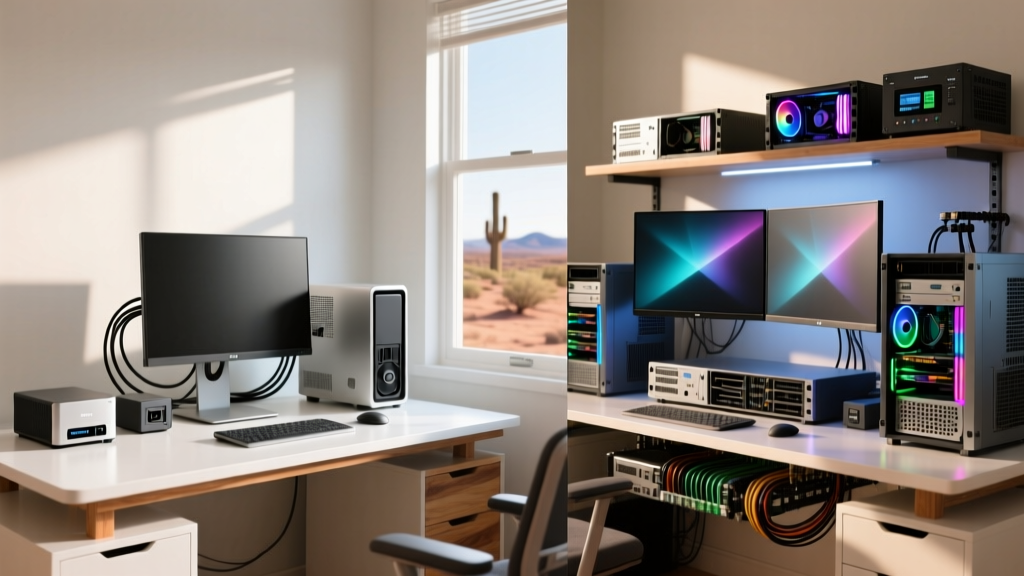
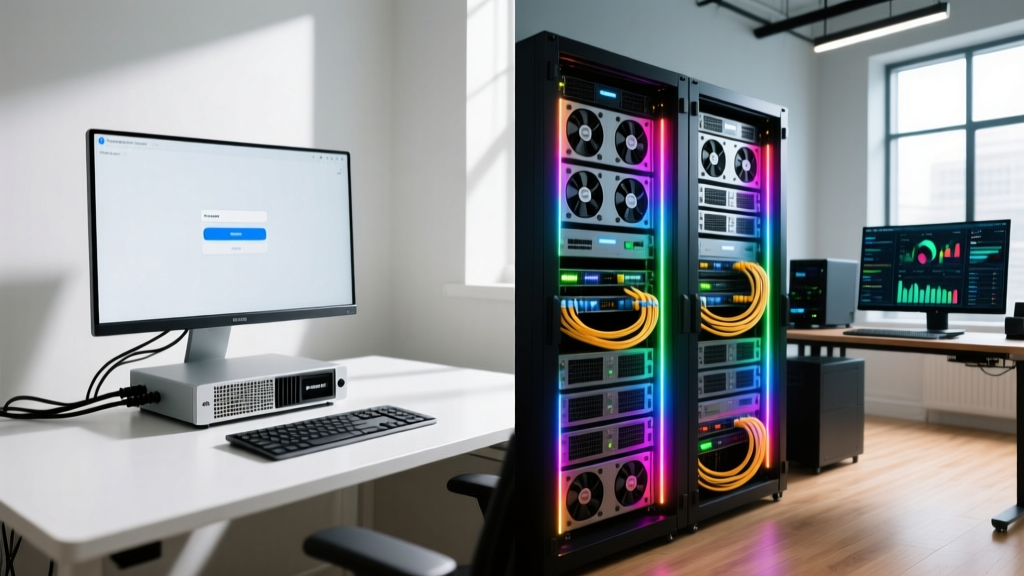
The Home Lab Spectrum: Where Do You Stand?
Building a home lab in 2026 is no longer just a niche hobby for sysadmins; it is a fundamental pillar of the modern tech enthusiast's lifestyle. Whether you are self-hosting your media, running local AI models, or automating your smart home, the hardware you choose dictates your ceiling. However, the gap between a beginner's first foray into self-hosting and an expert's enterprise-grade rack is vast. This guide breaks down the critical differences in Network-Attached Storage (NAS), compute servers, and Uninterruptible Power Supplies (UPS), providing a concrete decision framework for your next upgrade.
Network-Attached Storage: Plug-and-Play vs. Custom ZFS
Storage is the backbone of any lab. The beginner approach prioritizes ease of use and low power consumption, while the expert approach demands data integrity, expandability, and raw throughput.
The Beginner Route: Synology DS224+
The Synology DS224+ remains the undisputed king of entry-level NAS devices. Priced around $299 (bare), it features an Intel Celeron J4125 processor and 2GB of RAM (expandable to 6GB). It runs Synology's DiskStation Manager (DSM), an operating system so intuitive it feels like using a smartphone. For a beginner pairing it with two 8TB WD Red Plus drives in Synology Hybrid RAID (SHR), it offers a perfect, low-stress introduction to network storage.
The Expert Route: Custom TrueNAS SCALE Build
Experts outgrow proprietary ecosystems quickly. A modern expert build in 2026 leverages TrueNAS SCALE on custom hardware. A typical configuration includes an Intel Core i3-12100 (chosen specifically for its ECC memory support), 64GB of DDR4 ECC RAM, and an LSI 9300-16i HBA flashed to IT mode. Storage is handled by four 16TB Seagate Exos X18 enterprise drives in a RAIDZ2 pool, ensuring the array can survive two simultaneous drive failures. According to the TrueNAS Documentation, ZFS scrubbing and self-healing data capabilities make this the gold standard for preventing silent bit-rot.
| Feature | Beginner (Synology DS224+) | Expert (Custom TrueNAS) |
|---|---|---|
| Base Cost | $299 (Bare) | $650 (Base Hardware) |
| RAM & ECC | 2GB DDR4 (Non-ECC) | 64GB DDR4 (ECC) |
| Networking | 2x 1GbE | 1x 10GbE (Mellanox ConnectX-3) |
| OS / Filesystem | DSM / ext4 / Btrfs | TrueNAS SCALE / ZFS |
| Power Draw (Idle) | ~15W | ~65W |
Compute & Servers: Mini PCs vs. Rackmount Iron
The compute layer is where you run your virtual machines, Docker containers, and local LLMs. The divergence in hardware philosophy here is stark.
Beginner: The Intel N100 Mini PC Revolution
For beginners, the Intel N100 chip has been a revelation. Devices like the Beelink EQ12 (often found for under $160) offer 4 cores, a 6W TDP, and support for 16GB of DDR5 RAM. Running Proxmox VE or Ubuntu Server, an N100 Mini PC can comfortably host Pi-hole, Home Assistant, a Plex media server (handling 1-2 1080p transcodes), and a dozen Docker containers. At an idle power draw of roughly 8W, the annual electricity cost at $0.15/kWh is a negligible $10.50.
Expert: Enterprise Rackmount & PCIe Bifurcation
Experts require IOMMU groups for PCIe passthrough, massive RAM ceilings, and IPMI for remote management. A refurbished Dell PowerEdge R740 or a custom Supermicro X11SPA-T motherboard paired with an Intel Xeon Gold processor is standard. These systems support PCIe bifurcation, allowing an expert to install a Hyper M.2 x16 card hosting four 4TB NVMe drives for a high-speed ZFS Special VDEV or dedicated VM datastore. However, the trade-off is acoustic noise and power; an idling enterprise server can easily pull 150W, costing nearly $200 annually in electricity alone. Resources like ServeTheHome frequently highlight the hidden thermal and acoustic costs of enterprise gear in residential environments.
Power Protection: Why Experts Never Skip the UPS
A home lab without a UPS is a ticking time bomb. Sudden power loss can corrupt ZFS pools, destroy NVMe controllers, and brick smart home hubs.
- The Beginner Choice (Line-Interactive): The APC BX1500M (~$220) is a line-interactive UPS. It regulates minor voltage fluctuations and provides battery backup. However, it has a transfer time of 4-8 milliseconds when switching to battery. While fine for a router or a basic NAS, this micro-interruption can cause sensitive enterprise NVMe arrays to drop offline or crash hypervisors.
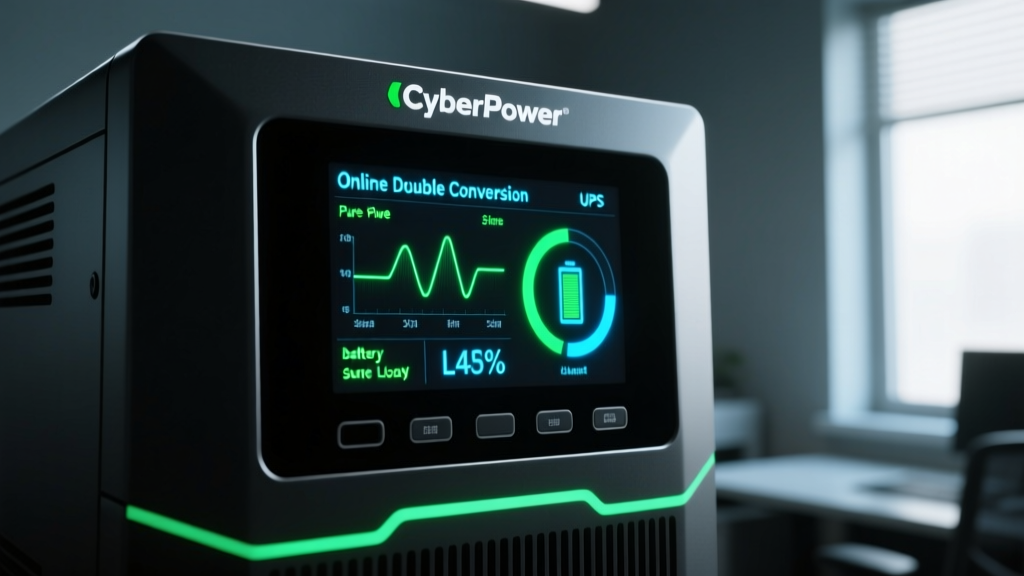
- The Expert Choice (Online Double-Conversion): Experts invest in Online Double-Conversion UPS systems like the CyberPower OL1500RTXL2U (~$650). These units continuously convert incoming AC power to DC, and then back to a pure, flawless AC sine wave. The transfer time is exactly 0ms. The grid power is completely isolated from your hardware, eliminating voltage sags, harmonic distortion, and frequency variations that degrade sensitive server power supplies over time.
Pro Tip: Always connect your UPS to your server via USB or a network management card. Configure the NUT (Network UPS Tools) daemon on your Proxmox or TrueNAS host to trigger a graceful shutdown when the battery drops below 20%. Hardware replacement is expensive; data recovery is agonizing.
Sourcing Your Gear: Local Hubs vs. Online Giants
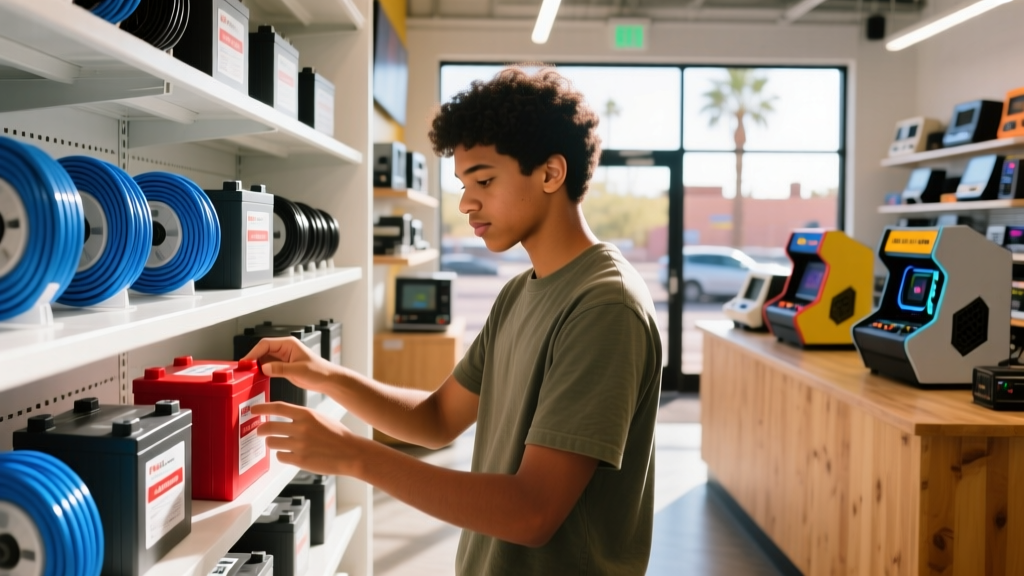
While enterprise hardware and barebone servers are predominantly sourced from online mega-retailers or eBay refurbishers, local enthusiast hubs play a critical, often overlooked role in the homelab ecosystem. Engaging with physical tech communities provides invaluable hands-on context. For example, enthusiasts frequenting spots like Tucson Games and Gadgets in Tucson, AZ, often highlight the distinct advantage of inspecting build materials, testing peripheral ergonomics, and getting immediate local networking advice. While you won't buy a Dell PowerEdge off the shelf there, local shops remain vital for sourcing immediate essentials like Cat6a spools, specialized USB-C adapters, replacement UPS batteries, and high-quality mechanical keyboards for your server terminal. Balancing online bulk orders with local community expertise creates a much more resilient and well-informed lab environment.
Decision Framework: When to Upgrade Your Lab
Use this framework to determine when it is time to move from beginner to expert hardware:
- The Bottleneck Test: If your N100 CPU is pegged at 100% during Plex transcodes or local AI inference, it is time to move to a desktop-class CPU (e.g., Intel Core i5-13500) with a dedicated GPU.
- The Data Gravity Rule: Once your stored data exceeds 16TB and includes irreplaceable family memories or critical business documents, abandon 2-bay SHR arrays and migrate to a 4-bay ZFS RAIDZ2 setup with ECC RAM.
- The Uptime Mandate: If a 10-minute power flicker causes you to lose Home Assistant automations or corrupt a database, upgrade from a line-interactive UPS to a double-conversion unit immediately.
Frequently Asked Questions
Is it worth building a custom NAS instead of buying a Synology?
If you value your time and want a 'set it and forget it' appliance, buy the Synology. If you want to learn enterprise storage concepts, maximize performance per dollar, and utilize ZFS, build a custom TrueNAS server. For a deeper dive into pre-built options, check out the Tom's Hardware NAS Guide.
Do I really need ECC RAM for my home lab?
For basic Docker containers and media streaming, non-ECC RAM is perfectly fine. However, if you are running a ZFS file system storing critical data, ECC (Error-Correcting Code) RAM is highly recommended to prevent silent data corruption in the server's memory before it gets written to your drives.
How do I manage the noise of rackmount servers at home?
Enterprise servers are designed for data centers, not bedrooms. To manage noise, experts often replace stock server fans with high-static-pressure Noctua fans (using adapter cables) and build DIY acoustic enclosures or sound-dampened server closets with dedicated inline exhaust ventilation.
Written by
Priya SharmaPriya Sharma holds a Ph.D. in Acoustical Engineering from the University of Southampton and a B.Tech in Electronics from IIT Delhi. She has spent 9 years as a consumer electronics journalist, with deep specialization in audio equipment, camera systems, and assistive technology. Priya is an active member of the Audio Engineering Society (AES) and has co-authored papers on spatial audio perception published in the Journal of the Acoustical Society of America. Her reviews of headphones, portable DACs, and studio monitors include objective measurements using Audio Precision analyzers alongside subjective listening tests. She also serves on the advisory board of the Global Accessibility Reporting Initiative (GARI), evaluating mobile devices for users with visual and hearing impairments.