Mastering Gadgets Auto-Setup for Mini PCs and SBCs
Learn how to automate headless setups for Mini PCs and SBCs. This gadgets auto-setup guide covers cloud-init, PXE boot, and Ansible for 2026 deployments.
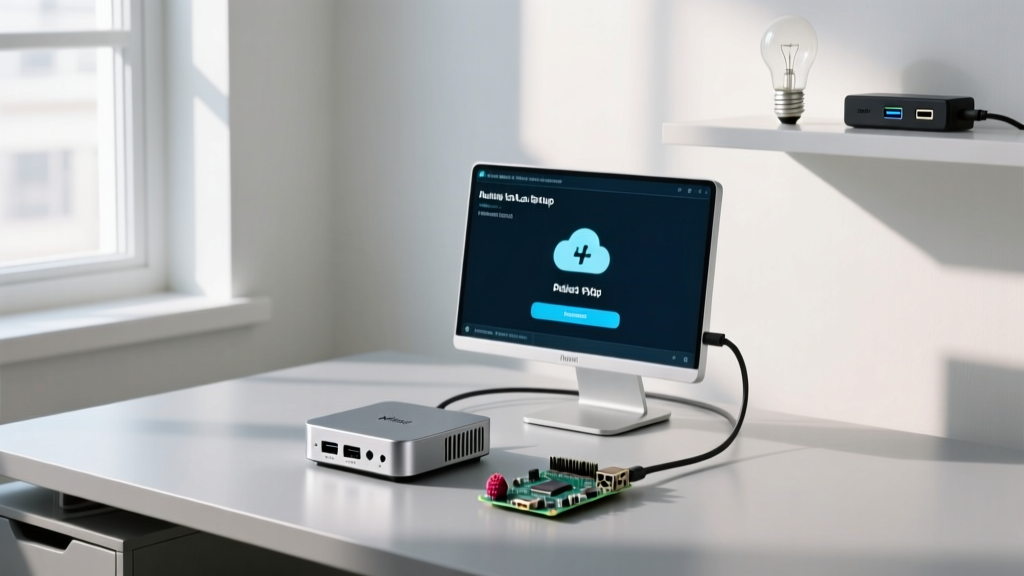
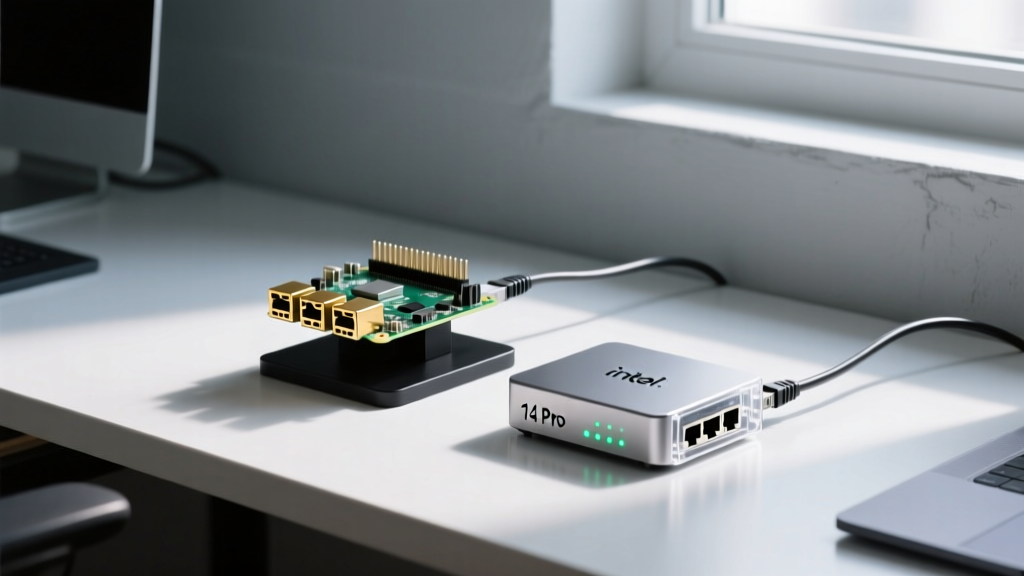
Deploying a fleet of compact computing devices in 2026 requires a departure from manual installations. Whether you are building an edge-AI cluster or a distributed homelab, manually flashing SD cards or clicking through OS installers on x86 mini PCs is a massive bottleneck. This is where mastering gadgets auto-setup methodologies becomes critical. By leveraging headless provisioning, cloud-init, and PXE boot environments, you can unbox a new single-board computer (SBC) or compact desktop, plug it into your network, and have it fully configured and secured in minutes without ever connecting a monitor.
Hardware Baseline: 2026 Mini PC & SBC Targets
Before diving into the automation pipelines, we must establish the hardware landscape. The market has bifurcated into highly efficient ARM-based SBCs and incredibly powerful x86 compact desktops. Each architecture requires a slightly different approach to automated provisioning.
| Device Model | Architecture | Base Price (2026) | Primary Auto-Setup Method | Idle Power Draw |
|---|---|---|---|---|
| Raspberry Pi 5 (8GB) | ARM64 | $80 | Cloud-Init / Pi Imager | ~3.2W |
| Intel NUC 14 Pro (Ultra 7) | x86_64 | $650 | PXE Boot / MAAS | ~7.5W |
| Minisforum UM790 Pro | x86_64 | $550 | PXE Boot / Kickstart | ~9.1W |
Method 1: ARM SBC Auto-Provisioning via Cloud-Init
For ARM-based boards like the Raspberry Pi 5, the industry standard for headless deployment is cloud-init. This framework reads configuration files on the first boot to create users, inject SSH keys, and install baseline packages. According to the Raspberry Pi Configuration Documentation, the Pi 5's firmware natively supports scanning the FAT32 boot partition for a user-data file upon initial power-on.

Step-by-Step Cloud-Init Configuration
- Flash the Base OS: Use the Raspberry Pi Imager to flash Ubuntu Server 24.04 LTS or Debian 13 to your NVMe drive or high-endurance microSD.
- Mount the Boot Partition: Before ejecting the drive, access the
/boot/firmwarepartition on your host machine. - Create the User-Data File: Create a file named
user-dataand paste the following YAML configuration:
#cloud-config
hostname: edge-node-01
manage_etc_hosts: true
users:
  - name: admin
    sudo: ALL=(ALL) NOPASSWD:ALL
    shell: /bin/bash
    lock_passwd: true
    ssh_authorized_keys:
      - ssh-ed25519 AAAAC3Nza...[YOUR_PUBLIC_KEY]
packages:
  - docker.io
  - python3-pip
  - tailscale
runcmd:
  - systemctl enable docker
  - systemctl start docker
  - tailscale up --authkey YOUR_AUTH_KEY --advertise-tags=tag:edge
Once the Pi 5 boots, it will parse this file, create the admin user, disable password authentication, install Docker and Tailscale, and automatically join your mesh network. You can immediately SSH into the device via its Tailscale IP without ever touching a keyboard.
Method 2: PXE Boot & Kickstart for x86 Compact Desktops
x86 mini PCs like the Intel NUC 14 Pro and Minisforum UM790 Pro do not use FAT32 boot partitions in the same way. Instead, enterprise-grade gadgets auto-setup for x86 relies on PXE (Preboot Execution Environment). This allows the BIOS/UEFI to pull a bootloader and OS image directly from your network server.
Configuring the BIOS/UEFI Network Stack
Out of the box, most consumer mini PCs have network booting disabled to save boot time. You must intervene manually once per device:
- Intel NUC 14 Pro: Press
F2during POST. Navigate to Power > Secondary Power Settings and enable Wake on LAN. Then go to Boot > Boot Priority and move Network Boot to the top. - Minisforum UM790 Pro: Press
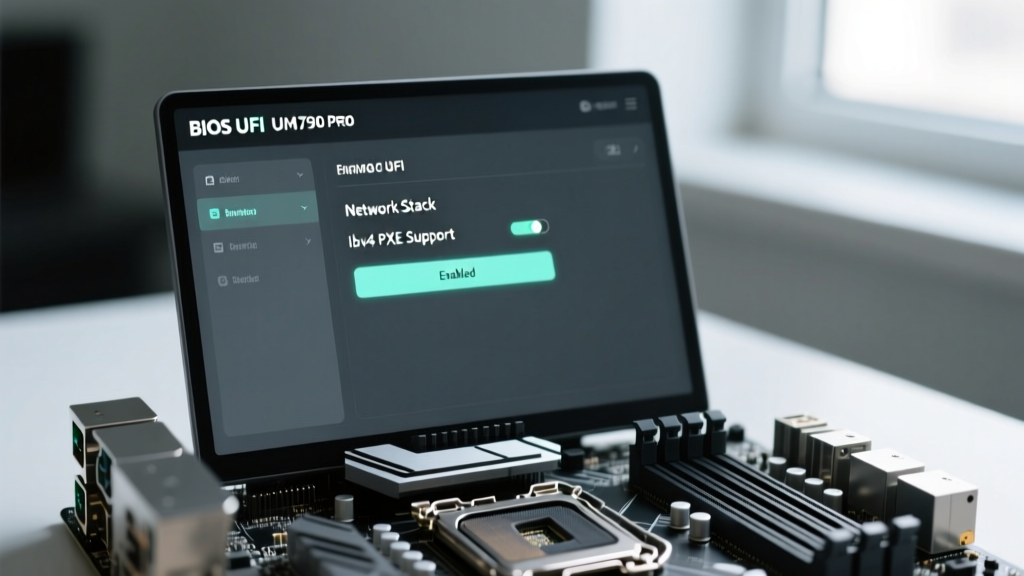
Delto enter BIOS. Navigate to Advanced > Network Stack Configuration and toggle Network Stack to Enabled. Ensure IPv4 PXE Support is checked.
Setting Up the DHCP Proxy with dnsmasq
You do not need to alter your home router's DHCP settings. Instead, run a DHCP proxy on a Linux server using dnsmasq. This intercepts PXE requests and points them to your TFTP server. The Ubuntu Netboot AMD64 Guide provides excellent foundational netboot images.
# /etc/dnsmasq.d/pxe.conf
port=0
dhcp-range=192.168.1.100,proxy
pxe-service=X86PC,'Network Boot',grubx64.efi
enable-tftp
tftp-root=/var/lib/tftpboot
When the Minisforum or NUC powers on, it requests an IP, receives the proxy directive, downloads the GRUB EFI bootloader via TFTP, and executes an autoinstall or Kickstart script that partitions the NVMe drive and installs the OS silently.
Post-Boot Automation: Ansible Fleet Management
Auto-provisioning the OS is only phase one. Phase two is configuration management. Once your gadgets auto-setup pipeline has deployed the base OS and joined the Tailscale network, an Ansible control node takes over.
Pro Tip: Never hardcode IP addresses in your Ansible inventory for edge devices. Use the
tailscaledynamic inventory plugin to automatically discover new Mini PCs and SBCs the moment they authenticate to your tailnet.
By defining roles for docker-host, prometheus-node-exporter, and ntp-client, you ensure that a brand-new Intel NUC 14 Pro is fully integrated into your monitoring and container orchestration stack within 15 minutes of unboxing.
Troubleshooting Common Auto-Setup Failures
Even with perfect YAML and PXE configs, hardware quirks can derail headless deployments. Here are the most common edge cases in 2026:
1. UEFI Secure Boot Blocking Netboot
The Intel NUC 14 Pro ships with Secure Boot enabled. If your TFTP server is serving an unsigned GRUB bootloader or a custom Debian netboot image, the NUC will silently drop the connection and boot to the EFI shell. Fix: Either disable Secure Boot in the BIOS or use a signed shimx64.efi provided by the Ubuntu/Debian maintainers.
2. Missing NIC Drivers in Initramfs
The Minisforum UM790 Pro utilizes a Realtek 2.5GbE NIC. Standard generic Linux netboot images sometimes lack the r8169 driver in their minimal initramfs, causing the PXE boot to hang when attempting to mount the NFS root filesystem. Fix: Rebuild your netboot initramfs on the server to explicitly include the r8169 module.
3. Cloud-Init Race Conditions
On the Raspberry Pi 5, if your runcmd relies on network connectivity (e.g., pulling a Docker container), it may fail if the Ethernet link hasn't negotiated by the time the script runs. Fix: Use bootcmd to set network wait parameters, or wrap your commands in a systemd service with After=network-online.target.
Frequently Asked Questions
Can I use gadgets auto-setup for Windows on Mini PCs?
Yes. For x86 compact desktops running Windows 11 Pro, you can use Windows Deployment Services (WDS) or Microsoft Endpoint Configuration Manager (MECM) via PXE. Alternatively, creating an unattended autounattend.xml file on a USB drive or network share will automate the OOBE (Out of Box Experience) without user intervention.
Is PXE boot secure for homelab environments?
Standard PXE transmits data in plaintext over TFTP, which is a security risk on untrusted networks. For secure environments, utilize HTTPSBoot (supported by modern UEFI firmware on the NUC 14 Pro) or ensure your PXE VLAN is strictly isolated from your primary IoT and guest networks.
How do I handle firmware updates automatically?
For Linux-based SBCs and Mini PCs, integrate fwupd into your Ansible playbooks. The Linux Vendor Firmware Service (LVFS) provides automated, signed BIOS/UEFI and peripheral firmware updates that can be scheduled to run during maintenance windows.
Written by
Priya SharmaPriya Sharma holds a Ph.D. in Acoustical Engineering from the University of Southampton and a B.Tech in Electronics from IIT Delhi. She has spent 9 years as a consumer electronics journalist, with deep specialization in audio equipment, camera systems, and assistive technology. Priya is an active member of the Audio Engineering Society (AES) and has co-authored papers on spatial audio perception published in the Journal of the Acoustical Society of America. Her reviews of headphones, portable DACs, and studio monitors include objective measurements using Audio Precision analyzers alongside subjective listening tests. She also serves on the advisory board of the Global Accessibility Reporting Initiative (GARI), evaluating mobile devices for users with visual and hearing impairments.