Redefining the Gadgets Meaning: Smart Home Hub Setup
Discover the true gadgets meaning by building a context-aware smart home. Step-by-step hub, sensor, and automation setup guide for enthusiasts.
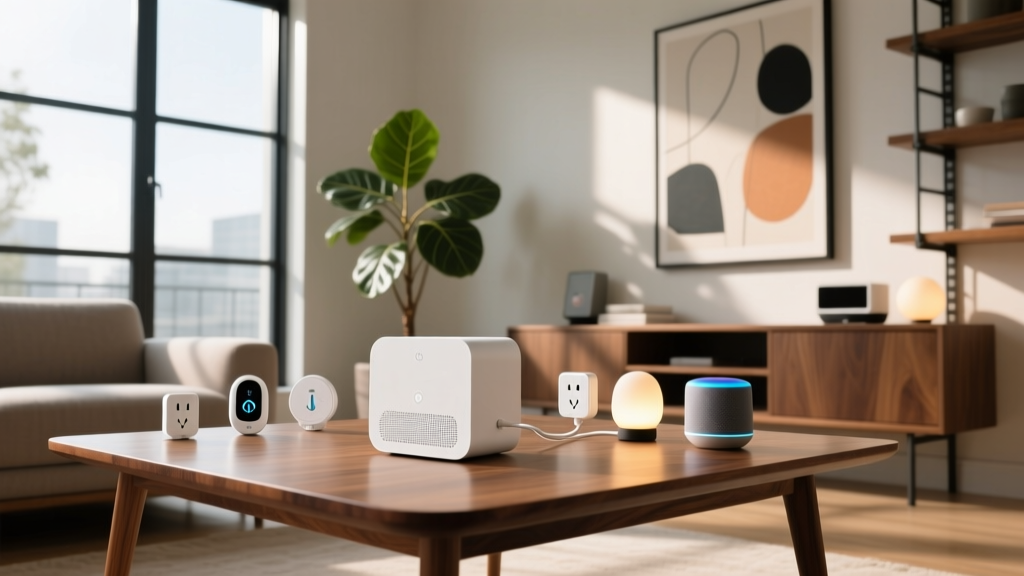
When tech enthusiasts debate the gadgets meaning in the modern era, the definition has fundamentally shifted. We no longer define a gadget as an isolated, single-purpose novelty. Today, a true gadget is a deeply integrated, context-aware node within a broader neural network—your smart home. If you are still relying on cloud-dependent Wi-Fi bulbs and basic motion sensors, you are missing the actual meaning of modern smart tech. This tutorial will guide you through setting up a local, Matter-compatible smart home ecosystem using premium hubs, mmWave presence sensors, and energy-monitoring plugs.
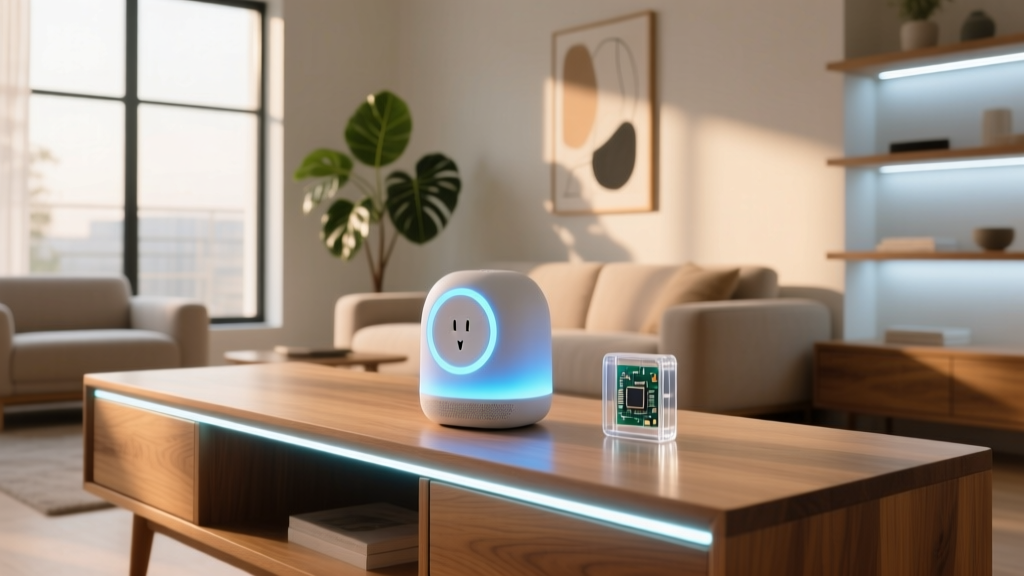
The Nerve Center: Selecting and Positioning Your Hub
Every advanced smart home requires a local brain. While many rely on smart speakers, enthusiasts demand local processing to eliminate latency and cloud outages. For this setup, we are using the Homey Pro (2023 Edition), retailing around $399. It acts as a Matter controller, Thread Border Router, and Zigbee coordinator simultaneously.
Step 1: Optimal Physical Placement
The most common failure point in smart home setups is poor hub placement. Radio frequency (RF) signals degrade when passing through dense materials.
- Avoid Faraday Cages: Never place your hub inside a metal entertainment center or directly behind a large television.
- Elevation is Key: Mount or place the Homey Pro at least 4 feet off the ground to minimize signal interference from furniture and human bodies.
- Centralized Routing: Position the hub in the geometric center of your home to ensure the Zigbee and Thread mesh networks can reach exterior sensors.
Step 2: Network Isolation (VLAN Setup)
Security is paramount. Using a router like the UniFi Dream Router, create a dedicated IoT VLAN (Virtual Local Network). Restrict this VLAN from accessing your primary LAN where your PCs and NAS drives live, but allow outbound internet access for firmware updates. Assign your smart hub to this VLAN to prevent compromised smart plugs from acting as a bridge to your personal data.
Expert Insight: Always disable the 2.4GHz band on your primary Wi-Fi network and force IoT devices onto a dedicated 2.4GHz SSID tied to your IoT VLAN. This prevents your smartphone from accidentally trying to provision devices on the wrong frequency band during setup.
Deploying Context-Aware Sensors: Beyond Basic Motion
Standard PIR (Passive Infrared) motion sensors are outdated. They only detect changes in heat, meaning if you sit still reading a book, the lights will shut off. Redefining the gadgets meaning requires upgrading to mmWave (millimeter-wave) radar sensors.
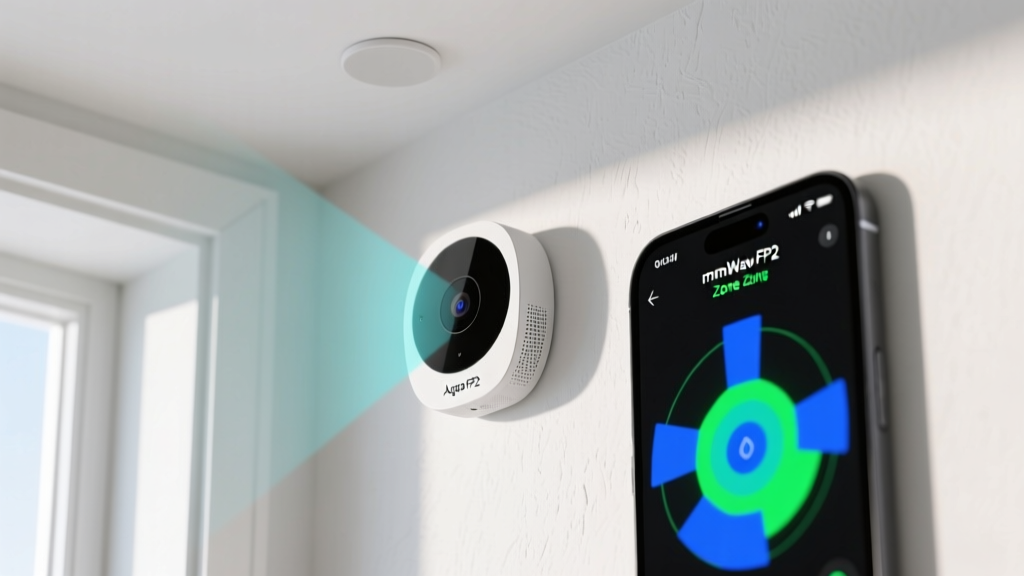
The Aqara FP2 Presence Sensor ($65) uses 60GHz radar to detect micro-movements, including the rise and fall of your chest while breathing. Here is how to calibrate it for flawless automation:
Mounting and Angle Calibration
- Height: Mount the FP2 exactly 2.4 meters (approx. 7.8 feet) high.
- Tilt: Angle the sensor downward at precisely -15 degrees. The Aqara app features a built-in gyroscope leveler to help you achieve this.
- Zone Mapping: Use the app to draw up to 30 distinct zones in a single room. Map a 'Desk Zone' and a 'Bed Zone' separately so your automations know exactly where you are, not just if you are in the room.
Protocol Matrix: What is Running Under the Hood?
Understanding the underlying communication protocols is essential for troubleshooting and expanding your network. Below is a comparison of the mesh and star networks your hub will manage.
| Protocol | Frequency | Range / Topology | Best Use Case |
|---|---|---|---|
| Thread (Matter) | 2.4 GHz | Mesh / IP-based | Modern smart plugs, fast-response lighting |
| Zigbee 3.0 | 2.4 GHz | Mesh / Low bandwidth | Battery-powered door/window sensors |
| Z-Wave (800LR) | 900 MHz | Mesh / High penetration | Smart locks, garage doors, exterior sensors |
| Wi-Fi (IoT) | 2.4 GHz | Star / Hub-to-Device | High-bandwidth cameras, energy monitors |
Smart Plugs and Energy Telemetry
Smart plugs are the unsung heroes of the smart home, bridging the gap between 'dumb' appliances and intelligent automation. For this build, we are integrating the Eve Energy Plug ($39.95), which utilizes Thread and supports Matter out of the box.
Setting Up Energy Monitoring Automations
The Eve Energy plug doesn't just turn devices on and off; it samples power draw in real-time. We can use this telemetry to trigger automations. For example, connect your washing machine to the Eve plug. Create a flow in your hub:
- Trigger: Power draw drops below 2 Watts for more than 3 minutes.
- Condition: Time is between 08:00 and 22:00.
- Action: Send a high-priority push notification to your phone and flash the kitchen under-cabinet LEDs twice in cool white (5000K).
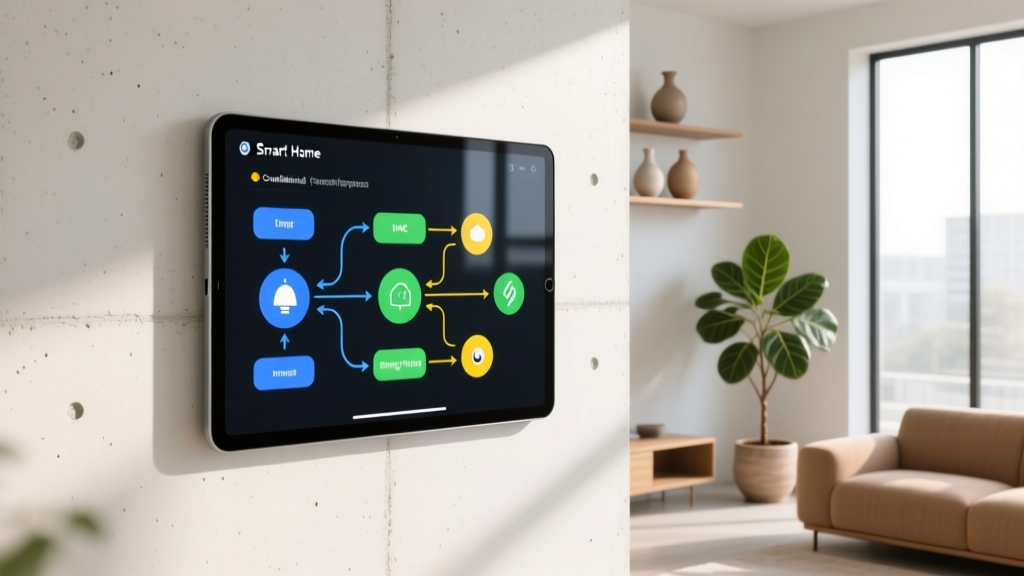
Architecting the Automation Logic
The true gadgets meaning is realized in the software logic that ties hardware together. We will build a 'Context-Aware Goodnight' routine using boolean states and sensor inputs. According to the Connectivity Standards Alliance (CSA), Matter 1.3 introduces enhanced energy and water management features, but for presence logic, we rely on the hub's native flow engine.
The 'Deep Sleep' Automation Flow
Instead of a simple 'turn off lights at 11 PM' command, we build a conditional matrix:
- Variable Check: Is the 'House Occupied' boolean set to True?
- Sensor Input: Does the Aqara FP2 in the bedroom detect 'Sleep Posture' (a custom zone state) for more than 15 continuous minutes?
- Environmental Check: Is the living room TV state reported as 'Standby' via HDMI-CEC integration?
- Execution: If all conditions are met, slowly fade all remaining house lights to 0% over 60 seconds, lock the front door via Z-Wave, and set the Ecobee thermostat to 66°F.
Pro Tip: Always include a 'fallback' or 'timeout' state in your automations. If a sensor drops offline, your hub should default to a safe state (e.g., leaving a hallway light at 10% brightness) rather than plunging the house into darkness. You can review advanced flow logic in the official Homey documentation.
Conclusion: Embracing the Ecosystem
When you move beyond basic voice commands and start programming context-aware logic, the gadgets meaning transforms. Your home stops being a collection of remote-controlled switches and becomes a proactive environment that anticipates your needs. By investing in a local Matter hub, deploying mmWave radar, and utilizing energy telemetry, you are building a resilient, privacy-first smart home that represents the absolute pinnacle of modern tech enthusiasm. For further reading on sensor calibration, The Verge's deep dive into the Aqara FP2 offers excellent visual guides on zone mapping.
Written by
Priya SharmaPriya Sharma holds a Ph.D. in Acoustical Engineering from the University of Southampton and a B.Tech in Electronics from IIT Delhi. She has spent 9 years as a consumer electronics journalist, with deep specialization in audio equipment, camera systems, and assistive technology. Priya is an active member of the Audio Engineering Society (AES) and has co-authored papers on spatial audio perception published in the Journal of the Acoustical Society of America. Her reviews of headphones, portable DACs, and studio monitors include objective measurements using Audio Precision analyzers alongside subjective listening tests. She also serves on the advisory board of the Global Accessibility Reporting Initiative (GARI), evaluating mobile devices for users with visual and hearing impairments.