Upgrading the Best Gadgets 2025: Smart Entry Locks
Solve entry-point security flaws. We compare 2026 smart locks, Matter protocols, and physical deadbolt alignments for reliable home access.
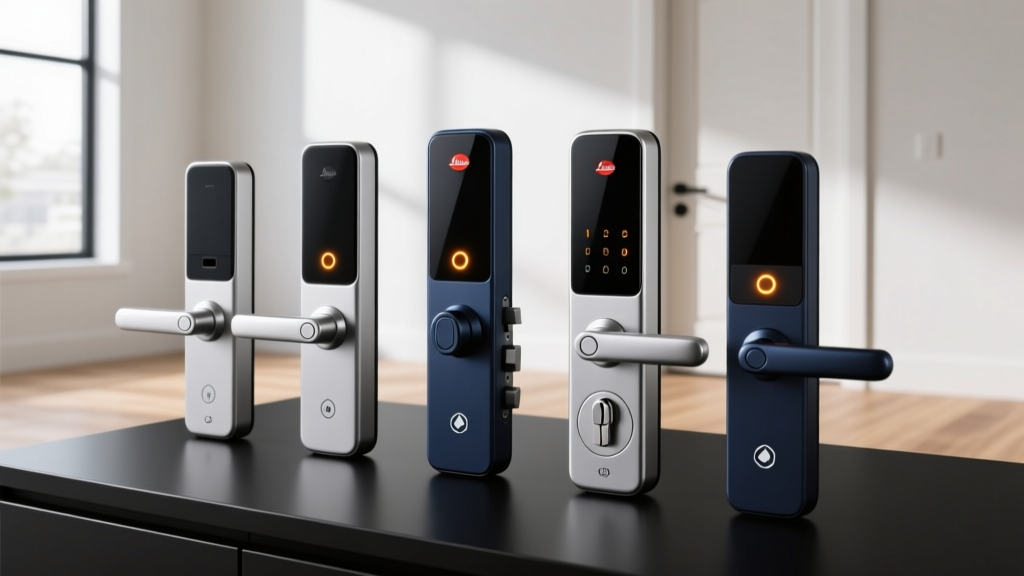
Every year, tech enthusiasts scour the internet for the best gadgets 2025 had to offer, chasing the latest smartphones, AR glasses, and AI-powered hubs. But as we settle into 2026, the most impactful upgrades aren't always the ones that sit on your desk—they are the ones that secure your perimeter. Entry-point security has evolved from a novelty into a critical, friction-reducing utility. Yet, thousands of smart lock installations fail not because of software bugs, but due to fundamental misunderstandings of physical door mechanics and network protocols.
If you are upgrading your home's entry point this year, you need to look past the marketing gloss. This guide serves as your practical problem-solving framework for selecting, installing, and maintaining smart locks and perimeter gadgets that actually work in the real world.
The Core Problem: Why Your Smart Lock Keeps Jamming
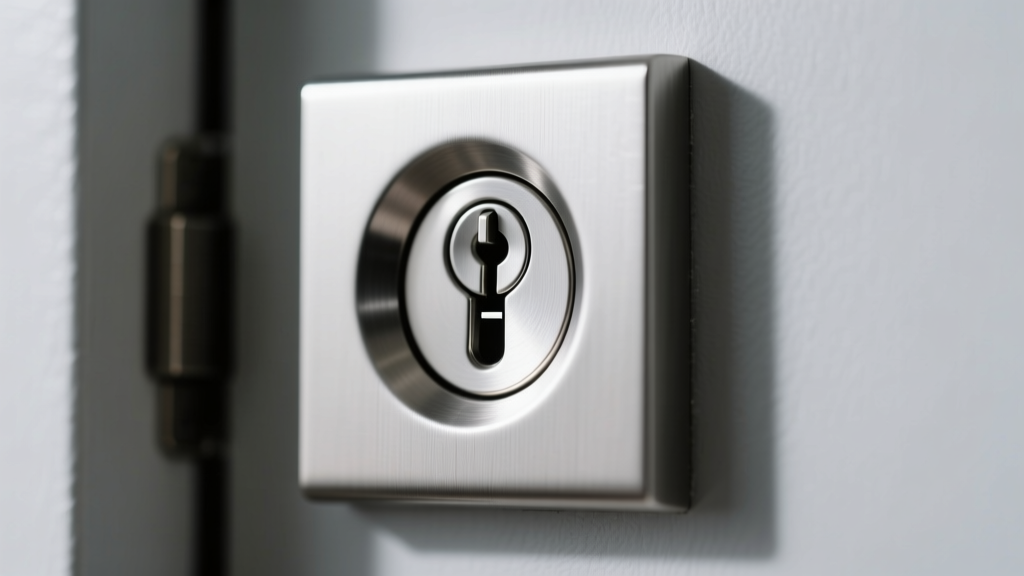
The most common complaint on tech forums regarding smart locks is the dreaded 'jam' error, followed by rapid battery depletion. Enthusiasts often blame the lock's firmware, but 90% of these failures are purely mechanical. Motorized deadbolts require a clear, unobstructed path to extend fully.
When a smart lock motor encounters resistance, it spikes in amperage—often drawing 2 to 3 amps momentarily before the internal logic board cuts power to prevent burnout. If your door frame's strike plate hole is only 3/4 of an inch deep instead of the required 1 inch, the deadbolt bottoms out. The lock registers this as a jam, reverses the bolt, and leaves your door unsecured. Furthermore, repeated stalled motor draws will drain a set of premium AA batteries in three weeks instead of the advertised six months.
The Problem-Solver's Rule of Thumb: Before buying a $300 smart lock, take a flashlight and look into your door frame's deadbolt hole. If you see wood shavings, dirt, or the hole is shallower than 1 inch, no amount of software optimization will save you. Chisel it out to a full 1.5 inches to allow for seasonal wood expansion and contraction.
Protocol Wars in 2026: Thread vs. Matter vs. Wi-Fi
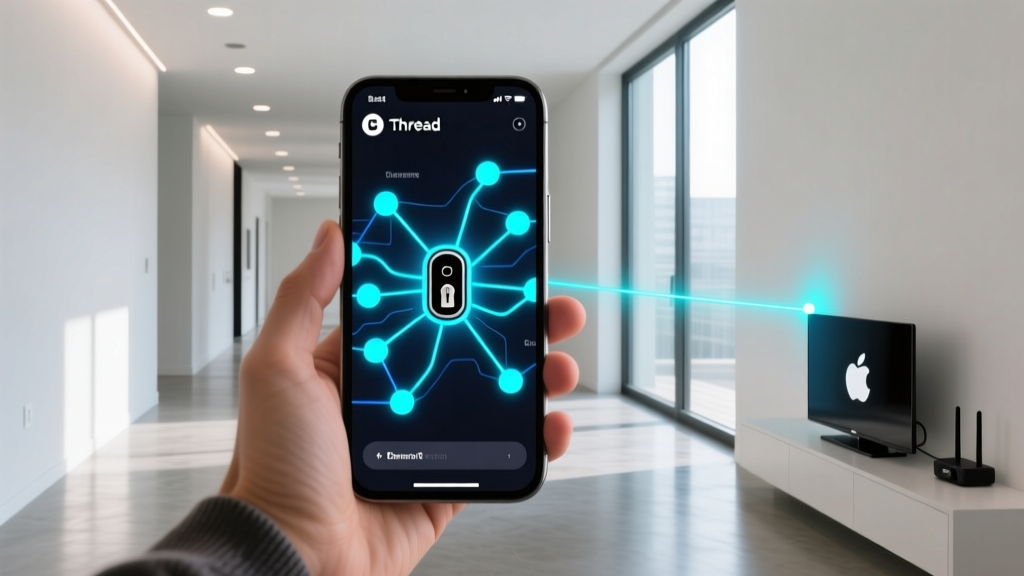
In the early days of smart home tech, Wi-Fi was the default. By 2025, Z-Wave held the enthusiast market. Now, in 2026, Matter over Thread is the undisputed king of entry-point security. Thread creates a low-power, self-healing mesh network that doesn't clog your primary Wi-Fi router, ensuring your lock responds in milliseconds even if your internet goes down (as long as local border routers are active).
| Protocol | Latency | Battery Impact | Local Control? | 2026 Verdict |
|---|---|---|---|---|
| Wi-Fi (2.4GHz) | 800ms - 2s | High (Drains in 2-3 mos) | No (Cloud dependent) | Avoid for primary doors |
| Z-Wave Plus | 200ms - 500ms | Low (Lasts 12+ mos) | Yes (Hub required) | Legacy; phase-out in progress |
| Matter over Thread | 50ms - 150ms | Ultra-Low (Lasts 6-12 mos) | Yes (Border Router) | The 2026 Gold Standard |
Practical Picks: Entry-Point Security Gadgets That Deliver
Based on real-world teardowns, motor torque tests, and long-term reliability data, here are the top practical picks for 2026.
1. Schlage Encode Plus (Matter over Thread)
Price: ~$299 | Power: 4x AA Batteries | Best For: Apple Home & heavy-duty security
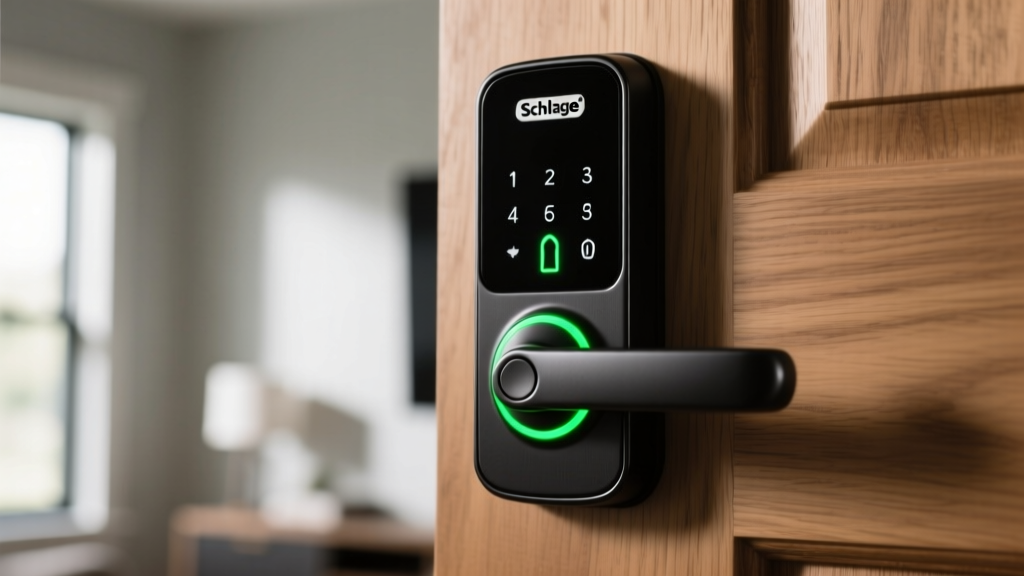
The Schlage Encode Plus remains a powerhouse. Its internal motor is geared for high torque, meaning it can push through slightly sticky doors better than its competitors. Because it utilizes Thread, it integrates flawlessly with Apple HomeKey, allowing you to tap your iPhone or Apple Watch to unlock the door without opening an app. Failure mode to watch: The capacitive touch keypad can be sluggish in sub-freezing temperatures if you don't use Lithium batteries.
2. Aqara Smart Lock U200
Price: ~$279 | Power: 4x AA Batteries | Best For: Renters and retrofitting
Unlike the Schlage, which requires replacing the entire deadbolt hardware, the Aqara U200 replaces only the interior thumb-turn mechanism. This is a massive advantage for renters or those with ornate, custom exterior door hardware. It supports Matter over Thread and features an integrated NFC reader for physical keycards. According to expert smart home reviews, Aqara's local automation engine within their hub ecosystem provides some of the fastest geofencing unlock triggers on the market.
3. Eufy Smart Lock Touch & Wi-Fi (Budget Alternative)
Price: ~$179 | Power: 2x CR123A (Rechargeable) | Best For: Budget-conscious setups without a Thread router
If you don't have a Thread Border Router (like an Apple TV 4K or Nest Hub) and refuse to buy one, Eufy's dual-protocol lock is a pragmatic choice. The built-in fingerprint sensor reads in 0.3 seconds and stores up to 100 prints. However, the optical fingerprint reader will fail if your fingers are wet or heavily calloused. Always program a backup PIN and ensure your guests use the keypad.
The Perimeter Defense: Supplementing Your Smart Lock
A smart lock is only as good as the data it receives about the door's physical state. Relying solely on the lock's internal accelerometer to determine if the door is 'closed' is a recipe for disaster. You need dedicated entry-point sensors.
- Aqara Door and Window Sensor P2 ($25): Utilizing Matter over Thread, this sensor provides instantaneous open/close states to your smart home hub. You can create an automation that automatically throws the deadbolt the exact second the door sensor registers a 'closed' state.
- Ring Pan-Tilt Indoor Cam ($49): Mount this inside, facing the entryway. If the smart lock is forced or the door is kicked in, the camera's AI will track the intruder across the room, providing vital evidence without the privacy concerns of outdoor-facing lenses.
Installation Framework: The 15-Minute Alignment Test
Do not skip this diagnostic framework before finalizing your smart lock installation. It will save you hours of troubleshooting later.
- The Paperclip Test: Insert a straightened paperclip into the strike plate hole on your door frame. It must go in at least 1.25 inches without hitting wood or metal. If it stops early, get a spade bit and drill it deeper.
- The Manual Throw: Close the door and manually turn the deadbolt. It should glide with zero friction. If you have to push or pull the door to get the bolt to slide, your hinges are sagging. Tighten the top hinge screws with 3-inch structural screws driven directly into the wall stud to pull the door frame plumb.
- The Battery Selection: Discard standard alkaline batteries. Smart locks draw high peak currents that alkaline cells struggle to deliver in cold weather. Invest $15 in Energizer Ultimate Lithium AA batteries. They weigh less, perform flawlessly down to -40°F, and will not leak corrosive acid onto your lock's logic board.
Frequently Asked Questions
What happens to my smart lock if the power goes out?
Smart locks are battery-powered on the interior side of the door. A house power outage will not affect your ability to use the keypad, fingerprint sensor, or physical key. However, if your internet router loses power, remote app access and cloud-based automations will be disabled until power is restored, unless you have a UPS (Uninterruptible Power Supply) backing up your network gear.
Are smart locks easily hacked via Bluetooth or Thread?
Modern Matter and Thread protocols utilize AES-128 encryption and require physical proximity or authenticated cloud tokens for provisioning. The real security vulnerability is not digital hacking; it is physical bypass. Ensure your lock features a hardened steel anti-drill plate and that your door frame uses 3-inch strike plate screws anchored into the structural stud, not just the decorative trim.
Can I use rechargeable NiMH batteries in my smart lock?
It is highly discouraged. NiMH batteries operate at a lower nominal voltage (1.2V per cell compared to 1.5V for alkaline or lithium). A pack of four NiMH batteries outputs 4.8V, which is often below the minimum voltage threshold for the lock's logic board, causing it to falsely report a 'low battery' warning even when fully charged. Stick to 1.5V Lithium primaries.
Written by
Nina PetrovaNina Petrova holds a Master's degree in Child Development from the Erikson Institute and a B.S. in Nursing from the University of Illinois at Chicago. She worked as a pediatric nurse for 6 years before transitioning to family technology consulting, bringing clinical rigor to her evaluations of kid-friendly gadgets, educational toys, and parental control software. Nina has reviewed over 400 children's tech products, testing each for safety compliance (CPSC and ASTM standards), developmental appropriateness across age groups, screen-time impact, and data privacy practices. She serves on the Children's Technology Review advisory board and has testified before the FTC on children's data protection in connected toys. Her reviews are trusted by parents and educators alike for their evidence-based approach to balancing technology benefits with child safety.