Unique Home Office Holidays Gadgets: 2026 Gift Guide
Discover unique home office holidays gadgets for 2026. From smart desk mats to levitating planters, upgrade your workspace with these cool finds.
Why Your Workspace Needs a Quirky Upgrade in 2026
The transition to permanent hybrid work models in 2026 has fundamentally changed how we view our home workspaces. It is no longer just a temporary place to answer emails; it is a sanctuary for deep focus, creative flow, and digital collaboration. When the end-of-year gifting season approaches, finding the right present for the remote worker in your life—or treating yourself to a well-deserved upgrade—can be a surprisingly difficult challenge. Forget the generic insulated coffee mugs, standard foam mousepads, and predictable ring lights. This year, we are hunting for the most unique, conversation-starting home office holidays gadgets that blend striking aesthetics with genuine ergonomic utility.
Psychological studies on workspace design consistently show that a sterile, purely utilitarian desk can lead to cognitive fatigue and sterile thinking. Incorporating tactile, unusual objects grounds you in the physical world while you work in the digital one. When compiling our list of the most innovative holidays gadgets for the home office, we prioritized items that offer a high sensory engagement, premium materials, and a departure from the standard matte-black plastic tech that dominates the market. Whether you are shopping for a digital artist, a spreadsheet warrior, or a podcast host, this curated guide highlights the coolest desk upgrades that defy the ordinary.
A well-designed workspace is not just about productivity; it is about creating an environment that sparks joy and reduces the cognitive load of your daily tasks. The objects you touch and see every day matter.
The 2026 Shortlist: Cool & Unique Home Office Finds
1. Angry Miao Cyberboard R3 (The Cyberpunk Command Center)
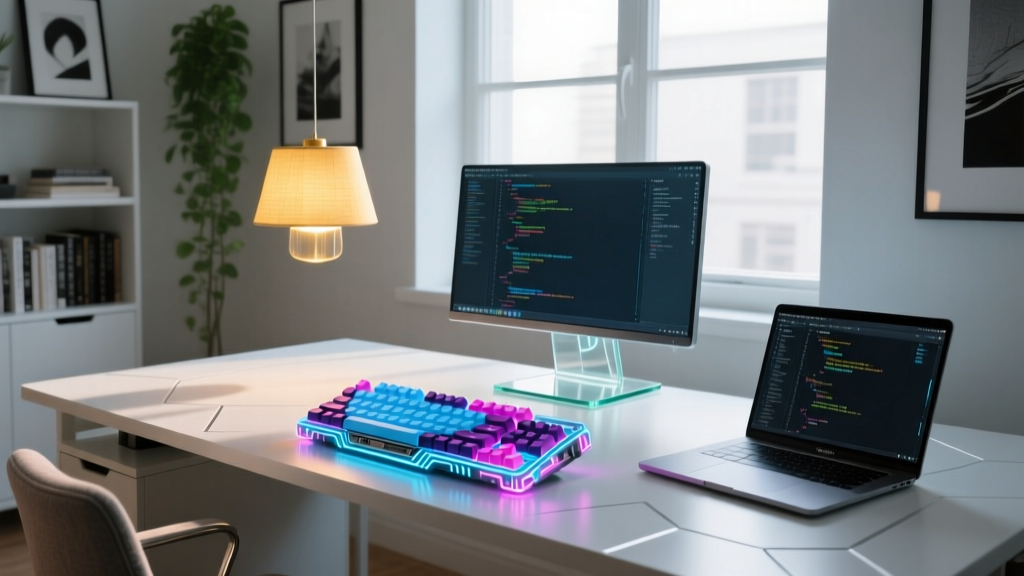
If you are shopping for a mechanical keyboard enthusiast or a tech-forward creative, the Angry Miao Cyberboard R3 is the ultimate flex. Unlike traditional keyboards, the Cyberboard features a fully customizable, high-resolution e-ink display integrated directly into the keyboard deck. This allows users to display real-time system stats, custom pixel art, or daily schedules without taking up extra desk space with a secondary monitor. Priced at around $320, it is an investment piece, but the build quality justifies the cost. The chassis is milled from 6063 aerospace-grade aluminum, and the internal gasket-mounted PCB provides a typing experience that is both acoustically dampened and incredibly satisfying. It connects via a proprietary magnetic pogo-pin cable or Bluetooth 5.2, ensuring a completely wireless, clutter-free aesthetic.
2. Flyte Levitating Bulb (Ambient Anti-Gravity Lighting)
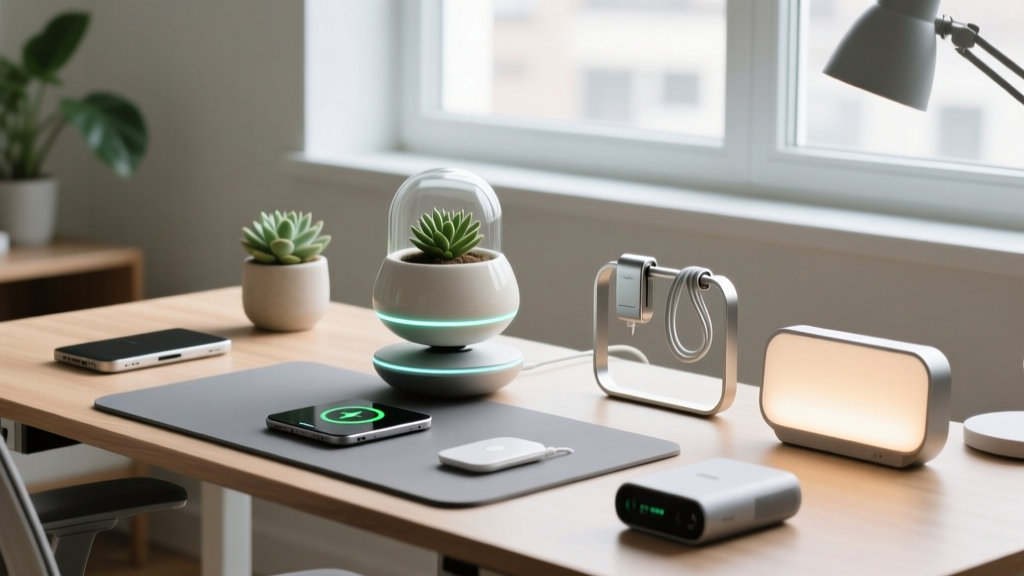
Lighting is crucial for Zoom calls and eye strain, but standard desk lamps are incredibly boring. The Flyte Levitating Bulb, available for roughly $119 via Flyte Design, uses magnetic levitation and electromagnetic induction to float a custom Edison-style LED bulb in mid-air. There are no batteries inside the bulb; it draws power wirelessly from the sustainably sourced walnut wood base. The LED is rated for a 50,000-hour lifespan, meaning it will outlast almost every other gadget on your desk. It serves as a brilliant ambient light for late-night deep work sessions, and the gentle, silent floating motion provides a mesmerizing, stress-relieving focal point when you are stuck on a difficult coding problem or writing block.

3. Grovemade Merino Wool Desk Pad (Tactile Luxury)
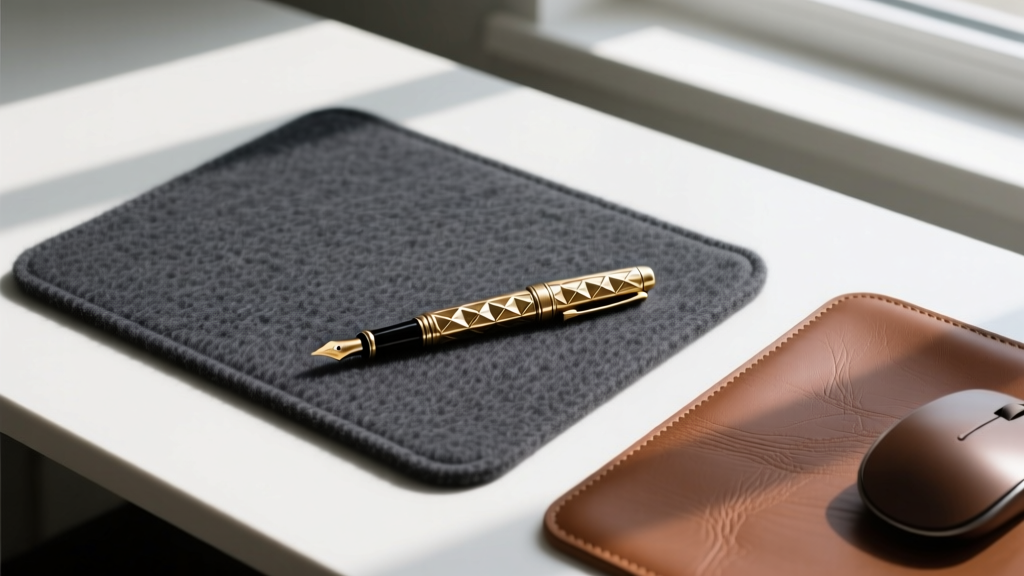
Most desk mats are made of synthetic felt or stitched leather that peels after a year of use. The Grovemade Merino Wool Desk Pad (approximately $150) is a masterclass in natural materials. Sourced from Grovemade, this 30-inch by 15-inch pad uses dense, naturally occurring lanolin in the wool fibers to create a surface that is inherently water-resistant and antimicrobial. Beyond the tactile luxury of resting your wrists on premium wool, it serves a highly practical purpose: acoustic dampening. If you use a loud, clacky mechanical keyboard, this pad absorbs the high-frequency sound waves, drastically reducing the noise transmitted to your microphone during virtual meetings. It is an understated, sophisticated gift for the executive who appreciates quiet luxury.
4. TourBox Elite 2 (For the Digital Sculptors)
For the video editors, 3D modelers, and digital illustrators on your list, a standard mouse is a bottleneck. The TourBox Elite 2 (retailing around $179) is a highly specialized, ergonomic console featuring a mix of dials, sliders, and buttons designed to be operated entirely by muscle memory. The 2026 iteration features an upgraded haptic feedback motor that provides physical clicks and resistance when you scroll through timelines or adjust brush sizes in Adobe Creative Cloud or Blender. It connects via ultra-low latency Bluetooth and features a customizable OLED screen on the device itself to show which software profile is currently active. It is a niche tool, but for a digital creative, it is the kind of holidays gadget that genuinely shaves hours off their weekly workflow.
Comparison Matrix: Price vs. Productivity Impact
To help you decide which of these unique home office holidays gadgets best fits your budget and the recipient's needs, we have broken down the core metrics in the table below.
| Gadget | Best Suited For | Estimated Price | Sensory / Fidget Factor |
|---|---|---|---|
| Angry Miao Cyberboard R3 | Coders, Writers, Tech Enthusiasts | $320 | High (E-ink screen, tactile keys) |
| Flyte Levitating Bulb | Executives, Designers, Readers | $119 | Medium (Visual levitation) |
| Grovemade Merino Wool Pad | Audio Professionals, Minimalists | $150 | Low (Tactile comfort, acoustic) |
| TourBox Elite 2 | Video Editors, 3D Artists | $179 | High (Haptic dials, sliders) |
Decision Framework: Matching the Gadget to the User
Buying tech as a gift can be risky if you do not understand the user's specific workflow. Use this quick framework to ensure your gift is a hit rather than a drawer-dweller:
- The 'Keyboard Warrior' (Writers, Programmers): Prioritize tactile feedback and ergonomics. The Cyberboard R3 or a high-end artisanal keycap set will be deeply appreciated. Avoid generic ergonomic mice unless you know their exact grip style.
- The 'Visual Creative' (Designers, Editors): Focus on workflow acceleration and color accuracy. The TourBox Elite 2 or a high-CRI (Color Rendering Index) desk lamp like the BenQ ScreenBar Halo will directly improve their daily output.
- The 'Meeting Heavy' Executive: Prioritize acoustics and desk aesthetics. The Grovemade Wool Pad, combined with a premium physical webcam cover or a high-end desktop microphone, addresses their primary pain points: looking and sounding professional on camera.
Frequently Asked Questions
Are these gadgets compatible with both Mac and Windows?
Yes. The TourBox Elite 2 and the Angry Miao Cyberboard both feature cross-platform software suites that allow you to map macros and shortcuts for both macOS and Windows environments. The Flyte Bulb and Grovemade Desk Pad are entirely platform-agnostic physical objects.
What is the typical warranty on these premium items?
Because these are high-end holidays gadgets, the manufacturers stand behind their build quality. Angry Miao and TourBox typically offer a standard 1-year limited warranty covering electronic defects and Bluetooth connectivity issues. Grovemade offers a 30-day return policy and a 1-year warranty on material defects, though natural wool variations are not considered defects.
Do levitating gadgets consume a lot of electricity?
Not at all. The Flyte Levitating Bulb uses electromagnetic induction, which is highly efficient. The base consumes roughly the same amount of power as a standard LED desk lamp (under 5 watts), making it an eco-friendly addition to your home office setup even if left on during the entire 8-hour workday.
Written by
Tom ReynoldsTom Reynolds holds a CFA (Chartered Financial Analyst) designation and a B.S. in Finance from the University of Texas at Austin. Before entering tech journalism, he spent 6 years as a quantitative analyst at a hedge fund, building cost-benefit models for consumer product investments. Tom has maintained a proprietary database of over 10,000 tech deals for the past 8 years, developing his signature "penny-per-feature" evaluation framework that calculates the true value proposition of every gadget. His budget gadget reviews are known for their financial rigor — he tracks price history across 15+ retailers, calculates cost-per-use over 3-year lifespans, and identifies the exact inflection point where premium features justify their markup. Tom's deal alerts have saved his readers an estimated .3 million since 2018.