Build a Portable Mini PC: One of the Best Gadgets for Beach Tech Trips
Learn how to build a weatherproof, battery-powered mini PC server for offline media and gaming. Discover why it ranks among the best gadgets for beach trips.
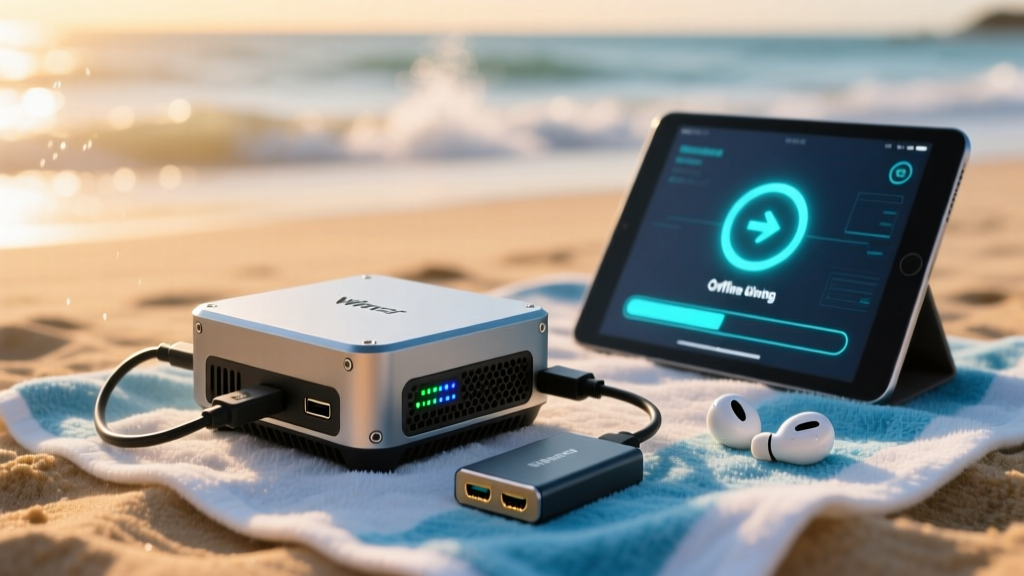
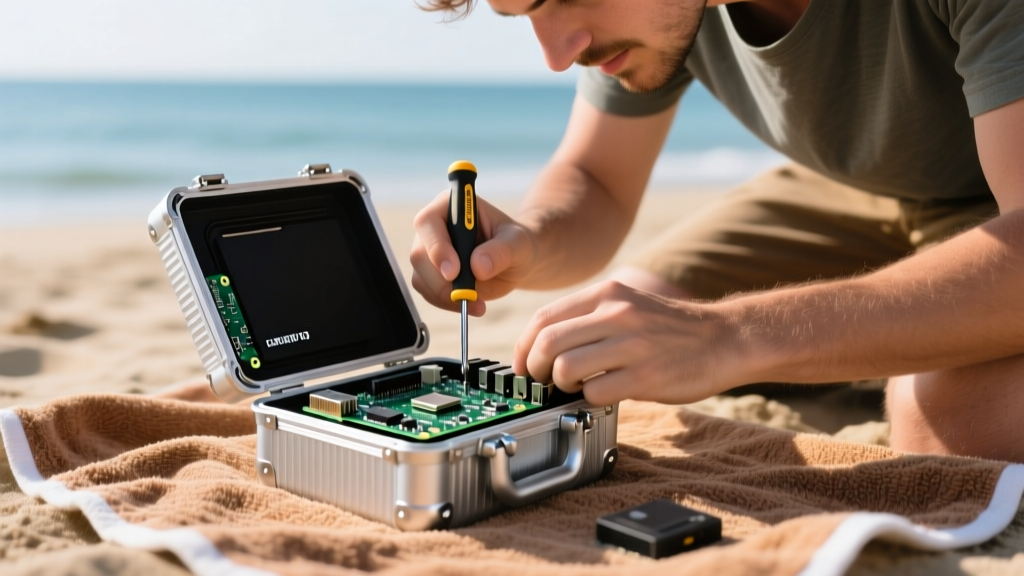
Why a Compact Compute Node Belongs on the Sand
When curating a list of the best gadgets for beach excursions, most mainstream guides stop at waterproof Bluetooth speakers and solar power banks. But for the true tech enthusiast, a day at the coast presents a unique networking challenge: dead zones, congested public Wi-Fi, and a lack of local media infrastructure. Building a ruggedized, battery-powered mini PC or single-board computer (SBC) transforms your beach setup into an off-grid media server, a local multiplayer gaming host, and a secure travel router.
This tutorial details the exact hardware, power delivery calculations, and weatherproofing techniques required to deploy a compact desktop in high-sand, high-humidity environments. As of 2026, the convergence of low-power ARM processors and Wi-Fi 6 travel routers makes this build both thermally viable and highly portable.
Hardware Selection: ARM SBC vs. x86 Compact Desktops
Choosing the right compute core dictates your power budget and thermal management strategy. Sand ingress destroys active cooling fans, meaning passive cooling is mandatory for beach deployments.
| Feature | Raspberry Pi 5 (8GB) | Beelink EQ12 (Intel N100) |
|---|---|---|
| Architecture | ARM Cortex-A76 | x86_64 (Alder Lake-N) |
| Base TDP | ~8W (Idle) / 12W (Load) | 6W (Idle) / 15W (Load) |
| Passive Cooling Viability | Excellent (with aluminum chassis) | Moderate (requires large finned heatsink) |
| Storage Expansion | PCIe 2.0 x1 HAT (NVMe) | Internal M.2 2280 NVMe |
| Estimated Build Cost | $185 (Board + HAT + SSD) | $210 (Barebones + RAM + SSD) |
For this tutorial, we are utilizing the Raspberry Pi 5 (8GB) paired with the Argon ONE V3 M.2 NVMe case. The Argon ONE provides a fanless, passively cooled aluminum shell that doubles as a massive heatsink, while the integrated M.2 HAT allows for high-speed, solid-state storage with zero moving parts.
Step 1: Weatherproofing and Sand Mitigation
The beach environment introduces two critical failure vectors: fine silica sand and saltwater aerosol. Standard IP65 enclosures resist water jets but often fail against fine dust ingress over time.
Sealing the I/O Ports
The Argon ONE V3 case features rubberized I/O flaps, but the micro-HDMI and USB-C power ports remain vulnerable when in use. To seal these active connections:
- Dielectric Grease: Apply a thin layer of silicone dielectric grease to the male connectors of your USB-C power cable and Ethernet cable before plugging them in. This displaces moisture and prevents salt corrosion on the pins.
- Silicone Port Plugs: For any unused ports (like the secondary micro-HDMI), use 3D-printed TPU plugs or standard silicone dust covers secured with marine-grade adhesive tape.
Internal Desiccant Placement
Temperature fluctuations between an air-conditioned car and the hot beach sand will cause internal condensation inside the chassis. Place two 5-gram silica gel desiccant packets (specifically indicating silica that changes color when saturated) inside the case cavity before sealing the acrylic bottom plate. Replace or bake these packets after every trip.
Aluminum cases absorb solar radiation rapidly. If the ambient temperature is 32°C (90°F) and the case is in direct sunlight, the internal SoC temperature can easily breach the 85°C throttling threshold. Always position the mini PC under an umbrella or inside a ventilated, shaded cooler bag with a passive reflective Mylar lining.
Step 2: Power Delivery for Off-Grid Compute
Powering a Raspberry Pi 5 in the field is notoriously tricky due to its strict 5V/5A (25W) USB-C PD requirement. If the power source cannot negotiate the 5A current via Power Delivery (PD), the Pi 5 firmware will artificially limit USB peripheral current to 600mA, which will cause external SSDs to disconnect randomly.
The LiFePO4 Battery Solution
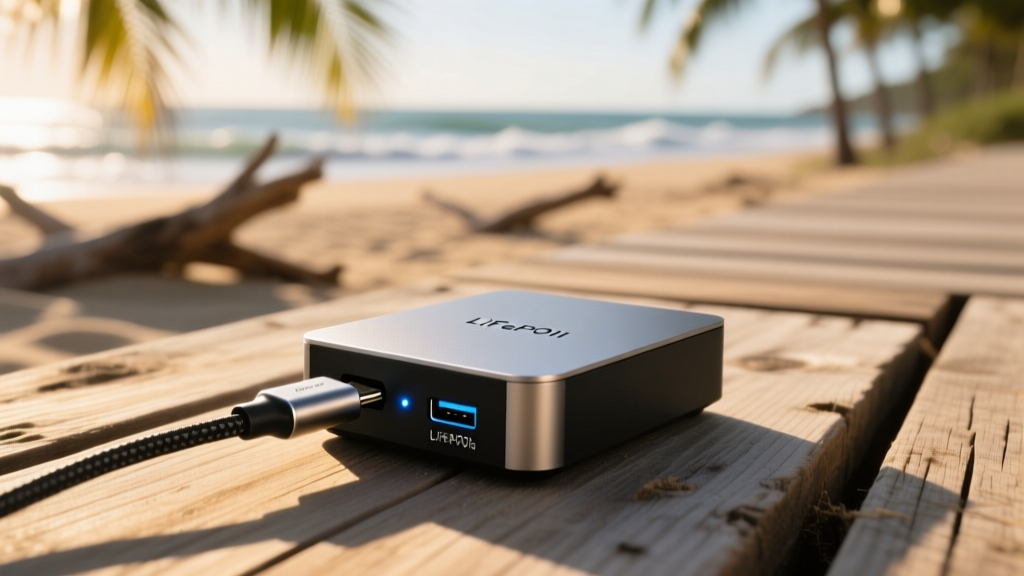
Standard lithium-ion power banks rarely support the 5V/5A PDO. Instead, use a 12V LiFePO4 portable power station (such as the EcoFlow River 2 or a generic 12V 20Ah LiFePO4 marine battery) paired with a step-down buck converter.
- Acquire a 12V-to-5V/5A Buck Converter: Look for a synchronous step-down module based on the TPS54560 or similar chipset, rated for at least 30W output.
- Wire the USB-C PD Cable: Cut a standard USB-C cable, strip the VBUS and GND wires, and solder them to the 5V output terminals of the buck converter. Ensure the data lines remain intact if you need USB data passthrough, though for power-only, a 2-wire connection is sufficient.
- Calculate Runtime: A 12V 20Ah LiFePO4 battery holds 240Wh. Assuming the Pi 5 and an external Wi-Fi router draw a combined 18W, you will achieve approximately 11 hours of continuous runtime (factoring in 85% inverter/converter efficiency).
Step 3: Deploying the Local Network and Media Stack
With the hardware sealed and powered, the next step is broadcasting a local network. Do not rely on your smartphone's hotspot; tethering drains the phone battery and limits local network throughput for media streaming.
The Travel Router Bridge
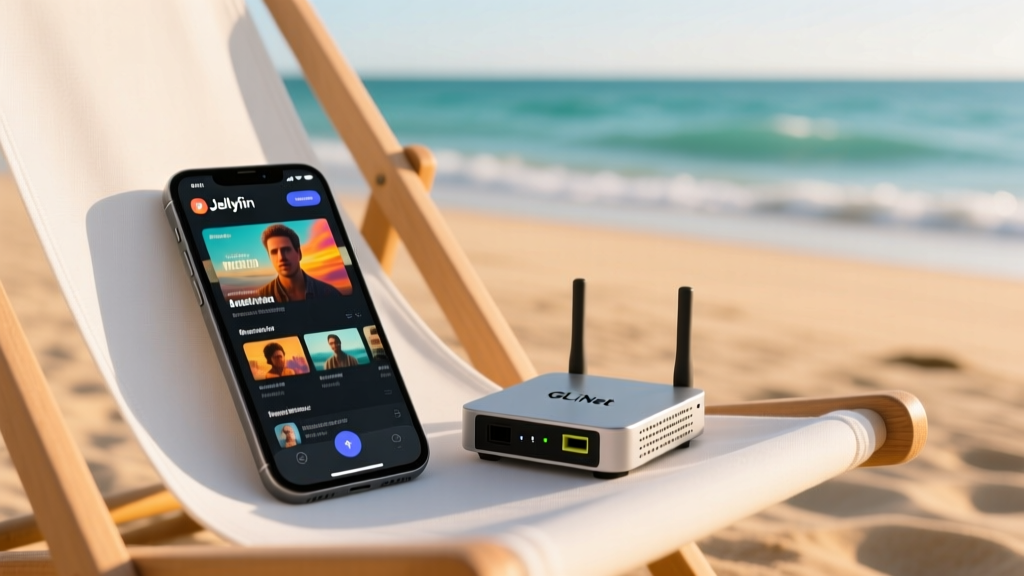
Use the GL.iNet Beryl AX (GL-MT3000) travel router. Configure it in 'Access Point' mode if you have a temporary Wi-Fi uplink, or 'Router' mode to create an isolated, offline local area network (LAN). The Wi-Fi 6 radios provide enough bandwidth to stream 4K HEVC media from your Pi to multiple devices simultaneously.
Docker Compose Media Stack
For the software stack, containerization ensures easy updates and isolation. Install Docker and Docker Compose on your Raspberry Pi OS (64-bit). Create a docker-compose.yml file to deploy Jellyfin (media server) and Pi-hole (DNS sinkhole to block ads on all connected beach devices).
version: '3.8'
services:
  jellyfin:
    image: jellyfin/jellyfin:latest
    container_name: jellyfin
    ports:
      - '8096:8096'
    volumes:
      - ./jellyfin/config:/config
      - /mnt/nvme/media:/media:ro
    restart: unless-stopped

  pihole:
    image: pihole/pihole:latest
    container_name: pihole
    ports:
      - '53:53/tcp'
      - '53:53/udp'
      - '8080:80/tcp'
    environment:
      TZ: 'America/New_York'
    restart: unless-stopped
Mount your Samsung T7 Shield (or internal NVMe) to /mnt/nvme/media. The T7 Shield's IP65 rating makes it highly resistant to accidental splashes and sand exposure, acting as the perfect external repository for your offline media library.
Troubleshooting Common Field Failures
Even with meticulous preparation, coastal environments introduce edge cases. Keep this diagnostic framework in mind when your setup misbehaves on the sand.
- Symptom: External NVMe SSD drops offline during large file transfers.
Cause: Voltage sag on the 5V rail due to inadequate wire gauge on the custom buck converter cable.
Fix: Ensure your step-down cable uses at least 18 AWG silicone wire. Voltage drop over a 1-meter 22 AWG wire at 5A can easily pull the Pi's input voltage below the 4.65V brownout threshold. - Symptom: Wi-Fi 6 signal drops when devices are more than 15 feet away.
Cause: Human bodies (which are mostly water) and wet sand heavily attenuate 5GHz and 6GHz RF signals.
Fix: Force the GL.iNet router to broadcast a dedicated 2.4GHz SSID for devices placed further down the beach. 2.4GHz penetrates water-dense environments significantly better. - Symptom: System fails to boot; red LED blinks.
Cause: Corrupted bootloader due to improper shutdown while the battery was disconnected.
Fix: Always executesudo shutdown -h nowvia SSH before physically cutting power. Keep a secondary microSD card pre-flashed with Raspberry Pi Imager in your dry-bag as a fallback boot device.
Deploying a mini PC on the beach bridges the gap between rugged outdoor recreation and high-performance local computing. By prioritizing passive thermals, strict power delivery standards, and isolated networking, your compact desktop becomes an indispensable piece of field gear.
Written by
Priya SharmaPriya Sharma holds a Ph.D. in Acoustical Engineering from the University of Southampton and a B.Tech in Electronics from IIT Delhi. She has spent 9 years as a consumer electronics journalist, with deep specialization in audio equipment, camera systems, and assistive technology. Priya is an active member of the Audio Engineering Society (AES) and has co-authored papers on spatial audio perception published in the Journal of the Acoustical Society of America. Her reviews of headphones, portable DACs, and studio monitors include objective measurements using Audio Precision analyzers alongside subjective listening tests. She also serves on the advisory board of the Global Accessibility Reporting Initiative (GARI), evaluating mobile devices for users with visual and hearing impairments.